John Voorhees

5429 posts on MacStories since November 2015

John is MacStories' Managing Editor, has been writing about Apple and apps since joining the team in 2015, and today, runs the site alongside Federico. John also co-hosts four MacStories podcasts: AppStories, which covers the world of apps, MacStories Unwind, which explores the fun differences between American and Italian culture and recommends media to listeners, Ruminate, a show about the weird web and unusual snacks, and NPC: Next Portable Console, a show about the games we take with us.

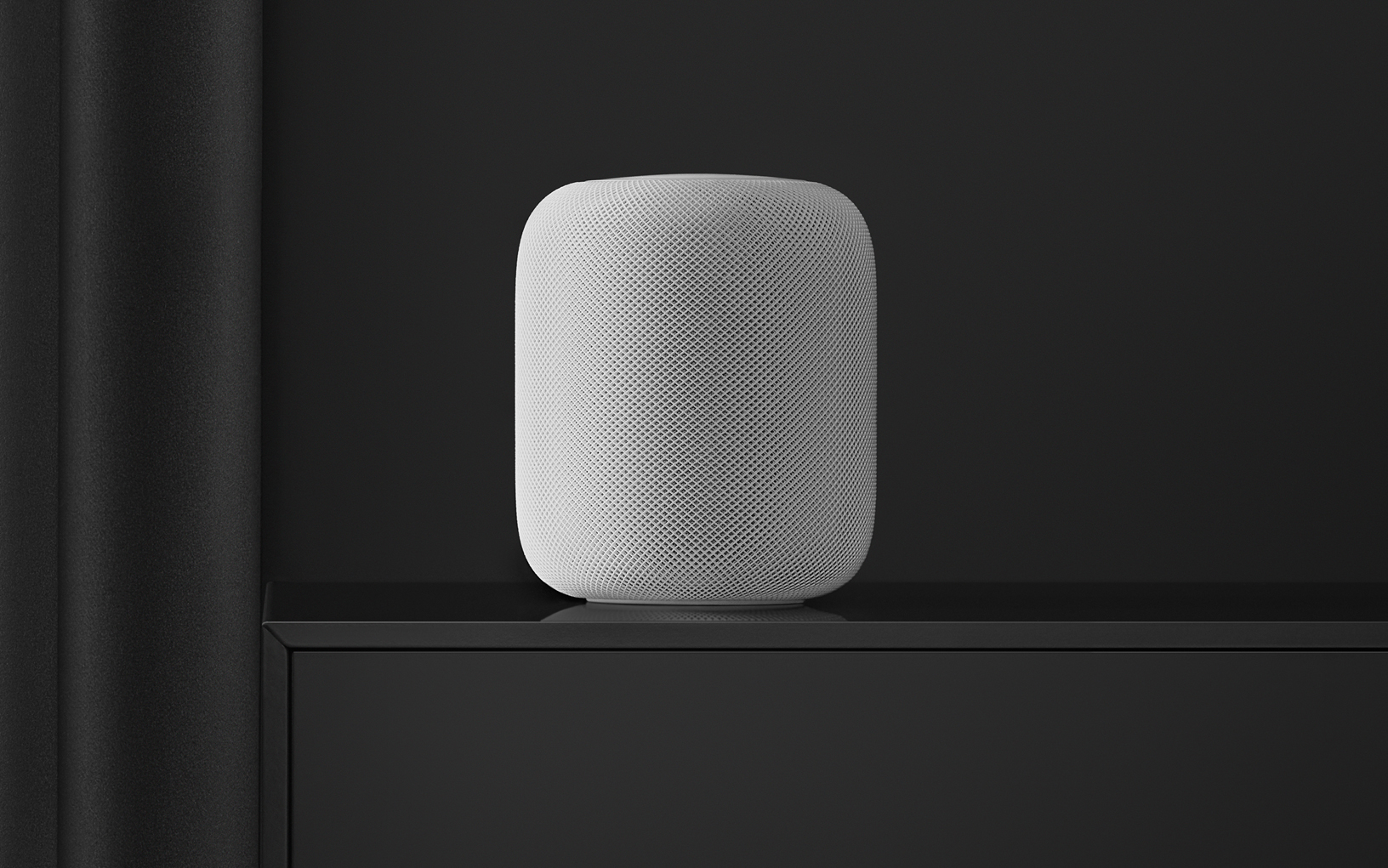
Apple Has Discontinued the Original HomePod

Matthew Panzarino at TechCrunch broke the news late Friday that Apple has discontinued the original HomePod. In a statement to TechCrunch Apple said:

HomePod mini has been a hit since its debut last fall, offering customers amazing sound, an intelligent assistant, and smart home control all for just $99. We are focusing our efforts on HomePod mini. We are discontinuing the original HomePod, it will continue to be available while supplies last through the Apple Online Store, Apple Retail Stores, and Apple Authorized Resellers. Apple will provide HomePod customers with software updates and service and support through Apple Care.

Already, the Space Gray HomePod is unavailable for delivery from Apple in the US, although you may be able to find one for pickup at your local Apple retail location.
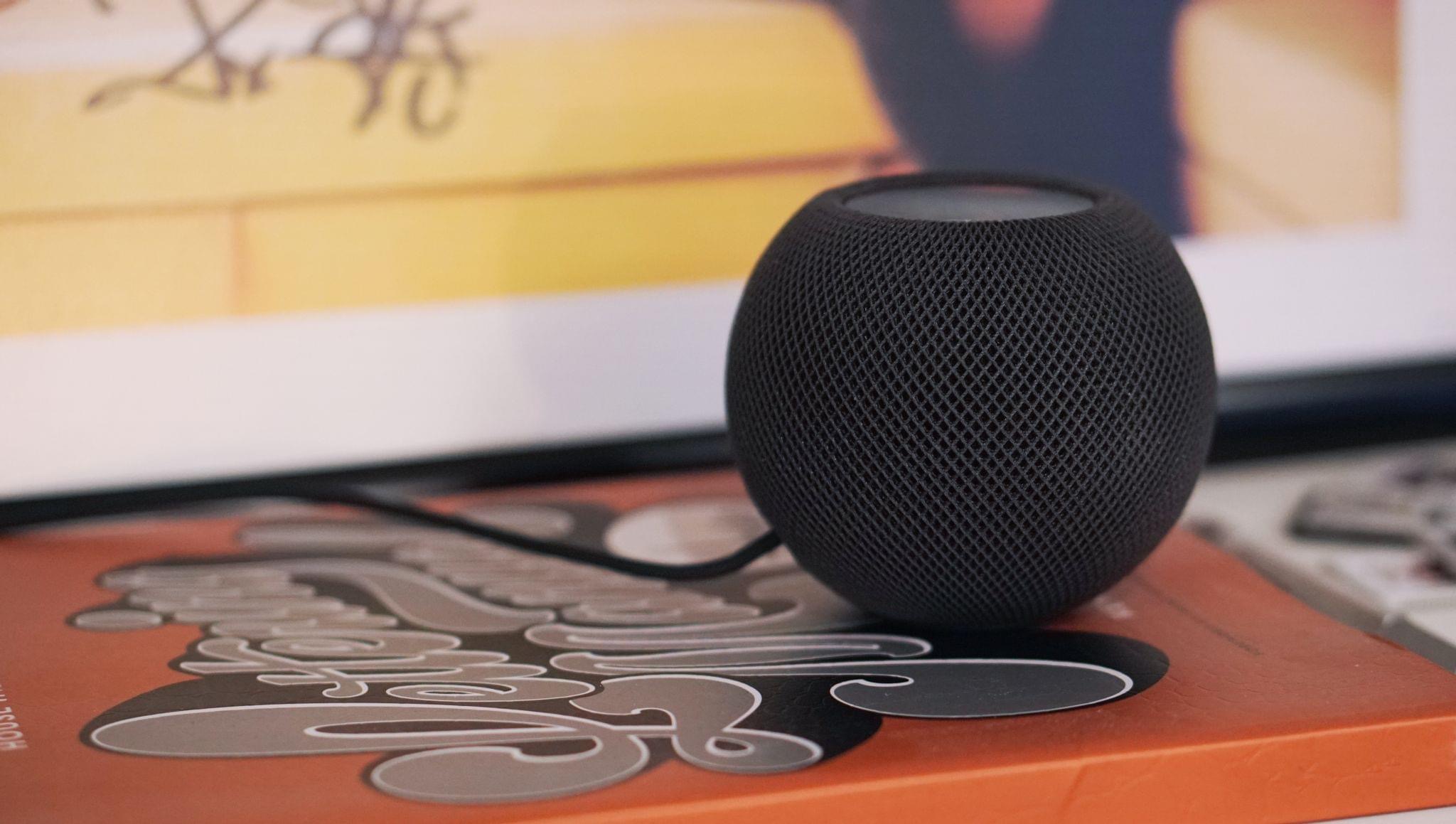
The HomePod mini.

The HomePod mini.

As much as I’ve enjoyed my HomePod minis, and recognize the benefits of having more of them distributed throughout my home than I could afford to do with the original HomePod, I’ll miss it a lot. The mini is fundamentally more versatile than the original HomePod because of its size. However, despite sounding great for such a small speaker, its audio fidelity is no match for the larger model.

I hope this isn’t the end of Apple’s efforts in the high-end speaker market. Between the HomePod and the AirPods Max, the company has proven that it has the technical expertise to create superior speakers and headphones. This feels a lot like Apple is clearing the decks in advance of an event. Perhaps we’ll see an Apple soundbar paired with a new Apple TV or some other audio product before the end of the month.


Permalink

MacStories Unwind: Adobe Fresco, a New Portable Sonos Speaker, The Fitness+ Studio, and Podcast News

AppStories+ Deeper into the world of apps
0:00
27:28

AppStories+ Deeper into the world of apps


Sponsored by: DEVONthink – Get Organized to Conquer the World

This week on MacStories Unwind:

MacStories

Club MacStories

  • MacStories Weekly
    • Federico shares three Taio automations
    • John on how to incorporate Twitter into your RSS reader
    • IINA Mac media player
  • MacStories Unplugged
    • Breaking dishes and other pandemic phenomena
    • Apple Arcade check-in

AppStories

Unwind


Sonos Announces the AirPlay 2-Compatible Roam Portable Speaker

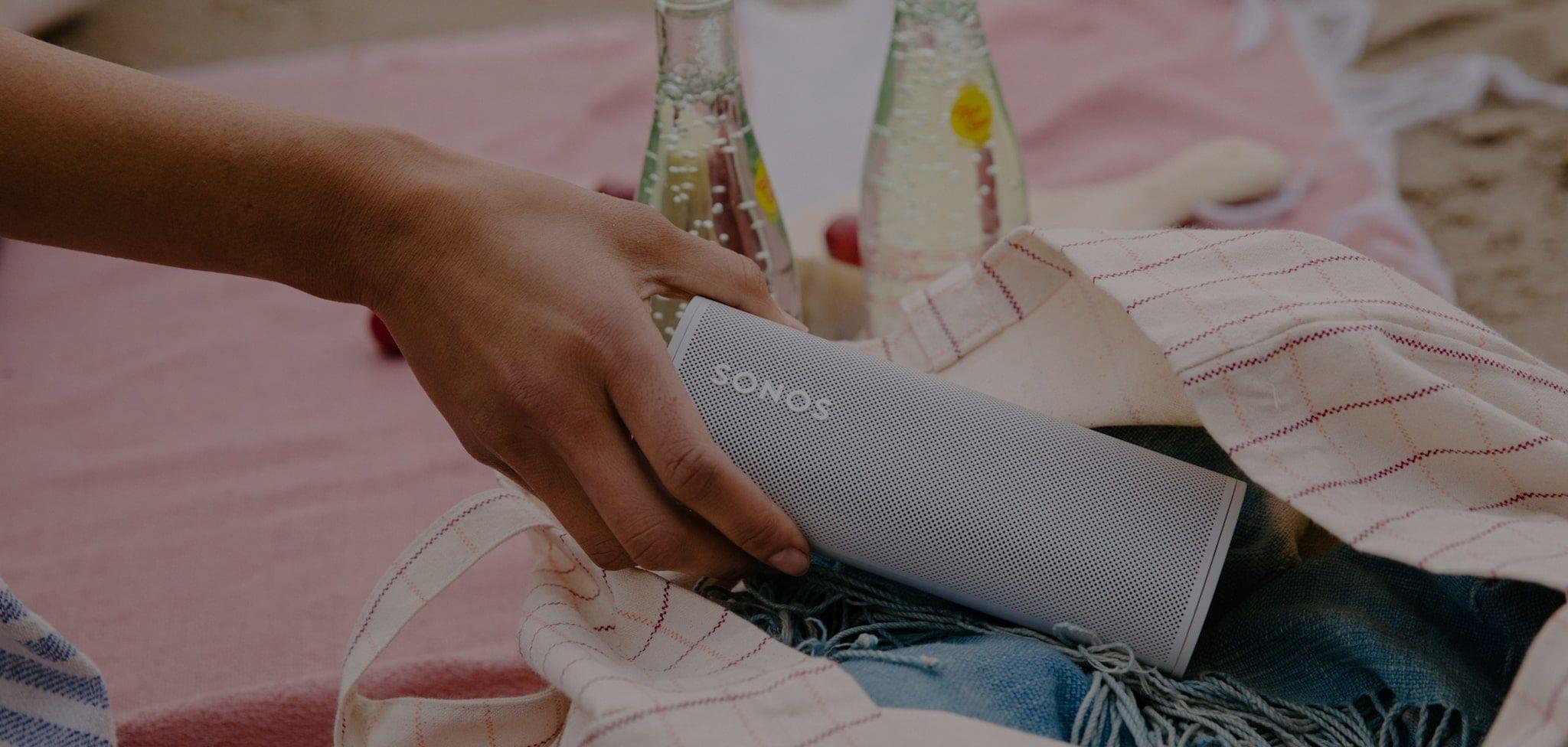
Sonos has officially announced the Sonos Roam, a battery-powered, portable speaker that supports AirPlay 2 and several other interesting features. The speaker, which comes in white and black, doesn’t ship until April 20th, but you can preorder it now.

It remains to be seen how the Roam sounds, but the specs are interesting. The $169 speaker is a small, portable speaker at 6.61 x 2.44 x 2.36 inches and weighs in at just under one pound. The Roam is also designed for outdoor listening with its IP67 water resistance rating and can be paired with a second Roam speaker for stereo sound when connected over WiFi.

Sonos is claiming 10 hours of playback on one charge and 10 days of standby time. The speaker can be charged wirelessly with an optional Qi charging accessory or any other Qi charger that is large enough to accommodate it. The speaker can also be charged using a USB-C cable.

The Roam supports both WiFi and Bluetooth, switching automatically between the two depending on the type of connection available. Using a technique similar to Apple’s original HomePod, the Roam uses Sonos’ Trueplay technology to adjust audio output depending on the acoustics of its surroundings. The speaker also supports AirPlay 2 and Sonos’ Sound Swap, a feature that uses inaudible, high-frequency sound to pass the music off to another nearby Sonos speaker. The Roam also works with Amazon Alexa and Google Assistant, as well as Siri if you’re using AirPlay 2.

I’ve used Libratone’s Zipp 2 portable speaker in the past, which also supports AirPlay 2, and I loved using it outdoors last summer. If Sonos can deliver the quality of sound that it’s known for at a reasonable volume, the Roam could play a similar role in a smaller package than the Zipp.


Adobe Fresco: A Fun and Powerful iPad Drawing and Painting App For Pros and Novices

I’m not an artist by any stretch, so when I started poking around Adobe’s Fresco, the drawing and painting app for the iPad and iPhone, I approached the app with trepidation. I shouldn’t have.

Fresco is undeniably a ‘pro’ iPad app. The app has a deep set of sophisticated features and integrations with Adobe’s other Creative Cloud apps and services. However, the app is also designed to scale with its users, meeting them where they start and growing with them, whether they are absolute beginners or seasoned pros.

Adobe accomplishes this in a couple of ways. The first is with Fresco’s business model. I’m sure many people who see an app of Fresco’s caliber assume it must be part of an expensive subscription, but it’s not. The app is free, and although there are benefits that only come with a Creative Cloud subscription, their absence from the free version of the app doesn’t detract from its core experience. You can go a long way with the free version, which makes it excellent for beginners and a good way for Adobe to attract new users.

Free is powerful, but it only goes so far. The second reason Fresco works for a broad spectrum of users is the app’s design. From the spot in the app to which every user is taken when they open their first canvas to the many ways to learn and draw inspiration from experienced users, Fresco’s thoughtful design provides a focused approach to drawing and painting that works for users at all levels.

Ultimately, it’s Fresco’s design that convinced me that this was a review I should write. I’m as guilty as the next person of assuming apps like Fresco are only for pro users. I’ve been pleasantly surprised to find that that’s not true for Fresco. So let’s dive into what makes Fresco such a good place to start if you want to try drawing and painting with your iPad and iPhone.

Read more