AppStories Episode 147 - The Apps That Defined the iPad
58:56
This week, Federico and John look back at the introduction of the iPad ten years ago, the apps announced onstage, and how the iPad’s app story has changed over the past decade.
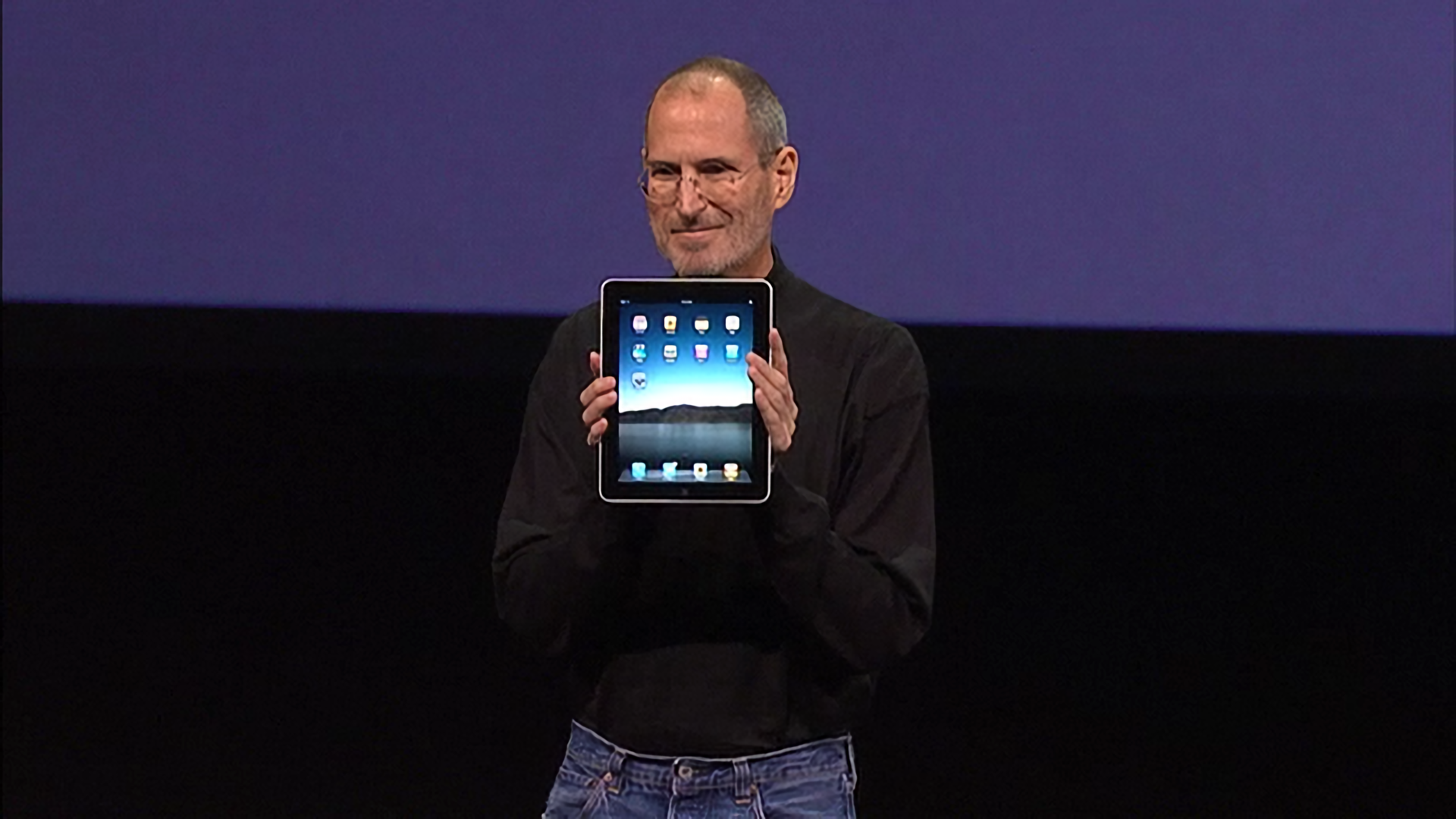
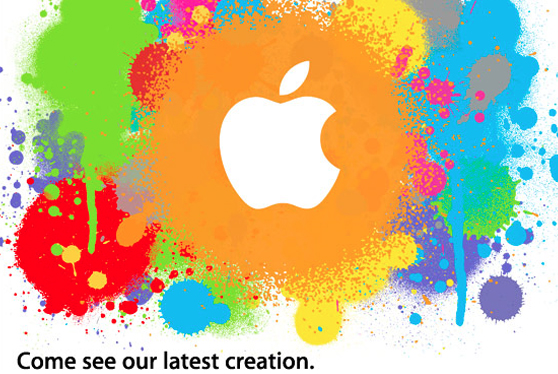
When Steve Jobs strode onto the stage at the Yerba Buena Center on January 27, 2010, he carried with him the answers to years of speculation and rumors about an Apple tablet. Everyone at the event that day knew why they were there and what would be announced. Jobs acknowledged as much up front, saying that he had a ‘truly magical and revolutionary product’ to announce.
Thanks to the iPhone, everyone at the Yerba Buena Center also had a vague notion of what Apple’s tablet would probably look like. Mockups and phony leaks were all over the web, and tablets weren’t new. Everyone expected a big slab of glass. Beyond that, though, few rumors were in agreement about what the tablet’s hardware specs would be.
It was correctly assumed that Apple’s tablet would fit somewhere in between an iPhone and a Mac both physically and functionally, but where exactly was a mystery. That made the OS and the apps the stars of the keynote and critical to the way Apple’s tablet would be used and how it would be perceived for years to come.
Before Steve Jobs revealed Apple’s new tablet to the world, though, he paused – as is still customary during most Apple keynotes – to set the stage and provide context, which is where I will start too. Ten years ago, the tech world was a very different place, and Apple was a very different company. Not only is it fun to remember what those days were like, but it helps explain the trajectory of the iPad in the decade that followed.
The AirFly Pro from Twelve South is a relatively new model in the AirFly lineup that both transmits and receives audio via Bluetooth. The device, which Twelve South sent me recently for testing, is tiny: just 57 x 25.5 x 11mm, according to the company. To help prevent it from getting lost, there’s a keychain...
Charcoal Charcoal is a new free iPad app that lets you easily jot down and visualize ideas with the Apple Pencil. I’ve found Charcoal the easiest, fastest way to go from a blank page to a drawing created with the Pencil: unlike other apps, Charcoal has no layers, toolbars, or other confusing settings –...
Question: I have a couple of audiobooks that I ripped from CDs to MP3 files legally. After adding the metadata, I imported to Apple Books on my Mac running Catalina, hoping it would sync to my iPhone and iPad. iCloud is turned on for all devices, and Apple Books is set to sync everything. It...
Racing games have been a staple on the iPhone and iPad for a very long time. In fact, I was recently watching the keynote from January 27, 2010 when Steve Jobs introduced the iPad to the world, and Need for Speed was one of the games demoed on stage. It makes sense too....
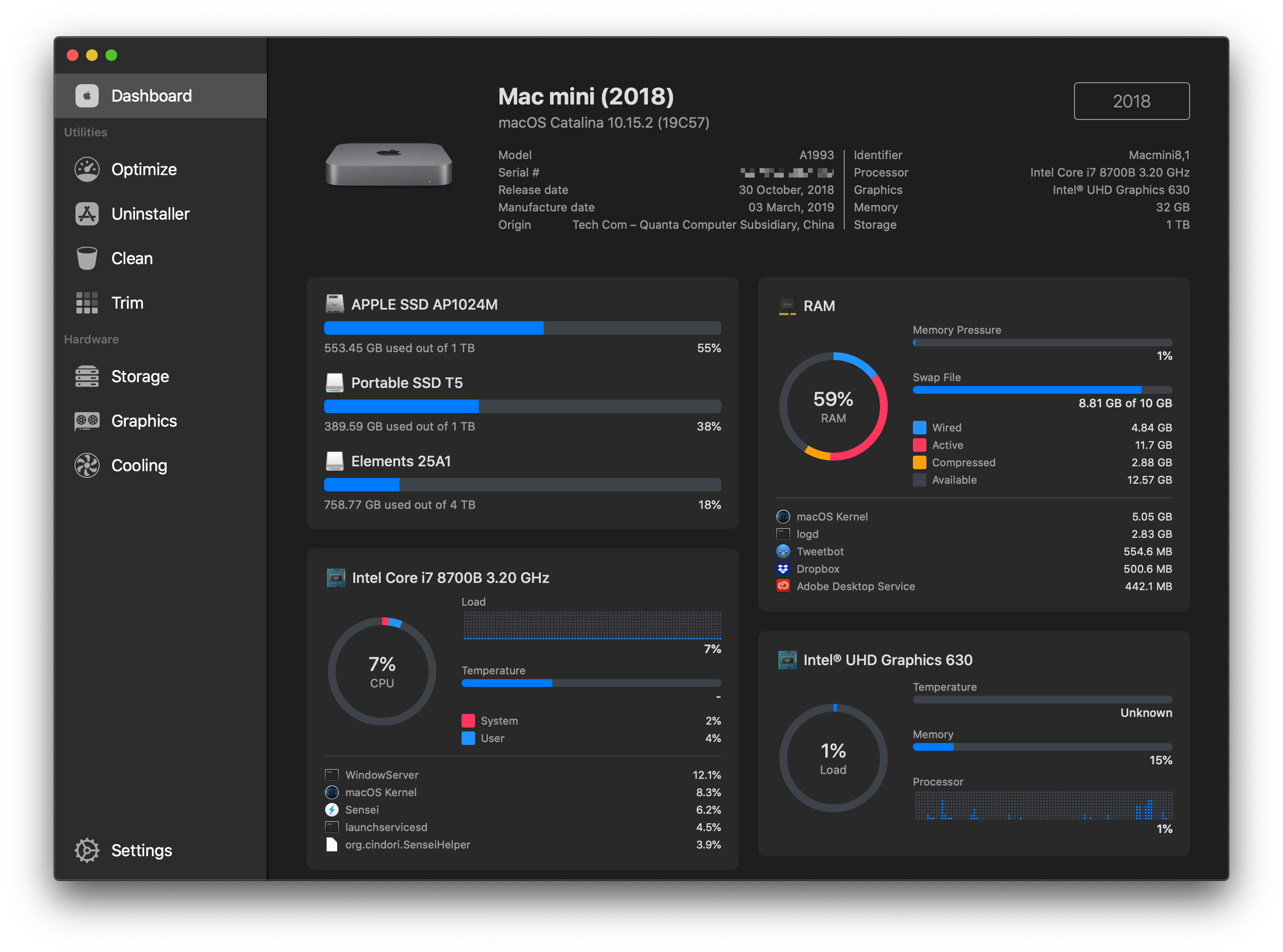
Sensei is a brand new Mac app that monitors the status of various components of your Mac’s hardware and provides a set of utilities to optimize its performance. The app is certainly not the first to offer these features – there are tools built into macOS and third-party apps that can accomplish many of the same functions, and in some cases more. However, what sets Sensei apart, and what has quickly won me over, is its ability to translate the data it collects and implement its utilities in a beautifully-designed, standalone app.