

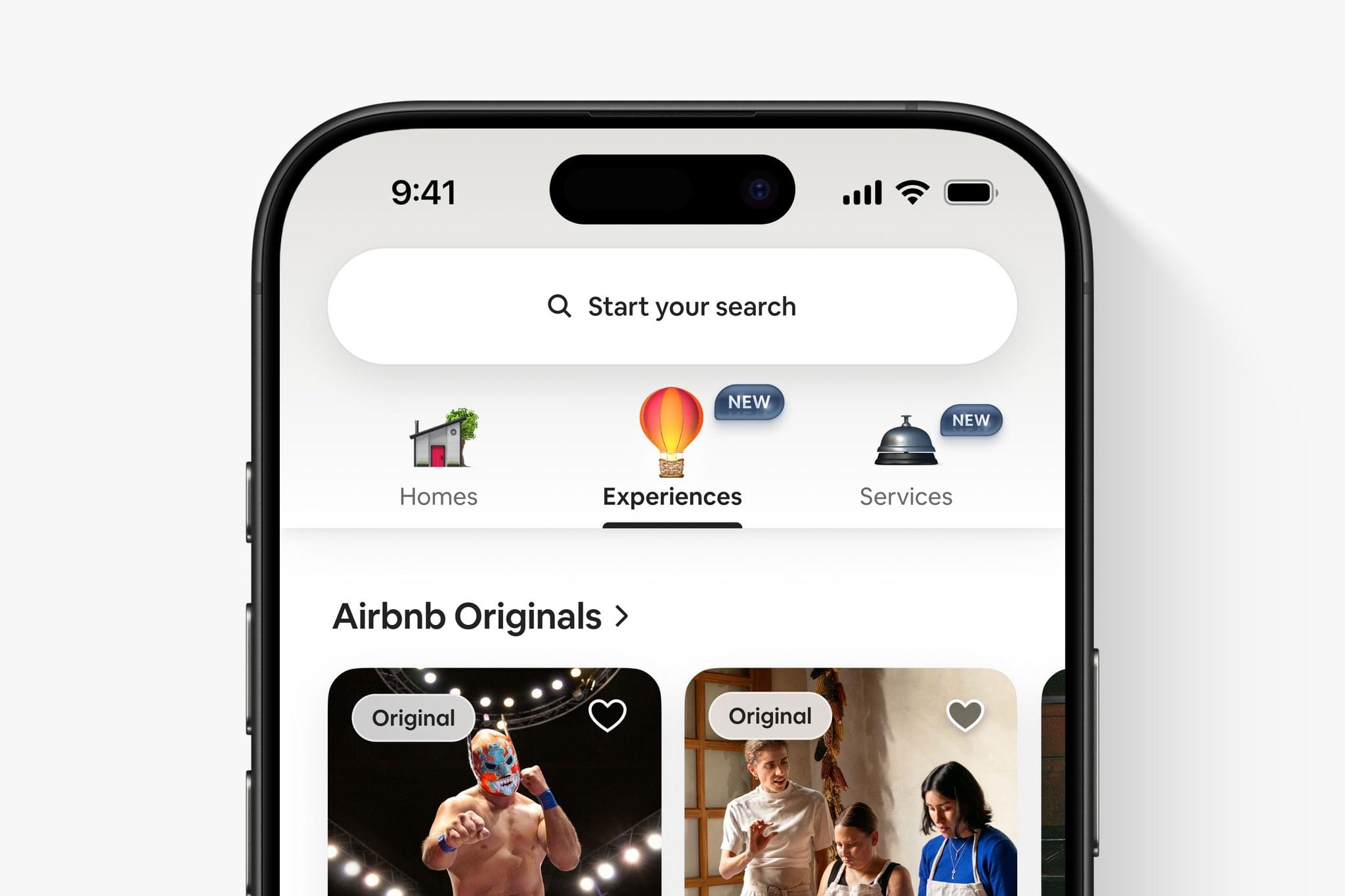
I’m in Los Angeles for Airbnb’s 2025 Summer Release, where the company just announced a major expansion to its offerings, paired with an entirely redesigned app. It’s an ambitious update that I’ll be trying and covering more soon, but for now, let’s dig into an overview of what’s been announced.
 The Swift Student Challenge Interviews and watchOS and tvOS Wishes
 Federico
This week, Federico and John interview Apple’s VP of Developer Relations, Education, and Enterprise, Susan Prescott, along with Amy Key and Omar Firdaus, Distinguished Swift Student Challenge Winners. Then, they also share their 2025 wishes for watchOS and tvOS.
On AppStories+, John leads a philosophical discussion about art, culture, and creativity and where it’s heading in an AI world.
](https://cdn.macstories.net/banneras-1629219199428.png)
We deliver AppStories+ to subscribers with bonus content, ad-free, and at a high bitrate early every week.
To learn more about an AppStories+ subscription, visit our Plans page, or read the AppStories+ FAQ.

AppStories Episode 435 - The Swift Student Challenge Interviews and watchOS and tvOS Wishes
0:00
41:04
41:04
This episode is sponsored by:
Play – Save and Organize Videos to Watch Later. New subscribers can use the code MACSTORIES2025for 50% off their first year of Play Premium.
Podcast Rewind: An App Extravaganza, a Pair of Famous Seagulls, and an Audiobook Pick
Enjoy the latest episodes from MacStories’ family of podcasts:
Comfort Zone






The gang gets to work defending their Mac login items. Who has the most minimal startup? Who has the craziest apps? This episode has more new apps mentioned in any episode of Comfort Zone ever!
MacStories Unwind
This week, find out if we successfully podcasted our way to a new Pope. Learn just how poorly AI can spell Voorhees and Viticci. And, enjoy an audiobook pick, thoughts on Friends, and a Marvel movie bundle deal.
Also available on YouTube every Friday here.
 App Debuts
...
Interesting Links
...
Substage
...
Three Todoist Tips and a Bonus
...
Federico’s Latest Automation Academy Lesson: Building a Better Web Clipper with Shortcuts and AI→
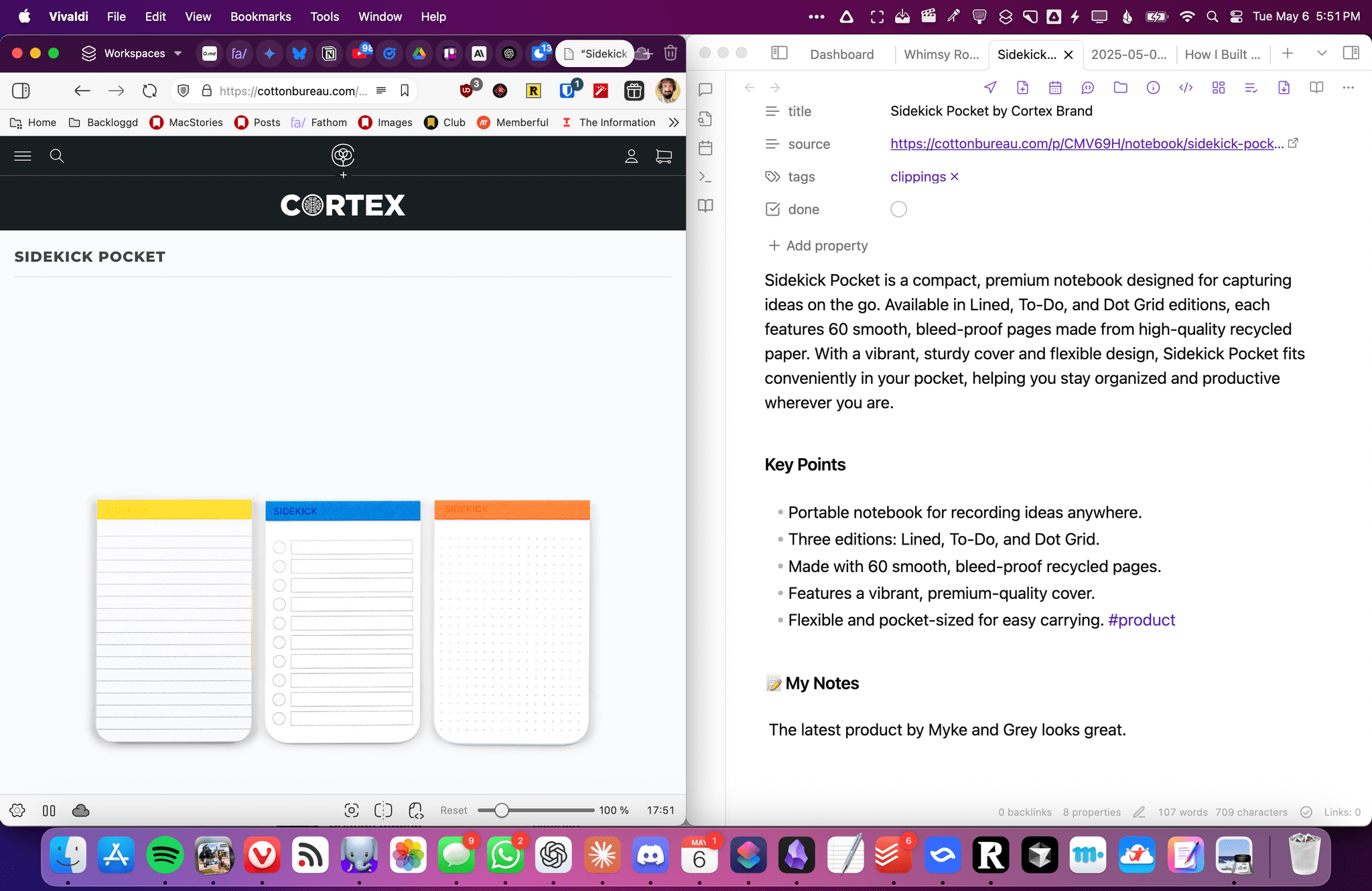
I share Federico’s frustration over saving links. Every link may be a URL, but their endpoints can be wildly different. If like us, you save links to articles, videos, product information, and more, it’s hard to find a tool that handles every kind of link equally well.
That was the problem Federico set out to solve with Universal Clipper, an advanced shortcut that automatically detects the kind of link that’s passed to it, and saves it to a text file, which he accesses in Obsidian, although any text editor will work.
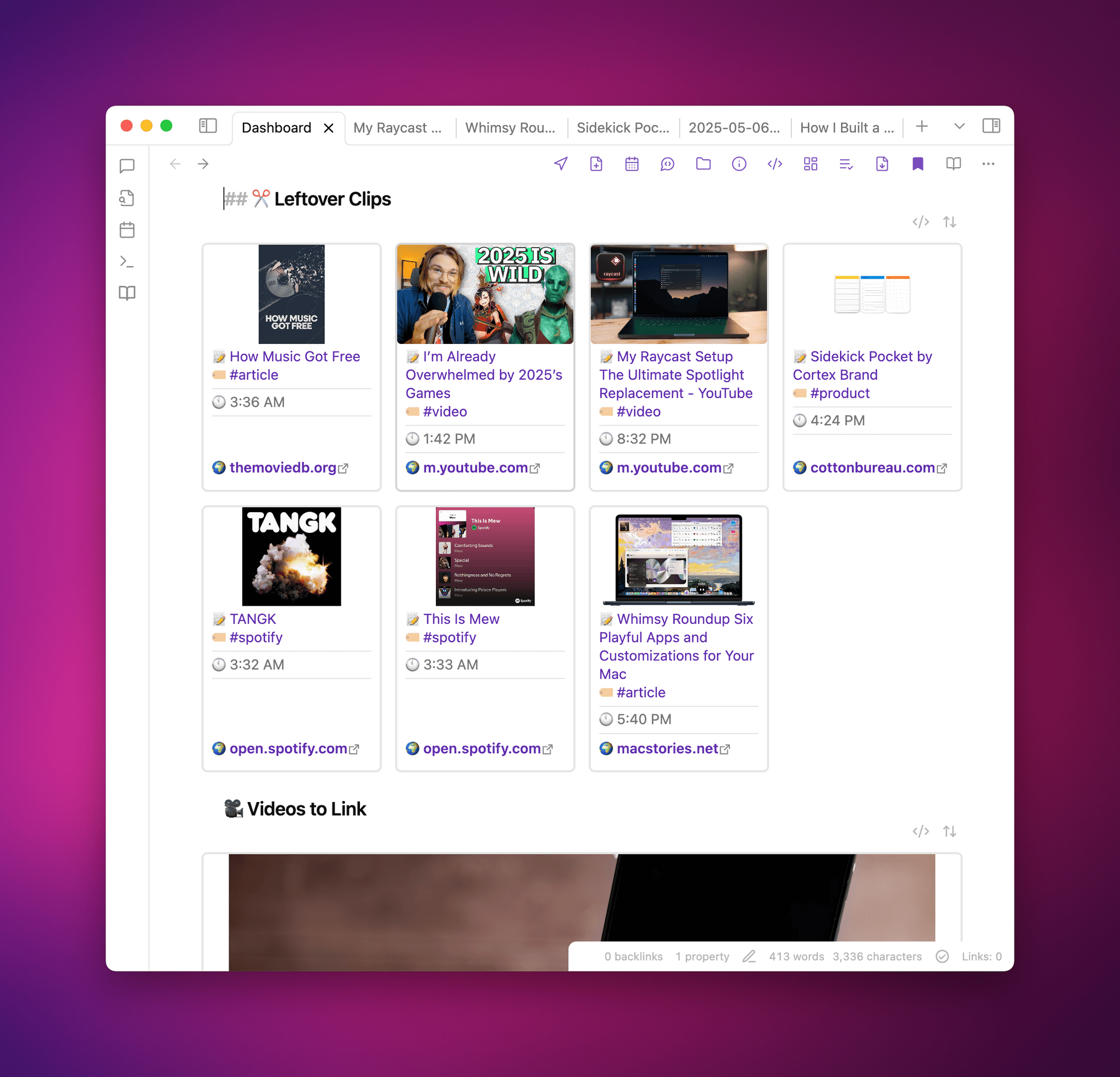
Universal Clipper, which Federico released yesterday as part of his Automation Academy series for Club MacStories Plus and Premier members, is one of his most ambitious shortcuts that draws on multiple third-party apps, services, and command line tools in an automation that works as a standalone shortcut or as a function that can send its results to another shortcut. As Federico explains:
I learned a lot in the process. As I’ve documented on MacStories and the Club lately, I’ve played around with various templates for Dataview queries in Obsidian; I’ve learnedhow to take advantage of the Mac’s Terminal and various CLI utilities to transcribe long YouTube videos and analyze them with Gemini 2.5; I’ve explored new ways to interact with web APIs in Shortcuts; and, most recently, I learned how to properly prompt GPT 4.1 with precise instructions. All of these techniques are coming together in Universal Clipper, my latest, Mac-only shortcut that combines macOS tools, Markdown, web APIs, and AI to clip any kind of webpage from any web browser and save it as a searchable Markdown document in Obsidian.
Although the shortcut may be complex, the best part of Federico’s post is how easy it is to follow. Along the way, you’ll learn a bunch of techniques and approaches to Shortcuts automation that you can adapt for your own shortcuts, too.

Automation Academy is just one of many perks that Club MacStories Plus and Club Premier members enjoy including:
- Weekly and monthly newsletters
- A sophisticated web app with search and filtering tools to navigate eight years of content
- Customizable RSS feeds
- Bonus columns
- An early and ad-free version of our Internet culture and media podcast, MacStories Unwind
- A vibrant Discord community of smart app and automation fans who trade a wealth of tips and discoveries every day
- Live Discord audio events after Apple events and at other times of the year
On top of that, Club Premier members get AppStories+, an extended, ad-free version of our flagship podcast that we deliver early every week in high-bitrate audio.
Use the buttons below to learn more and sign up for Club MacStories+ or Club Premier.
Join Club MacStories+:
Join Club Premier:
Apple Spotlights Four of the Distinguished Swift Student Challenge Winners
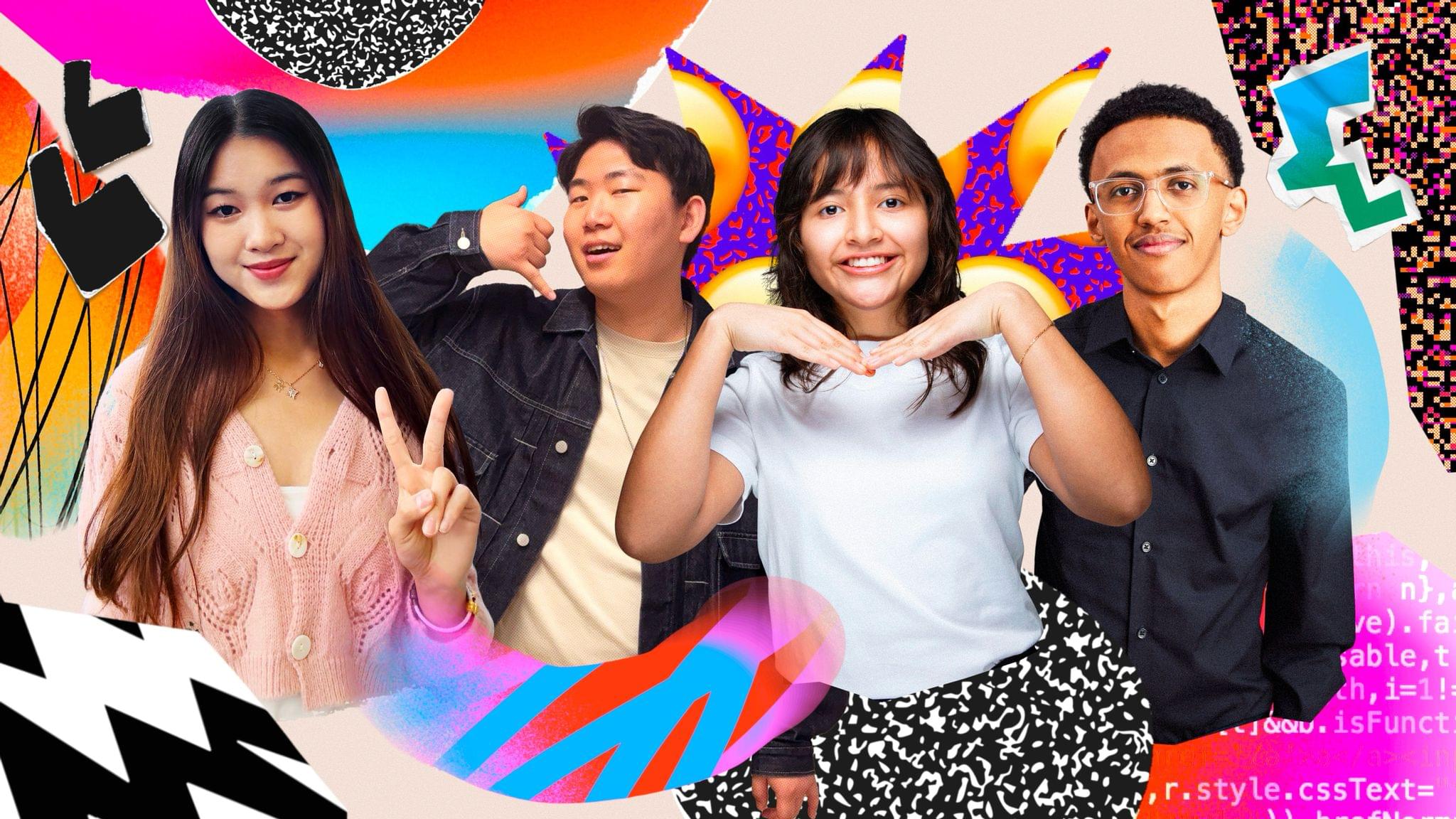
Earlier this year, Apple selected 350 students from around the world as winners of its annual Swift Student Challenge. From that talented pool, Apple picks 50 Distinguished Winners whose projects stand out from the others. Today, Apple highlighted the work of four of them: Taiki Hamamoto, Marina Lee, Luciana Ortiz Nolasco, and Nahom Worku.
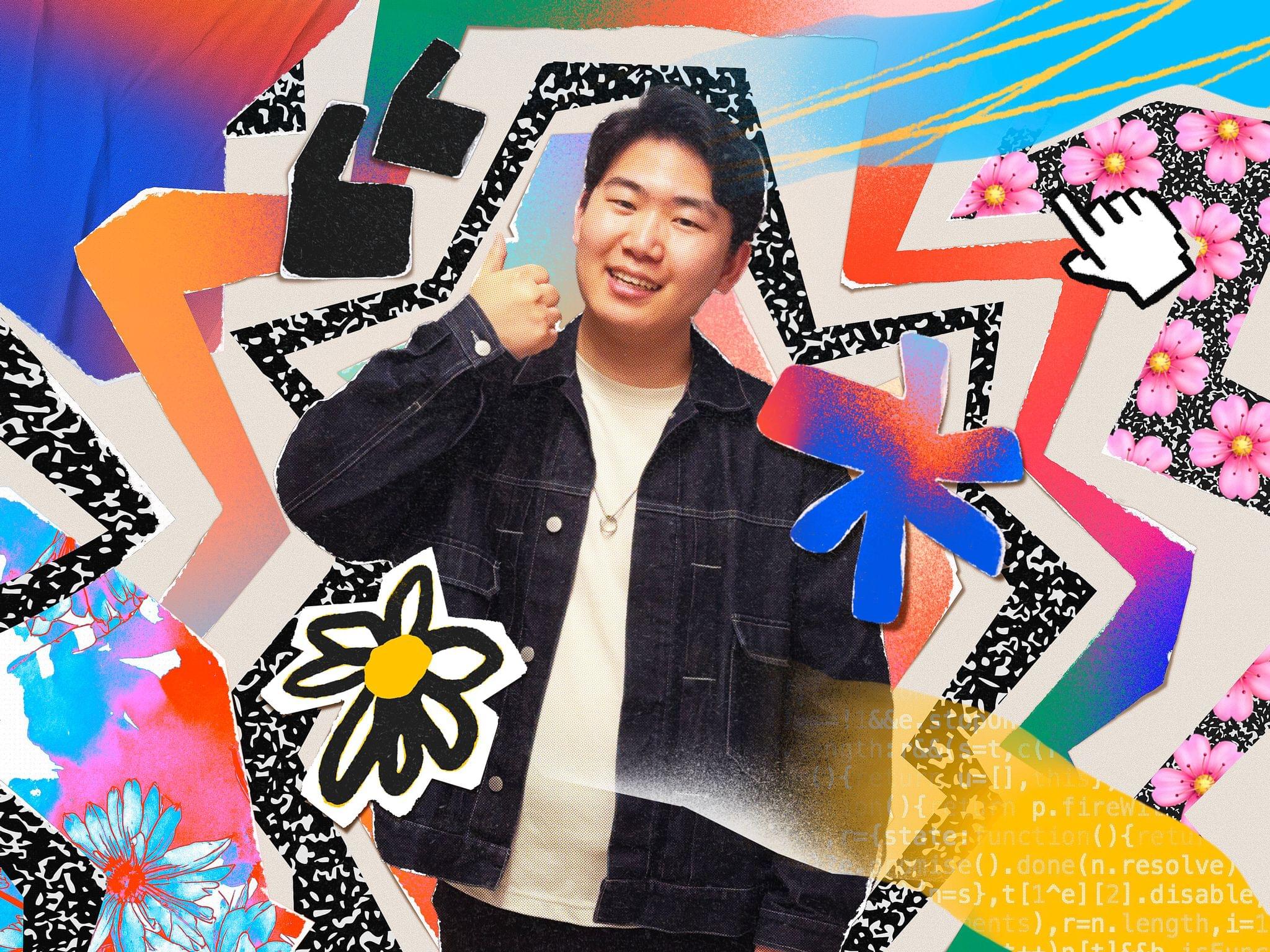
Taiki Hamamoto built an app playground to teach people about the Hanafuda, a Japanese card game that he discovered many of his friends didn’t know. According to Apple’s press release:
While Hamamoto stayed true to the game’s classic floral iconography, he also added a modern touch to the gameplay experience, incorporating video game concepts like hit points (HP) that resonate with younger generations. SwiftUI’s DragGesture helped him implement dynamic, highly responsive effects like cards tilting and glowing during movement, making the gameplay feel natural and engaging. He’s also experimenting with making Hanafuda Tactics playable on Apple Vision Pro.
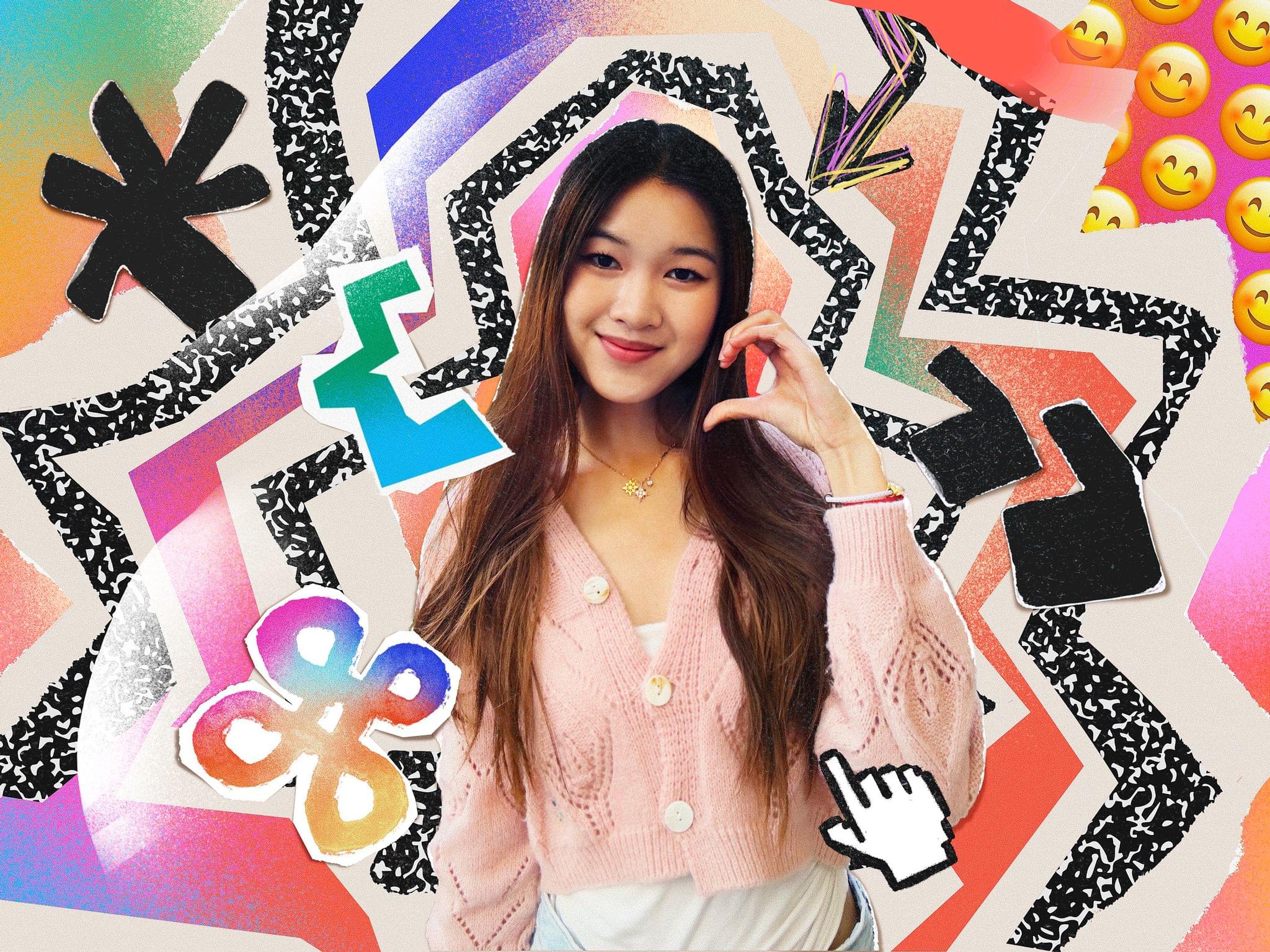
Marina Lee, is a computer science student at the University of Southern California. A call from her grandmother who was alerted to evacuate her home because of wildfires in the L.A. area inspired Lee to create EvacuMate to help users prepare an emergency checklist in case of evacuations like her grandmother’s. In addition:
Lee integrated the iPhone camera roll into the app so users can upload copies of important documents, and added the ability to import emergency contacts through their iPhone contacts list. She also included resources on topics like checking air quality levels and assembling a first-aid kit.
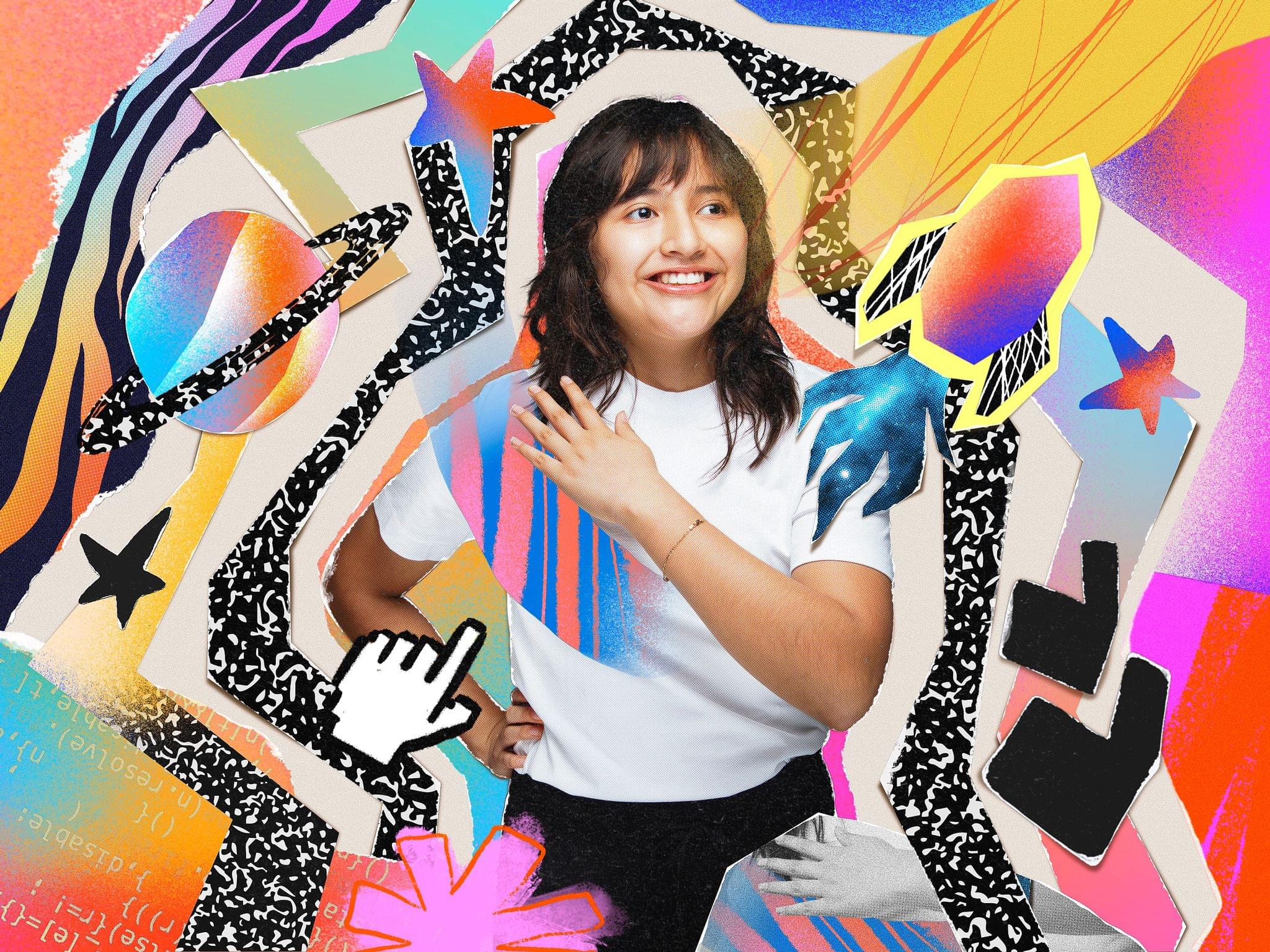
Luciana Ortiz Nolasco built BreakDownCosmic:
a virtual gathering place where users can add upcoming astronomical events around the world to their calendars, earn medals for accomplishing “missions,” and chat with fellow astronomers about what they see.
Ortiz Nolasco who is 15 and from Nuevo León, Mexico will attend WWDC with the other Distinguished Student Winners and plans to continue work on BreakDownCosmic when she returns home with the goal of releasing it on the App Store.
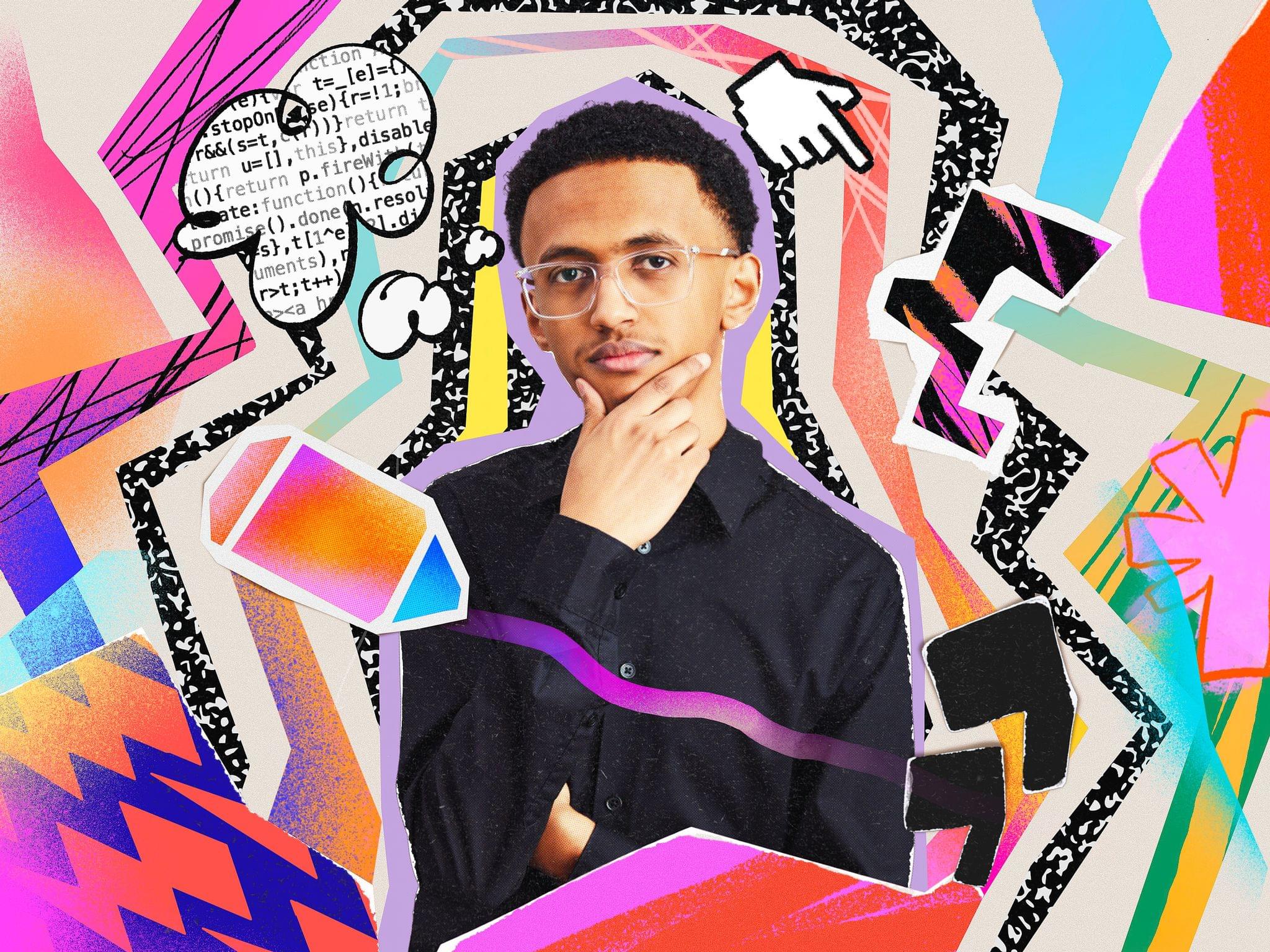
Nahom Worku grew up in Ethiopia and Canada and learned to code during the pandemic. Worku’s submission for the Swift Student Challenge app playground, AccessEd, is designed to offer educational resources in places where Internet connectivity doesn’t exist or is spotty.
Built using Apple’s machine learning and AI tools, such as Core ML and the Natural Language framework, the app recommends courses based on a student’s background, creating a truly personalized experience.
Congratulations to all of this year’s Swift Student Challenge winners. I’m always impressed with the projects we’ve learned about through Apple’s press releases and past interviews we’ve done on AppStories. It’s always a pleasure to watch a new generation of kids learn to code and become the developers whose apps I know we’ll cover in coming years on MacStories.