

Just before the annual holiday shutdown of the App Store, Apple has revised its App Store Review Guidelines to address new App Store functionality like Pre-Orders and clarify or expand a handful of existing guidelines, including the creation of apps from templates and how ’loot boxes’ and VPNs should be handled. Below is a summary of the major changes to the Guidelines. To see all the changes, check out Rich Hong’s App Store Review Guidelines gist on GitHub.
 Album
Album
...
Q&A
...
App Debuts
...
My Must-Have Mac Apps, 2017 Edition
It’s been quite a year. At the start, I was still commuting to Chicago every day to work in a law office full of Windows PCs. Now I work from my home studio surrounded by Apple hardware, moving back and forth from a late-2016 MacBook Pro to iOS devices as I write and talk about apps each day.
When I was commuting, iOS played a central role. I was on the move and used my iPhone and iPad to write for MacStories when I wasn’t practicing law. Now, I have a dedicated workspace where I connect my MacBook Pro to a 4K 27” display and a fast, wired Internet connection.
During 2017, the work I do changed too. Not only did I leave my law job, but in addition to writing at MacStories, Federico and I launched AppStories, and I began selling sponsorships for the site and podcast.
With no commute, a dedicated workspace, and massive change in the work I do each day, how I get work done has changed significantly too. I continue to work on macOS and iOS, but the Mac now plays a bigger role in my workday than ever before. I haven’t abandoned iOS for work, but now, I work on iOS because I want to, not because I need to.
Just over two months into working from home, I’ve begun to reevaluate how I use the Mac. I expect to continue evolving how I work on macOS throughout 2018 as I feel my way around the best ways to be productive. Still, a couple of overarching themes can be seen in my picks below that I expect will continue to guide me in 2018.
First, I primarily use my Mac for work. If I watch a video, read a book or article, or play a game, it’s more likely to happen on iOS, which I expect to continue. The primary exception to that rule is listening to music, which I often do as I work. Second, I don’t like to be limited to macOS. As much as I work on my Mac, I value the option to do things like pick up my iPad to read email messages or grab my iPhone while I’m away from home to make a quick edit to something I’m writing.
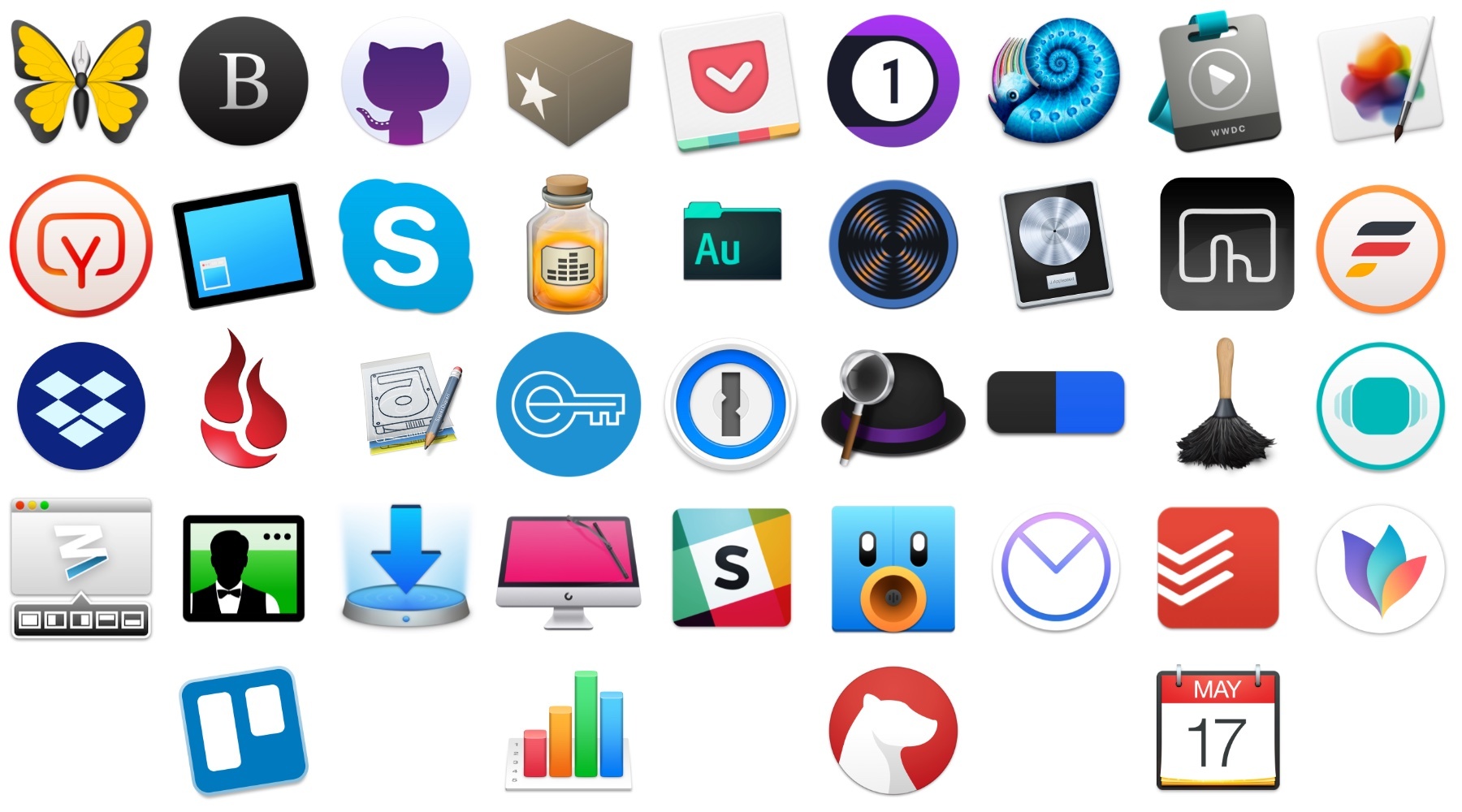
With that context, below are 40 Mac apps and a few web services that I used this year and consider my must-have apps, divided into seven categories:
- Writing
- Reading and Research
- Images and Video
- Podcast Recording and Production
- Utilities
- Communications
- Task Management and Planning
I’ve also included a few awards at the end of the story that highlight some of my favorites among the exceptional group of apps I use every day on my Mac, including an App of the Year.
AutoSleep 5 Adds Automatic Apple Watch Sleep Tracking and Much More
Slowly but surely, the Series 3 has changed my Apple Watch habits. I abandoned earlier models of the Watch for most tasks other than notifications and workout tracking because, with some notable exceptions, few apps worked well enough to be more convenient than pulling out my iPhone in most circumstances.
The Series 3 Watch is different. Not only is it faster, but the battery life is significantly better. The changes have caused me to rethink how I use my Apple Watch and look for new ways to use it. So when I heard AutoSleep, an app that Federico uses and has reviewed in the past, was getting a big update that includes enhanced Apple Watch functionality, I saw another opportunity to extend how I use my Series 3.
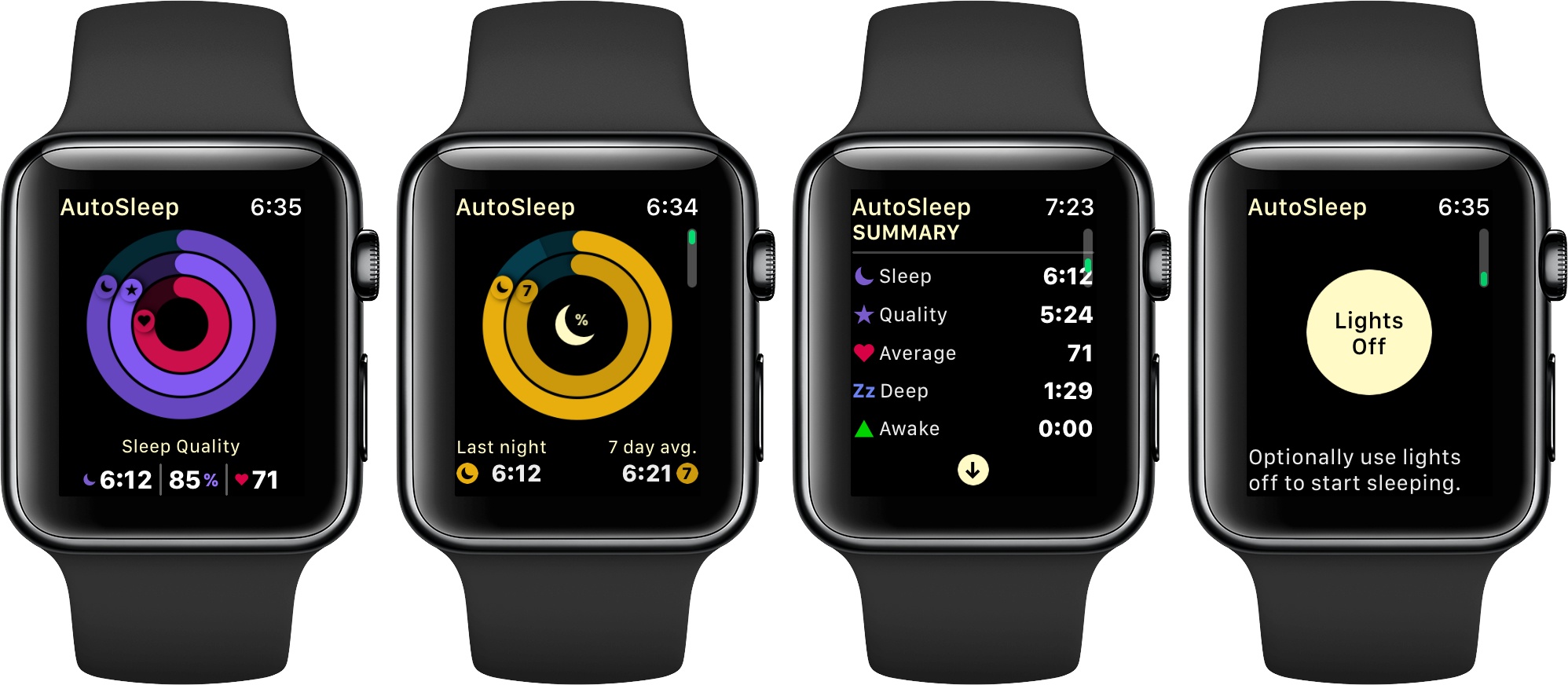
I haven’t been disappointed. AutoSleep 5 is a broad-based update that touches every aspect of the app, but what I like best is its Apple Watch integration, which has begun to give me new insight into my sleep patterns. Although I find the amount of data displayed in AutoSleep overwhelming at times, after spending several days with the app, I plan to stick with it as I try to adjust my schedule to get more rest each week.
AppStories, Episode 36 – The Impact of App Pre-Orders on Developers and Their Customers→
On this week’s episode of AppStories, we discuss app pre-orders, a new feature introduced by Apple that has interesting implications for developers and their customers.
Sponsored by:
https://staging.macstories.net/podcasts/appstories/episodes/36/embed/






 The Impact of App Pre-Orders on Developers and Their Customers
 Federico
Spark: The Future of Email [Sponsor]
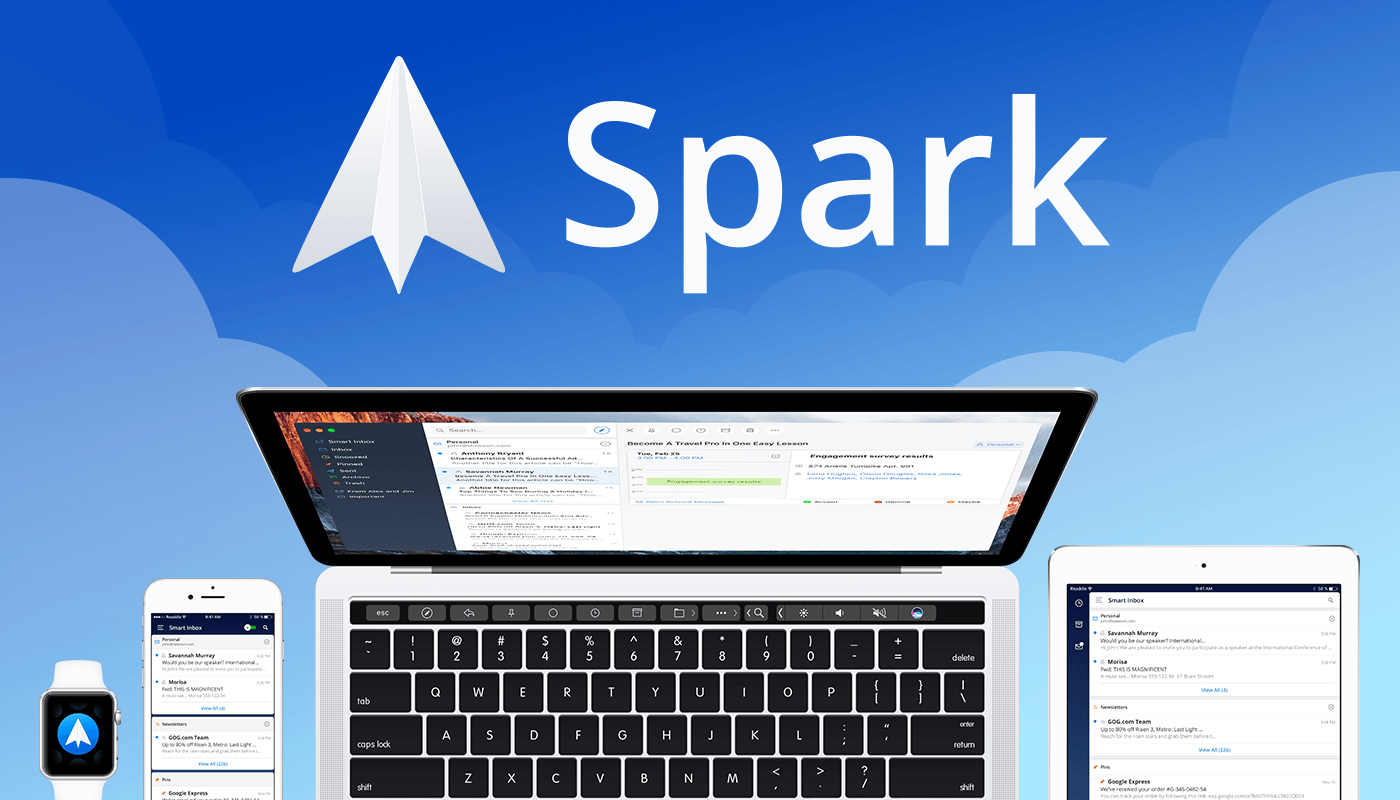
Email robs you of precious time. Spark recovers those lost moments by knowing what’s important and organizing it for you neatly and automatically.
Spark’s smarts start with its inbox. Messages that arrive in Spark’s Smart Inbox are automatically categorized as Personal, Notifications, and Newsletters, which makes it easy to focus on what’s important and return what’s not later.
Intelligent search makes it simple to find messages no matter where they are. Spark’s natural language algorithm thinks like you do. Just ask for messages the way you would if you were asking a friend.
Email notifications are a problem that can spin out of control quickly. Spark uses Smart Notifications to filter out the junk and only notify you what you need to know now.
In addition, Spark features beautifully designed card-style calendar invitations that can be accepted with just one tap, the ability to send later and set up reminders for messages that don’t receive a reply, message snoozing, and Quick Replies that let you acknowledge a message with a single tap. Spark also has customizable gesture actions and works with Dropbox, Box, iCloud Drive, and more. Spark is beautifully designed too with a threaded message view that makes following a conversation simple.
As if that weren’t enough, in just a few short months, Spark 2.0 will introduce Spark for Teams, which will change the way teams collaborate giving them the ability to do things like comment and discuss messages and write messages together.
The future is now. Download Spark today for free on iOS or on macOS and take control of your inbox.
Thanks to Spark for supporting MacStories this week.