John is MacStories' Managing Editor, has been writing about Apple and apps since joining the team in 2015, and today, runs the site alongside Federico.
John also co-hosts four MacStories podcasts: AppStories, which covers the world of apps, MacStories Unwind, which explores the fun differences between American and Italian culture and recommends media to listeners, Ruminate, a show about the weird web and unusual snacks, and NPC: Next Portable Console, a show about the games we take with us.
Impact: An attacker may be able to bypass administrator authentication without supplying the administrator’s password
Description: A logic error existed in the validation of credentials. This was addressed with improved credential validation.
In a comment to Rene Ritchie of iMore.com, Apple said:
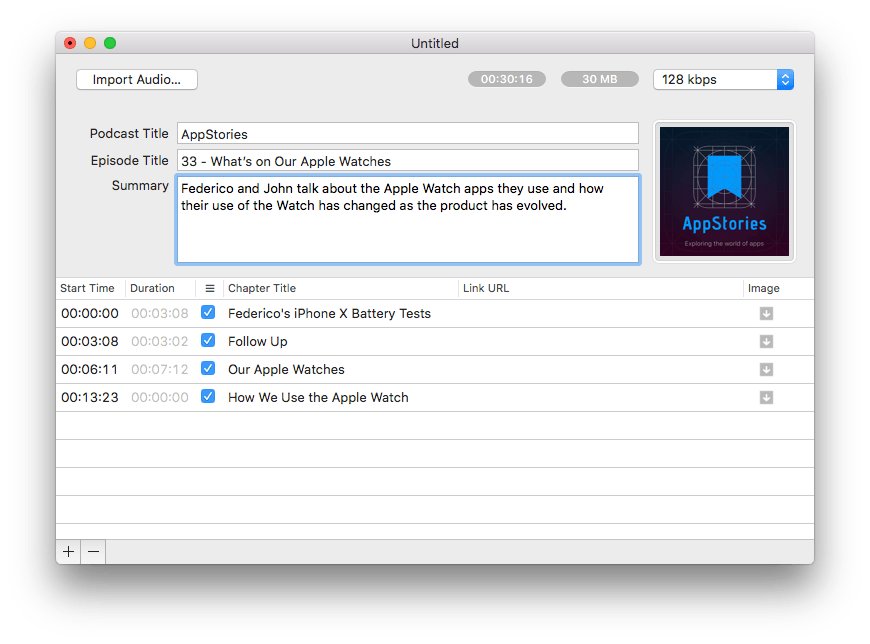
The final steps of putting together a podcast episode are tedious. Encoding can take a long time for longer shows and then, artwork, a title, description, and chapter markers have to be embedded. There are other little annoyances like manually entering an episode’s duration and file size into a show’s CMS too.
To speed the process up, Forecast uses a custom integration of the LAME MP3 encoder that spreads the encoding work across all of a Mac’s CPU cores, reducing encoding times substantially. Chapter markers are automatically generated in Forecast if created as markers in an audio editing app like Logic and exported as a WAV file. Forecast will even autofill artwork and other information if audio files are named consistently. There are also quick-copy shortcuts for grabbing an episode’s duration and file size.
Forecast is a beta, which comes with the usual caveats, but there is comfort in knowing that it has already been used in production by Arment and other podcasters for two years. I began using Forecast about a month ago as part of the AppStories production workflow, and it’s been stable and a big time saver.
Perhaps best of all, Forecast is free. Arment only requests that users that find Forecast useful consider mentioning Overcast on their podcasts or buying an ad for their podcast.
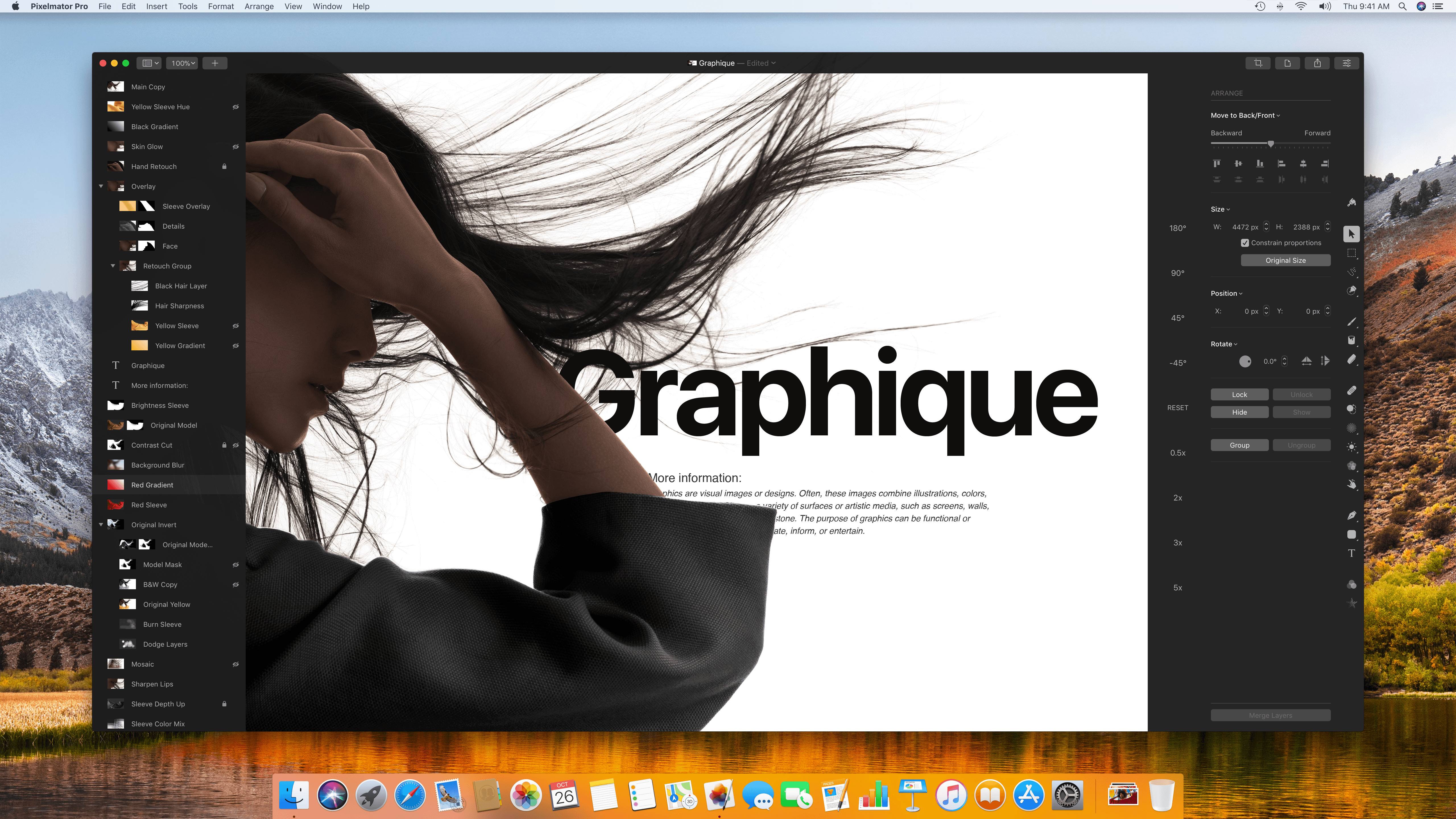
Five years in the making, Pixelmator Pro debuted today with an all-new look and host of new features. The new interface eliminates visual clutter and anchors tools in side panels, so you always know where they are. Much of the app’s chrome has been eliminated too, putting your project in the spotlight where you can focus on it and not the app. It’s a modern, clean style that makes the app feel spacious and professional.
Pixelmator Pro adds a raft of features as well. Layer styles, color adjustments, and effects are all highly customizable, can be saved as presets, and shared. I’ve only had a little over 24 hours to put Pixelmator Pro through its paces, but based on my first impressions, it’s an impressive debut that I expect will replace the original version of the app as my go-to image editor.
Apple has participated in Code.org’s Hour of Code challenge for the past several years. This year, the company is back again with a series of workshops for kids that run from December 4 - 10, 2017, which coincides with Computer Science Education Week. During free sessions:
Young aspiring coders can learn coding basics during a Kids Hour session, while those age twelve and above can use Swift Playgrounds on iPad to learn coding concepts and even program robots.
In addition to the in-store lessons, Apple has added a new coding challenge to its Swift Playgrounds iPad app with which students build and customize a digital robot and new teacher resources as part of its Everyone Can Code curriculum.
You can sign up for the Hour of Code sessions here, but act quickly because in years past, these sessions have filled up fast.
Apple has posted four videos highlighting exclusive iPhone X features. Three of the videos focus on Face ID and Apple Pay, while the fourth spotlights Animoji.
One Face ID video is a broad introduction to the iPhone X, Face ID, and using Apple Pay with Face ID. The other two Face ID videos have a narrower focus. One demonstrates that Face ID works even if you change your look. The spot features a woman with different hair styles, jewelry, glasses, makeup, and clothing unlocking her iPhone X with each new look. The other Face ID video shows that the feature works in complete darkness.
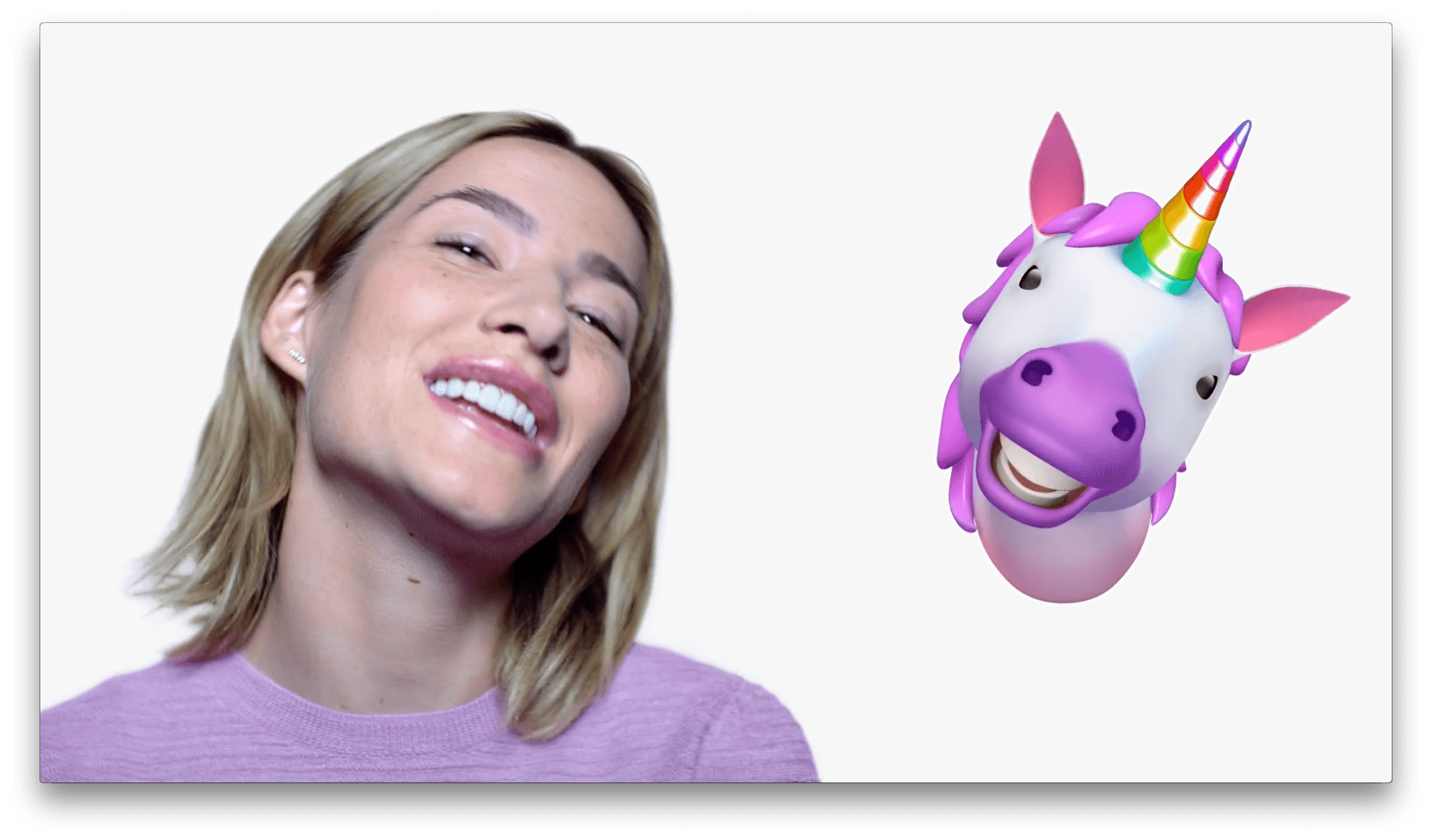
The final spot embraces the Animoji karaoke phenomenon. As a woman sings All Night by Big Boi, a series of Animoji sing along with her just like the many Animoji karaoke videos that have been posted to Twitter and elsewhere.
The four short videos, which you can view after the break below, are available on YouTube and will likely begin showing up on television soon.
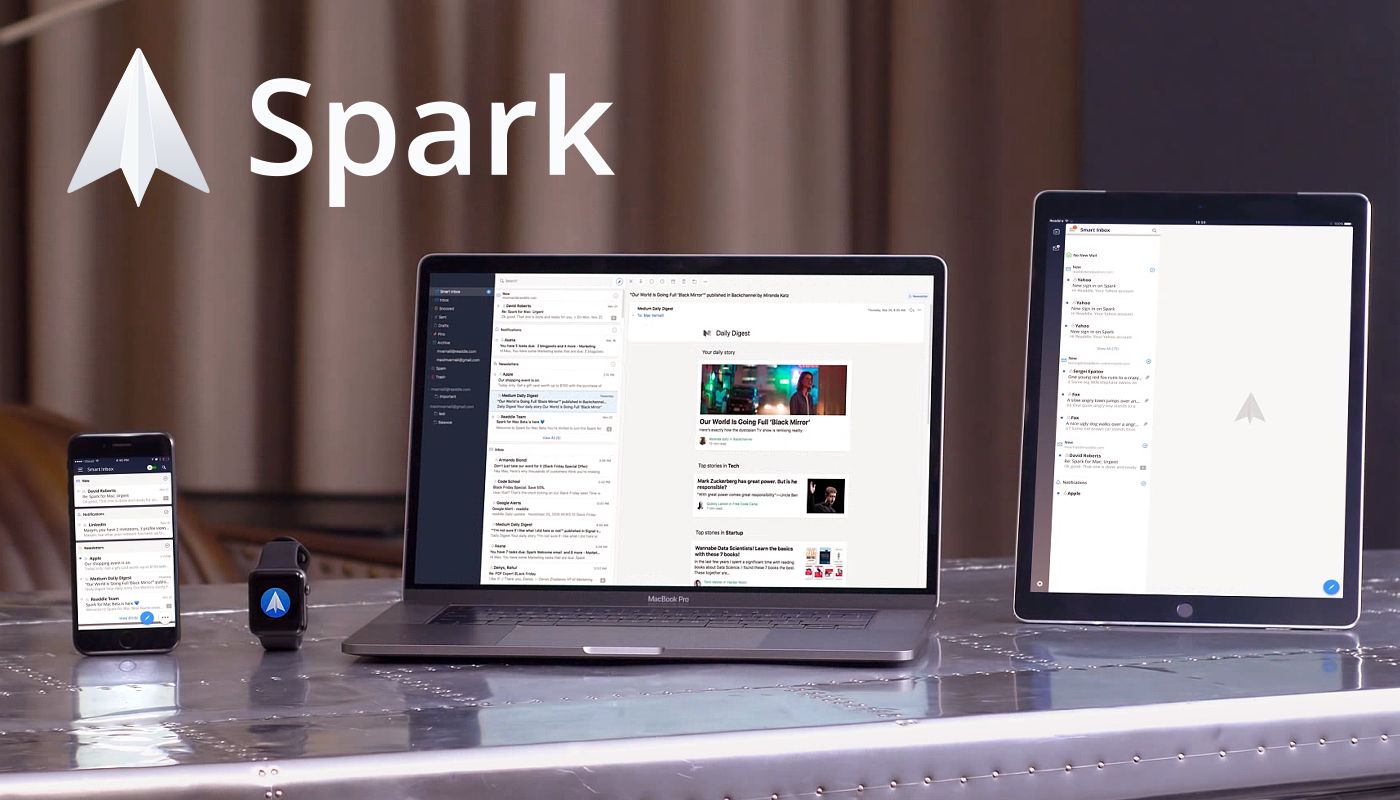
Email steals precious time from everyone. Spark recovers those lost moments by identifying what’s important and organizing it all for you neatly and automatically.
Spark’s smarts start with its Smart Inbox. Messages are categorized as Personal, Notifications, and Newsletters making it easy to focus your efforts on what’s important and save the rest for later.
Powerful search makes it simple to find messages no matter where you may have filed them. Spark’s natural language search thinks like you do. Just search for messages the way you would if you were asking a friend.
Notifications can spin out of control quickly with email too, sending you alerts about everything. Spark filters out the junk with Smart Notifications that only notify you of what you need to know now.
In addition, Spark features beautifully designed card-style calendar invitations that can be accepted with just one tap, the ability to send later and set up reminders for messages that don’t receive a reply, message snoozing, and Quick Replies that let you acknowledge a message with a single tap. Spark also has customizable gesture actions and works with Dropbox, Box, iCloud Drive, and more. Spark looks great too with a beautifully threaded design that makes following a conversation simple.
As if that weren’t enough, in just a few short months, Spark 2.0 will introduce Spark for Teams, which will change the way teams collaborate.












 Federico