John Voorhees

5429 posts on MacStories since November 2015

John is MacStories' Managing Editor, has been writing about Apple and apps since joining the team in 2015, and today, runs the site alongside Federico. John also co-hosts four MacStories podcasts: AppStories, which covers the world of apps, MacStories Unwind, which explores the fun differences between American and Italian culture and recommends media to listeners, Ruminate, a show about the weird web and unusual snacks, and NPC: Next Portable Console, a show about the games we take with us.

IKEA’s Trådfri Lighting System Adds HomeKit and Alexa Support

After a miscommunication in August, IKEA has added Alexa and HomeKit support to its Trådfri smart lighting system, which it originally promised back in May. The lighting system includes a gateway, remote controls, and LED lightbulbs that can be mixed and matched in different configurations at prices that are competitive with rival systems. For example, two Trådfri bulbs, a remote, and the required gateway costs $79.99 compared to two similar Philips Hue bulbs and a gateway for $69.99. Each gateway controls up to 10 lightbulbs using one of IKEA’s remotes, an iOS app, Amazon’s Alexa App, Apple’s Home app, or your voice via Amazon and Apple’s smart assistants.

The addition of Alexa and HomeKit support means the Trådfri lighting system can be integrated with smart home accessories from other companies and controlled with any Alexa or Siri-enabled device. The IKEA Trådfri app, which can be downloaded for free from the App Store, lets users control their Trådfri lights, customize settings like the warmth of the the light, and set timers.

The release of HomeKit-enabled devices has accelerated this year. An increasing number of manufacturers like IKEA are also hedging their bets by integrating Alexa support alongside HomeKit support, which is good for consumers who benefit whether they’ve chosen one system over the other or assembled a hybrid Alexa/HomeKit environment.

Nintendo Disappointed by Super Mario Run Profits

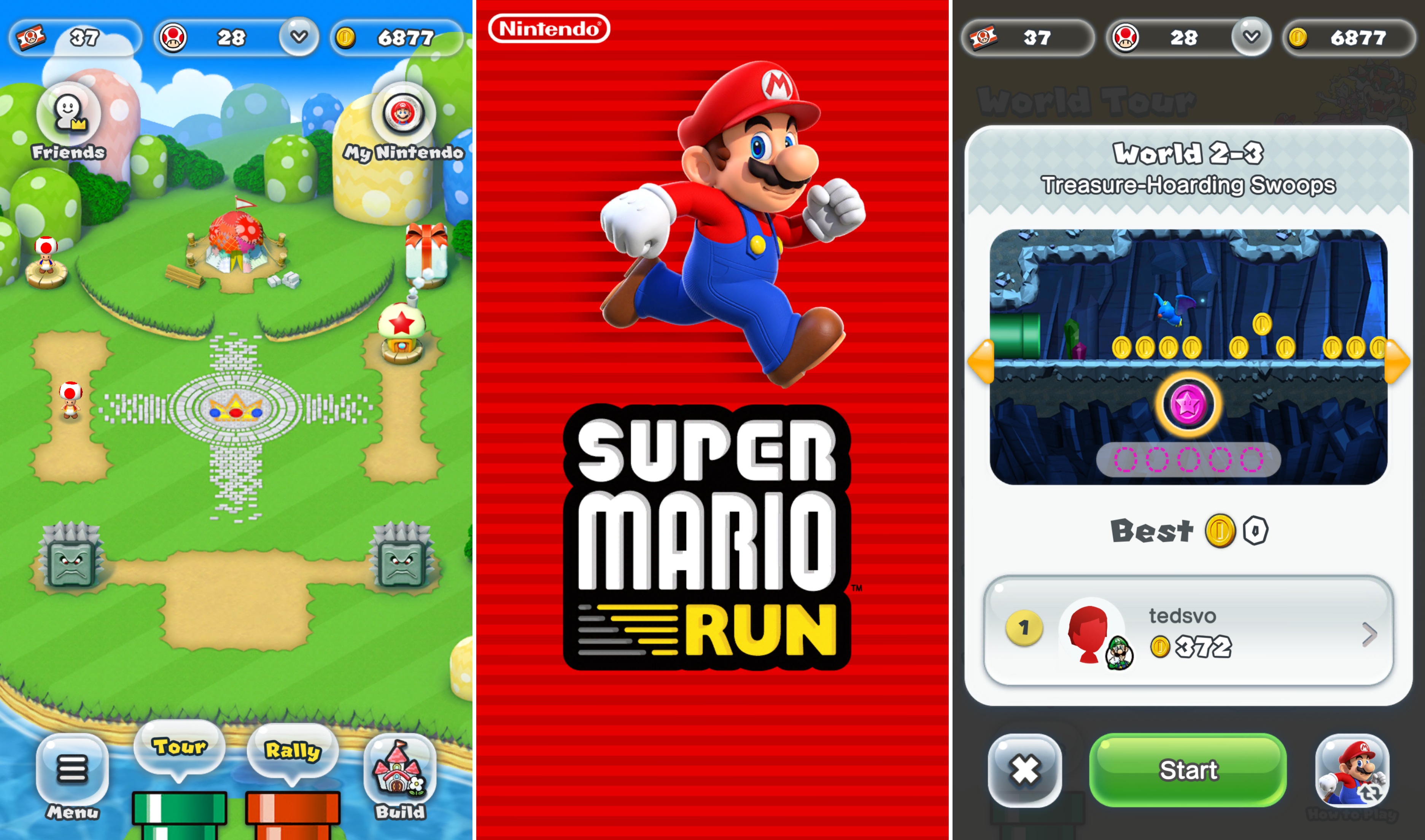
As part of its earnings report, Nintendo announced today that its iOS game, Super Mario Run, has not yet reached ‘acceptable profits.’ At this point, nearly a year after the game’s debut, it’s hard to imagine when, if ever, that point will be reached barring a major shift in the game’s business model.

Super Mario Run took the App Store by storm in December 2016 breaking download records and topping the charts around the globe. But the game, which is free to download costs $9.99 to unlock all the levels. That’s a steep price by App Store standards for games. About a month later, the Wall Street Journal reported that Super Mario Run had been downloaded 78 million times and earned $53 million in revenue.

In contrast, Nintendo says that Fire Emblem, which was released in February and features a free-to-play model, has met its profit objectives. The same in-game consumables model has been adopted for Animal Crossing: Pocket Park, which is available in Australia and New Zealand but won’t debut in the rest of the world until late November.

I’m not a fan of free-to-play games in general, although they can be done tastefully. Perhaps Nintendo’s profit expectations for Super Mario Run were too optimistic from the start, but it’s hard to argue against free-to-play for a company like Nintendo when even its most beloved franchise is perceived a failure on mobile platforms.


iPhone X Review Roundup

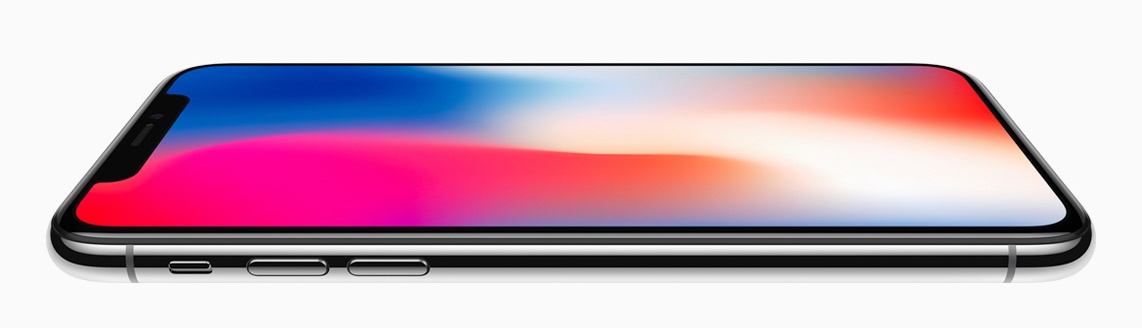
iPhone X first impressions and reviews were published today. Some reviewers have had Apple’s latest iOS device for about a week, while others have had it less than 24 hours. Here’s our roundup of the most interesting insights from what has been published so far.

Read more


Beats X: First Impressions

I loved my AirPods, but they’ve been put out to pasture. The first problem was fit. AirPods stayed in my ears well enough that they weren’t ever in danger of falling out, but they required too much fiddling to get a fit that stayed in place without shifting. I also had trouble maintaining good...


Microsoft Aligns Features of Skype’s Desktop and Mobile Apps

Over the summer, Microsoft introduced a new Skype app for iOS with a multitude of new features that seemed designed to maintain its relevance in a social media-dominated world. At the time, Microsoft also introduced a preview version of the Skype desktop app that incorporated some of the same features. Today, Microsoft announced that the desktop app has exited preview mode and is being rolled out across several platforms.

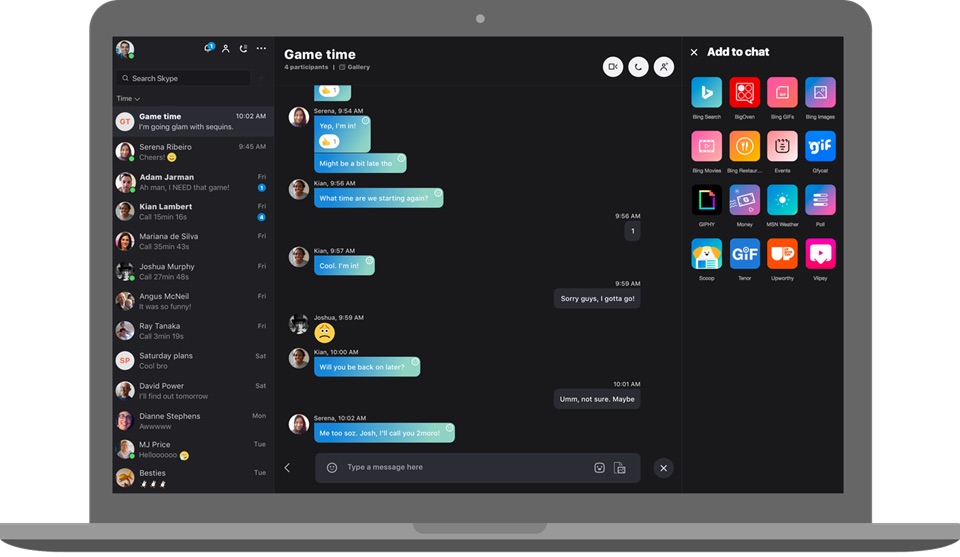
The new Skype desktop app includes a lot of new features, but one of the most fundamental that should be welcome to all users is the unification of messaging across platforms. That means messages you receive through Skype will be available whether you’re using the app on a Mac, iOS, Windows, an Xbox, or another device.

In addition, Skype now includes cloud-based file sharing of up to 300 MB of data, customizable themes, and different ways to organize your chat list. Notifications have also been centralized with reactions to your messages, @mentions in group chats, and instances where you have been quoted available in one place. To jump to the spot in the conversation where the notification appears, just click on it. There’s a chat media gallery where you can access all photos, links, files, and other items sent to you too.

Microsoft has added many other bells and whistles. Chat conversations can take advantage of add-ons like event scheduling, sending money to friends and family, searching for GIFs, and more. Video calls and text-based messages can include reactions to let others know your mood, status updates, Twitter-style @mentions, and bots from third parties too. If there was any doubt that Microsoft wants to expand beyond simple voice and video calling, the latest updates to Skype’s apps should put that to rest.

The new version of Skype has begun rolling out to users. If you don’t want to wait for the update to show up, you can manually download it from Skype.com now.


Motherboard Reviews Animal Crossing: Pocket Camp

Most of the world has to wait until late November for Animal Crossing: Pocket Camp to arrive on iOS, but if you live in Australia or New Zealand, you can play the game now. Jed Whitaker has an early review at Motherboard where he provides additional details about the game’s free-to-play mechanic and stacks it up against Animal Crossing: New Leaf, a 3DS game on which Pocket Camp is based.

According to Whitaker:

One major change to the Animal Crossing formula here is that almost all items must be crafted instead of simply purchased, and the time it takes to craft something passes in real time. The game starts out by having every item only take one minute to craft, but three hours in, wait times get much longer, and you can pay real world money to purchase the premium currency, Leaf Tickets. These can be used to craft items instantly and to basically speed up every facet of the game.

Wait times in Pocket Camp are three hours. By comparison, New Leaf wait times are three days, which Whitaker points out should make Pocket Camp more tolerable to fans of the franchise. Still, if you simply must have an item right away and can’t wait a few hours, you can buy Leaf Tickets as an In-App Purchase.

Fans of the Animal Crossing series may also need to lower their expectations a little. At launch, there are only 40 animals to befriend in Pocket Camp, a small number compared to the over 300 available in New Leaf. Still, even if it’s not as deep as other incarnations of the series, Pocket Camp looks as though it strikes a good balance that should make the free-to-play aspects of it tolerable.

Permalink

Learn Ulysses: Easy Video Tutorials for the Best Writing and Ideas App [Sponsor]

Learn Ulysses is a video course from The Sweet Setup, a site known for picking the best apps in certain categories. Their pick for the best writing app on Mac, iPad, and iPhone is Ulysses, and with their Learn Ulysses videos, The Sweet Setup can help you get the most out of the app.

There’s a lot of power just under the surface of Ulysses’ simple interface. It’s the power-user features that make Ulysses more than just a simple text editor. Tools for document organization, exporting to a wide range of formats, filtering, and more make Ulysses a complete writing environment.

The Sweet Setup created their Learn Ulysses course to help users get the most out of Ulysses’ power. The seven high-quality videos will get you up and running with all the features of Ulysses so that you can stay on top of your ideas, your writing, and more. Each tutorial dives deep into the details making even complex topics easy to follow and understand.

Each video can be streamed or downloaded, and there are full transcripts of each so you can pick up tips even when you can’t access video. In addition to the videos, Learn Ulysses includes bonus content. There’s a cheat sheet highlighting keyboard shortcuts and additional features and interviews with writers, in which each explains their Ulysses setup and workflow, which is a fantastic way to get ideas about how to use the app yourself.

The Sweet Setup has a special deal for MacStories readers. This week only, you can get the Learn Ulysses video tutorials and all the bonus content for 20% off by visiting learnulysses.com.

Our thanks to Learn Ulysses for sponsoring MacStories this week.


Geeky macOS Apps

AppStories+ Deeper into the world of apps

AppStories Episode 29 - Geeky macOS Apps

0:00
29:54

AppStories+ Deeper into the world of apps

Federico and John dig into their favorite geeky macOS apps that they use for work and play.

Read more


Apple Opens iPhone X App Submissions to Developers

Apple has notified third-party iOS developers via its News and Updates website that they can download Xcode 9.0.1 and submit iPhone X apps for review in advance of the new iPhone’s release on November 3, 2017.

Download Xcode 9.0.1, test your apps in the iPhone X simulator, and capture screenshots. Then submit your updated apps and metadata in iTunes Connect today.

Earlier in the day, Apple told Reuters that customer demand for the iPhone X has been ‘off the charts’ since pre-orders began at 12:01 AM Pacific on October 27th.

Permalink