John is MacStories' Managing Editor, has been writing about Apple and apps since joining the team in 2015, and today, runs the site alongside Federico.
John also co-hosts four MacStories podcasts: AppStories, which covers the world of apps, MacStories Unwind, which explores the fun differences between American and Italian culture and recommends media to listeners, Ruminate, a show about the weird web and unusual snacks, and NPC: Next Portable Console, a show about the games we take with us.
This week, Federico and John introduce Comfort Zone and NPC: Next Portable Console, two new MacStories podcasts and share their wishes for watchOS and tvOS updates.
SmartGym SmartGym, which is an Apple Design Award finalist this year, added the ability to create multiple equipment lists in the app. That way, for example, you can keep a list of the equipment you use at your local gym as well as what you have at home. Weights can now be personalized to...
Ahead of WWDC, David Smith reminds us of the qualities that make the Apple developer community special and unlike anything else. (Link) Thought-provoking piece by Alexandra Sizemore on the recent debate surrounding the iPad and iPadOS. (Link) My favorite accessory for the Vision Pro now comes with an updated version that supports the installation...
WWDC 2024 is just around the corner, and we’re planning to have our usual wall-to-wall coverage on MacStories, along with special events for Club members. To kick things off, we’ve created a special WWDC 2024 channel in Discord for Club Plus and Premier members. The channel will serve as the hub for discussing WWDC announcements,...
This week on MacStories Unwind, Federico and John take the wraps off the official MacStories Unwind 2024 Apple Music Playlist, tease upcoming projects, and recommend a recent Apple TV+ show and a cozy videogame.
This episode is sponsored by:
Kolide – It ensures that if a device isn’t secure it can’t access your apps. It’s Device Trust for Okta. Watch the demo now.
With the Vision Pro, Apple swung for the hardware fences. It’s still too early to know whether that big bet will pay off for the company, so while we wait for the future, I’d like to see Apple place some smaller hardware bets. I’ve already talked about a game controller, which I’m convinced will never...
I’ve been playing around with Kino, a video camera app by Lux, on and off for the past day. That’s not long enough to do a full review, so instead, I got up this morning and headed out for a walk with Kino in tow to see what the default experience is like. The short answer is it’s excellent. Kino is designed to work well out of the box for a novice like me but offers manual controls for someone who needs less hand-holding. It’s similar to Lux’s approach to Halide, the company’s pro camera app, and my early experience with Kino has been just as good as it’s been with Halide.
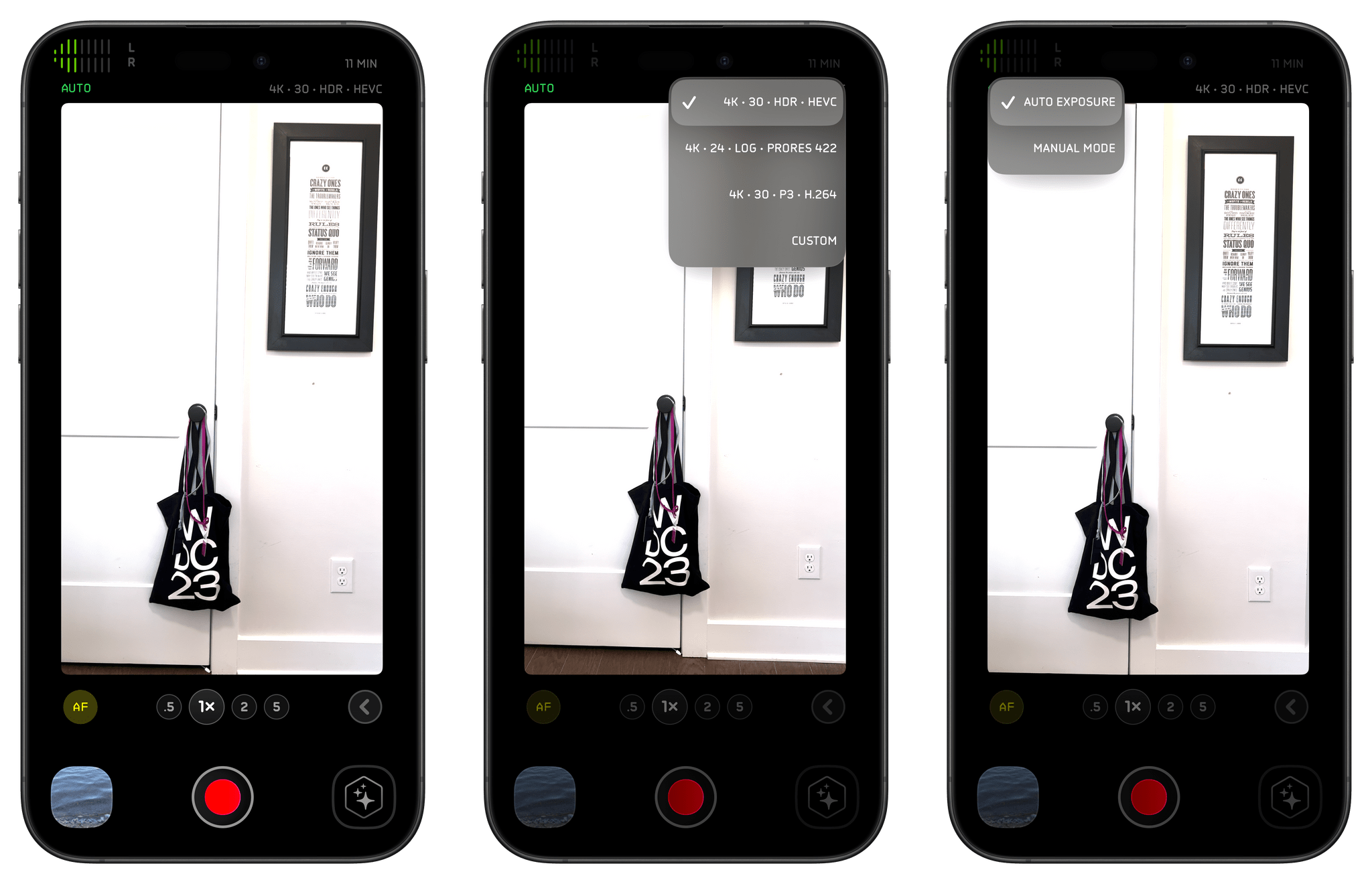
Kino and Halide share a similar design aesthetic, so if you’ve ever tried Halide, you’ll have no trouble finding your way around Kino’s UI. There’s a record button at the bottom of the screen flanked by a button to access the video you’ve taken, which can be stored in your photo library or in the Files app, and a button for the app’s Instant Grade feature. At the top of the screen are controls for resolution, frame rate, and format presets, as well as a ‘Custom’ option. The top of the screen is where you’ll also see your audio levels and a button for switching between automatic and manual exposure. Just beneath the viewfinder are controls for toggling auto and manual focus, picking your camera lens, and a button for accessing additional controls and the app’s settings.
Like Halide, Kino also comes with a set of guides to get you started, which I haven’t tried yet because they weren’t available in the beta version of the app. However, if they’re anything like Halide’s guides, I expect they’ll be worth checking out if you’re new to shooting video and want to get the most out of Kino.
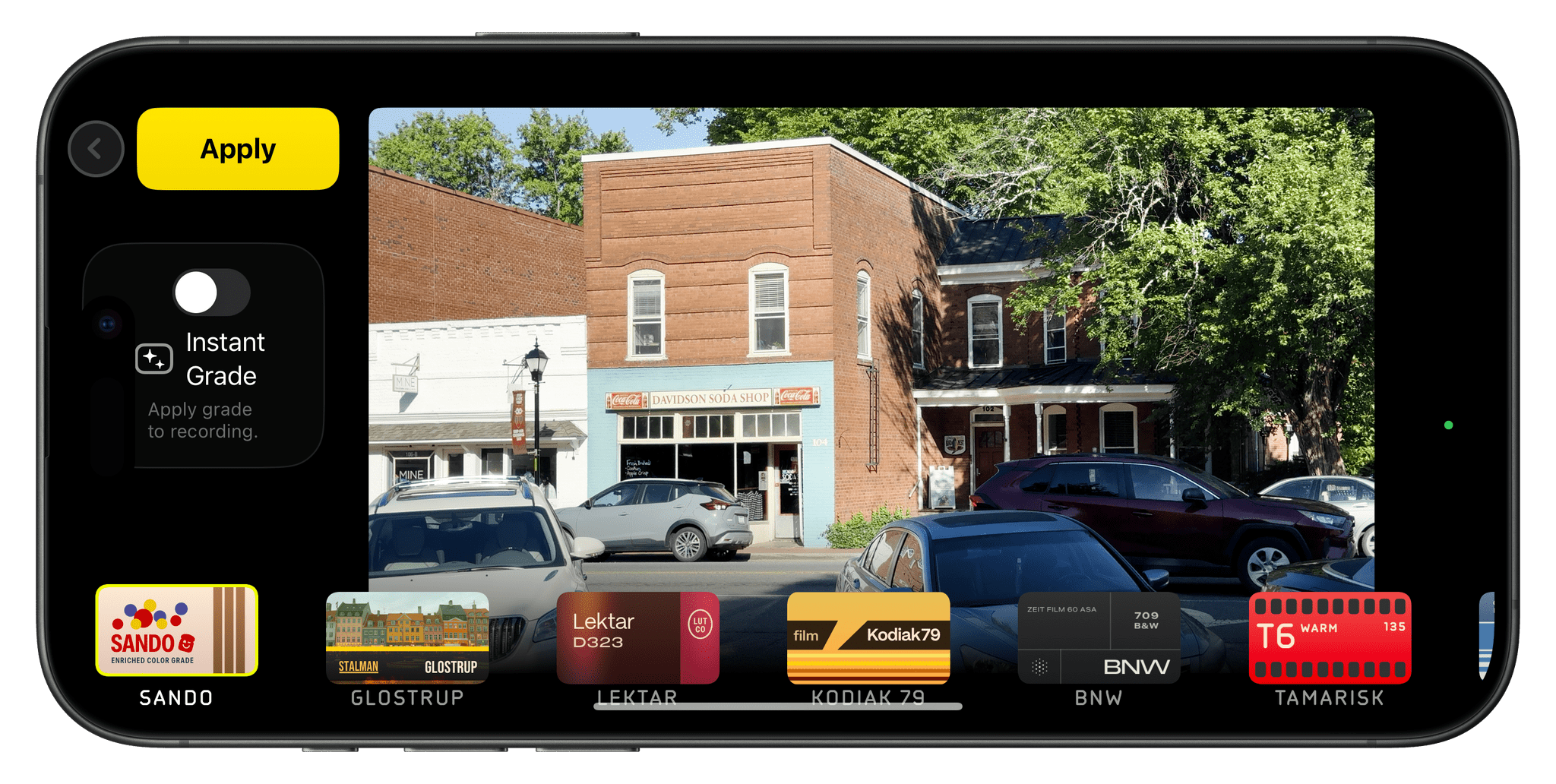
Some of Kino’s built-in color presets.
The app shoots beautiful video by default. Here’s an example of a short walk through Davidson College’s campus using all default settings, the iPhone 15 Pro Max’s Ultra Wide lens, and no post-processing.
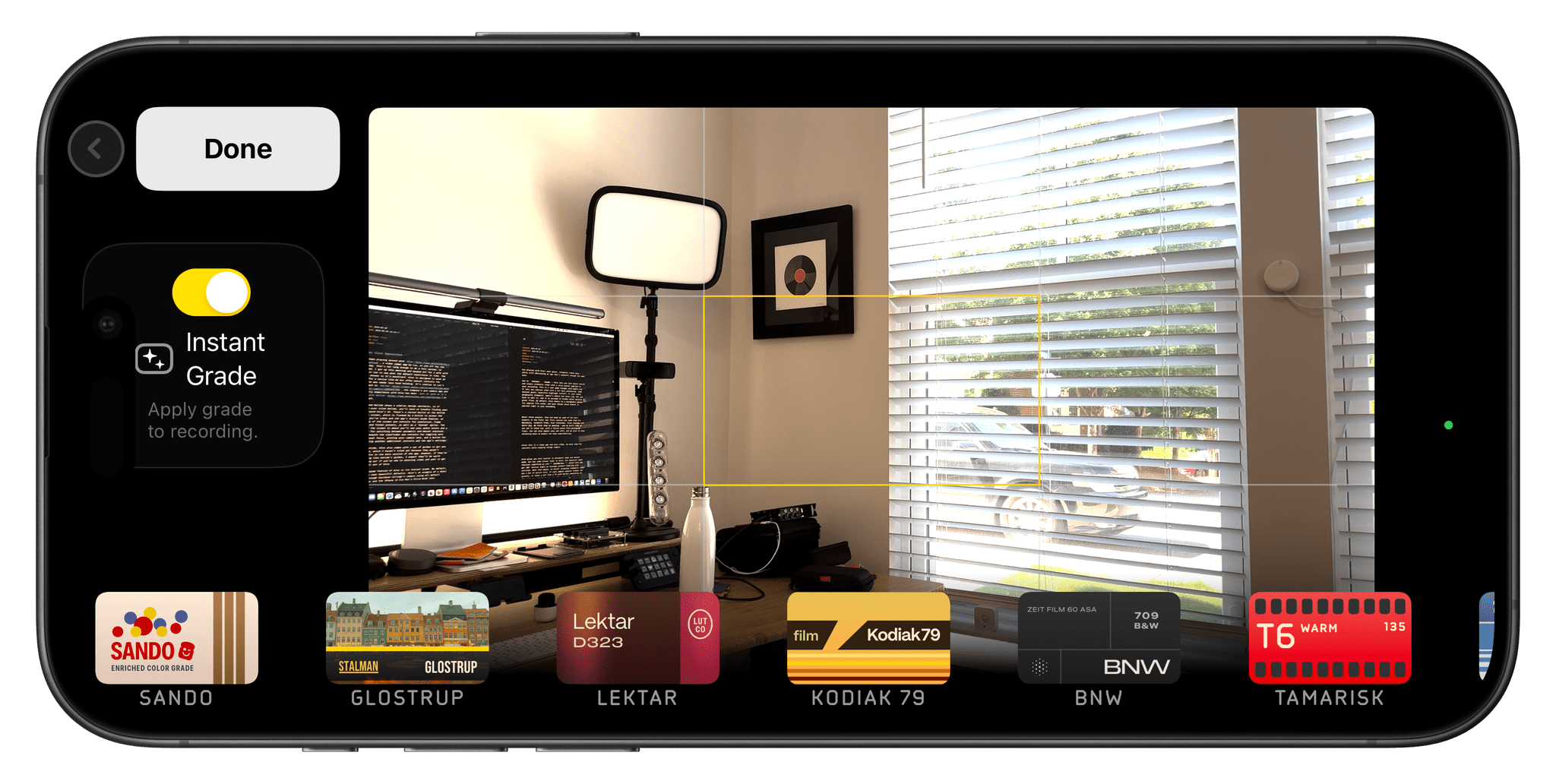
The marquee feature of Kino is its Instant Grade. The app also comes with a collection of built-in color presets that you can preview in the viewfinder, making it easy to find one that fits your needs. The collection that comes with Kino has been created by video experts, including Stu Maschwitz, Sandwich Video, Evan Schneider, Tyler Stalman, and Kevin Ong. But you’re not limited to the presets that come with Kino. You can also import any LUT using the app’s integration with the Files app.
I visited a nearby lake and shot some video with Kino’s default settings enabled, and then tried each of its color presets:
The app also implements something Lux calls AutoMotion, which applies an exposure logic that gives video a cinematic feel. It’s another feature that just works out of the box for novices who don’t want to dig deeper. However, you always have the option to vary from the defaults, adjusting settings manually.
My first-run experience with Kino was great. I didn’t explore the app before heading out the door this morning, yet I had no trouble figuring out the basics and shooting video that looks good with no processing whatsoever. With more practice and some post-processing, I’m sure the results would look even better, but I love how well my video turned out with minimal effort. I’m planning to spend more time with Kino over the summer and look forward to checking out Lux’s guides to improve my video skills.
This week on Ruminate, I go to Applebee’s and a new game store, we both check out the new Legend of Zelda Lego, Robb launched a new project, then we head into AI corner.
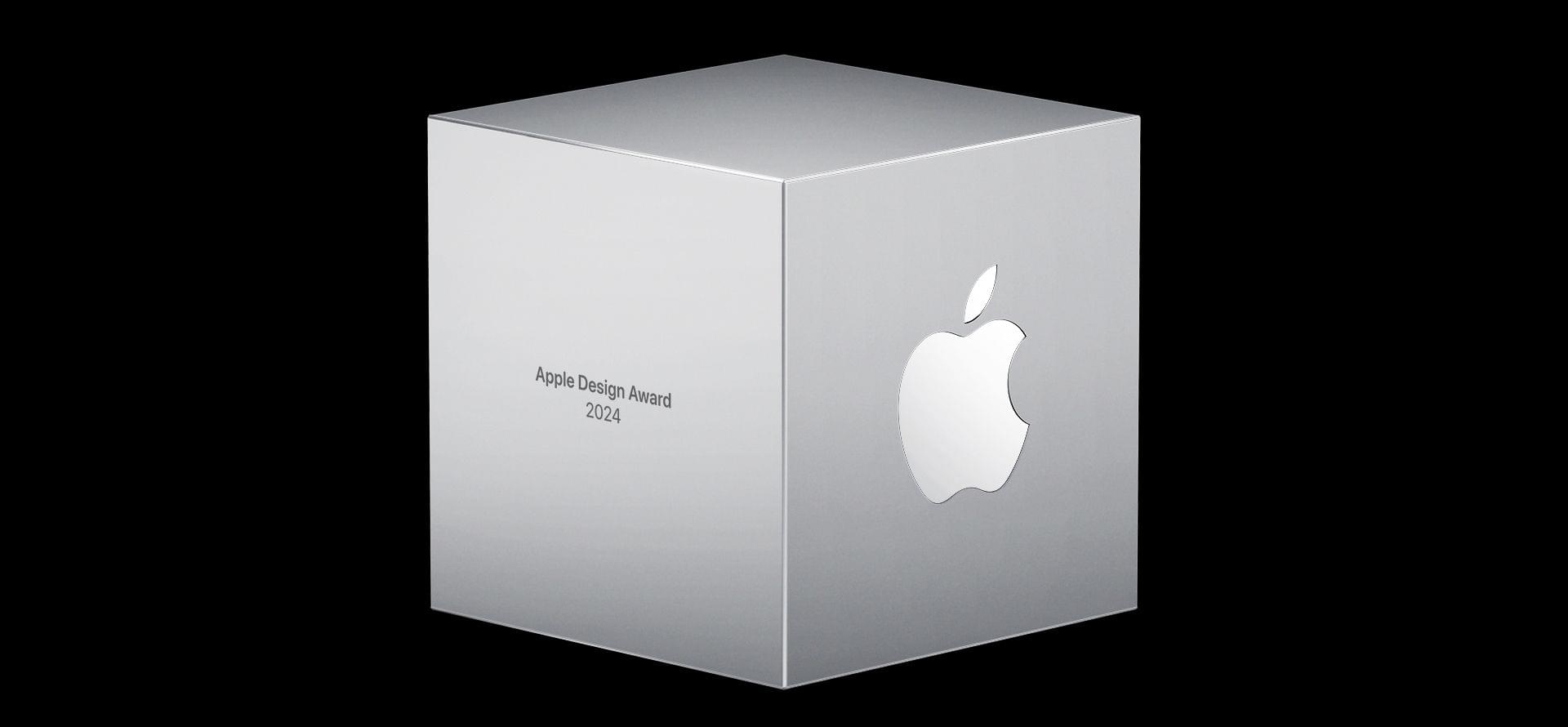
As WWDC approaches, Apple has announced the finalists in the running for its annual Apple Design Awards. The awards ceremony revealing the winners will be held during WWDC.
This year, there are seven categories, and each category has six finalists. That’s one more than last year, with Spatial Computing joining the categories for the first time. The 2024 ADA finalists are:
The selections include a broad range of games and apps, including some apps from smaller developers like Devin Davies, the maker of the wonderful recipe app Crouton, the team behind Gentler Streaks, one of my favorite fitness apps, and SmartGym by Mateus Abras, as well as titles from bigger publishers.
I’m glad that Apple announces the finalists in advance. Winning an ADA is a big achievement for any developer, but it’s also nice to know who the finalists are because it’s quite an honor among the many apps that could have been chosen too. Plus as a fan of apps, Apple’s list of finalists always reminds me of an app or two that I haven’t tried yet.




 Federico