MacStories Team

3496 posts on MacStories since July 2011

Articles by the MacStories team. Founded by Federico Viticci in April 2009, MacStories attracts millions of readers every month thanks to in-depth, personal, and informed coverage that offers a balanced mix of Apple news, app reviews, and opinion.

Pushcut: Automate HomeKit, Notifications and Widgets [Sponsor]

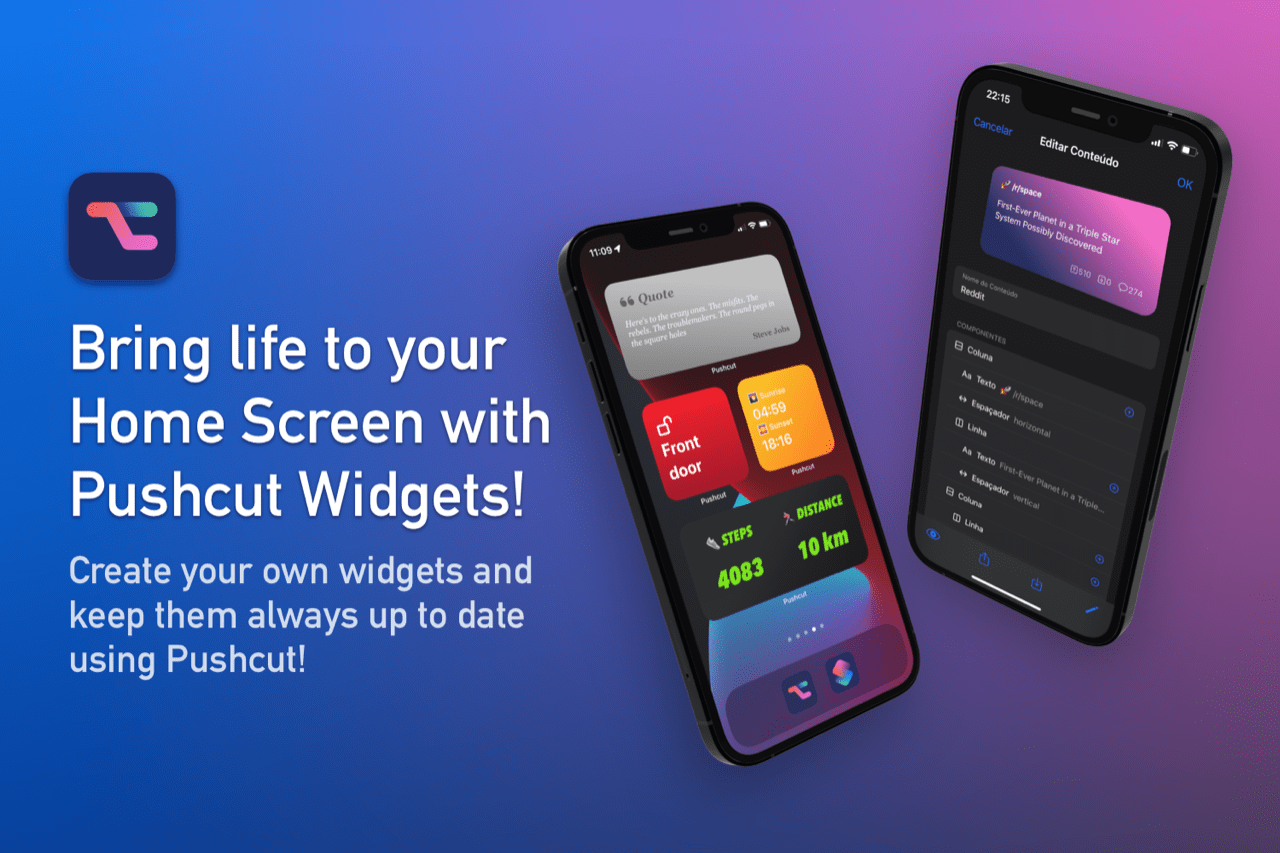
Pushcut, the one-of-a-kind iPhone and iPad utility that extends the power of Apple’s Shortcuts app and your HomeKit devices with a smart notification system, just added support for Home Screen widgets. Now, as soon as you open your iPhone or iPad, the information that is most important to you is right at your fingertips on your Home Screen. It’s a powerful system that supercharges your automations.

With the latest update, Pushcut’s Pro subscribers can design custom widgets tailored to suit their individual needs. Widgets are built using a simple set of components that together, unlock the ability to create sophisticated, beautiful designs that dynamically update using shortcuts, webhook URLs, or integrated services like Zapier, and soon, IFTTT.

Designing your own widgets is simple, with Pushcut’s intuitive UI, but there’s also extensive documentation available on Pushcut’s website if you need help. Widgets can be exported and shared as JSON too, so others can enjoy your creations and you can learn from the example widgets shared by the Pushcut team and made by others.

Of course, widgets are in addition to Pushcut’s other powerful features like feature-rich notifications, a powerful web API for extending HomeKit device automation, and an automation server, which allows an iOS or iPadOS device to trigger your shortcuts automatically on a schedule, and more. It’s a fantastic way to take Shortcuts and HomeKit automations to an all-new level.

Download Pushcut from the App Store now and give it a try. It’s the premier way to automate HomeKit, notifications, and widgets on the iPhone and iPad.

Our thanks to Pushcut for sponsoring MacStories this week.


WinterFest 2021: The Winter Festival Of Artisanal Software [Sponsor]

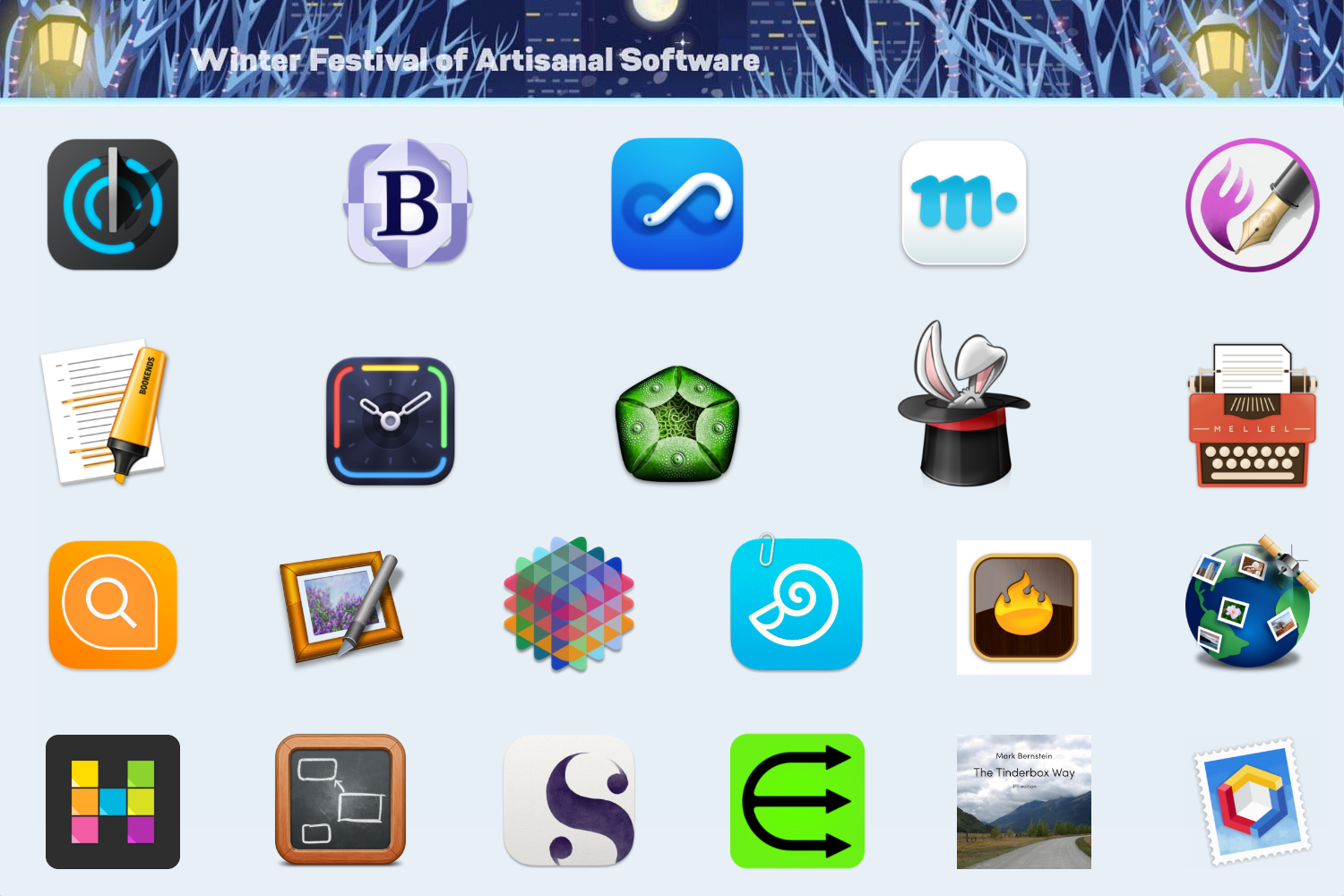
The 2021 Artisanal Software Festival is a fantastic collection of carefully-crafted software for writing, research, thinking, and more at tremendous prices. As in past years, software artisans from around the globe come together to offer fair discounts direct to you.

The 21 carefully-crafted apps and book span a wide spectrum that will assist you with everyday knowledge work. There are apps to plan your next big project, conduct research, organize your research, edit images, manage email, write, and more:

  • Aeon Timeline: The timeline tool for creative thinking
  • Bookends: The reference manager you’ve been looking for
  • DEVONagent Pro: Your smart (re)search assistant
  • DEVONthink: Your powerful information and knowledge manager
  • Easy Data Transform: Merge, clean, reformat data without coding
  • Hook: Supplies the missing links
  • HoudahGeo: Photo geocoding and geotagging for Mac
  • HoudahSpot: Powerful file search
  • Hyperplan: Flexible visual planner
  • ImageFramer Pro: Add creative borders and frames to photos
  • Marked: Smarter tools for smarter writers
  • Mellel: A real word processor
  • Nisus Writer Pro: The powerful word processor for Mac
  • Panorama X: Collect, organize, and understand your data
  • Scapple: Quickly capture and connect ideas
  • Scrivener: Your complete writing studio
  • SmallCubed Mail Suite: Manage mail like a maven
  • TextExpander: Recall your best words, instantly, repeatedly
  • The Tinderbox Way: The definitive ebook on artisanal software
  • Timing: Automatic time tracking for Mac
  • Tinderbox: Visualize and organize your notes, plans, and ideas
  • Trickster: Your recently used files, at your fingertips

There are no gimmicks, no bundles, no gotchas – just saving of hundreds of dollars on serious software from thoughtful software makers who care about their users’ experiences, including the interoperability of applications through linkingVisit the WinterFest website now for links to amazing deals each of these fantastic apps and to learn more or use the coupon code Winterfest2021 at checkout.

Our thanks to WinterFest 2021 for its support of MacStories this week.


DetailsPro: A Design Tool for SwiftUI [Sponsor]

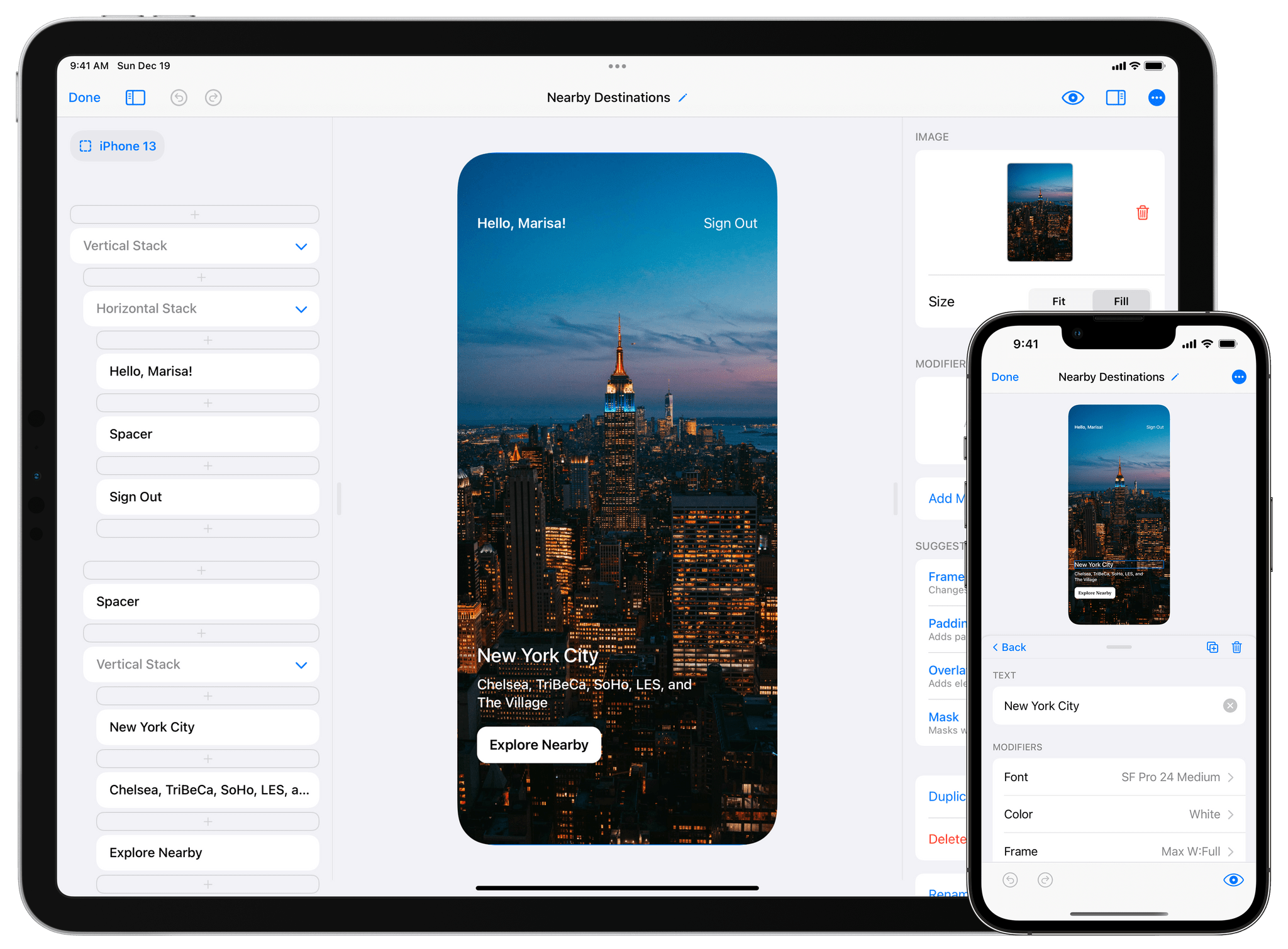
DetailsPro is the accessible, graphical tool for the iPhone, iPad, and Mac that brings your app designs to life with SwiftUI. The future of modern app design on Apple’s platforms is SwiftUI, and with DetailsPro, you can be up and running immediately, designing UIs without typing a line of code.

DetailsPro uses a drag and drop interface to make designing app interfaces, widgets, and screens a completely graphical, natural experience. There are no multi-gigabyte downloads or any of the complexity you find in a tool like Xcode. Instead, DetailsPro focuses on your design first. The app is also a fantastic way to learn core SwiftUI concepts in an environment that provides immediate feedback. There’s also a terrific DetailsPro community that offers in-app downloadable templates to learn, remix, or use as starting points for your own projects.

When you’re happy with your design, simply export it to SwiftUI code to Swift Playgrounds or Xcode. That’s the sort of design pipeline that makes handing your work off to your developers simple while ensuring that the fidelity of your designs is preserved in the process.

Built in SwiftUI itself by a former Apple Design Prototyper, DetailsPro is trusted industry-wide by designers at companies like Apple itself, Starbucks, Microsoft, Nike, and Porsche, and it’s easy to see why. DetailsPro brings sophisticated SwiftUIs to life quickly and easily in a way that feels like magic.

If you’ve been looking for a way to get into designing with SwiftUI, your search is over. You can download DetailsPro today for free and use it with five files, but you can unlock unlimited files, MapKit maps, and upcoming features like versions, reusable components, designing with data, and more for just $19.99/year or a one-time payment of $49.99. That’s a fantastic price for an app that will save you time and simplify your design process.

So, download DetailsPro today, and get started designing with SwiftUI.

Our thanks to DetailsPro for sponsoring MacStories this week.