

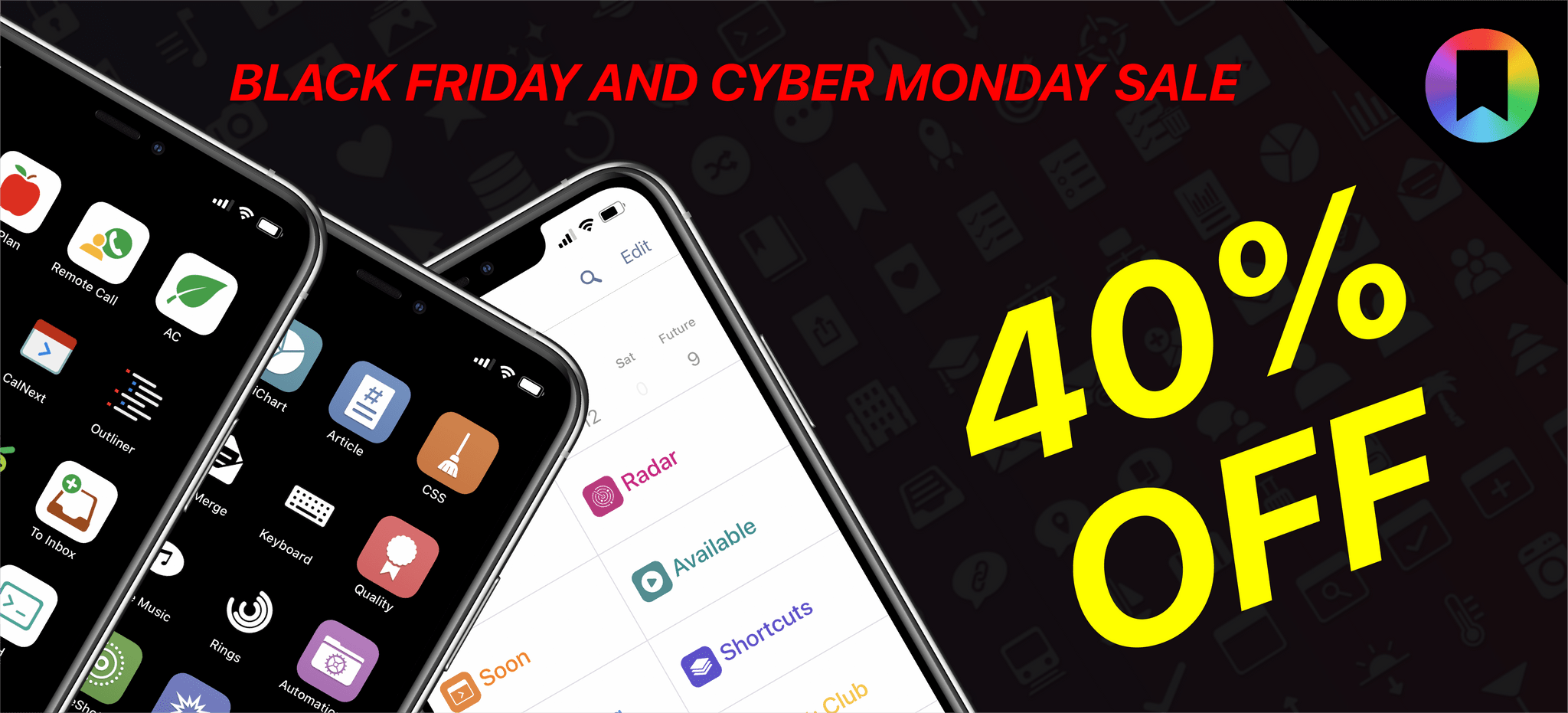
Now is a great time to give the MacStories Shortcuts Icons and Perspective Icons a try because they are 40% off through Monday, November 29th. The MacStories Shortcuts Icons created by MacStories’ Silvia Gatta include 400 glyphs with four different color combinations for a total of 1,600 icons that are designed with Shortcuts users in...
 Up Next on MacStories’ Podcasts
Next week on AppStories, Federico and John launch a new AppStories mini-series all about the note-taking and text editor, Obsidian, starting with an overview of what the app can do, what makes it special, and how each of them is using it. This week on MacStories Unwind, two stories from Federico about Shortcuts,...
Reader Setup: Matt Daley
About Matt Daley: Matt, who has been a full-time iPad user since the 3rd generation Retina iPad, is the General Manager of a family business, the husband to an amazing Italian wife and the father to three great kids, and hails from South Africa ??. Why I choose to work from an iPad Pro...
Previously, On MacStories
MacStories Shortcuts Icons and Perspective Icons: 40% Off from Black Friday to Cyber Monday Exporting Links from Safari Reading List via Shortcuts for Mac Apple Publishes Annual Holiday Ad: Saving Simon This Holiday Season, Give the Gift of Club MacStories, and If You’re a Club Member, Get Something Back For Yourself Too The Curious Case...
UpNote: The Best Note-Taking App Across Platforms [Sponsor]
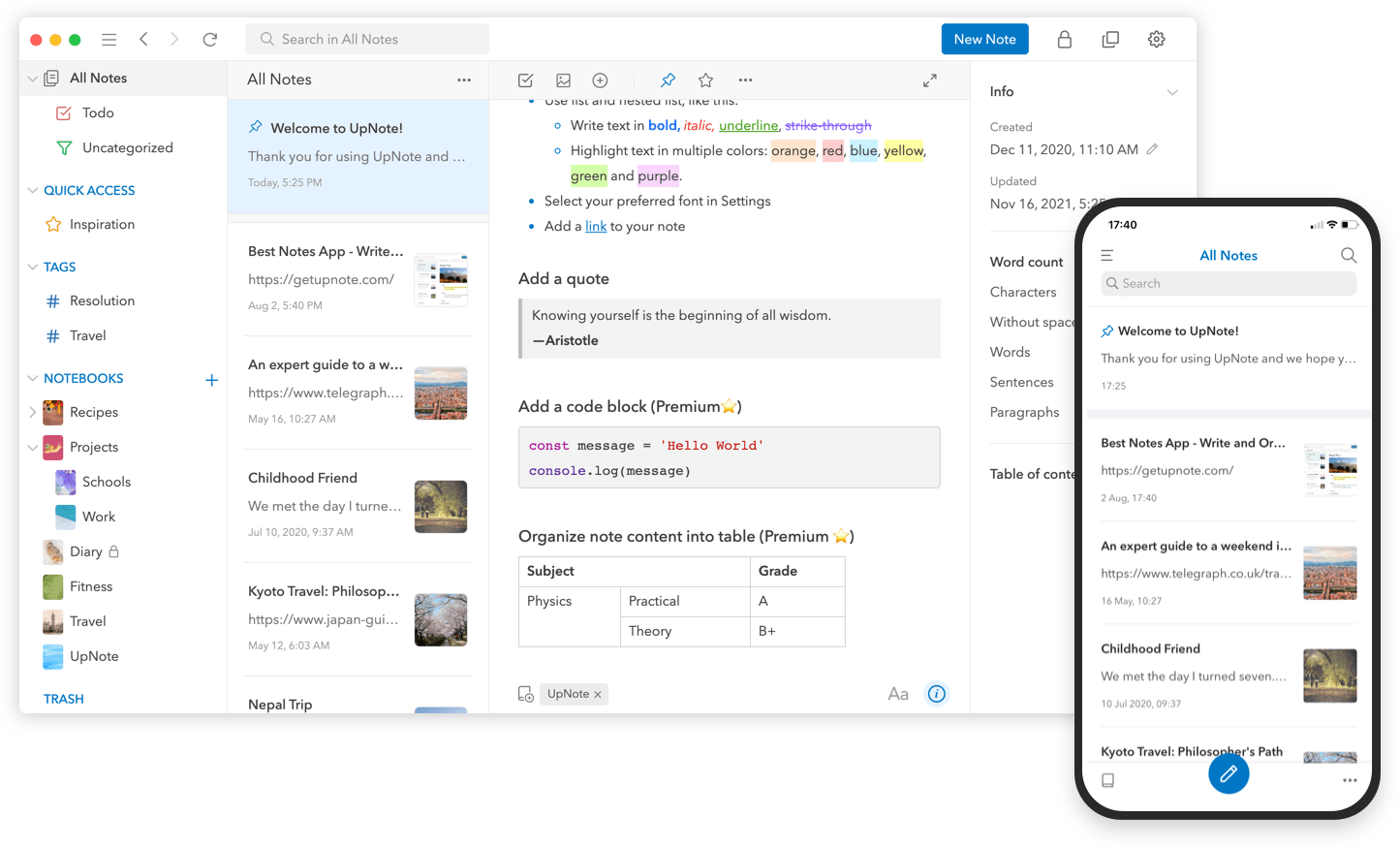
UpNote is an elegant and powerful note-taking app that works across every major platform, making it the perfect solution for your note-taking needs. Designed to make it easy to take notes anywhere and stay focused, UpNote combines a beautiful interface with a fast, fluid workflow for a refined and reliable note-taking experience. The app is also continuously updated to support the latest technologies on all platforms with new and innovative features.
The app works on iOS, Android, the Mac, and Windows, making it an excellent solution for anyone who needs access to their notes across multiple platforms thanks to the app’s fast, reliable sync. UpNote works online and off, too, so you’re always able to capture your thoughts. With colorful themes and many font choices, you can make UpNote your very own, organizing notes into notebooks, which can be nested, adding hashtags to notes, and pinning and bookmarking notes for quick access. It’s a structure that’s supplemented by powerful search and sorting to make navigating even the largest collections of notes a breeze.
UpNote has all of your note-taking needs covered. The app offers a web clipper extension so you can quickly save links and content as you browse and research on the web. There’s a focus mode that eliminates distractions, so you can capture your thoughts quickly and efficiently, too. There’s even a great solution for longer notes: a table of contents feature that makes navigating long notes a breeze. The app can also be locked, which makes it perfect for journaling.
Switching to UpNote is easy, with powerful import functionality that can handle Evernote, Markdown, and other formats. UpNote’s text editor is fully featured, too, with support for rich-text, bi-directional linking, to-do lists, images, attachments, tables, and code blocks. Of course, the app supports Markdown syntax as well. And, when you need to use your notes elsewhere, you can export them as Markdown text, HTML, or PDFs. Combined with its cross-platform support and its stunning design, UpNote is a powerhouse note-taking app like none other.
Now is the perfect time to try UpNote. The app includes subscription and lifetime upgrade options, and for a limited time, MacStories readers can purchase UpNote’s lifetime premium upgrade for 30% off. This is an amazing deal, so don’t delay. Go check out UpNote now and take advantage of this offer.
Our thanks to UpNote for sponsoring MacStories this week.
Interview: Andreas Hegenberg

Twitter:@LLo_ai. Developer ofBetterTouchTool,BetterSnapTool, andBTT Remote. Founder offolivora.AiGmbH. BetterTouchTool can run shortcuts itself and includes a long list of actions for building shortcuts. What are some of the ways you expect users to integrate your app with Shortcuts? That is a great question but also one I cannot really answer. I have been working on BetterTouchTool...
Up Next on MacStories’ Podcasts
Next week onAppStories, Federico and John go in-depth with Shortcuts for Mac, covering how they’ve adapted existing shortcuts to the Mac, built new ones, and are experimenting with new approaches incorporating third-party utilities and other tools. This week onMacStories Unwind, Federico and John recap John’s story about using shortcuts with the Elgato Stream...
Previously, On MacStories
Apple Announces Self Service Repair Program That Will Provide Customers With Access to Tools, Parts, and Manuals Getting Started with Shortcuts for Mac and the Stream Deck Tweetbot 6.6 Gets Support for Creating Polls, Limiting Who Can Reply to Tweets...
In This Issue
A tip for simplifying Shortcuts and Alfred integration, Federico’s Obsidian shortcuts for appending text and webpage links to a section of his Dashboard note, details on how John is using the Stream Deck, an interview with BetterTouchTool developer Andreas Hegenberg,plus the usual App Debuts,Links, a recap of MacStories articles, and a preview of upcoming MacStoriespodcast...