MacStories Team

3497 posts on MacStories since July 2011

Articles by the MacStories team. Founded by Federico Viticci in April 2009, MacStories attracts millions of readers every month thanks to in-depth, personal, and informed coverage that offers a balanced mix of Apple news, app reviews, and opinion.

FirstSeed Calendar: Best Calendar, Best Widgets [Sponsor]

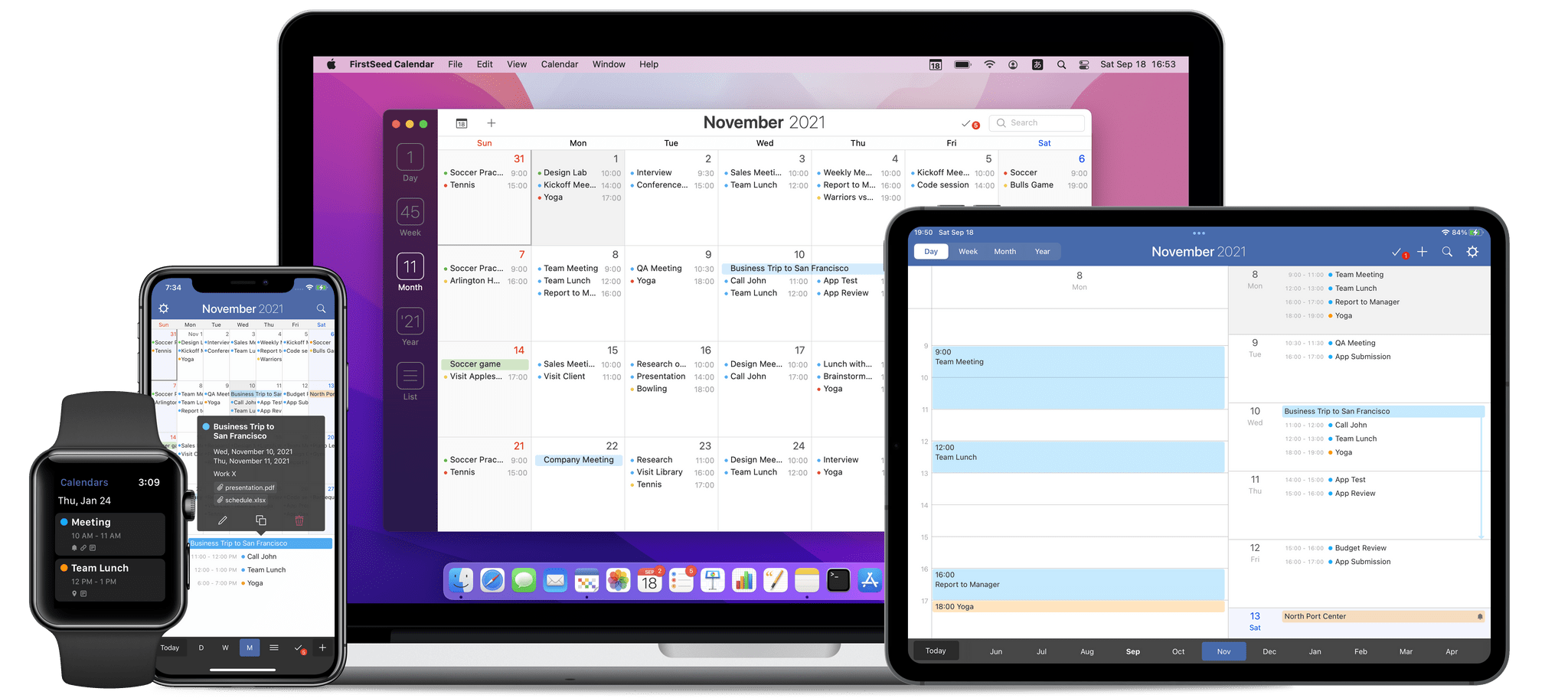
FirstSeed Calendar is the highly customizable calendar app that works on every Apple platform, providing a seamless experience that anyone with a busy schedule will love. Available on the iPhone, iPad, Mac, and Apple Watch, FirstSeed Calendar offers four different monthly calendars and seven types of weekly calendars, ensuring that you’ll be able to find one that suits your needs.

The app takes advantage of the unique features of each Apple platform, providing an unparalleled experience that anyone with a busy schedule will appreciate. For example, FirstSeed Calendar offers elegant one-handed operation of the app’s most frequently used features, like viewing, adding, editing, deleting, moving, and duplicating events, which is perfect for today’s big-screen iPhones.

FirstSeed Calendar never wastes your time either. Unlike most other calendar apps, event names are suggested after typing just a few characters, allowing you to auto-complete events quickly and efficiently. The app also features over 20 Home Screen widgets, so you can get precisely the calendar you want on your Home Screen.

FirstSeed Calendar is continuously updated with the latest technologies too. Most recently, the iPad version of the app added XL widgets. The app also supports time sensitive notifications, allowing you to set alerts that break through Focus modes.

FirstSeed Calendar has all the other advanced features you expect in a pro calendar app too:

  • Calendar sets
  • Shortcuts integration
  • Event templates
  • An excellent Apple Watch app
  • Support for conferencing services like Zoom, Microsoft Teams, and Webex
  • Pointer support on the iPad
  • Bulk event editing
  • Multiple default event alarms
  • Dark mode, themes, custom date colors

Managing your calendar doesn’t have to be complicated. Take control of your schedule today with FirstSeed Calendar.

Learn more here, or go straight to the App Stores and download FirstSeed Calendar for the iPhone, iPad, and Mac today.

Our thanks to FirstSeed Calendar for sponsoring MacStories this week.


In This Issue

Craft, Federico’s shortcut for manually installing Obsidian plugins on iOS and iPadOS using Working Copy, an iPhone drag and drop tip, Club Member JC’s setup, plus the usual App Debuts, Interesting Links, a preview of upcoming MacStories podcast episodes, and a recap of MacStories articles....


Previously, On MacStories

Apple Updates Pages with Screen View, Numbers with Pivot Tables, Keynote with Live Video, and More CARROT Weather 5.4: XL Widgets, Time Sensitive Notifications, Complication Customization, Themes, Icons, and More Safari Extensions for iOS and iPadOS 15: A Roundup of Our Favorites How iPadOS 15 Ruined Chris Welch’s iPad Home Screen...


Reader Setups: Justin C.

Twitter: @jcoleman. Apple Fanboy. Film buff. Proud dog dad. Currently living in Philadelphia, PA but hoping to move back home to Austin, TX soon! When we moved to Philadelphia in the middle of the pandemic I knew I needed to improve my work from home setup. I was working with my MacBook Pro screen and...


Up Next On MacStories’ Podcasts

Next week on AppStories, John and Federico cover their favorite iOS and iPadOS Safari extensions. This week on MacStories Unwind, CARROT Weather gets a big update, Safari extensions, updates to Apple’s iWork apps, and how changes to the iPad Home Screen have affected users, along with TV and music recommendations for the weekend...


In This Issue

This month, Federico shares his highly-customized Marvis setup for listening to Apple Music and John is rethinking his iPhone and iPad mini setups by setting both up from scratch....


Meet Daylite: The CRM with Apple Fans in Mind [Sponsor]

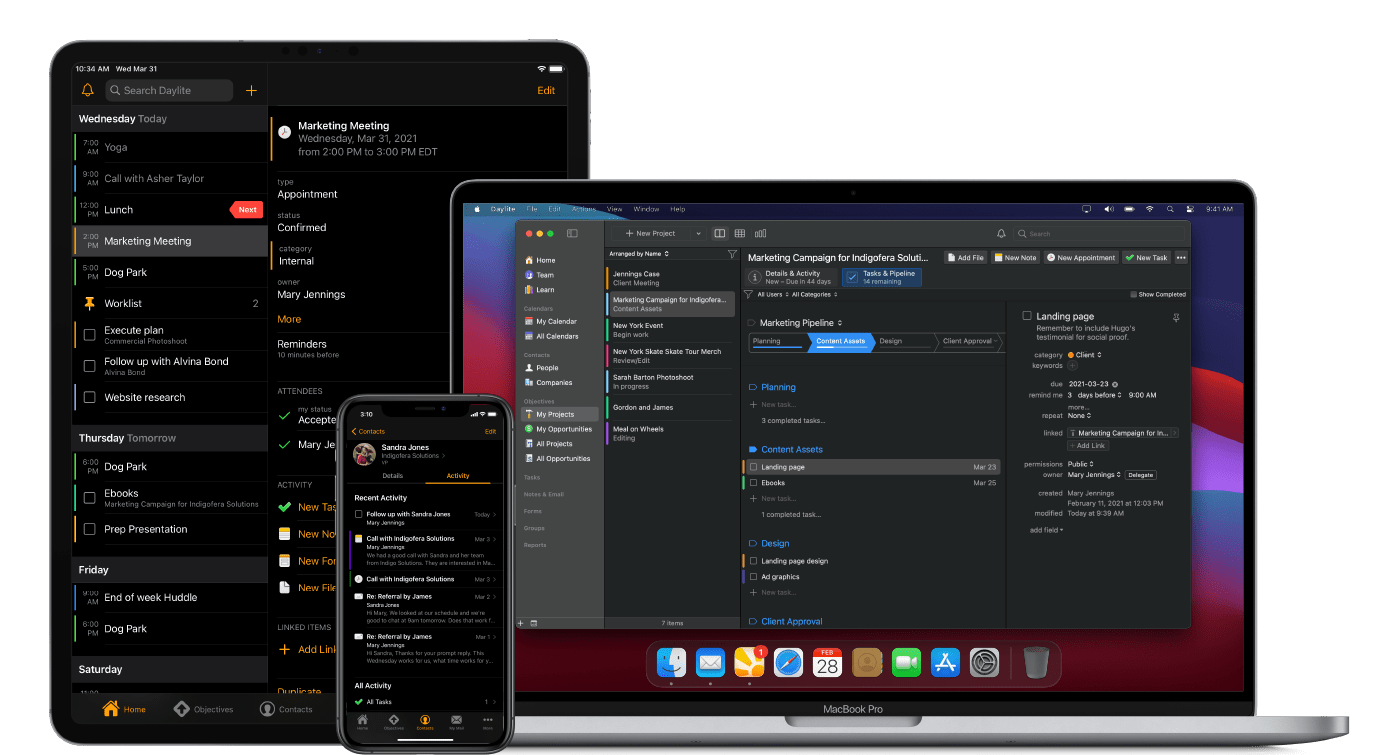
For small businesses trying to stay on top of clients, leads, and projects that are evolving every day, it can be tough, if not impossible, to manage everything. That’s where Daylite comes in clutch. Daylite is an award-winning, native CRM and business productivity app for your Mac, iPhone, and iPad that’s designed to help you and your team manage more clients, close more deals, and finish more projects.

Daylite is fully compatible with M1-powered Macs and works seamlessly with the Apple features you already use and love:

  • Integration with Apple Mail on Mac
  • Share your Apple Contacts and iCal
  • Leverage Siri and Caller ID on your iPhone
  • FaceID and TouchID support
  • Create contracts and other documents by pulling Daylite data into Pages, Numbers, and Keynote

What’s more, all of your information is accessible online and off, and it can be segmented, so it’s perfectly tailored to your specific client story. Combined with a sophisticated, elegant design that makes it easy to access and use your data on the go, Daylite is the complete package for your growing business.

Unlike most Web-based CRMs that focus on customer relationships and sales, Daylite’s productivity-focused design helps you and your team get more done throughout the full customer lifecycle. From meeting prospects and winning business to managing the moving pieces on projects, all the way through to following up for referrals and repeat business, it’s all done in Daylite.

Whether you’re in a legal, design, consulting, or other professional services firm, Daylite can help you build stronger client relationships and scale your business. Daylite also offers complimentary onboarding support to help new customers get started.

See what Daylite can do for your business today. Start your free 30-day Daylite trial today!

Our thanks to Daylite for sponsoring MacStories this week.



Previously, On MacStories

Matthew Panzarino Tests the iPhone 13 Pro’s Cinematic Mode and Inteviews Apple Executives Austin Mann Puts the iPhone 13 Pro and iPhone 13 Pro Max Cameras Through Their Paces iPad mini Review: Small Wonder watchOS 8: The MacStories Review iOS and iPadOS 15 Review Extras: eBooks, Shortcuts, Making Of, Obsidian Plugins, Safari Extension Beta, and...