


The Club MacStories+ Discord community has picked the book ‘Ikigai: The Japanese Secret to a Long and Happy Life’ by Héctor García and Francesc Miralles as the first AV Club selection. We have tentatively set a first special AV Club Town Hall to be held live on Monday, September 20th at 10 PM CEST. Date...
 In This Issue
This month, Federico shares an excerpt from his upcoming iOS and iPadOS 15 review about how he’s using Quick Note, and John explains the barebones Obsidian task management system he used in the days leading up to last week’s Club and AppStories announcements....
Tinderbox 9: The Tool For Notes. Visualize, Analyze, and Share Your Ideas [Sponsor]
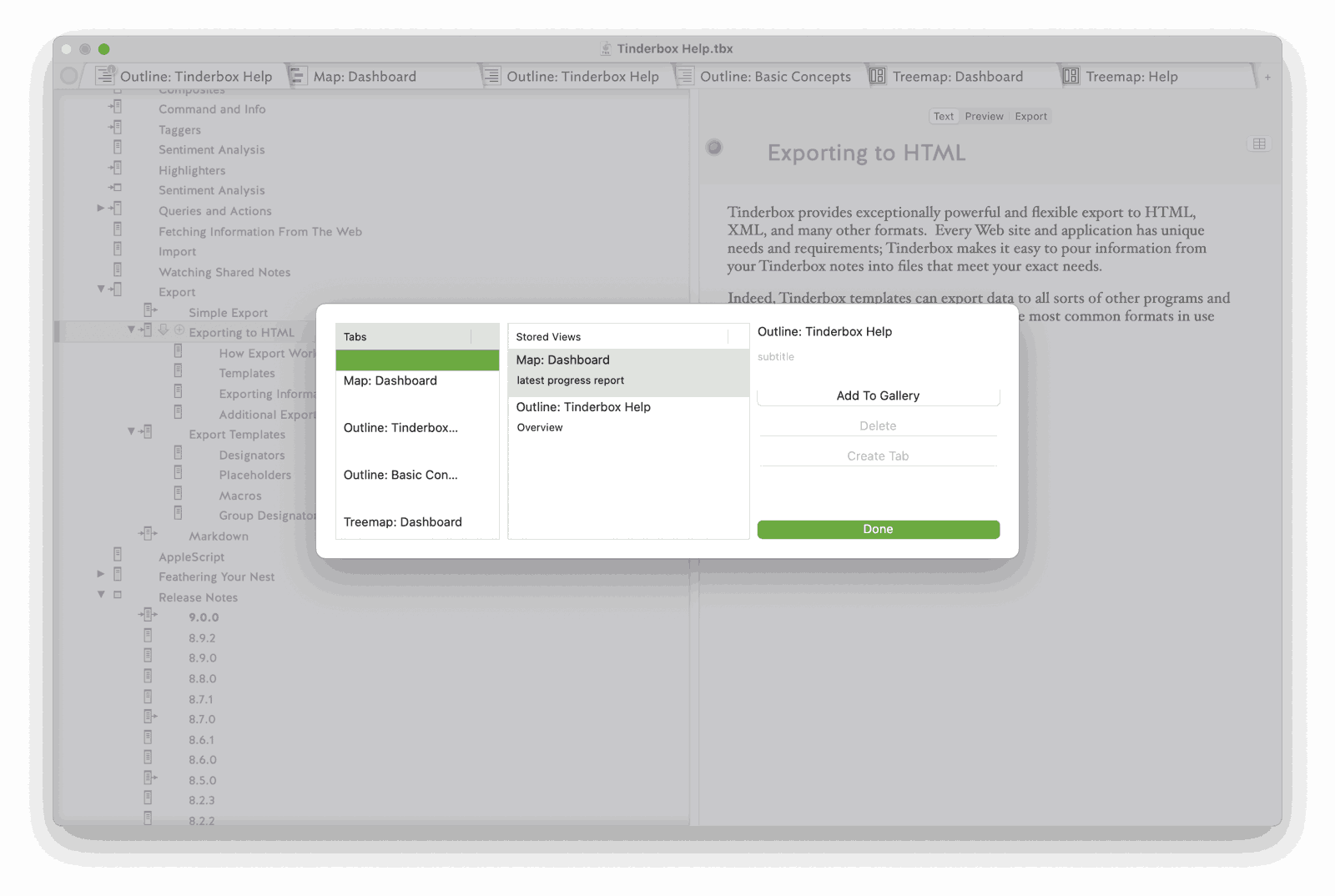
Tinderbox is a powerful Mac app that stores and organizes your notes, plans, and ideas, bringing order and insight to the vast amounts of information collected when you’re working on a big project. Whether that’s writing a book, creating course materials, planning a wedding, or just managing your day-to-day life, Tinderbox helps impose structure on your data to keep you organized and productive.
And now with Tinderbox 9, the app offers over 150 new features including a flexible command bar, smarter artificial intelligence, a built-in gallery for saving views, improved visualizations of your data, and a whole lot more. Tinderbox has unparalleled power to analyze, visualize, and understand your notes. The app is a favorite of researchers, writers, investigators, product managers, and teachers. That’s because Tinderbox acts as a personal content assistant helping you discover connections and relationships between your notes that you might otherwise miss.
It’s easy to get started by dragging connections between notes or use Tinderbox’s wiki-like Ziplinks to link notes and ideas together. There are multiple ways to visualize your notes, too, including mind maps, outlines, word clouds, timelines, and dashboards. Each is a powerful way to gain new perspectives on your ideas.
Tinderbox also has agents and rules and employs powerful AI tools to automatically identify names and places, look up addresses, and even suggest links. Of course, the app integrates with DEVONthink, Scrivener, Bookends, Apple Notes, and more.
It has also never been easier to get started with Tinderbox. With more than 50 tutorial videos, ranging from “Creating your first notes” to “Organizing background research for architectural history” there’s a wealth of video content available. Tinderbox has a vibrant, active community, too, which includes regular meetups that offer hands-on problem-solving for new and experienced users alike. You can learn more on the Tinderbox forum or watch past meetups on Vimeo.
So, download Tinderbox 9 today to try it for free, for the best way to visualize, analyze, and share your ideas.
Our thanks to Tinderbox for sponsoring MacStories this week.
AppStories+
AppStories+ is the extended, ad-free version of AppStories that we deliver every week on Sundays instead of the usual Monday release date with high bitrate audio. It’s more of the show you love uninterrupted, early, and with better sound. The show is available as a standalone subscription, but the best deal is to get it as part of a Club Premier plan.
Behind-the-Scenes of the All-New Club MacStories
[[unplugged_artwork]] Behind-the-Scenes of the All-New Club MacStories Federico and John dig into the back story of Club MacStories+, Club Premier, and AppStories+ and explain why they decided to take the unusual step of working with Alex Guyot to build a custom content management system and Club web app from the ground up....
Up Next On MacStories’ Podcasts
Next week on AppStories, Federico and John discuss the future of Mac apps and survey the many ways now available to create apps that run on macOS. This week on MacStories Unwind, John is joined by Alex to cover TestFlight for Mac, setting up a custom domain for iCloud email, plus the many...
Introducing the All-New Club MacStories with New Tiers, Extra Content, Discord, and More
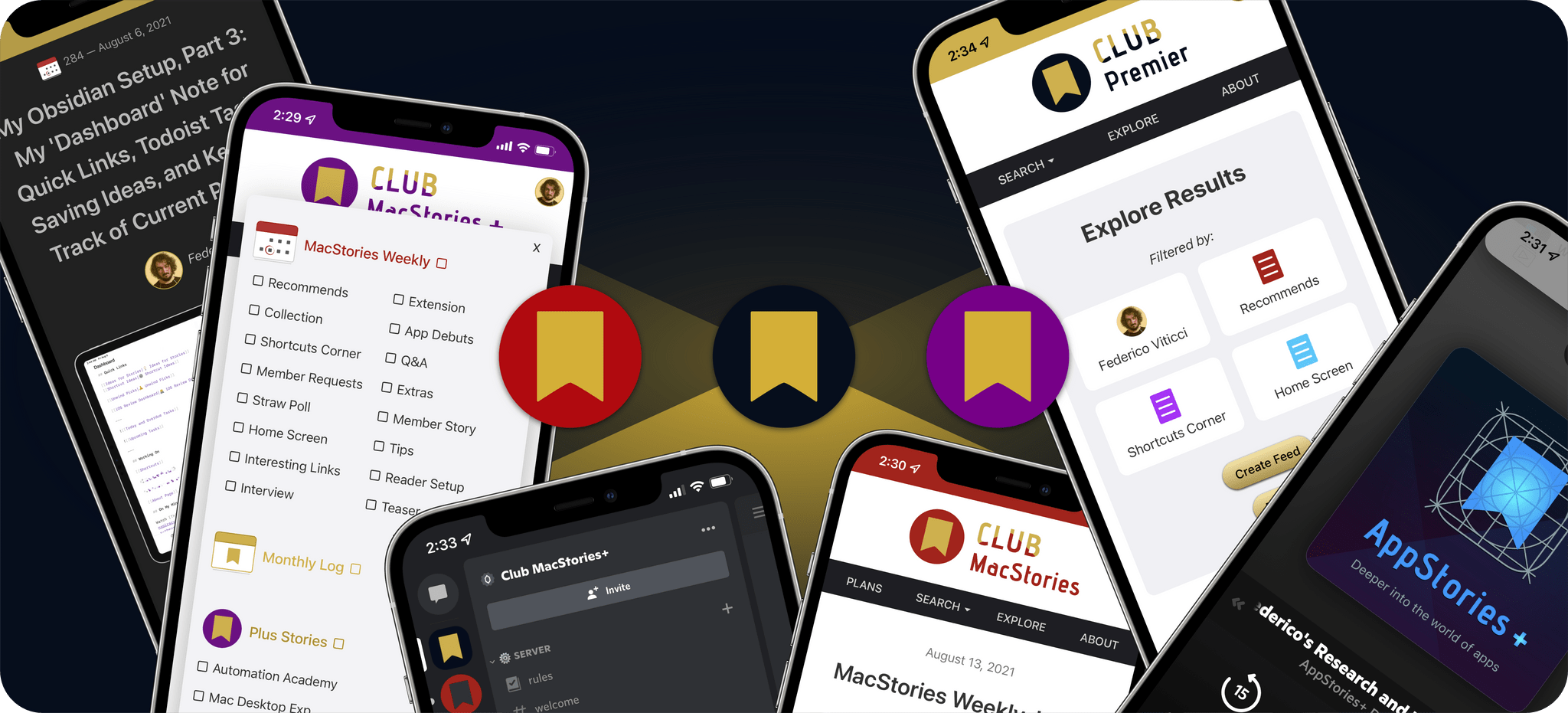
First of all, thank you from the entire MacStories team. We are all tired after a busy launch week, but we couldn’t be happier about the response from everyone. It’s been wonderful to see Club members old and new as excited as we are about everything we announced. We’ve spent a lot of time walking...
Previously, On MacStories
A Closer Look at the Club MacStories Perks Announced This Week TestFlight for Mac Has Finally Arrived Setting Up a Custom Domain for iCloud Email Automation Academy and The Macintosh Desktop Experience: Exclusive Monthly Features for Club MacStories+ and Club Premier Members Deeper on Calliope, Our New Web App for Club MacStories and AppStories Introducing...
Interview: Rahul Matta

Twitter: @rmatta. Creator of Tempo, a workout log for runners, walkers, and hikers. This week you introduced a new feature called Goals in Tempo, your app for runners, walkers, and hikers. Could you tell readers more about Tempo and what you’ve done with Goals? Tempo is an amazingly comprehensive and intelligent training log. It helps...