


LookUp We have 20 codes for LookUp, the dictionary app that is now available as a Universal app across all of Apple’s platforms. Inter by Noon Eastern US time on Wednesday, July 28th for a chance to win. Enter for a Chance to Win!...
 Up Next on MacStories’ Podcasts
Next week on AppStories, Federico and John explore the possibility of an Apple app-only research workflow with the new features and design changes coming to iPhone, iPad, and Mac apps this fall. This week on MacStories Unwind, Federico and John cover John’s 2-month review of the M1 iMac, CARROT Weather 5.3, a Skate...
Tempo - The Minimalist Email Client for Mac [Sponsor]

Tempo takes the stress out of email by putting you in control of the process in a beautifully designed, minimalist app for the Mac and iOS. The secret to Tempo is right in its name: it puts you in charge of when you get messages. By scheduling messages to arrive in batches, you can work more efficiently and on a schedule that works for you.
Tempo’s customizable scheduling reduced the number of notifications you receive, which means fewer distractions. Paired with a handsome, sophisticated UI that dispenses with clutter to provide you with a focused writing environment, Tempo delivers with a simple UI backed by a rich feature set and Markdown compatibility.
The app allows you to connect up to five Gmail accounts and can be set up in just minutes. Decide when you want messages to arrive and then process messages in Batches.
Tempo also features Quick Replies, one-click unsubscribe from newsletters, a dedicated ‘To Do’ tab for following up later, separate sections for reminders, drafts, and newsletters, and a focus mode for concentrating on one message at a time. When you need to receive a response immediately outside your normal schedule, you can mark a thread as VIP to get notified as soon as a reply comes in.
Privacy is important to Tempo. Your data isn’t sold to anyone, and the app only tracks what’s necessary to deliver your messages, which it does anonymously. Tempo also removes pixel trackers from the messages it delivers.
Your time is better spent outside your email client. Try Tempo today by downloading the Mac app and iOS beta now.
Our thanks to Tempo for sponsoring MacStories this week.
In This Issue
John makes the case for experimenting with Shortcuts for Mac now,Federico kicks off a special series on his Obsidian setup,plus the usual Links, App Debuts, arecap of MacStories articles, and a preview of upcoming MacStories podcast episodes....
Up Next on MacStories’ Podcasts
Next week on AppStories, Federico and John continue the Summer OS Preview Series by interviewing AirBuddy, Chibi Studio, and other apps, about what users have to look forward to this fall and the opportunities that changes to Apple’s frameworks mean to developers. This week on MacStories Unwind, Federico and John cover the new...
Interesting Links
Marketwatch has the details on a Delaware federal court’s dismissal of a lawsuit against Apple brought by Blix, an email app maker and founding member of the Coalition for App Fairness lobbying group that argued Sign in with Apple was anticompetitive. (Link) Tomorrow is World Emoji Day, and Adobe published the results of a survey...
Previously, On MacStories
Emojipedia Publishes Renderings of Draft Emoji Apple Quietly Releases MagSafe Battery Pack Troubles with HomePod’s audioOS Beta...
MacUpdater: Keep All Your Software Effortlessly Up-to-Date [Sponsor]
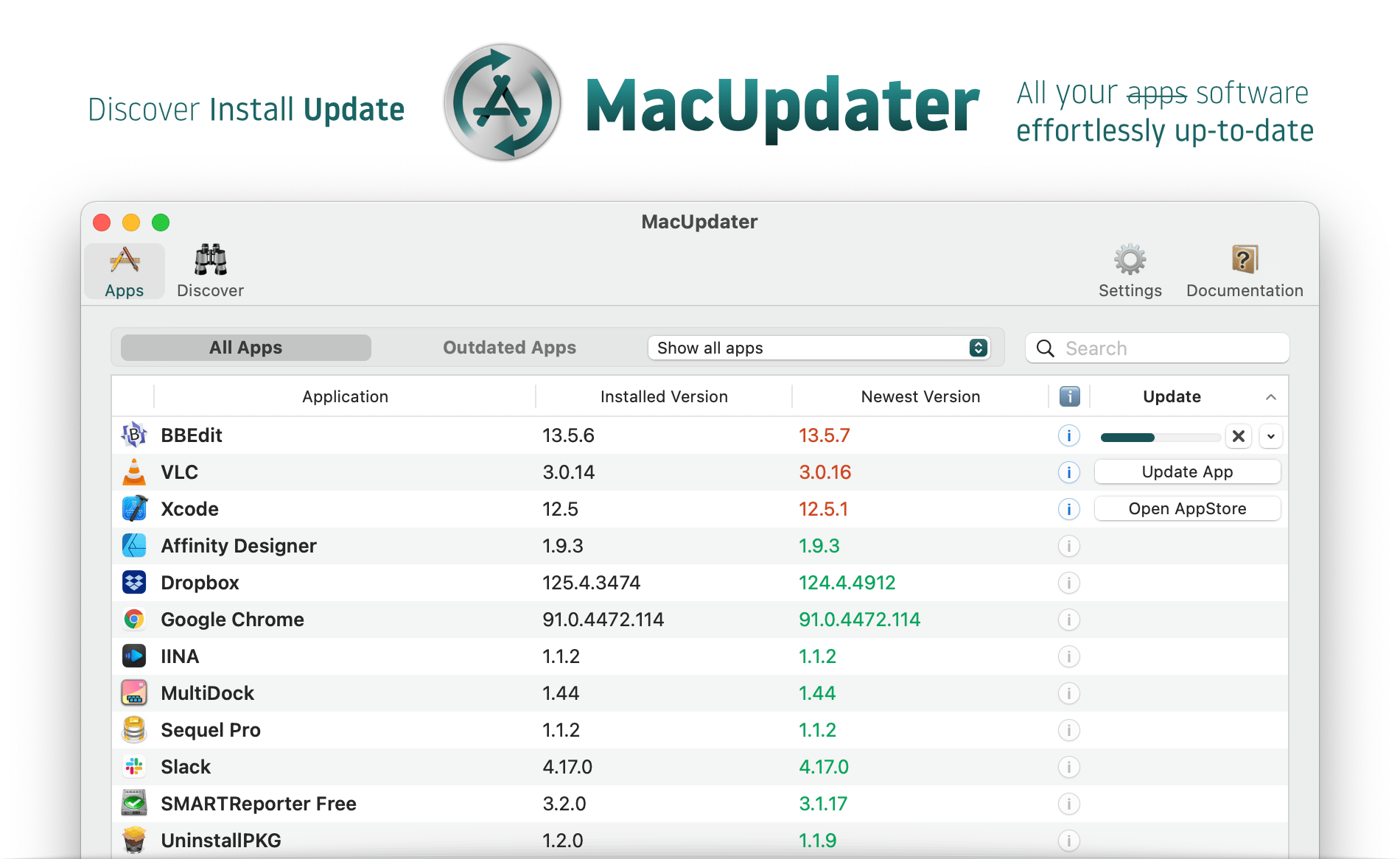
MacUpdater is an effortless way to ensure that all the software on your Mac is always up-to-date with the latest version. With a single click, the app scans your system for installed software and provides you with a comprehensive list of everything that is outdated in one simple, clear interface. It’s the perfect tool to keep your Mac’s software running smoothly and securely.
MacUpdater has an enormous built-in database of version information for over 60,000 apps and can update 6,000 of the most popular of those with a single click. What’s more, MacUpdater is actively maintained all the way back to version 1, so no matter which version you’re using, you know you can rely on MacUpdater to get the job done.
With version 2, MacUpdater added the ability to update multiple apps simultaneously, the ability to update non-app software you’ve installed, password-free updates for non-admin accounts, support for Big Sur and Apple silicon Macs, faster system scans, and much more. The app supports the latest technologies like the Touch Bar too.
MacUpdater is available as a one-time purchase. There’s no subscription, other recurring fees, or hidden costs, and for a limited time, readers of MacStories can get a 10% discount when they use the coupon code MACSTORIESQ3 at checkout. So visit MacUpdater’s website today to learn more about this terrific utility and to take control of updates on your Mac.
Our thanks to MacUpdater for sponsoring MacStories this week.
Interesting Links
Bloomberg tells the fascinating story of a $10 million Xbox gift card scam pulled off by a Microsoft engineer who used them to purchase Bitcoin. (Link) According to The New York Times, a machine made by a Dutch company critical to chip manufacturers like TSMC, which makes chips for Apple, has become a pawn in...