
Apple Music Replay 2020 Playlist Now Available Apple Warns that It Expects to Miss Quarterly Revenue Guidance Due to COVID-19 Outbreak in China Developer Crunchy Bagel Releases a Mac Catalyst Version of Streaks Apple Music Debuts Intelligent Sorting of Alternate Album Versions Adobe Unveils Photoshop Updates for the iPad and Mac on Its 30th Anniversary...
 Interesting Links
This week saw the demise of HQ Trivia, the mobile game that seemingly came out of nowhere to capture everyone’s attention for what felt like a split second, but was never able to come up with an act two to sustain its rapid growth. (Link) The Verge has a fascinating look at the flexible glass...
Textastic: The Code Editor for Your iPad and iPhone [Sponsor]
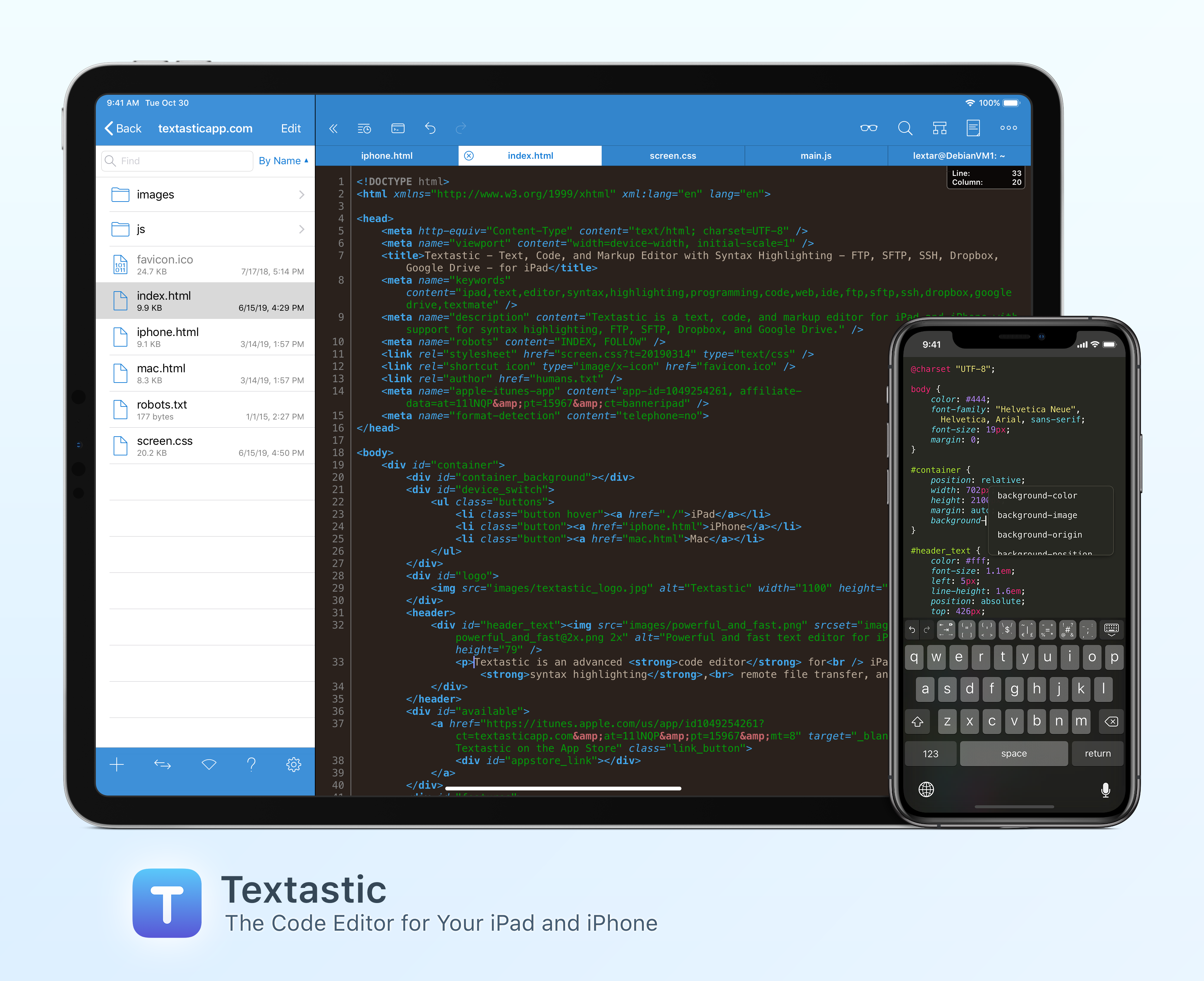
Textastic is the most complete and versatile code editor available for your iPad and iPhone. The app’s versatility starts with its extensive support of syntax highlighting for more than 80 programming and markup languages. Textastic handles highlighting for HTML, JavaScript, CSS, PHP, C, C++, Swift, Objective-C, Java, LaTeX, Python, Ruby, Perl, Lua, and dozens more.
Textastic is also a full-featured Markdown editor that includes a built-in web server and Safari support for previewing your work. The app is compatible with Sublime Text and Textmate syntax definitions too.
Textastic goes well beyond the features of a classic editor, though. You can manage remote file transfers with FTP, SFTP, WebDAV, Dropbox, and Google Drive and there’s a terrific, full-featured SSH terminal built right into the app. Because Textastic supports tabs, you can even have multiple files and SSH terminals open simultaneously.
With robust search and replace that supports regular expressions, keyboard shortcuts that are customizable, and support for Git repositories using Working Copy, it’s the most powerful code editor you’ll find anywhere with a long list of features, including support for the Files app, drag and drop, printing, iCloud Drive, Split View, and a whole lot more.
The app is regularly updated and maintained too. With the recent release of version 9, the app supports dark mode, multiwindowing, and context menus. Context menus are perfect for accessing a wide range of editing functions, managing multiple windows, and quickly grabbing a document’s file path.
To learn more about Textastic and what it can do for your code editing needs on the iPhone and iPad, visit textasticapp.com, then download a copy today. You’re going to love it.
Our thanks to Textastic for sponsoring MacStories this week.
Club Members Can Switch to Apple Pay Now
For some time now, new members of Club MacStories have been able to join using Apple Pay, but existing members couldn’t easily switch. That has now changed. All members of Club MacStories can change their membership payment method to Apple Pay if they would like. Just visit macstories.memberful.com ⇾ ‘Update card’ ⇾ ‘Use Apple Pay...
Interesting Links
Darkroom, the popular photo editing app for iPhone and iPad, is switching to a subscription model. Existing users of the app will be able to continue using it entirely for free. (Link) Microsoft’s game streaming service xCloud arrived on the iPhone and iPad as a TestFlight beta this week. (Link) Essential, the company that was...
Previously, On MacStories
FlickType Keyboard Review: Real Typing on an Apple Watch Display Apple Introduces Mac Catalyst Version of Swift Playgrounds Jason Snell on Editing Podcasts with Ferrite on an iPad with the Apple Pencil Shortcuts Rewind: Linking Tricks Using Markdown and Rich Text...
In This Issue
A collection of plain text editors from Federico, John explores image compositing appson the iPad and Mac, Ryan’s thoughts on a March Apple event, a tip on installing custom themes in Textastic, plus the usualWeekly Q&A, Links, App Debuts, a recap of MacStories articles, and a preview of next week’s episode of AppStories....
Up Next on MacStories’ Podcasts
Next week on AppStories, Federico and John explore how they approach testing unfamiliar apps and workflows....
Ulysses: The Ultimate Writing App for Mac, iPad and iPhone [Sponsor]
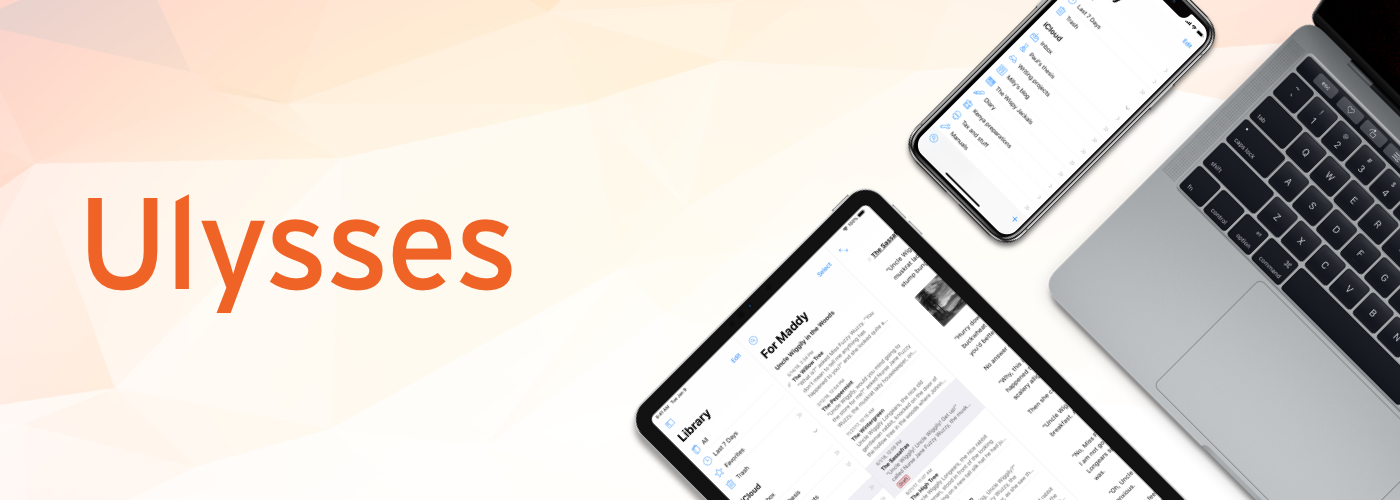
Ulysses is a powerful text editor for the Mac, iPad, and iPhone with unparalleled depth and an award-winning design that received an Apple Design Award. It’s a compelling combination that allows you to concentrate on your writing in a distraction-free environment with a full complement of cutting edge tools just a click or tap away. Ulysses works where and when you do too by offering iCloud sync between all of your devices, so your writing is always at your fingertips.
The flexibility of Ulysses’ deep toolset means you have all the functionality you need to manage writing projects of any size. The Library sidebar is brings order to your writing allowing you to organize it into groups that can be nested. The app also features powerful search and filtering options, keyword support, in-line images that can be stored locally or remotely on a server, and a whole lot more. Ulysses is updated all the time with new features to support the latest Apple technologies like dark mode, iPad multitasking, and context menus too.
Ulysses’ features go far beyond what other text editors offer. For instance, the app’s Goals feature lets you set character, word, and other types of writing goals that can be attached to a single document or entire group. Goals can be combined with deadlines too, which is a fantastic way to form good writing habits. You can learn more from Ulysses’ excellent tutorial.
When your writing is finished, Ulysses includes a wide variety of export and publishing options too. Your work can be exported as plain text, Markdown, TextBundle, rich text, DOCX, ePub, HTML, and PDF and published using WordPress, Medium, or Ghost. To learn more about Ulysses, visit ulysses.app.
Ulysses is a free download, so you can try it before deciding whether to subscribe for $4.99 per month or $39.99 per year. Students can subscribe for six months at a time for $10.99. The app offers a 14-day free trial, but MacStories readers can take advantage of a special extended three-month free trial right now. It’s a fantastic way to discover the app’s full capabilities, so be sure to check it out right away.
Our thanks to Ulysses for sponsoring MacStories this week.