

Twitter: @WillRBishop. Creator of Chirp, NanoReddit, and MiniWiki. People often look at my first Home screen and think I’m insane. “Where’s Twitter!?”, “Where’s Instagram!?”, but they’re just on another page. In fact, I don’t use folders at all, with the only exception being the one Apple gives you. My apps, all seemingly a million of...
 MacStories Unplugged
 John
I don’t want to spoil it here, but Federico and I will be back for this month’s edition of MacStories Unplugged tomorrow. Show notes will be published in the February issue of the Monthly Log, which will be published at the same time as Unplugged....
In This Issue
Spend Stack, Learn to Code, Vol. 2, a tip on opening documents in third-party apps from Apple’s Files app, Will Bishop’s Home screen, lots of App Debuts, plusLinks, arecap of MacStories articles, and a preview of next week’s episode of AppStories....
Up Next on MacStories’ Podcasts
Next week on AppStories, Federico and John revisit app subscriptions, a topic that has changed a lot since they last covered it in episode 5....
Previously, On MacStories
First Look: RTRO by Moment Vintage Video Camera App Eero WiFi Routers Add HomeKit Support Tot Review: Collect and Edit Bits of Text Unread 2 Review: The Elegant RSS Client Leaps into Modernity...
Airmail Pro – Your Mail on All Your Devices, iPhone, iPad and Mac [Sponsor]
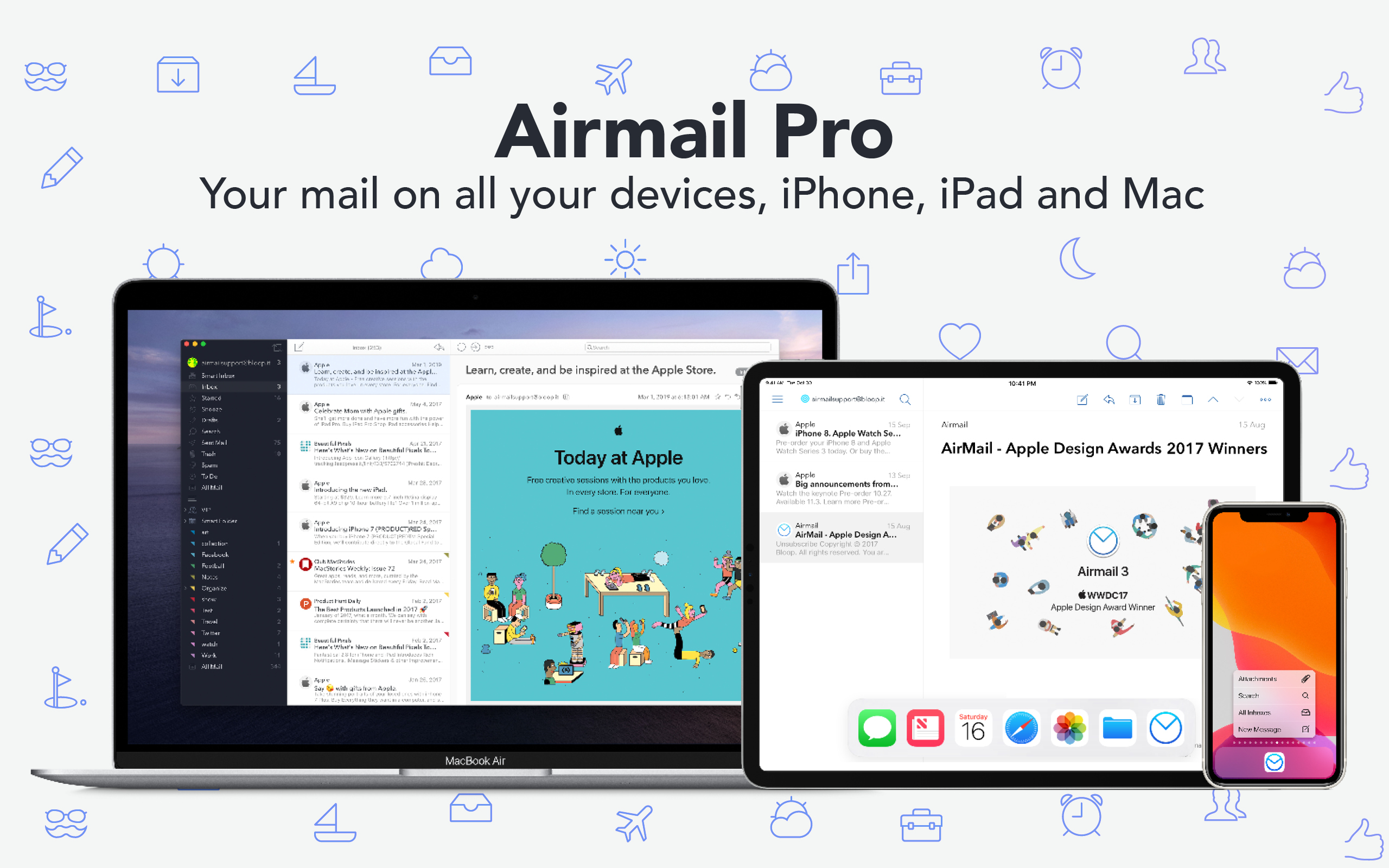
Airmail Pro is the Apple Design Award-winning email client for iOS, the iPad, the Apple Watch, and the Mac that combines elegant design with rich, customizable features that tame your inbox with a single subscription for all your devices.
Everyone’s email workflow is a little different. With Airmail’s extensive customizations, unique actions, and deep integration with other apps and services, the app works for you instead of against you.
The app can handle every major email service and standard. It’s smart, unified inbox filters out less critical messages like newsletters too. Sending and managing messages is just as powerful too. You can snooze messages until later and set them up to be sent in the future. There’s even a privacy mode that processes all the data locally on your device, blocks tracking pixels, and prevents images from loading automatically. On the iPad, Airmail Pro shines with Split View support, drag and drop, keyboard shortcuts, an iPad-optimized layout, and a lot more.
Airmail Pro was just updated across every platform, adding terrific new and updated features for Pro subscribers like a brand new design, revamped search functionality, new themes, and custom actions. There’s also support for dark mode, interactive notifications so you can delete, archive, or reply to messages from inside a notification, bulk message management, tons of sorting and filtering options, and message templates.
Take control of your email across all of Apple’s platforms today by downloading Airmail for the Mac, iPhone, iPad, and Apple Watch now.
Airmail Pro is free to try without multiple account support and with other limitations. If you’re an Airmail Pro subscriber on iOS or bought Airmail 3 after January 1, 2019, the full, unlocked versions of Airmail are available for no extra charge. Other users can still use earlier versions of the app by going to Preferences → General → Airmail Legacy.
Our thanks to Airmail Pro for sponsoring MacStories this week.
Perks

Up Next on MacStories’ Podcasts
Next week on AppStories, Federico and John explore how Apple is increasingly blending services with its apps, where the mix has worked, where it hasn’t, and where they expect the trend will lead next....
In This Issue
Soor, a Streaks for the Mac giveaway, a tip on how to sign PDFs without using an app, a brand new shortcut from Federico for creating tasks in OmniFocus, a combination shortcut, Hazel rule, and AppleScript automation for remotely printing PDFs, Weekly Q&A, including how to subscribe to YouTube RSS feeds,plus the usual Links, App...