


Twitter: @iryantldr. MacStories editor. Next week on MacStories, I plan to publish an article in which I offer an in-depth walkthrough of my current iPad Home screen. As I’ve been preparing that story, I’ve been struck by how many different factors there are to consider and integrate on an iPad’s Home screen that aren’t really...
 In This Issue
Bad North, iOS travel apps, vol. 3, an iOS 13 SMB server tip, Federico detailssevenadvanced Toolbox Pro shortcuts, Ryan explains how he’d like to see the TV app overhauled and shows off his iPhoneHome screen,plus the usual Weekly Q&A, Links, App Debuts,a recap of MacStories articles, and a preview of next week’s episode of AppStories....
Up Next on MacStories’ Podcasts
Next week on AppStories, Federico and John interview Zac Cohan, the creator of Soulver, about how he got started in app development, where the idea for Soulver came from, how the app has evolved over the past 15 years, and a whole lot more....
Previously, On MacStories
Apple Renews ‘The Morning Show’, ‘See’, ‘For All Mankind’, and ‘Dickinson’ for Second Seasons Disney+ Available Now, Integrated with Apple’s TV App But Not as a Channel FoodNoms: A Privacy-Focused Food Tracker with Innovative New Ways to Log Meals Apple Announces New 16” MacBook Pro with Redesigned Keyboard, Thinner Display Bezels, and Updated Processors Game...
SignEasy: The Easiest Way to Sign and Send Documents for Signature [Sponsor]
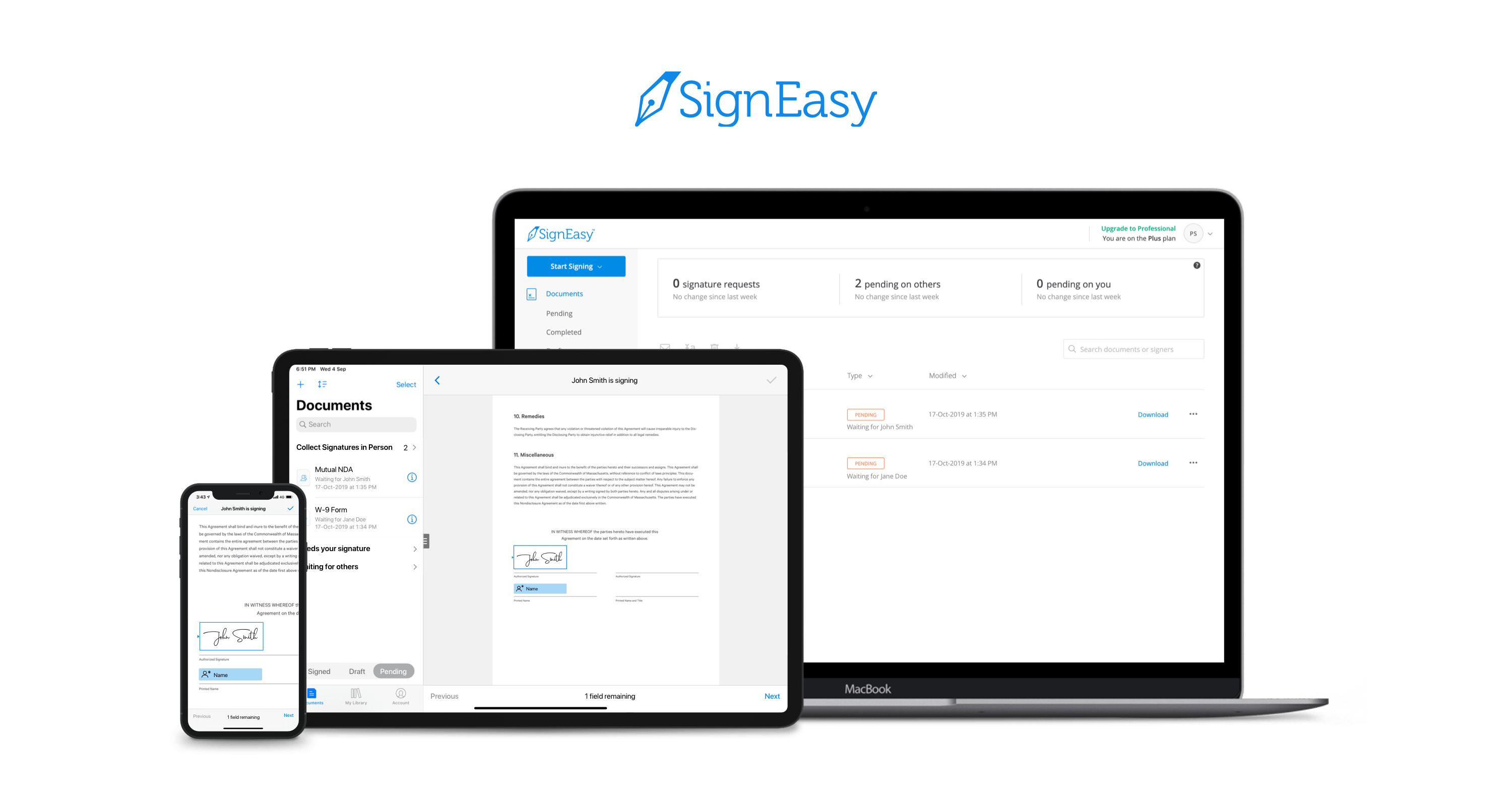
SignEasy tears down one of the most stubborn barriers to conducting business, especially for those with distributed workforces and remote and field-based teams. For too long, workflows that required signatures have involved printing, scanning, and sending documents by snail mail. With SignEasy, that runaround is a thing of the past: now, you can work seamlessly no matter where you are, maximizing your productivity.
The flexibility SignEasy provides for users is transformative. Whether you’re at a meeting or working from home, you can sign documents and send them off for signature either on desktop or using their handy mobile app. In fact, the app has become so valuable for businesses big and small that SignEasy recently became part of Apple’s mobility partner program. This partnership gives SignEasy access to the latest iOS and iPadOS features and design trends, ensuring that users always have the most cutting-edge features at their fingertips. It also allows SignEasy to collaborate with other Apple mobility partners, creating groundbreaking partnerships and integrations with the best tools on the market.
Most recently, SignEasy took a page out of Apple’s book to inspire its feature updates for the iOS and iPadOS 13 launch, including dark mode, multi-window viewing on the iPad, and Dynamic Type. There’s even an in-app scanner so you can pull documents from the physical world into your digital workflows. SignEasy is also compatible with all of the major cloud service providers, including Google’s G-Suite, Office 365, Dropbox, Box, and email apps.
SignEasy is the easiest way to sign and send documents for signature, and for a limited time, it has a special deal for MacStories readers.
Sign up today and receive a 50% discount on a SignEasy subscription. It’s never been more cost-effective to simplify your work.
Our thanks to SignEasy for sponsoring MacStories this week.
Interesting Links
Adobe is pushing further into AI-based photo editing and social media tools with Photoshop Camera, a camera app expected in 2020 that leverages AI and ‘Photoshop-grade magic’ to create and edit images all inside the app. (Link) The New York Times has an eye-opening account by Kashmir Hill of the extensive dossier that data mining...
Previously, On MacStories
Apple TV+ Now Available: Here’s Its Full Launch Lineup Adobe Creative Cloud App Brings Thousands of New Fonts to iPhone and iPad FS Bookmarks: A Shortcut to Reopen Files and Folders Directly in the Files App Adobe Releases Photoshop for iPad and Aero, an iOS AR Creation Tool, Plus Offers a Peek at 2020’s Illustrator...
In This Issue
Kindle, Taking Your Running Workouts Beyond Apple’s Workout App, Federico on automating a Dyson fan with HomeKit and Push Notifications, an interview with Marc Edwards of Bjango about Adobe’s iOS and iPadOS apps, the results of our member straw poll, plus the usual App Debuts, arecap of MacStories articles, and a preview of next week’s...
Up Next on MacStories’ Podcasts
Next week on AppStories, Federico and John discuss Apple’s TV app, including how they use it, what works, and what doesn’t....