

LookUp, one of my favorite iPad dictionary apps defines catalyst as: a substance that increases the rate of a chemical reaction without itself undergoing any permanent chemical change. That definition works as the name of Apple’s project for migrating iPad apps to the Mac for a couple of reasons. First, as I’ll cover in detail...
 Previously, On MacStories
Adobe Previews New iPad Drawing and Painting App, Fresco I Won’t Sit Down: Songwriting with Frank Turner (Part 1) Nintendo Announces Dr. Mario World Coming to iOS July 10 Apple Stores Showing Signs of Change Under Deirdre O’Brien’s Leadership Apple to Revise Mojave’s Catalyst Apps in macOS Catalina Harry Potter: Wizards Unite AR Game Launches...
Up Next on MacStories’ Podcasts
Next week on AppStories, Federico and John cover Catalyst and how it fits into Apple’s Mac and iPad strategy in an episode that’s a companion to John’s Catalyst story coming on Monday and previewed above in Teaser. [[dialog_artwork]] Next week on Dialog, Federico and John wrap up their conversation with musician and songwriter Frank...
In This Issue
SoundSource,Apple Watch apps with Siri face support, choosing thumbnailsize in Reminders for iOS 13, Federico reports on his initial experiments with Reminders for iOS and iPadOS 13, John teases a Catalyst story coming to MacStories next Monday, plus the usual Weekly Q&A, Links, App Debuts, a recap of MacStories articles, and a preview of next...
Interesting Links
The Internet has been abuzz all week about Libra, the cryptocurrency designed by Facebook in partnership with 27 other companies and The New York Times has an excellent overview of how it works and some of its implications for consumers. (Link) Influencer story number one comes from The New York Times and tells the tale...
Tumult Hype Professional 4.0: Create Stunning Web Animations Without the Code [Sponsor]
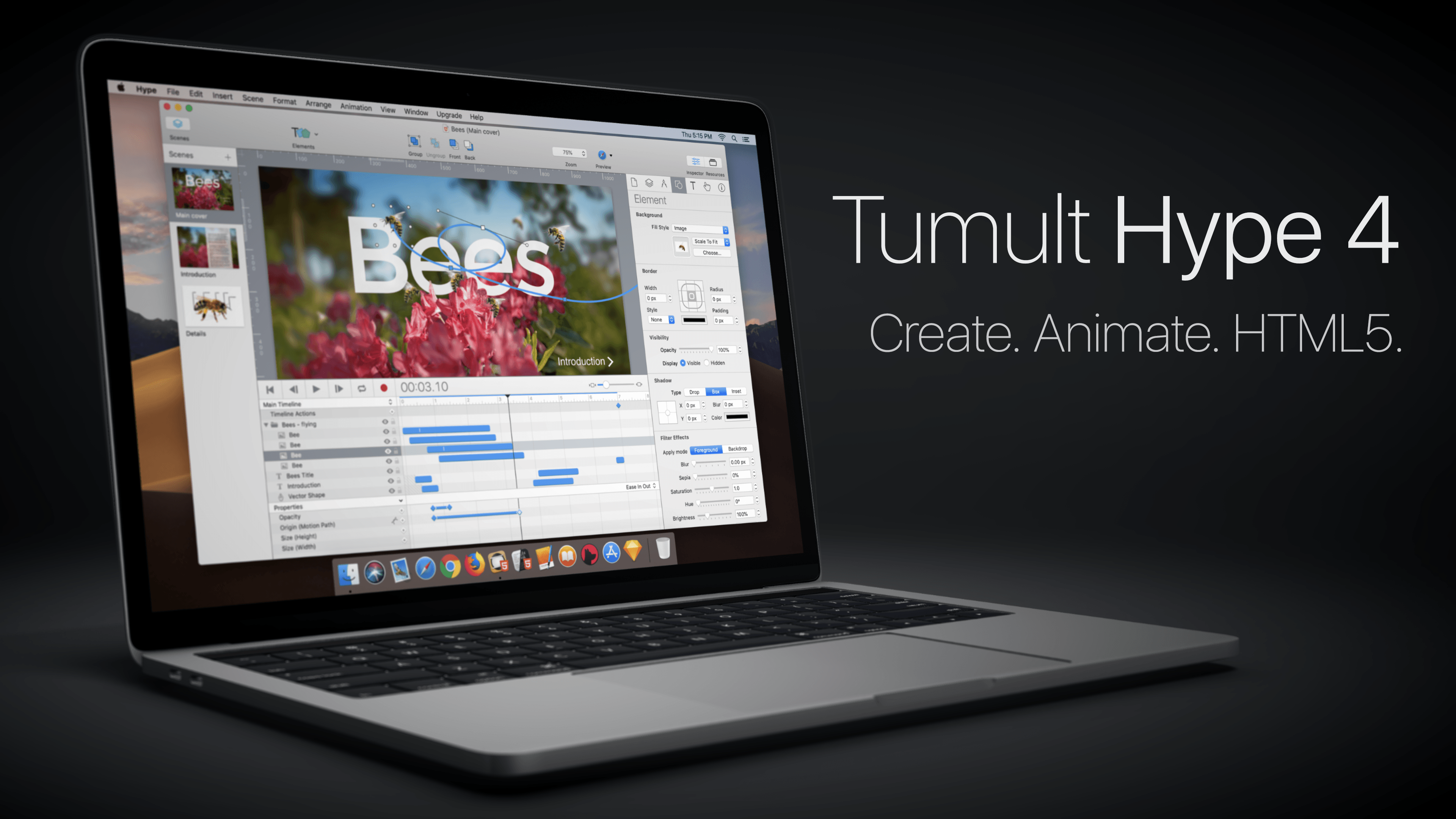
The web is a visual medium, so it pays to make the most of what it has to offer with beautiful, interactive animations. With Tumult Hype Professional 4.0 for the Mac, you can create stunning animations without writing a single line of code.
The app uses a powerful key-based animation system combined with an easy-to-use record button that couldn’t be simpler. That’s because under the hood of Tumult Hype’s elegant UI is a sophisticated interactivity system that can trigger symbols and multiple timelines.
With the recent release of version 4.0, Tumult Hype introduced vector shapes with shape morphing for more advanced animations. You can also incorporate physics into animations, ease into and out of animations, bring line drawings to life, create snapshots to use with browsers where JavaScript is disabled, and use Hype with external editors and tools like BBEdit, Photoshop, Affinity Photo, and Astropad.
Tumult Hype’s visual environment the perfect way to create animations because it eliminates the guesswork letting you see exactly what the visitors to your site will see. Whether you’re building ads, which require a small export footprint, infographics, banners, animated lessons, interactive experiences, or books, Tumult Hype has you covered. Then when you’re finished, the app outputs state-of-the-art HTML5 and CSS3 driven by JavaScript, which is compatible with everything from IE 6 to the latest Chrome, iOS, and Android browsers.
To get started making responsive, flexible documents that accommodate all device layouts, download and try Tumult Hype today. For a limited time, MacStories readers can buy Tumult Hype Professional for 20% off on the Tumult store by using this link or the coupon code ‘MACSTORIES’ at checkout.
Our thanks to Tumult Hype Professional for supporting MacStories this week.
Interesting Links
Apple-owned Shazam added a feature this week to its Android app that isn’t available on iOS: the ability to identify songs playing through headphones. (Link) TechCrunch has the details on a new BYOD-to-work system Apple has developed that won’t require your work IT department to have access to all of the data on your iPhone,...
Perks

12.9” BrydgePro Exclusively for Club MacStories members in the US, we are giving away a Space Gray Brydge Pro Bluetooth keyboard for the 12.9” iPad Pro. Unfortunately, due to shipping costs, this giveaway is limited to continental US residents only. Use the button below to enter youremail address for a chance to win. The winner...
Up Next on MacStories’ Podcasts
Next week on AppStories, Federico and John begin digging into the updates to Apple system apps coming in the fall with a close look at Notes on iOS 13 and macOS Catalina. [[dialog_artwork]] Next week on Dialog, Federico and John speak to musician and songwriter Frank Turner about getting started, going solo, writing songs,...