

The situation is evolving rapidly, but if you’d like to understand what’s going on between the US and Huawei, Reuters has a fantastic overview. (Link) Microsoft introduced its new Edge browser for the Mac this week with a blog post that addresses how the company worked to make it fit in on macOS. (Link) Artificial...
 Previously, On MacStories
Fiery Feeds Adds iCloud Accounts, Three-Pane iPad View, New Customization Tools, and More Timery for Toggl: The MacStories Review CARROT Weather Enables Notifications for Storm Cells, Precipitation, Lightning Strikes, Government Alerts, and More Beyond the Tablet: Seven Years of iPad as My Main Computer Beyond the Tablet Extras: eBook, Special Episode of AppStories, and Making...
iMazing: Take Control of Your iPhone Data [Sponsor]
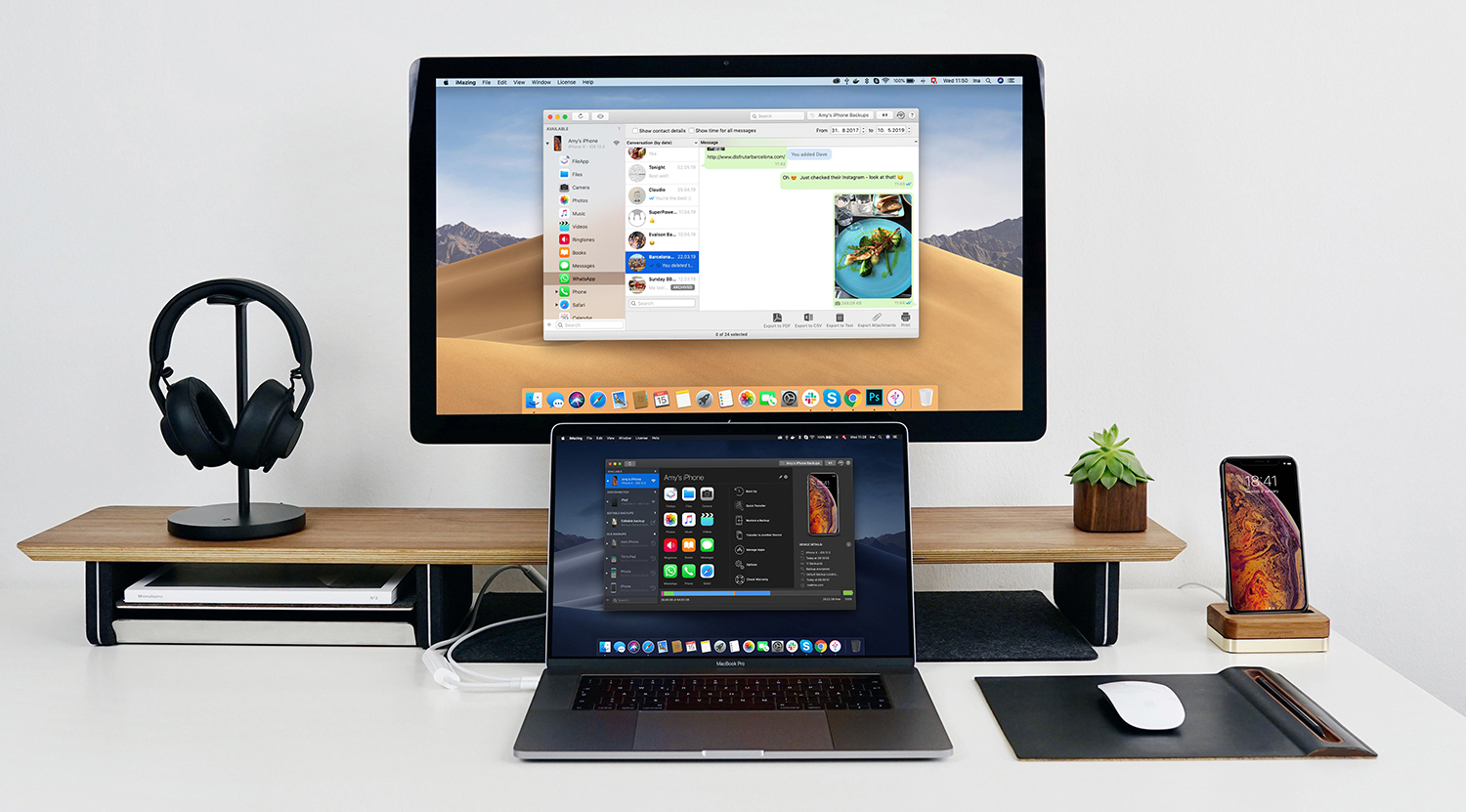
iMazing is a Mac app that provides unparalleled access to everything on your iOS devices. The app works over both WiFi and USB, so it’s ready whenever you are. With it, you can take control of your iOS data: make Time Machine-style backups, easily transfer documents, media and content, and dig into system files, access device and battery diagnostics, and a whole lot more. iMazing is the Swiss Army Knife of iPhone and iPad management.
Backups
All of your data stays local, on your Mac and backups can be encrypted for maximum privacy. Backups can be saved to any destination you want, including external drives or a NAS, and unlike iTunes, iMazing keeps a history of your backups so you can roll back to any prior backup.
New WhatsApp and Messages Features
The app is continually updated with new and exciting features. The latest update focuses on Apple’s Messages app and WhatsApp. WhatsApp integration is all-new. iMazing has a dedicated WhatsApp view that displays your chats, photos, videos, shared contacts, links, locations, message status, and much more. The app includes powerful search functionality for finding messages and the ability to make printed copies and export PDFs, CSV files, and text files too.
Messages integration has been improved too. It’s faster than ever and has gained the same printing and export options as the WhatsApp integration, making iMazing an essential tool for preserving memories and finding conversations.
Limited-Time Discount
iMazing is offering a special, limited-time 30% discount just for MacStories readers until May 27, 2019. So don’t delay, download iMazing today and take control of you iPhone data.
Our thanks to iMazing for sponsoring MacStories this week.
Up Next on MacStories’ Podcasts
Next week on AppStories, Federico and John go behind the scenes to discuss the making of his iPad feature story and dig into some of theways he uses the iPad Pro to write, podcast, and run MacStories....
In This Issue
iOS travel essentials, a preview of Federico’s upcoming iPad feature story, an interview with developer Becky Hansmeyer, how to insert links as rich text in Apple Mail for iOS, John on the different ways Apple and GameClub are promoting premium iOS games, plus the usual Weekly Q&A, Links, App Debuts, a recap of MacStories articles,...
Interesting Links
Ars Technica runs down how Google killed the ‘Works with Nest’ program during its annual developer conference and what that will mean to consumers that own Nest products. (Link) PaymentsSource reported on a presentation Apple’s Jennifer Bailey gave at a payments industry conference, in which she disclosed that Apple is working with scooter rental companies...
Interview: Becky Hansmeyer

Twitter: @bhansmeyer. Developer of Snapthread. How has Snapthread evolved since it was first introduced? After my son was born in 2016 I started taking loads of 10-second videos with Snapchat – hundreds of them, probably. I wanted a way to merge them together and send them to my parents, but couldn’t find an app that...
Previously, On MacStories
An Interview with Khoi Vinh, Principal Designer at Adobe Designing a Dark Theme for OLED iPhones Samsung Smart TVs Gain Apple’s TV App and AirPlay 2 Support Apple Releases iOS 12.3 and tvOS 12.3 with New TV App, AirPlay 2 Support on Smart TVs Snapthread 2.0 Adds a Refined UI, an Improved iPad Experience, and...
Daylite: Win More Business, Get More Done [Sponsor]
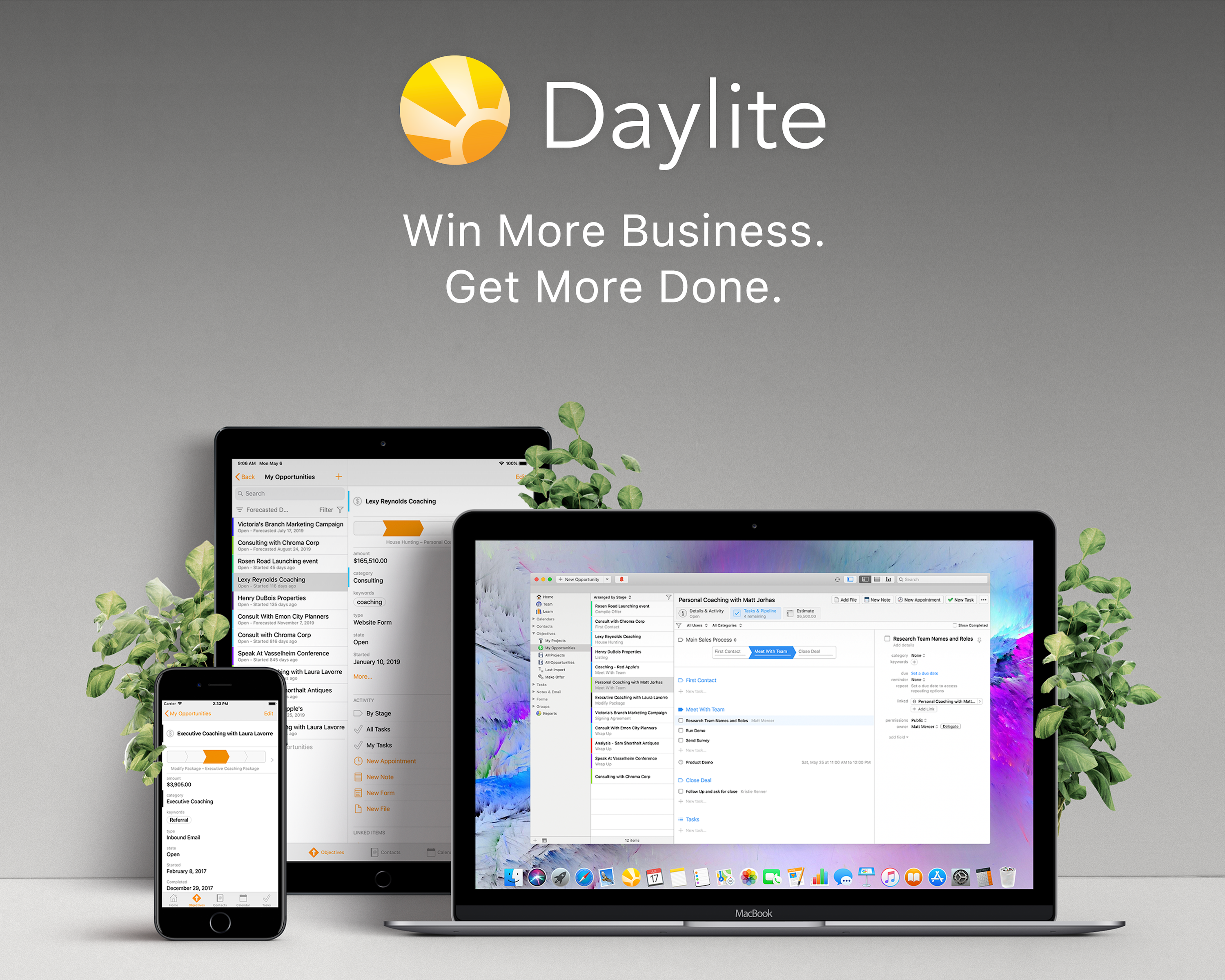
Your search for the perfect Mac CRM ends here. Built exclusively for Mac, iPhone, and iPad, you can win more business and get more done with Daylite.
If you’re tired of relying on your brain to remember when to follow up and remember tiny details, then Daylite was created for you. Capture every client, project, email, and detail – all in one app.
Imagine it now…
You follow up when you say you will. You stay top of mind with your customers and close more deals. Your projects are so streamlined you never worry about what’s next. Everything you need is organized in one place. Does this sound like a fantasy?
Integrate with Apple Contacts & Calendars. Integrate with Apple Mail and create tasks and set follow-up reminders all from your inbox. Easily organize contacts into lists for email campaigns and follow-ups. Streamline your sales process and your project steps for the whole team to follow. Delegate tasks and improve team collaboration without micromanaging.
Most people are stuck in a perpetual struggle to stay on top of everything, but that’s not you. Instead, you know that if you want to get different results, it’s time to try something new. Sign up for a free 30-day Daylite trial now.
Our thanks to Daylite for sponsoring MacStories this week.