
MacStories Team

3497 posts on MacStories since July 2011

Articles by the MacStories team. Founded by Federico Viticci in April 2009, MacStories attracts millions of readers every month thanks to in-depth, personal, and informed coverage that offers a balanced mix of Apple news, app reviews, and opinion.

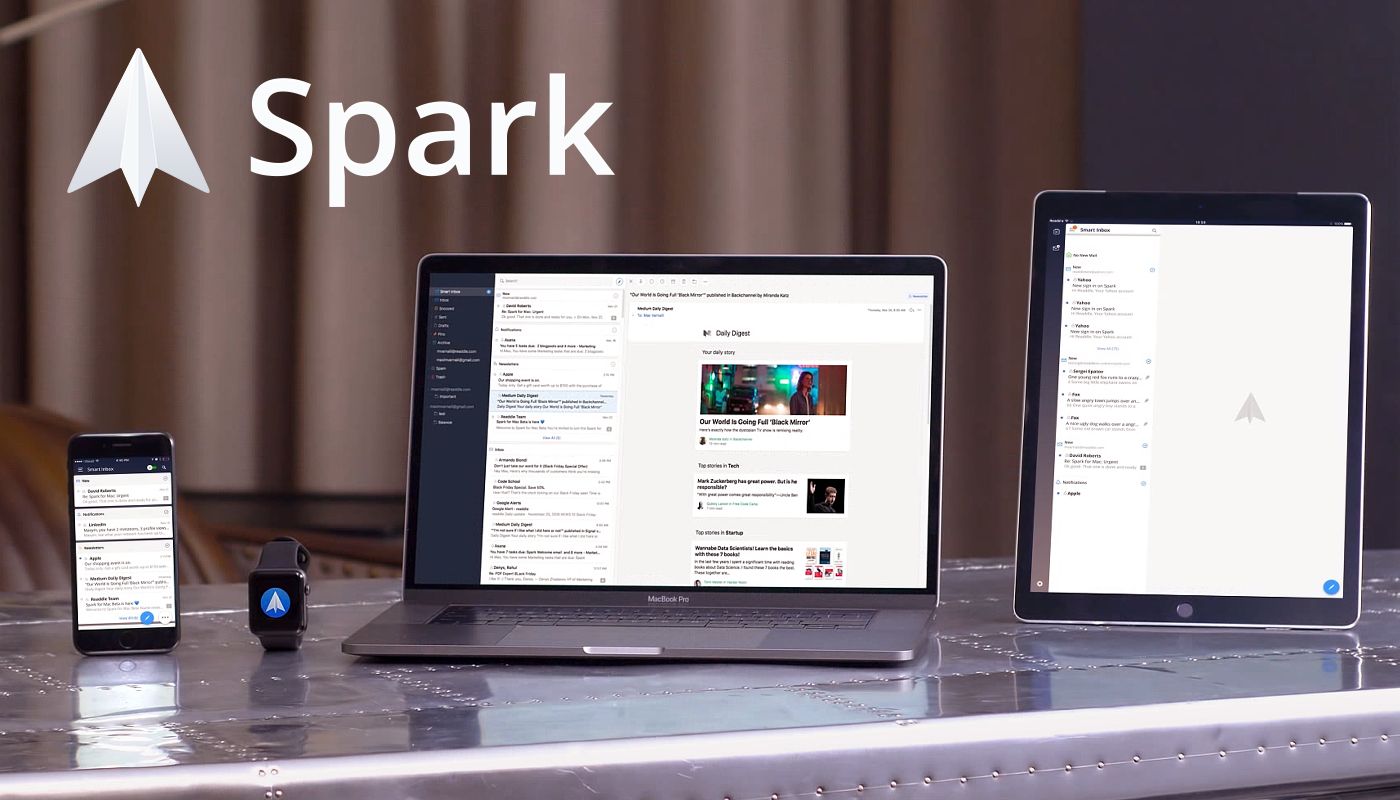
Spark: The Future of Email [Sponsor]

Email doesn’t have to be difficult. Instead of letting it rob you of your precious time use Spark on iOS and the Mac to recover those lost moments automatically.

Spark is loaded with smarts starting with its Smart Inbox that categorizes messages as Personal, Notifications, and Newsletters, which makes it easy to focus on what’s important and return to what’s not later.

Intelligent search makes it simple to find messages no matter where they are too. Spark features a natural language algorithm that thinks just like you. Spark also uses Smart Notifications, so you only get notified what you need to know now.

Spark features beautifully designed card-style calendar invitations that can be accepted with just one tap, the ability to send later and set up reminders for messages that don’t receive a reply, message snoozing, and Quick Replies that let you acknowledge a message with a single tap. Spark also has customizable gesture actions and works with Dropbox, Box, iCloud Drive, and more.

As if that weren’t enough, Spark for Teams completely changes the way colleagues collaborate giving them the ability to do things like comment on and discuss messages and even write messages together. Messages can be delegated to team members for follow up too. Once you’ve tried Spark for Teams, you won’t know how you worked without it.

The future of email is now. Download Spark today for free on iOS and the Mac to take control of your inbox.

Thanks to Spark for supporting MacStories this week.
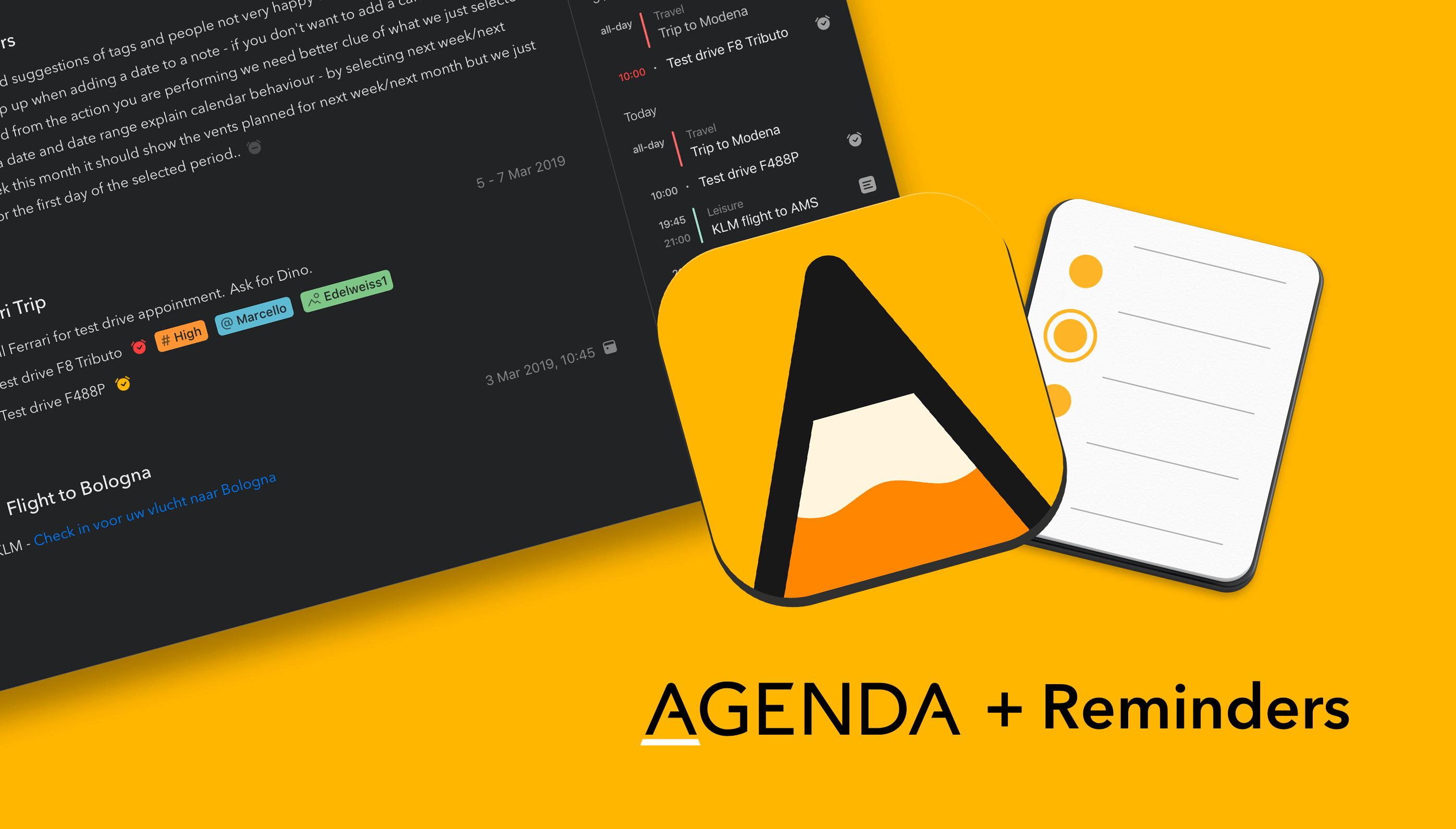


Agenda: First Your Calendar, Now Your Reminders [Sponsor]

Agenda is a strong new entrant in the arena of note taking apps for Mac, iPad, and iPhone. It’s elegant and powerful — Agenda was the only Mac app to win an Apple Design Award in 2018 — and includes a few twists on what you have come to expect from a note taking app.

To begin with, Agenda focuses on dates. You organize your notes chronologically in projects, with each project flowing from future, through present, and into the past. Use Agenda to plan for a future meeting or vacation, and have your notes ready when it is time to begin. When it’s all over, the very same notes are preserved for posterity in Agenda’s unique timeline.

You can even link notes to events in your calendar app, and edit the events without leaving Agenda. Rather than competing with your calendar, Agenda complements it, working perfectly in tandem.

Even more exciting, the Agenda team is putting the finishing touches on an update which will bring that same level of integration for Apple’s Reminders app. Reminders is great tool for scheduling tasks that are due at a particular time or place; in just a few weeks time, Agenda will allow you to create and edit reminders without leaving the app.

Similar to calendar support, the Agenda team have opted to integrate with the existing Reminders app, rather than reinvent the wheel. You will be able to link reminders to list items in Agenda, so that you get a notification when they become due. Agenda will autofill as much information as possible, making it ridiculously easy to create new reminders for your tasks. There is even support for a markdown-like syntax, so you don’t even have to stop typing.

Agenda is free to download and use forever. It is a great time to give it a try, because there is now support for importing from Evernote and Apple Notes, and free sync via iCloud.

A premium feature upgrade is available via In-App Purchase. It includes all current premium features, as well as new ones added in the next 12 months. Best of all, the features you unlock are yours to use forever — strictly no subscription.

Our thanks to Agenda for sponsoring MacStories this week.