

Next week on AppStories, to celebrate MacStories’ 10th anniversary, John interviews Federico for an in-depth look at MacStories past, present, and future....
 In This Issue
Prism,iOS Writer’s Toolbox, Vol. 3, a tip from Federico about customizing workout metrics on the Apple Watch, John on the multiple, sometimes inconsistent ways to manage photos on iOS, plus the usual Weekly Q&A, Links, App Debuts, a recap of MacStories articles, and a preview of next week’s episode of AppStories....
Arq: Trustworthy Backup [Sponsor]
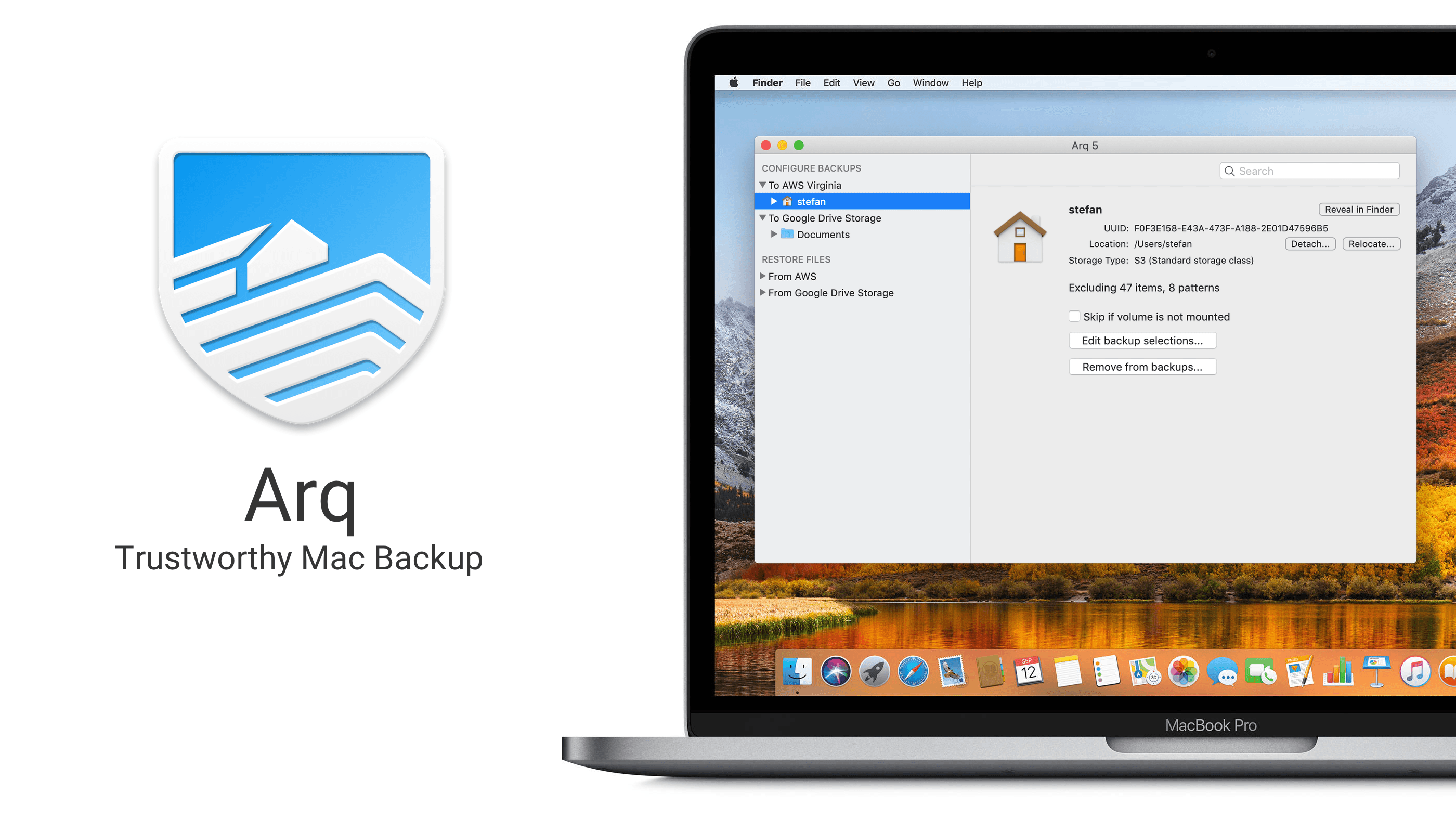
Backups of your computer’s files have to be trustworthy. If you can’t trust your backups, they’re not really backups.
The reason Stefan created Arq Backup for the Mac back in 2009 was because he couldn’t find an online solution that felt like real backup. Most online backup providers were and continue to be vague about where the data are stored, how durable the storage is, and how sustainable the business model is.
Arq does everything it can to provide a completely trustworthy backup solution.
Why should you trust Arq?
- Arq is open. It stores versioned, de-duplicated backup records in a format that’s documented.
- Arq is private. Backup records are encrypted with a password that only you know. The password never leaves your computer, and your data is encrypted before ever leaving your computer.
- Arq gives you control. Your backup data is stored in your own cloud account, SFTP server, or NAS.
- Arq verifies. Arq periodically makes sure the contents of the objects at the destination match the contents of your files on disk.
- Arq notifies. You’ll get a notification when there’s an error.
Do you like having total control over your data? Do you want to maintain your privacy? Then Arq is for you!
Download a free 30-day trial of Arq today and rest easy knowing that your files are backed up and secure.
Our thanks to Arq for sponsoring MacStories this week.
Interview: Simon Oliver

Twitter: @SimonOliverUK. Founder and CEO of HandCircus, creator of Rolando, Okabu, and Seabeard. Rolando was one of the early break-out hits on the App Store. What kind of reaction did you get when it disappeared with the move to 64-bit apps in 2017? We’ve continued to get a steady stream of emails from Rolando fans...
Up Next on MacStories’ Podcasts
Next week on AppStories, Federico and John take a close look at the apps announced as part of Apple’s March 25th event....
Interesting Links
Plex has started testing a new design for their tvOS app, currently in beta. The new UI, labeled ‘UNO’ to indicate the effort to provide one consistent experience across platforms, focuses on reducing the need to type and instead wants to simplify navigation. There is a large sidebar to easily navigate different sections, which can...
In This Issue
Duolingo, Apps with True Black Themes, Vol. 3, an interview with Simon Oliver, founder and CEO of HandCircus, an Apple News tip, an all-new Teaser section featuring an upcoming story from Federico,plus the usualWeekly Q&A, Links, App Debuts, arecap of MacStories articles, and a preview of next week’s episode of AppStories....
Previously, On MacStories
Apple Officially Cancels AirPower Matthew Panzarino Explains How the Apple Card Will Work The New TV App: Our Hands-On with Channels, the Redesign, and More Logitech Announces Smart Folio Pro Cases for Latest iPad Pros with Backlighting and Special Function Keys Apple Spotlights the Use of Its Products at Work in ‘The Underdog’ Game Day:...
Toggl: The Simplest Time Tracker to Help You Get Things Done [Sponsor]
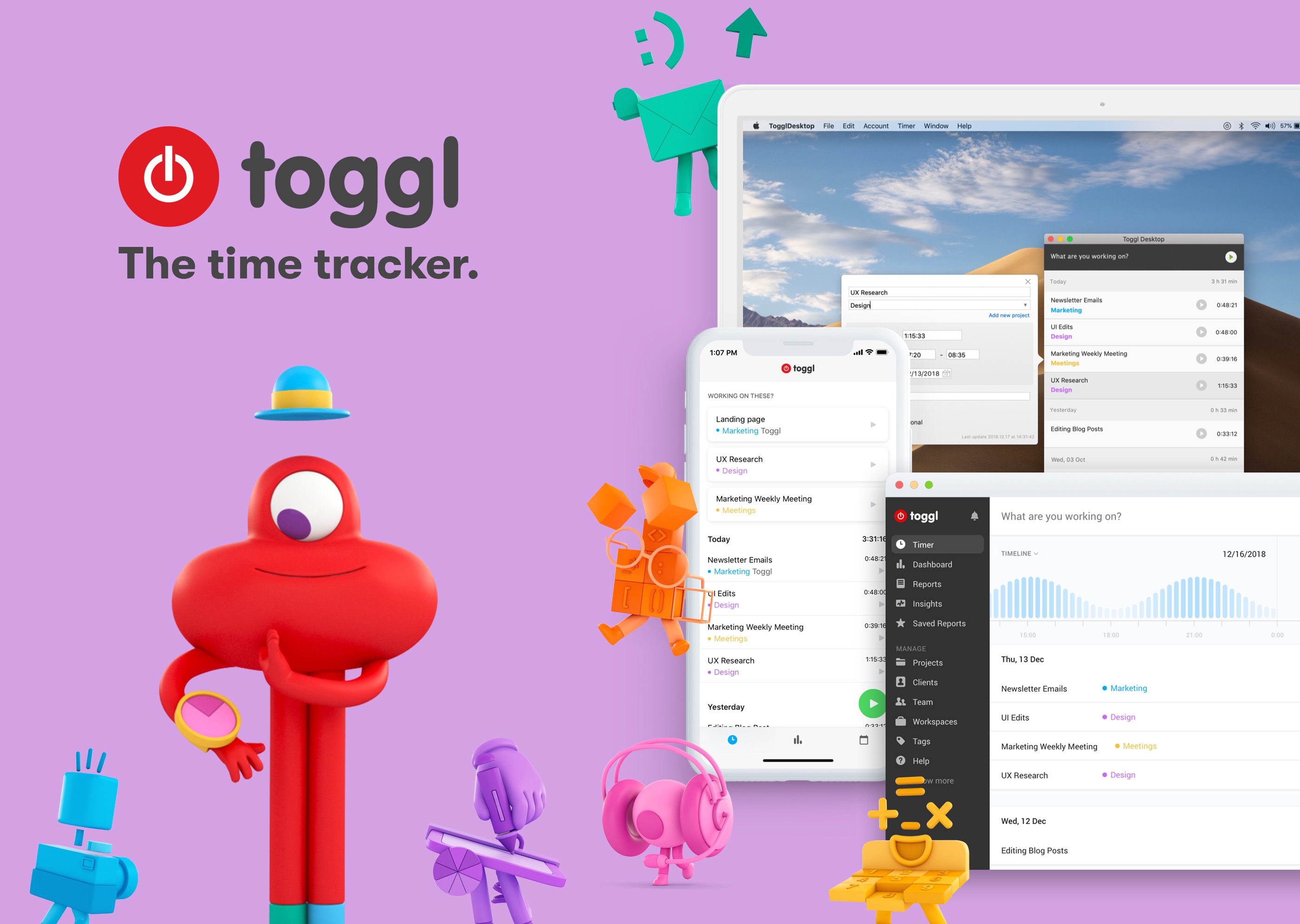
Your time is your most valuable resource, but it’s also one of the easiest to squander. Time tracking is a great way to get a handle on how you’re spending your time whether you need to bill it to a client or simply want to work on what matters to you the most.
The key to successful time tracking though is consistency, which is where Toggl comes in. Toggl combines powerful tools, sync, and an ease of use that makes it simple to track and analyze your time so you can get things done.
Toggl works on the iPhone, the Mac, and the web making it easy to start and stop timers whenever and wherever you’re working. With a single click or tap you can start a timer, then add a description, projects, and tags if you want. Toggl integrates seamlessly with your existing workflows including services like Basecamp, Asana, Evernote, Github, Trello, Google Drive, Zapier, and many, many more.
On iOS, the Toggl app is free. There are no ads and sync between platforms is included as part of its generous free plan. Toggl works with your calendar and features Siri shortcut integration for hands-free operation too.
On the Mac, Toggl can automatically record every website and app you use for longer than 10 seconds. Toggl can also notify you when you’ve been away from your keyboard so you can decide whether to log the time, discard it, or make it a new entry. The app can even set Pomodoro timers to remind you to take breaks and can send you tracking notifications.
Tracking only gets you so far though. That’s why Toggl generates colorful, detailed reports too that provide valuable insights into how you spend your time.
Time tracking doesn’t need to be difficult. Download Toggl today for the Mac and iOS to get a handle on where your time goes, so you can focus on getting things done.
Our thanks to Toggl for sponsoring MacStories this week.