
Next week on AppStories, Federico and John take a critical look at Apple’s latest iPad ads and provide suggestions for new third-party apps the company could use to show off its hardware....
 In This Issue
Halide, Favorite Mac Games (Vol. 1), a worldwide time zone shortcut and answers to member workflow requests, Mac FinderTips,plus the usualWeekly Q&A, Links, App Debuts, arecap of MacStories articles, and a preview of next week’s episode of AppStories....
Previously, On MacStories
Apple Publishes Videos Showcasing iPad Pro Workflows Concepts for iPad: An Adaptable Infinite Canvas to Suit Anyone’s Needs Pixelmator Pro Updated with New Layers Features Apple Announces ‘Shot on iPhone’ Photography Challenge Microsoft Office Debuts on the Mac App Store...
Interesting Links
Musish is an impressive web implementation of Apple Music that looks and feels almost exactly like Apple’s native implementations. (Link) Ars Technica takes a look back at the many online community innovations that began at LiveJournal and what eventually led to the site’s undoing. (Link) A new law in Australia that allows authorities to compel...
Permute: Quick Image, Audio, and Video Conversion [Sponsor]
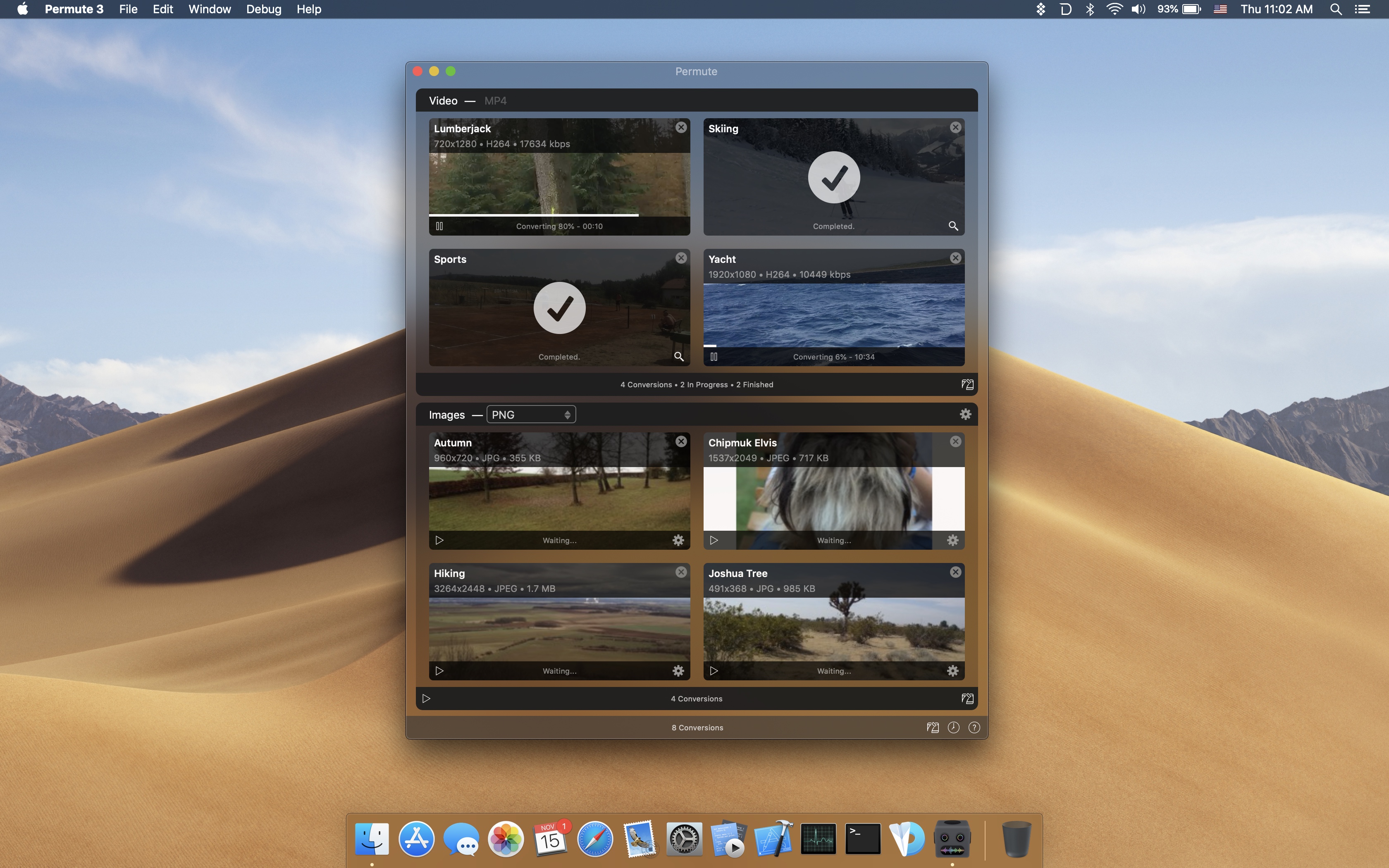
When you want to convert a photo, video, or audio file from one format to another, it’s far too easy to get bogged down in settings, unable to make heads or tails of technical jargon. Permute saves you from that trouble by taking care of the details and converting files incredibly fast.
To start a file conversion, just drag a file into Permute’s main window or onto its dock icon, click start, and you’re all set. Permute is faster than ever too. With the recent launch of version 3, the app supports an incredibly long list of file formats and has added hardware acceleration for MP4 and HEVC files. The app also has presets for a long list of Apple hardware so you can match your end results to the devices you use. You can even modify images and videos, adjusting their size and rotating and flipping them.
But that’s not all, Permute 3 can also:
- Convert individual files or groups of files
- Stitch multiple images, videos, or audio files together
- Create DVDs
- Convert uncommon file formats like WebP and SVG
- Schedule conversions for later
- Add converted files to iTunes
Permute has a special limited-time deal just for MacStories readers. If you use this link, you can purchase Permute for 20% off. There’s a free trial available too if you want to try the app first.
Visit Permute’s website today to learn more and take advantage of the special 20%-off deal before it expires.
Our thanks to Permute for sponsoring MacStories this week.
Previously, On MacStories
Steredenn: Binary Stars Debuts on iOS DuckDuckGo Switches to Apple Maps for Location Searches Apple Launches Smart Battery Cases for iPhone XS, XS Max, and XR GoodNotes 5: The MacStories Review “This Is Not a Product”: The Apple Developer Transition Kit Tim Cook Calls for US Privacy Regulations in Time Op-Ed Thinking Different: Keys to...
Up Next on MacStories’ Podcasts
Next week on AppStories, Federico and John interview Yarrow Cheney, whose animated feature film credits include directing The Grinch and The Secret Life of Pets and production design for the Despicable Me movies and The Lorax, about the role the iPad plays in his filmmaking process....
Interesting Links
Writing on his personal blog, Guilherme Rambo explores different solutions to hack around with private APIs on iOS, including Pythonista and Swift Playgrounds. (Link) TechCrunch has a look at some of the changes to the Twitter app that the company plans to test in an upcoming limited beta designed to enhance the conversational aspects of...
Home Screen: Maxmilian Litteral

Twitter: @maxhasadhd. Creator of Television Time and Cinema Time. I love extremely colorful art, and on my phone I would usually have a really colorful wallpaper. However, that wallpaper can also detract from the art of the icons on my home screen. So I decided to start featuring the app icons themselves instead of having...