

Edit, Creating Gradient-Based and Solid Color Wallpapers in Shortcuts, a ‘Choose from List’ shortcut action from reader Ian Maldonado, John makes the case that the Mac is undergoing a familiar transition and isn’t doomed, Casey Liss’ iPad home screen, plusWeekly Q&A, Links, App Debuts, a recap of MacStories articles, and a preview of next week’s...
Just Press Record: Indispensable Audio Capture, Transcription, and Sync [Sponsor]
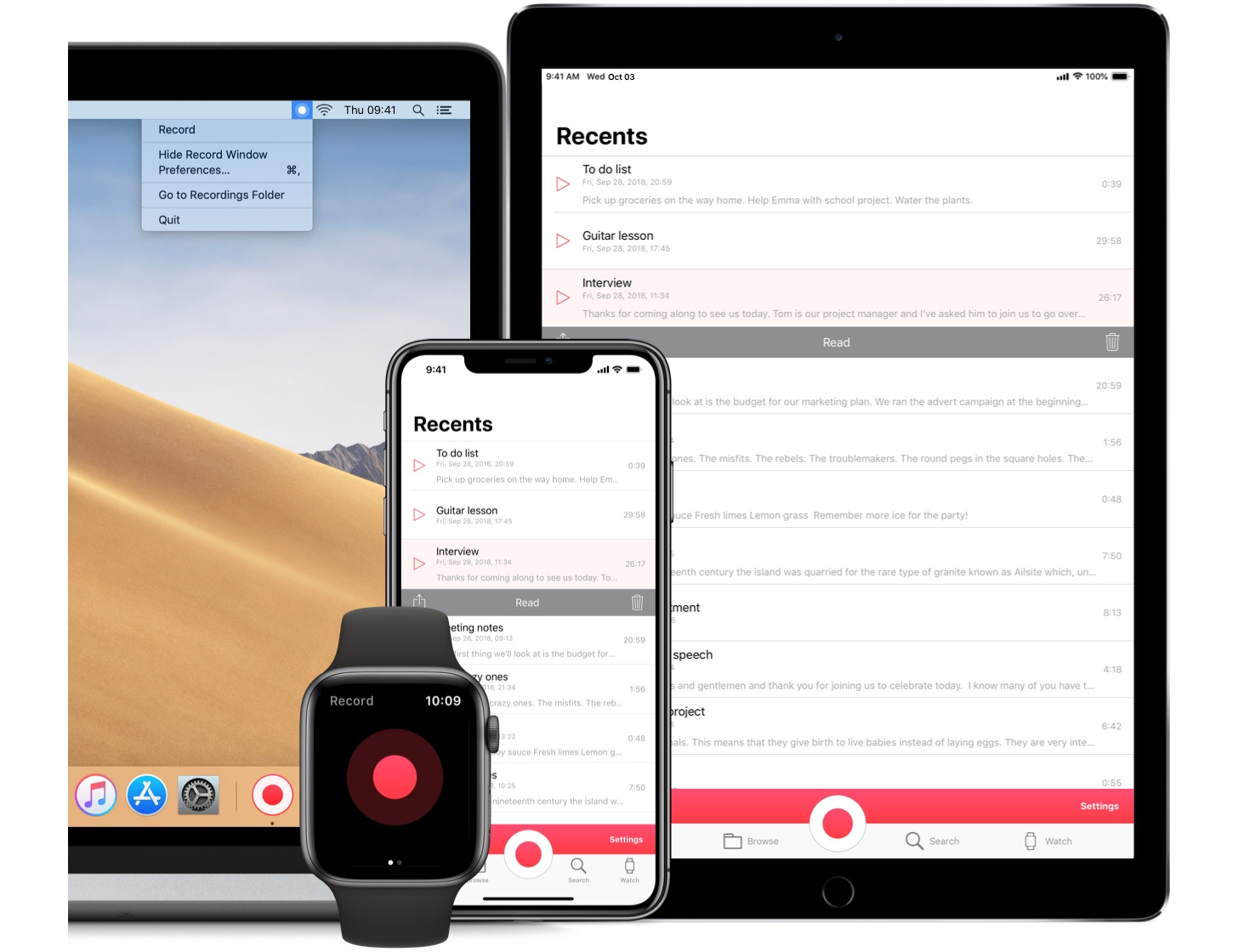
Just Press Record is the ultimate mobile audio recorder. Whether you want to capture ideas on the go or you’re a journalist conducting interviews, a student attending lectures, or a parent preserving your child’s first words, Just Press Record is a must-have app. With a single tap, the app seamlessly records, transcribes, and syncs audio to all your devices.
No matter what you’re doing, Just Press Record is ready to capture audio. The app’s big, red record button makes starting a recording easy, but that’s just the tip of the iceberg. There’s also an iOS widget, 3D Touch functionality, an Apple Watch complication that works even when your iPhone isn’t with you, Siri shortcut support, a URL scheme, and a separate Mac app with menu bar and Touch Bar support, all ready to go when you need them.
What makes Just Press Record feel like magic is its transcription, which can turn audio clips into editable text that you can share with other apps. Transcription also powers search, making it easy to find past recordings no matter how many you’ve created. Combine that with robust iCloud Drive sync, and your recordings and transcriptions are available everywhere you need them.
Just Press Record has tons of other advanced features too. You can connect external microphones to create high-quality, uncompressed recordings. There is extensive VoiceOver support, which has made Just Press Record a favorite in the visually-impaired community. There’s even a beautiful dark mode for comfortable capture of your late-night ideas.
Make audio capture your superpower by downloading Just Press Record from the App Store today.
Our thanks to Just Press Record for sponsoring MacStories this week.
 In This Issue
This month, Ryan explains why the iPad Pro’s impressive hardware, Smart Keyboard Folio, and Apple Pencil present the most compelling argument for its use as a primary computing device yet and John considers the impact of iOS on photography and explains his process for exploring new creative outlets without constant distraction and interruption....
Previously, On MacStories
Luna Display: Turn Your iPad into a Second Display [Sponsor] Hopes and Expectations for Apple’s 2019 Apple Celebrates the Hour of Code with Today at Apple Sessions and Announces New Curriculum Offerings What Happened to 5K Displays? Amazement at iOS Cursor Movement Shortcut Says a Lot About Discoverability How iOS Makes Good Password Practices Easier...
Interesting Links
Wired looks at Amazon’s new ARM-based Graviton chips that are powering a new generation of AWS servers. (Link) Already well-established in the UK and Europe, The New York Times looks at US-based online ‘neo-banks’ that are challenging big competitors with low, consumer-friendly fee structures. (Link) The Washington Post profiles TikTok, the successor to Musical.ly featuring...
Up Next on MacStories’ Podcasts
Next week on AppStories, Federico and John discuss manual camera apps and photo managers and editors on iOS....
Luna Display: Turn Your iPad into a Second Display [Sponsor]
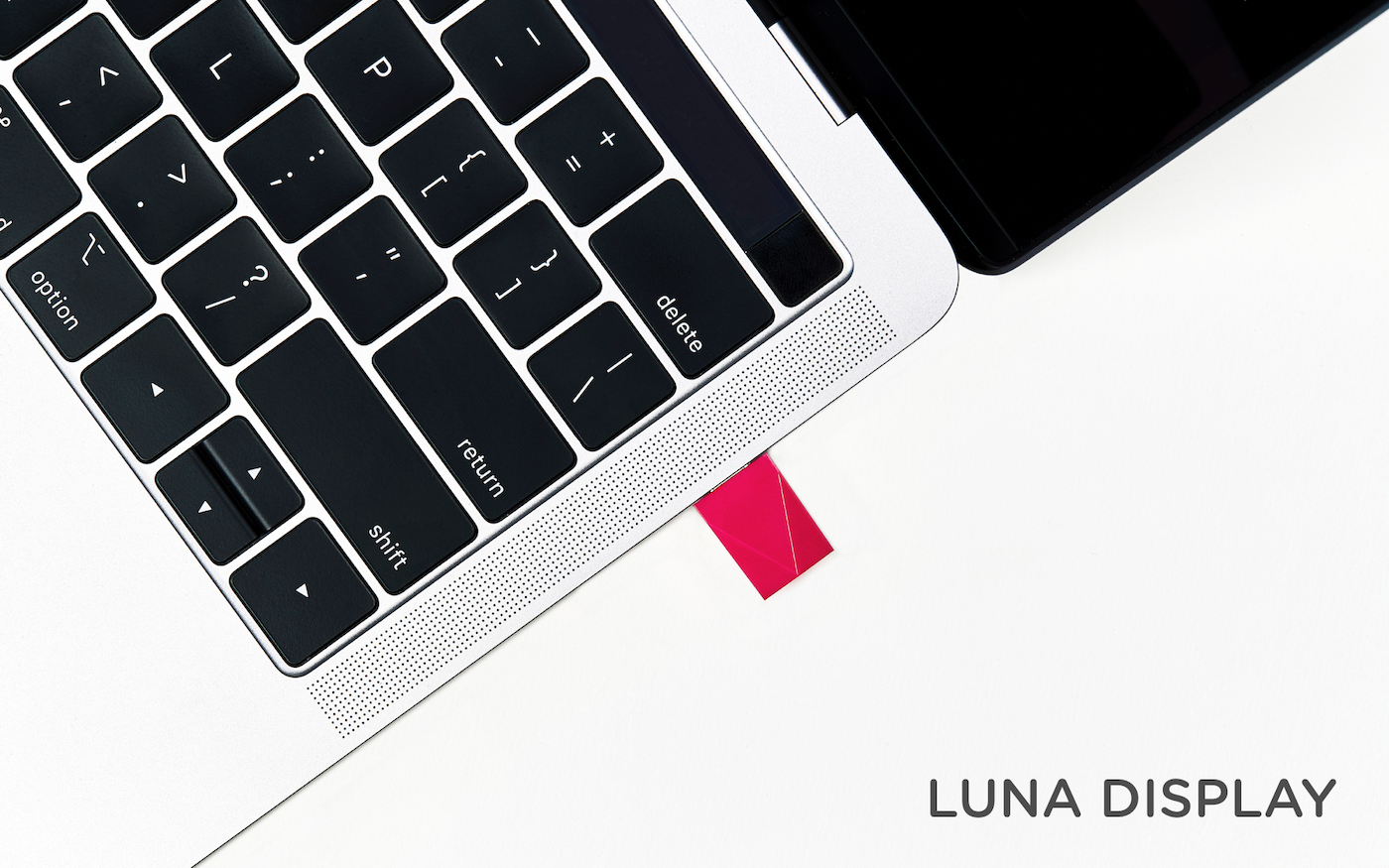
Luna Display is the only hardware solution that turns any iPad into a true, wireless second display for your Mac.
Available in USB-C and Mini DisplayPort versions, Luna Display is incredibly simple to set up. Just plug it into your Mac, and launch its free iPad and Mac companion apps, and your Mac automatically recognizes your iPad as a second display. Everything works seamlessly over WiFi, but if WiFi is unavailable, you can use a USB connection instead.
Once you’re up and running, you’ll be blown away by Luna Display. It’s lightning fast with crystal clear image quality thanks to proprietary LIQUID Technology that ensures reliable performance and wireless flexibility. The image quality is doubly remarkable when you realize that it’s all being done wirelessly.
Using your iPad as a second display is a game changer. Luna Display not only expands your screen real estate without having to buy a second display, but its portability frees you to work wherever you please. Better yet, Luna Display brings touch interaction to the Mac. Luna Display is fully compatible with external keyboards, the Apple Pencil, and touch gestures. Also, if you’re an artist, Luna Display is an excellent companion to Astropad, which turns your iPad into a Mac graphics tablet.
Luna Display is available for $79.99, but MacStories readers can purchase Luna Display for 10% off by using the promo code MACSTORIES at checkout. That’s a great deal, but it ends December 1, 2018, at 11:59 PM CST, so don’t delay. Luna Display also makes a great holiday gift for friends and family.
Turn your iPad into a second display today with Luna Display.
Our thanks to Luna Display for sponsoring MacStories this week.
Interesting Links
Google Photos for iOS has been updated with a new depth-editing feature that lets users adjust the intensity of the depth effect in Portrait shots. Furthermore, the app now also supports Color Pop, which can be used to desaturate the background and leave the subject of a photo in full color. (Link) The Atlantic has...
Previously, On MacStories
Apple’s New iPad Pro Ad Home Screen Icon Creator: A Shortcut to Create Custom Icons for Apps, Contacts, Solid Colors, and More Jonathan Morrison on Editing Video on the iPad Pro with LumaFusion A Club MacStories Subscription Makes a Great Gift Apple Releases Annual Holiday Ad ‘Share Your Gifts’ My Skin Track UV: A Tiny...