

Vote in Straw Poll #26 Anticipating a New iPad Pro Vote in Straw Poll #26...
Letters: Hundreds of Text Designs [Sponsor]
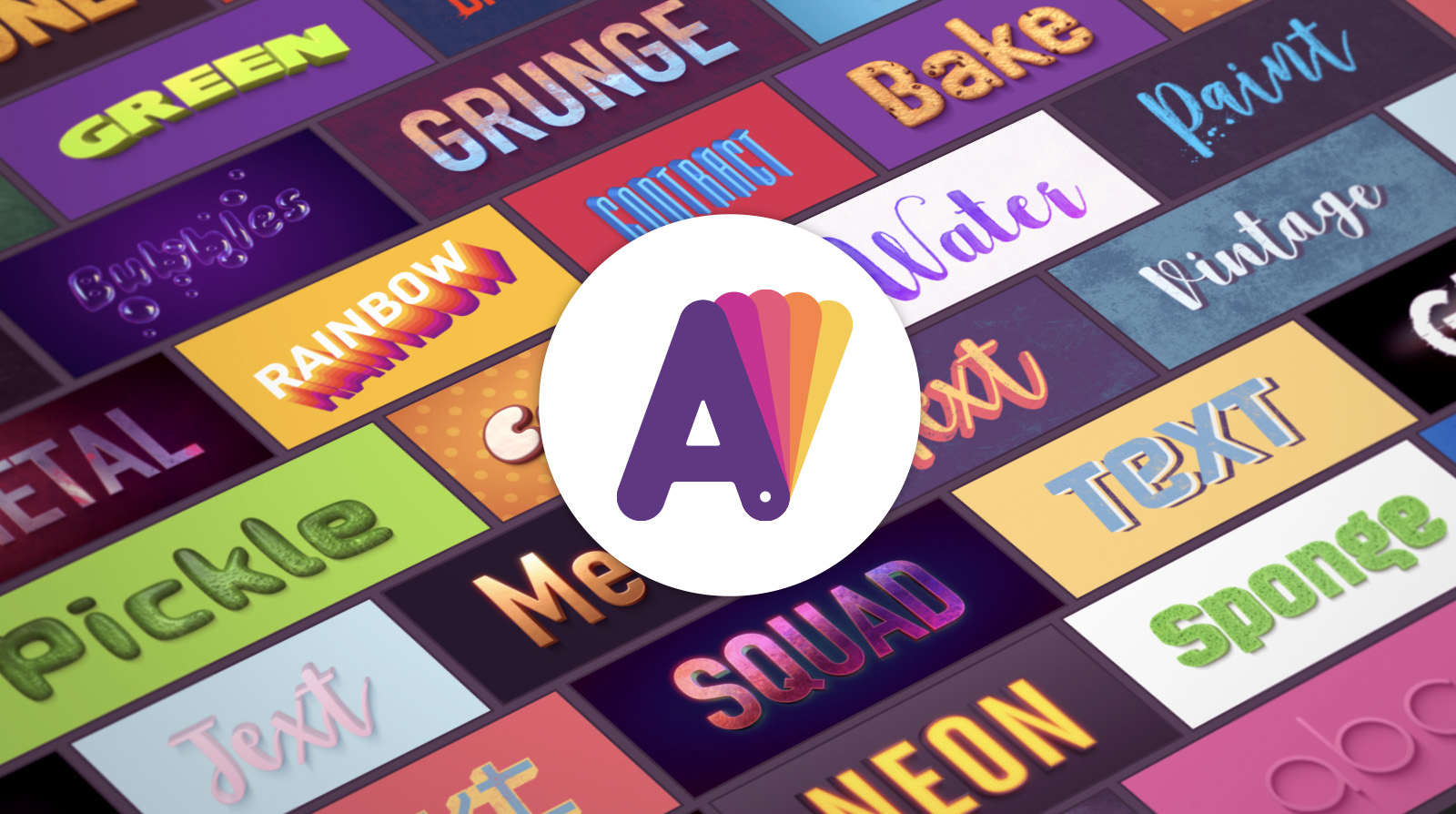
Letters is a free graphic design app for Mac. Providing hundreds of text design templates, Letters helps anyone feel like a graphic designer by creating stylish text designs in seconds.
Every template includes beautifully-stylized text with a unique texture and background. A wide range of seamless photo-realistic textures sets Letters apart from other text design apps.
Users of the app include small businesses producing their own promotional graphics, pro designers that are looking for a quick solution, and social media content creators who need fresh, new graphics on a daily basis for Facebook and Twitter covers, YouTube channel art, YouTube thumbnails, and Instagram posts.
The app’s template collection reflects most current design trends, including:
- Photorealistic 3D Texts
- Watercolor
- Retro & Vintage
- Photos with Captions
- Grunge Style
- 2D Calligraphy
- Neon & Glowing Effects
- 3D Transformed Texts
Users can experiment with template colors, while preserving the style color scheme, and change text or background color separately, replace background images, and set any document size. Text settings allow users to change the font easily, adjust color, control geometry (chamfer, thickness, depth, and perspective), apply shadow and glow, and tune lighting. All the textures are seamless and scalable.
Letters allows anyone, from average computer users to graphic design pros, to fulfill their text design dreams and make beautiful texts available for everyone. Download Letters today for free and make your text designs stand out from the crowd.
Our thanks to Letters for sponsoring MacStories this week.
 In This Issue
Toggl, Apps for Managing YourMedia Library on iOS and Apple TV, John’s iPad home screen, plus a shortcut for moving calendar events, Weekly Q&A, a Photostip, Links, App Debuts, arecap of MacStories articles, and a preview of next week’s episode of AppStories....
Up Next on MacStories’ Podcasts
Next week on AppStories, Federico and John go over more of their favorite shortcuts, focusing on web API-based shortcuts and creating menus to organize and launch shortcuts....
Interesting Links
There aren’t many details, but The Verge reported this week that Apple has acquired music analytics company Asaii that boasts the ability to identify ‘the next Justin Bieber’ with its music discovery technology. (Link) Craig Grannell uses reduced transparency on his Mac and questions on his blog, Revert to Saved, the wisdom of using the...
Previously, On MacStories
Adobe Unveils Photoshop for iPad, Launching in 2019 The State of Gaming on the Apple TV Project Gemini Is a New iPad Illustration App Coming from Adobe Creating Shortcuts with Invisible Names for the iOS Home Screen and Widget Running a Mac from an iPad or iPhone with Remote Control for Mac Developers Show What...
CleanMyMac X: Your Mac, As Good As New [Sponsor]
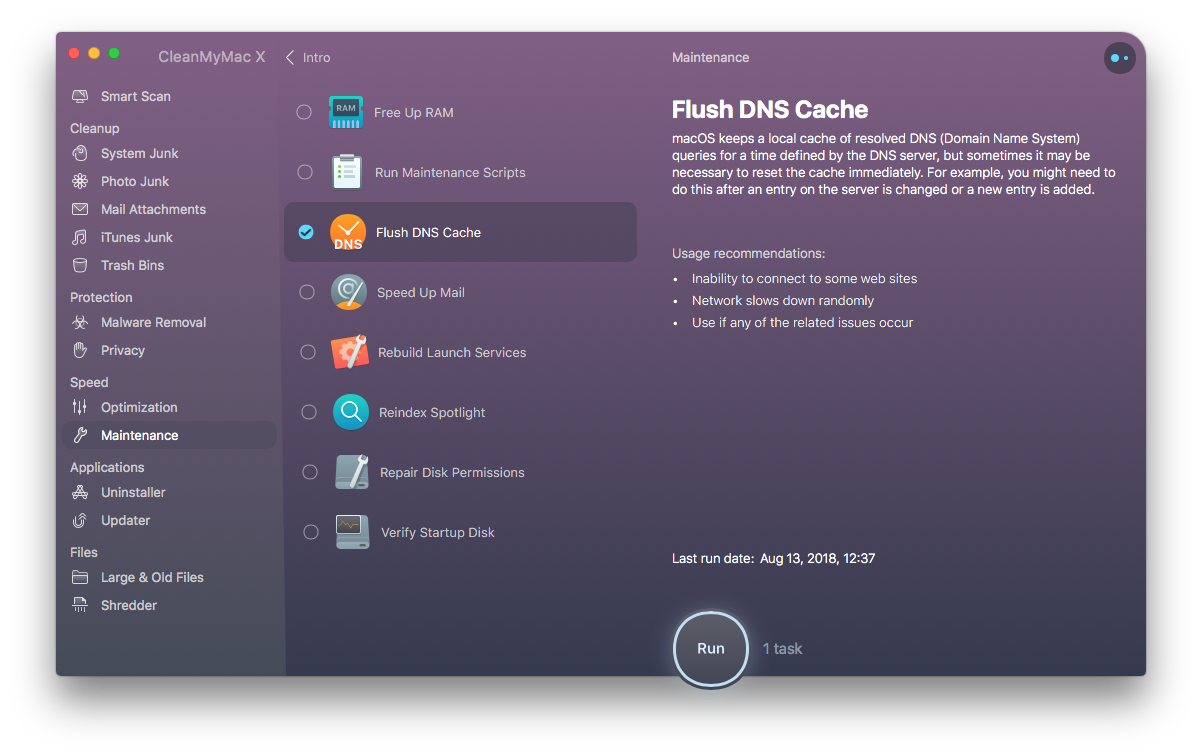
CleanMyMac X by MacPaw is your complete Mac maintenance solution. Redesigned with a beautiful new interface that makes it a pleasure to use, CleanMyMac X frees up wasted storage space, protects against malware, optimizes your Mac’s performance, and more.
It all starts with Smart Scan, the all-in-one center for analyzing, optimizing, and protecting your Mac. Here you’ll find sections to clean up unwanted and unnecessary files that are cluttering up your Mac’s drive. CleanMyMac also scans for malware, protecting your Mac against malicious third-party code and vulnerabilities. There’s an optimization section that can free up RAM and manage login items, launch agents, and memory-hungry apps too.
At each step of the process, you’ll have CleanMyMac Assistant at your side. It’s an intelligent advisor providing explanations of everything CleanMyMac does and recommending courses of action. CleanMyMac X is faster too. MacPaw tests show that it’s up to three times faster than version 3 of the app.
CleanMyMac X has added an app update module that scans your installed apps for available updates too. It’s a fantastic, centralized way to see all the apps on your Mac that have updates whether or not you bought them on the Mac App Store.
Whether you’re prepping your Mac to install Mojave, or want to optimize it after updating, you owe it to yourself to make sure your Mac is running smoothly and safely with enough storage to get your work done. So, don’t wait. Go check out CleanMyMac X today. There’s a free trial waiting to help you get make your Mac as good as new.
Our thanks to CleanMyMac X for sponsoring MacStories this week.
In This Issue
MarginNote,Advanced Photography for Everyone, Federico answers a long list of Club member workflow requests, Ryan’s home screen, the results of our Apple Watch poll, plus the usual Weekly Q&A, Links, App Debuts, arecap of MacStories articles, and a sneak peek at next week’s AppStories topic....
Interesting Links
New life was breathed into an old script that provides a Quick Look of audio files in iTunes that is now capable of trimming those files. (Link) In another demonstration of the iPhone XS’s camera quality, it holds its own in a side-by-side test with a $7,500 Canon video camera. (Link) Professional photographer Annie Leibovitz,...