
Next week on AppStories, Federico and John dive back into a discussion of working on the iPad Pro, including John’s move back after several months and his efforts to replicate his core Mac workflows on the iPad....
 In This Issue
Picsew, Part 2 of Federico’s Reading List highlights archive shortcuts, an interview with Marco Arment, Ryan’s iPad Pro first impressions in The Extension, plus the usualWeekly Q&A, Links, App Debuts, arecap of MacStories articles, and a preview of next week’s episode of AppStories....
Previously, On MacStories
iPad Diaries: My First 48 Hours with the New 12.9″ iPad Pro Getting the iPad to Pro Broadway Ditches Age-Old Processes To Run Shows with iPads Reminder and GoodTask: Third-Party Upgrades to Apple’s Reminders Spotify Debuts on Apple Watch, Promising Advanced Features Still to Come Front-End Web Development on an iPad Pro in 2018 La...
Vectornator: Graphic Design for the iPad and iPhone Reimagined [Sponsor]
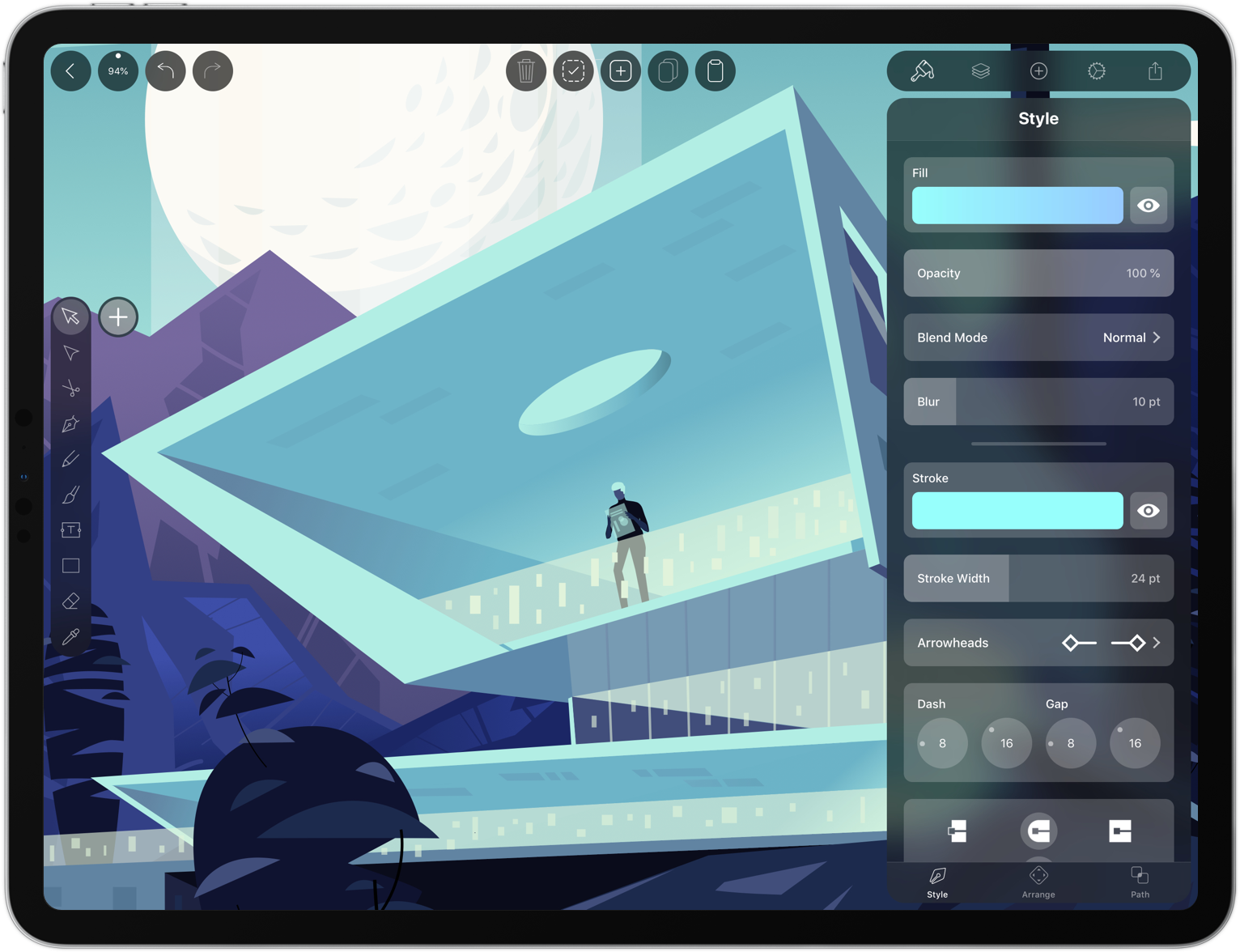
Vectornator unlocks the power of vector graphic design for everyone by bringing a high-performance rendering engine and a unique, user-friendly interface to iOS. It’s exactly what you need to create stunning artworks from anywhere.
Vectornator integrates with the Adobe Creative Cloud, so you can work seamlessly between a Mac and your iOS devices. Of course the app supports the Apple Pencil, but it also works with several third party input devices too.
What makes working in Vectornator fast and delightful is its one-of-a-kind interface that gets out of the way and puts the focus on your artwork. With the latest release of Vectornator, the user interface has been completely reimagined for simplicity and speed. Among other things, there’s a new color picker and a slick new toolbar. The toolbar now has contextual options which allow you to tweak path smoothing for example. There’s also a context-aware inspector panel, so what you need is always available where you need it.
The user interface is also a pleasure to the eye. Through the use of translucency it appears to float on top of the canvas. This way you get an immersive experience and what appears to be a much bigger canvas to work on.
Their new design philosophy is inspired by their users’ workflows, built with amateurs and professionals in mind. Vectornator is the perfect place for new users to learn graphic design and grow their design skills. At the same time it offers a great environment for professionals to work for extensive hours on their next masterpiece.
Vectornator adopts the latest iOS technologies to bring users the power they need to create compelling designs. For example, image layers are automatically named using CoreML and paths are rendered live with a Metal-accelerated engine. The app also includes CMYK color previews, color profiles, and integrates with Icons8, which makes over 80,000 free icons available to users. To learn more, visit vectornator.io.
Best of all, Vectornator is completely free to download from the App Store. So don’t delay, download Vectornator today.
Our thanks to Vectornator for sponsoring MacStories this week.
Interesting Links
Are Technica takes the latest Amazon Kindle, which starts at $129, for a spin and concludes that it’s the same good value as its predecessor but with useful new features like waterproofing and more storage. (Link) In a bid to be more than a bucket of bits, Dropbox is partnering with other web services in...
Up Next on MacStories’ Podcasts
Next week on AppStories, Federico and John go in-depth on Grocery and HomeRun in an all-new installment of ‘Pick 2.’...
In This Issue
Pretext, Apps for Your New iPad Pro, a handy Messages tip, the first installment of a shortcutmini-series from Federico on how he built a Safari highlights archive with Shortcuts, plus the usual Weekly Q&A, Links, App Debuts, a recap of MacStories articles, and a preview of next week’s episode of AppStories....
Previously, On MacStories
Captivating the Creative Community with ‘Today at Apple’ Inside MacStadium’s Mac Data Center iPad Pro Review Roundup: Impressive Hardware Held Back by iOS Limitations Choosing Your Markdown Editor: A Comparison of Ulysses and Drafts MacBook Air and Mac mini Review Roundup: Welcome Updates to Apple’s Mac Lineup Phil Schiller and Anand Shimpi Discuss the iPad...
BetterTouchTool: Customize your Input Devices [Sponsor]
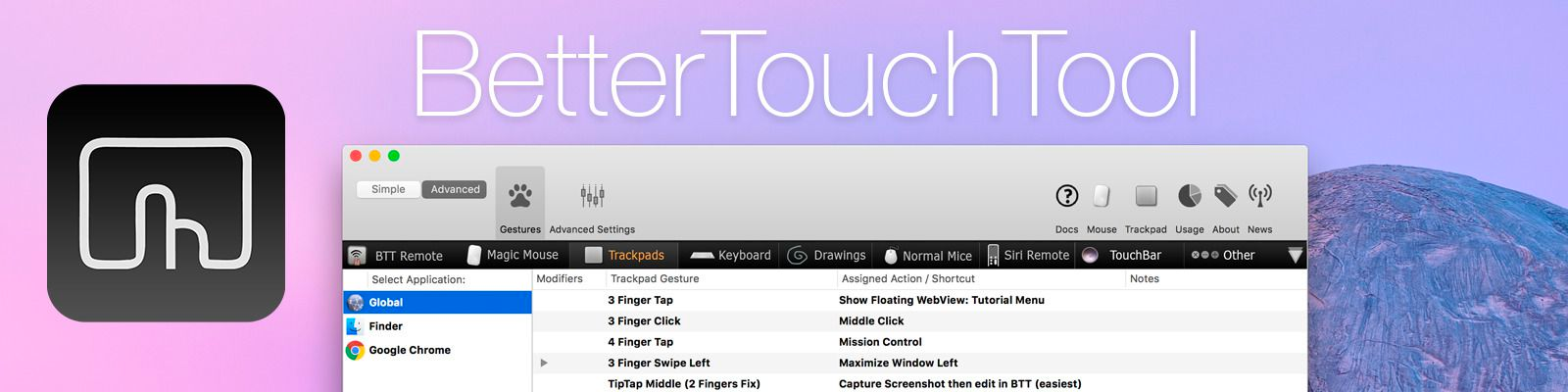
BetterTouchTool is a little but powerful app that makes it possible to customize your Mac’s input devices to perfectly match and improve your workflow. BetterTouchTool allows you to completely re-design your Touch Bar, configure various Magic Mouse and Trackpad gestures, define keyboard shortcuts, bind normal mouse buttons, use the Siri Remote with your Mac and do tons more.
BetterTouchTool offers many actions to automate various tasks on your Mac, these can be assigned to any input-device trigger you choose. Additionally, it contains some handy features like window snapping, a clipboard manager, a screenshot editor, and much more. It even includes a free iOS app to remotely control your Mac and trigger actions.
Recently, the BetterTouchTool Community was begun, which you can find at community.folivora.ai. Users have shared some amazing presets there, including some very advanced custom Touch Bar setups that you should definitely check out.
BetterTouchTool comes with a 45-day trial after which you can choose between a license that includes all updates for 2 years and a lifetime license.
BetterTouchTool has been around for 8 years, during which it has increased the productivity of many Mac users. To celebrate its 8th birthday, MacStories readers can purchase BetterTouchTool for 15% off at checkout by using the coupon code MACSTORIESBTT for a limited time. So don’t delay. Go to folivora.ai to learn more and take advantage of the special limited-time, 15% discount on BetterTouchTool.
Our thanks to BetterTouchTool for sponsoring MacStories this week.