Ryan Christoffel

992 posts on MacStories since November 2016

Ryan is an editor for MacStories and co-hosts the [Adapt](https://www.relay.fm/adapt) podcast on Relay FM. He most commonly works and plays on his iPad Pro and bears no regrets about moving on from the Mac. He and his wife live in New York City.

OmniFocus 3 Review: More Approachable and Powerful, All at Once

If you’re anything like me, you probably remain perpetually dissatisfied with your task management setup. You may have chosen an app and settled in with it, but some of its design choices don’t quite fit with your way of working, so you’re always keen to try the latest and greatest app that comes along. Realistically though, you’ve resigned yourself to the fact that the “perfect task manager” doesn’t exist, and likely never will.

Task management is a tough problem to solve, because every option out there is optimized for specific use cases, resulting in different complexity levels. Some aim to remain simple and user-friendly, while others try to put every tool at your disposal, endearing themselves to power users while scaring off prospective customers who need a bit less. On this complexity spectrum, OmniFocus has historically been the poster child for the weightier end: if you have a lot of complicated projects that need a high degree of structure, there’s no better place to start than OmniFocus; however, for lighter needs, I’ve always found its myriad of options too overwhelming to recommend.

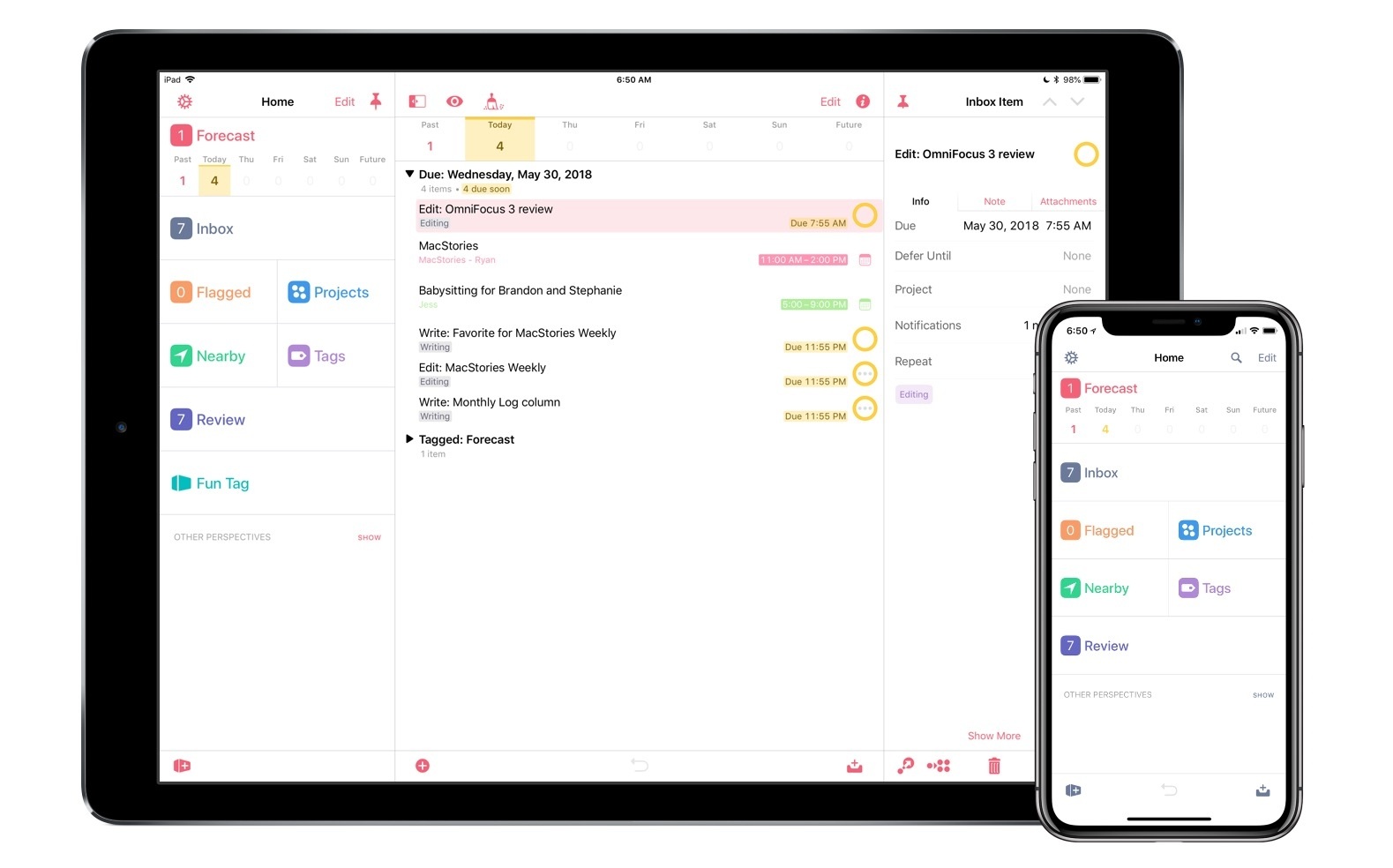
OmniFocus 3, released today for iOS (and later coming to the Mac), adds even more power and options to the app’s existing toolset, yet rather than growing more complex in the process, it’s surprisingly become more approachable. This improved user friendliness is achieved thanks to a new level of flexibility that can, upon tweaking your ideal setup, obscure the app’s complexity in everyday use. In more ways than ever before, OmniFocus provides the tools to make the app your own.

Outside of a lovely new design, where icons and fonts are bolder and everything feels more fresh, my favorite changes in OmniFocus 3 are this increased flexibility, which encompasses a lot of new and updated features, and its excellent iPad improvements. Let’s dive in.
Read more


Apple Announces Activity Challenge for WWDC Attendees

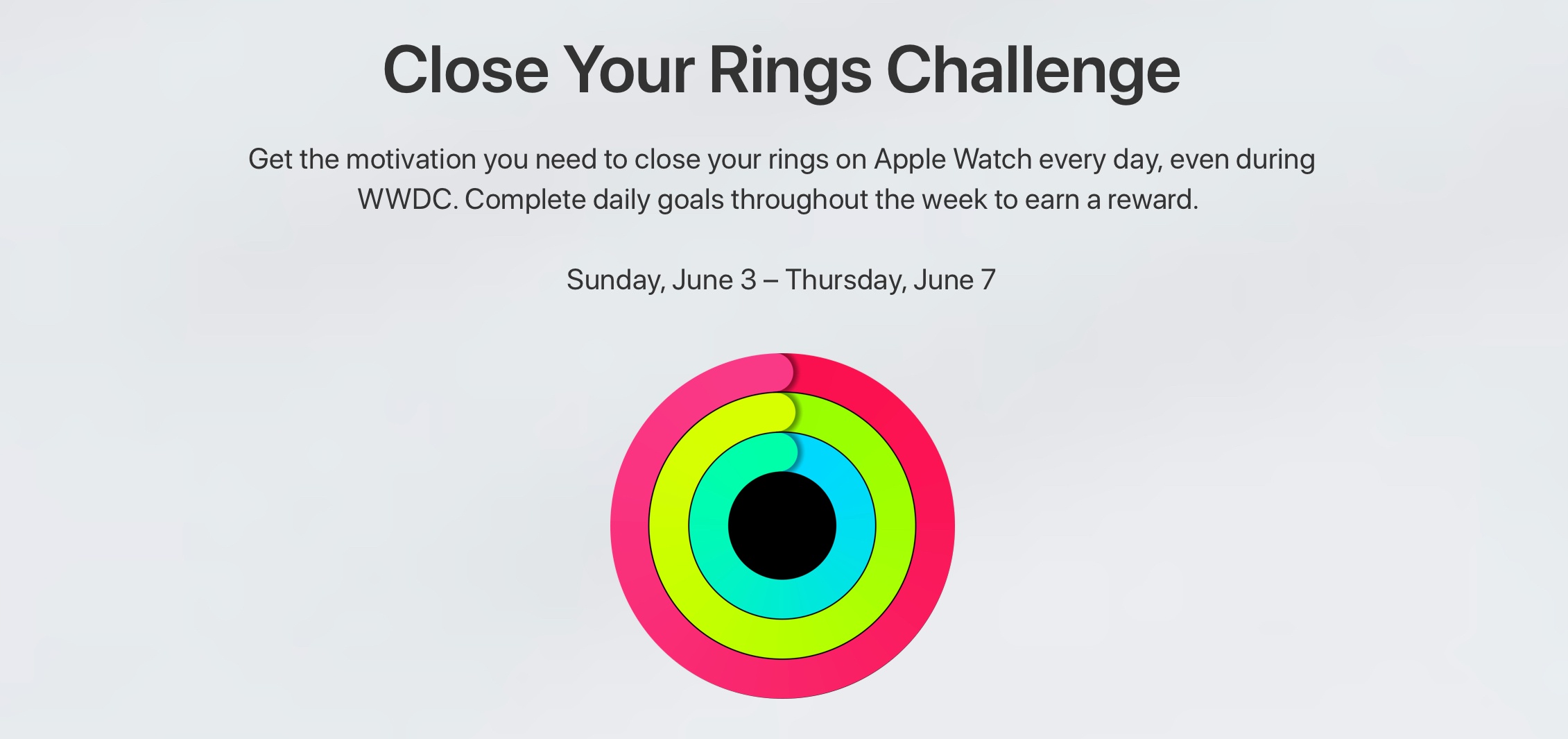
Alongside the release of an updated WWDC app earlier today, Apple announced that developers attending the conference next week are invited to participate in an exclusive Activity challenge where they can earn a special reward.

Earn points each day, from Sunday, June 3 at 12:00 a.m. to Thursday, June 7 at 11:59 p.m., by wearing your Apple Watch and closing your Activity rings. Simply download the Challenges app on iPhone and allow Challenges to access Health app data, which includes data from your Activity rings. Work as a team of four with fellow WWDC18 attendees to earn as many points as you can. If everyone on your team closes their rings that day, you’ll get team bonus points (in addition to individual bonus points). Individuals who earn 200 points or more during the challenge will receive a reward on Friday, June 8 at McEnery Convention Center.

The Challenges app referenced has previously been used by Apple for internal employee fitness challenges, but this is the first time the company has utilized it with a broader group of participants.

Permalink

WWDC App Updated for 2018 Conference

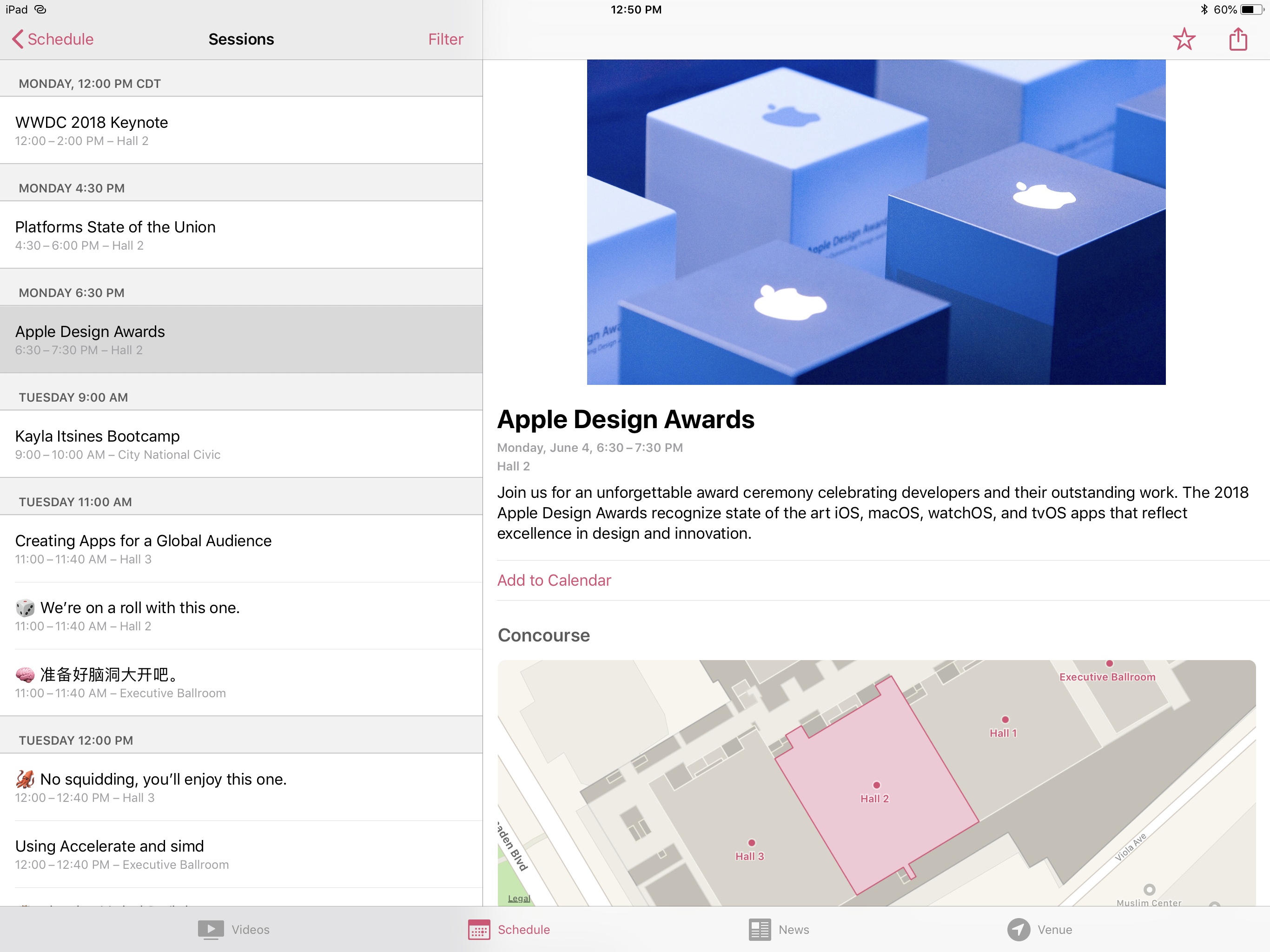
Apple has updated the WWDC app ahead of its annual developer conference that begins June 4, 2018 in San Jose, California. Unlike last year, when the app received a new design inspired by apps like Apple Music and Apple News, this year the app has remained largely unchanged. Other than a new icon, the main change with this update is that the schedule for 2018 conference sessions is now included.

The most noteworthy news tidbit from browsing the app’s updated schedule is that the Apple Design Awards are making a return to public form this year. At WWDC 2017, Apple decided to eschew its normal tradition of a public ceremony, and instead honored ADA winners in a private ceremony, followed by an updated website. This year marks a return to form, with the ADAs being held the evening of the conference’s first day.

The WWDC app is a free download on the App Store.


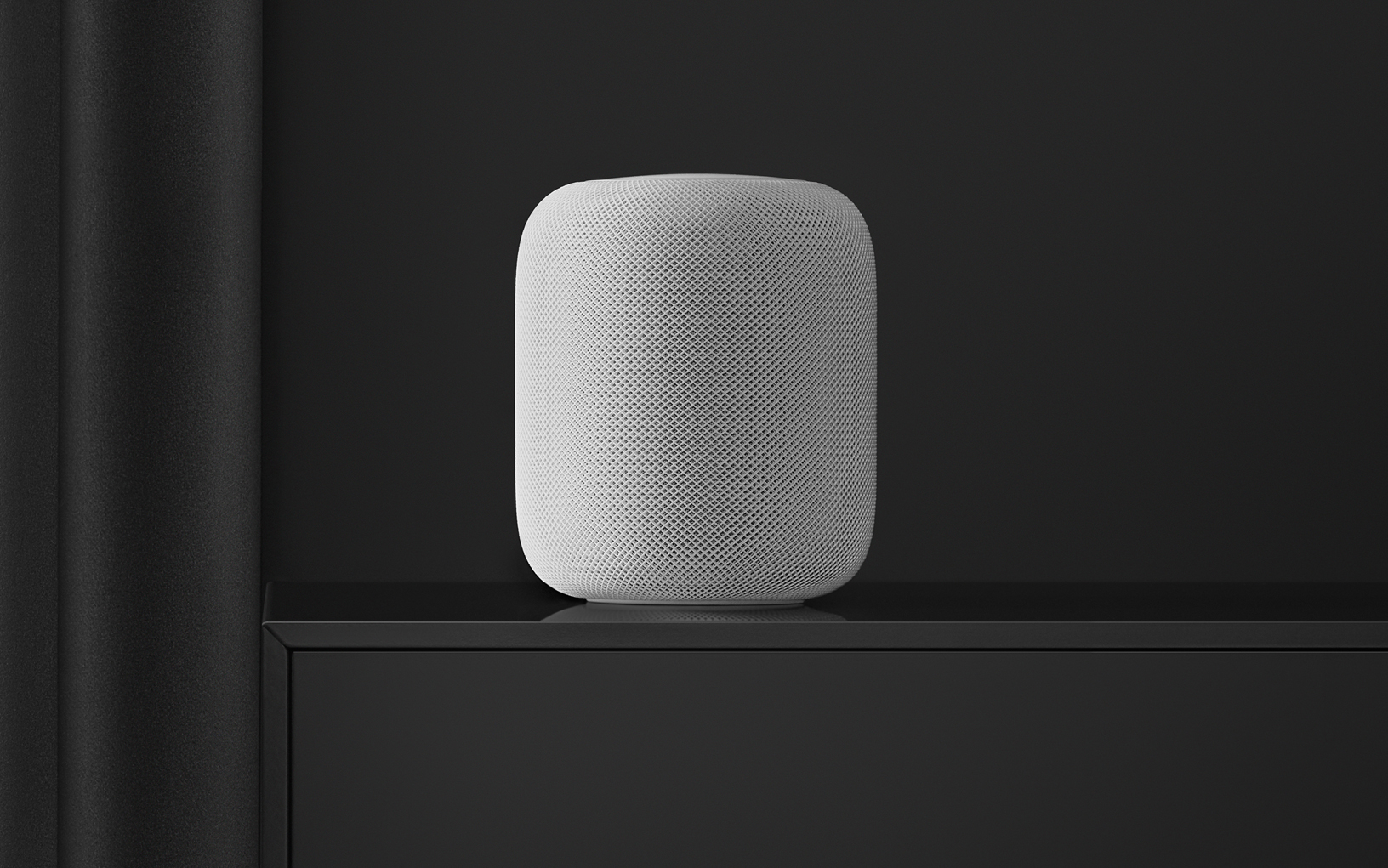
HomePod Receiving AirPlay 2 and Calendar Support Today, Launching in More Countries Soon

Apple is releasing iOS 11.4 today, alongside a companion 11.4 update for the HomePod. Ahead of that release, Apple Newsroom shared details on exactly what we can expect.

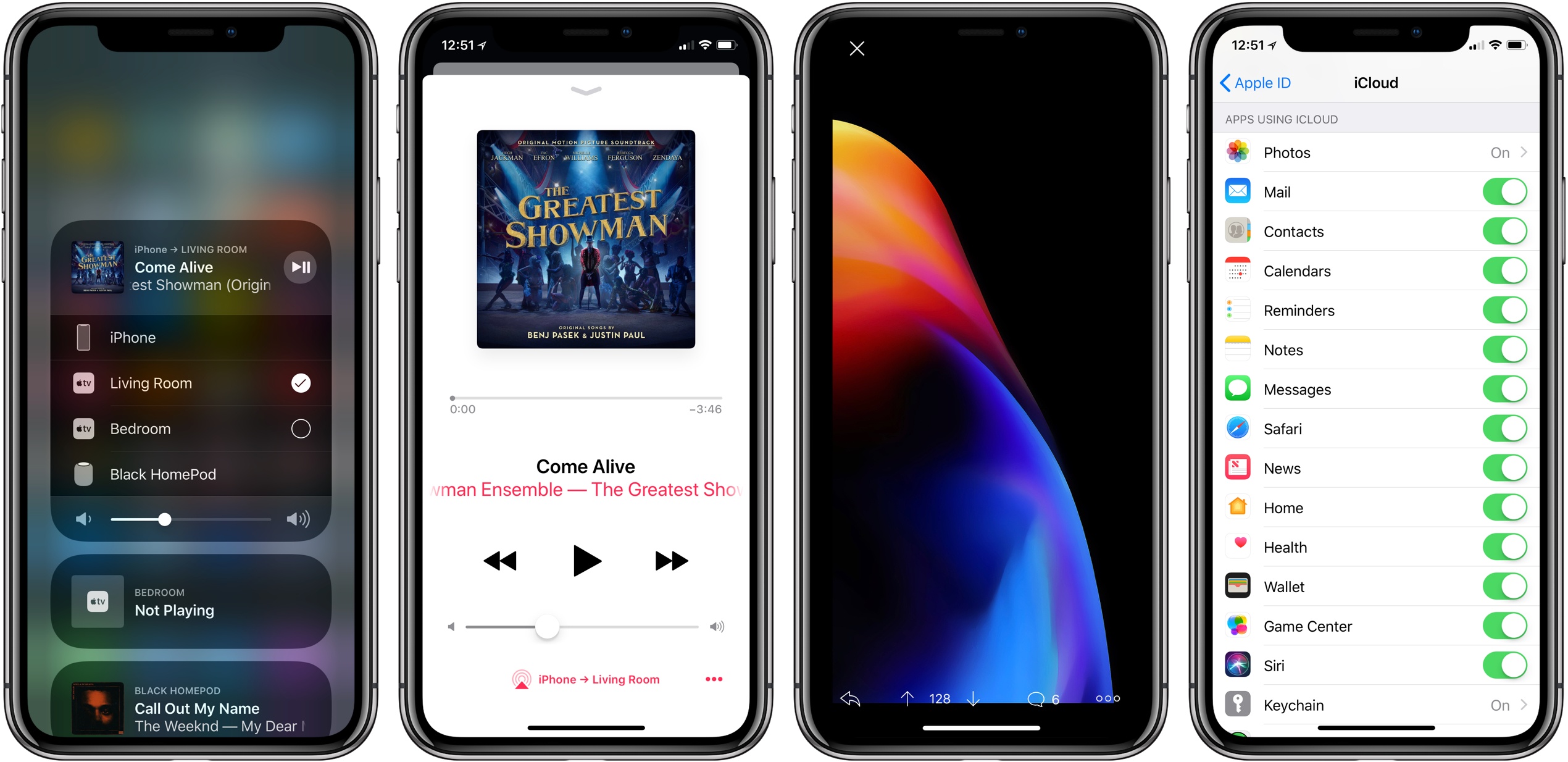
Today’s update will at last bring AirPlay 2 to iOS and, by extension, the HomePod. This will enable the multi-room audio and stereo pairing features that Apple first demonstrated on-stage at last year’s WWDC. More in-depth coverage of AirPlay 2 features will be available in our iOS 11.4 overview, publishing when that update launches. And look out for a hands-on story covering the HomePod’s new stereo pairing feature after it becomes available.

One other noteworthy feature coming to HomePod today is the addition of Calendar support. This works similarly to the other Personal Requests features of HomePod, which include Notes, Messages, and Reminders: only the Apple ID used to set up your HomePod will be able to share its Calendar information, and that data can only be accessed when you’re at home on the same Wi-Fi network as HomePod.

Finally, Apple has announced three countries where HomePod will be launching soon: Canada, France, and Germany. The smart speaker will be available beginning Monday, June 18th.

Permalink


iOS 11’s iPad Features in Retrospect

With WWDC just around the corner, I’ve been reading different articles and listening to podcasts that discuss hopes and dreams for the upcoming conference, and embedded in many of those discussions is a review of last year’s event. 2017 was a big WWDC year for Apple fans, and especially for those like me who...


Apple Confirms WWDC Keynote for June 4

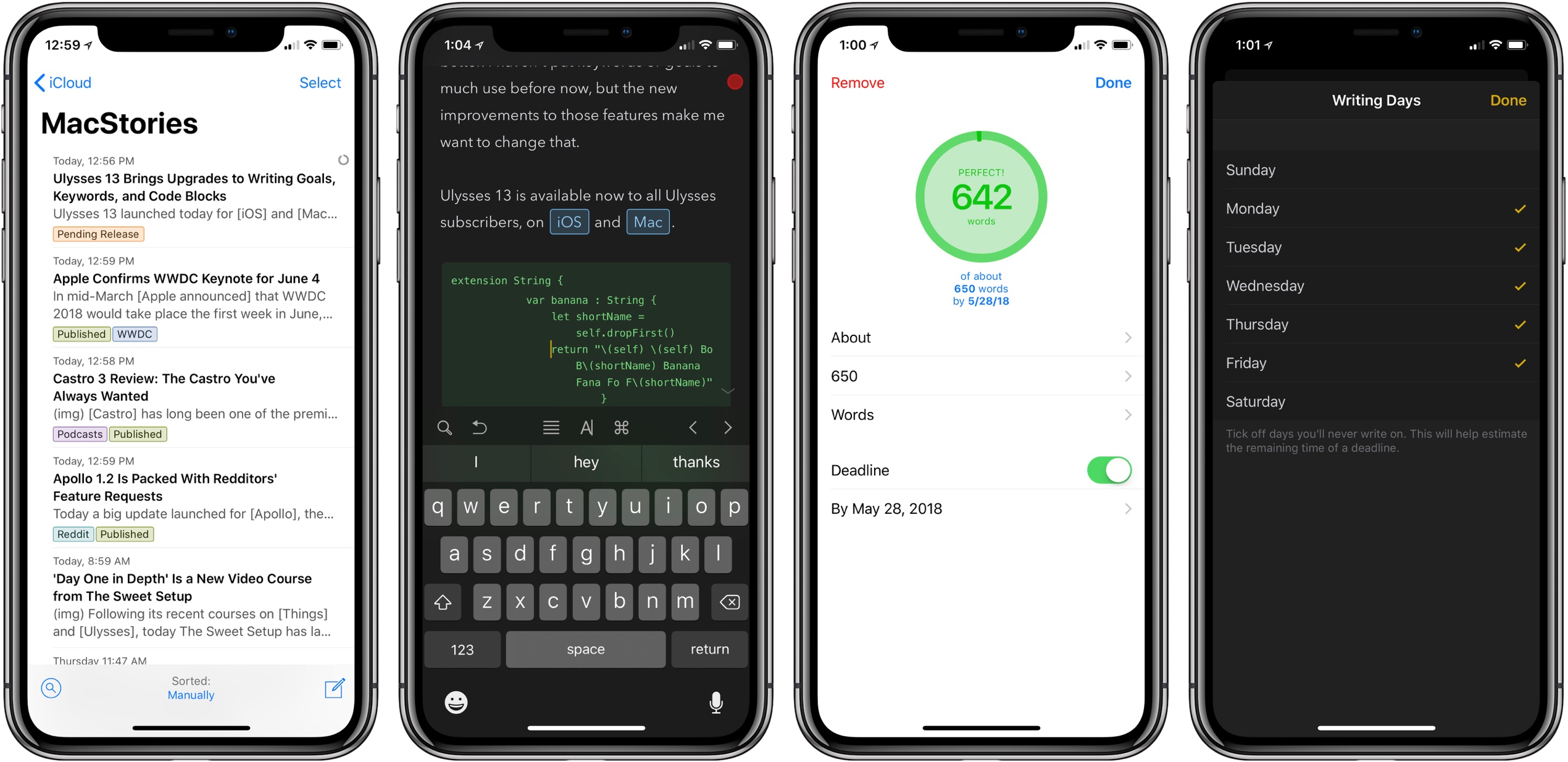
In mid-March Apple announced that WWDC 2018 would take place the first week in June, and today the company confirmed that, following past tradition, the keynote for that conference will take place on June 4 at 10:00am Pacific.

Apple is expected to unveil the latest versions of its major operating systems at WWDC, including iOS 12, watchOS 5, and macOS 10.14. If the keynote is anything like last year’s, we may see several hardware products announced too. A live stream for the keynote has not yet been confirmed, but it remains likely since WWDC is one of the prime Apple events of the year.


‘Day One in Depth’ Is a New Video Course from The Sweet Setup

Following its recent courses on Things and Ulysses, today The Sweet Setup has launched a new ‘Day One in Depth’ video course aimed at helping you become an expert of the popular journaling app.

A major strength of Day One is its flexibility – it’s full-featured on both iOS and Mac, supports a host of both system-based and web-based methods for saving content, and therefore it can be used in a way that serves you best at any given moment. There’s a lot to cover about the app, and The Sweet Setup hits all the bases well in the eight videos of its new course, which are titled:

  • Walkthrough of Day One on Mac
  • Walkthrough of Day One on iPad & iPhone
  • Elements of a Journal Entry
  • All the Ways to Create New Entries
  • How to Filter and Search in Day One
  • How and Why to Use Multiple Journals
  • Cloud Sync, Back Up, and Security
  • Getting Things Out of Your Journal(s)

In addition to these videos, Day One in Depth provides access to nine exclusive articles from The Sweet Setup’s team, covering a wide range of subjects such as how journaling can change your life, a guide to all of Day One’s keyboard shortcuts, ideas for how you may want to use Day One, a 30-day journaling challenge, and much more. While the video course is presented as the main attraction, I found the articles included here invaluable.

I’ve used Day One only casually in my life for the most part – I knew the app had a lot of power to it, but I never took the time to dive in and get the most out of it. If you’re in a similar place and want to change that, this new course is an excellent way to equip yourself for a deeper investment into digital journaling.

‘Day One in Depth’ will normally be priced at $29, but it’s available now at a special launch week price of $23. You can purchase the course here.