Member Requests
...

 Member Requests
Sharing Multiple Files at Once from DEVONthink
Member Requests
Sharing Multiple Files at Once from DEVONthink This week Fraser and Federico take their Apple Pencils in hand and share some notes on taking notes with the iPad Pro.
We’ve covered some excellent Pencil-based note-taking apps for iPad on this week’s Canvas, and also explained why the Pencil is a must-have accessory for iPad Pro owners. You can listen here.
Sponsored by:
Apple has a new ad, Casey has an iMac, Ticci watches TV and everyone has workflows.
On today’s Connected, we covered a lot of the automations we’ve created with Workflow, as well as some custom workflows I’ve built for MacStories. You can listen here.
Sponsored by:
Member Requests
Q&A
Convert Labeled Trello Cards to Tasks, Slack Messages, and More with Zapier Our review of the Nintendo Switch, and The Legend of Zelda: Breath of the Wild (with no story spoilers).
On this week’s Remaster, we share our first impressions of the Nintendo Switch after a week of play, and I spend 30 minutes going through my notes on Breath of the Wild. This is a good one. You can listen here.
Sponsored by:
iPad Diaries is a regular series about using the iPad as a primary computer. You can find more installments here and subscribe to the dedicated RSS feed.
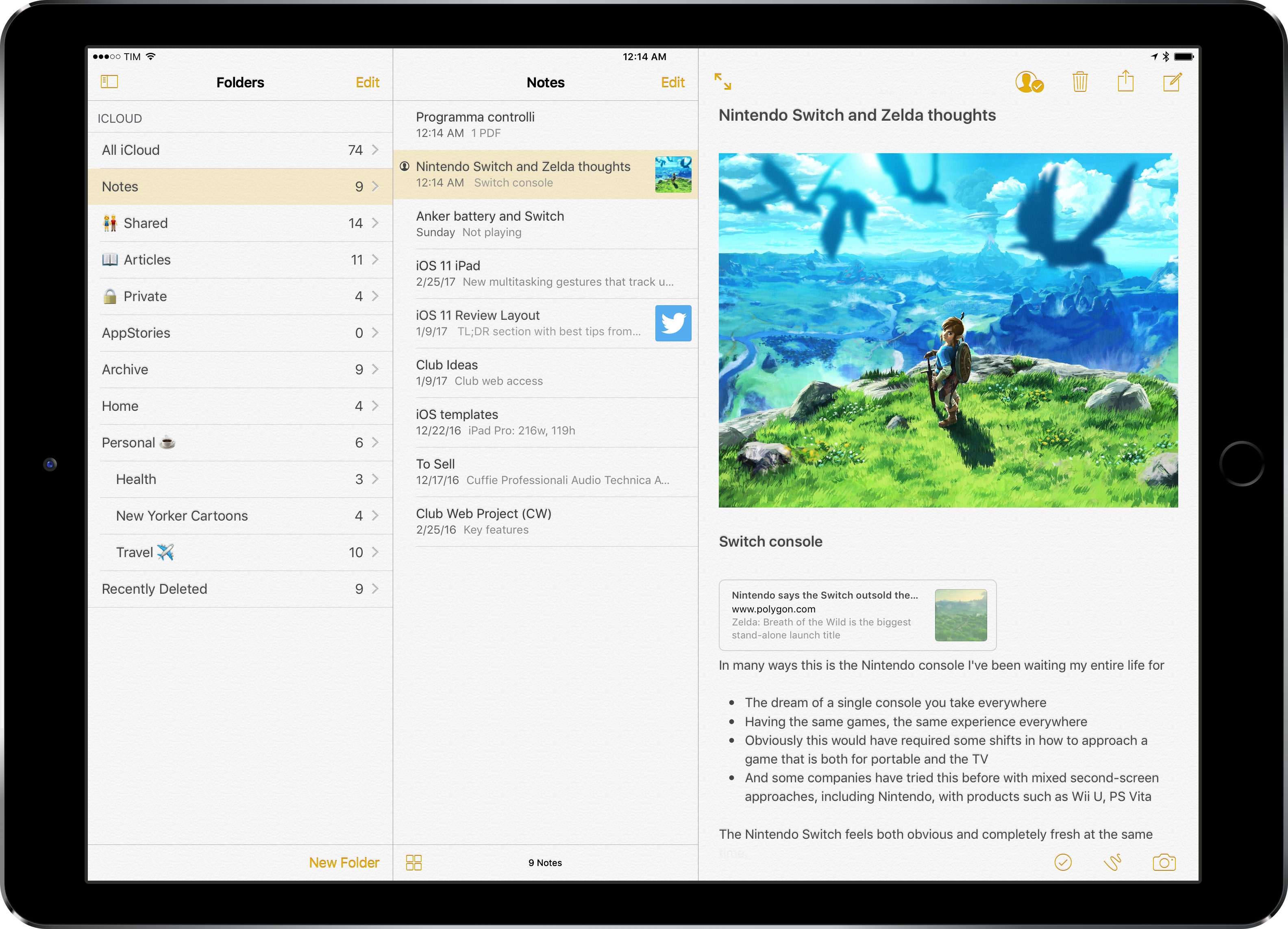
I’ve been using Apple Notes every day since its relaunch with iOS 9 in 2015.
Apple’s refreshed note-taking app landed with impeccable timing: it supported the then-new iPad Split View in the first beta of the OS released in June, and Apple deftly positioned Notes as a nimble, multi-purpose tool that many saw as a much-needed escape from Evernote’s bloated confusion. I almost couldn’t believe that I was switching to Apple Notes – for years, it had been derided as the epitome of démodé skeuomorphism – but the app felt refreshing and capable.
Notes in 2017 isn’t too different from its iOS 9 debut. Apple added integration with the Pencil in late 2015, private notes with iOS 9.3, and they brought sharing and collaboration features in iOS 10, but the app’s core experience is still based on the foundation laid two years ago. Unlike, say, Apple Music or Apple News, Notes has remained familiar and unassuming, which gives it an aura of trustworthiness and efficiency I don’t perceive in other built-in Apple apps (except for Safari).
I keep some of my most important documents in Notes – from bank statements to health records – and anything I want to save for later tends to be captured with Notes’ extension. Apple Notes is my brain’s temporary storage unit – the place where I archive little bits of everything before I even have time to think about them, process them, and act on them. Some of the content I save in Notes is eventually transformed into DEVONthink archives or Trello cards; other notes live in the app and they’re continuously edited to reflect what’s on my mind. I rely on Apple Notes and it’s one of my most used Apple apps (again, along with Safari).1
Apple Notes, however, is not a great pro iPad app. Notes falters where other Apple software falls short: it’s entrenched in iPhone paradigms at the expense of more advanced controls and customization options for iPad users. While Apple showed some promising steps towards “power-user features” with the three-pane layout added in iOS 10, I’ve long wished for a deeper degree of personalization in Notes for iOS. And given Apple’s reluctance to tweak Notes’ structure and functionality, I’ve come up with my own workarounds.