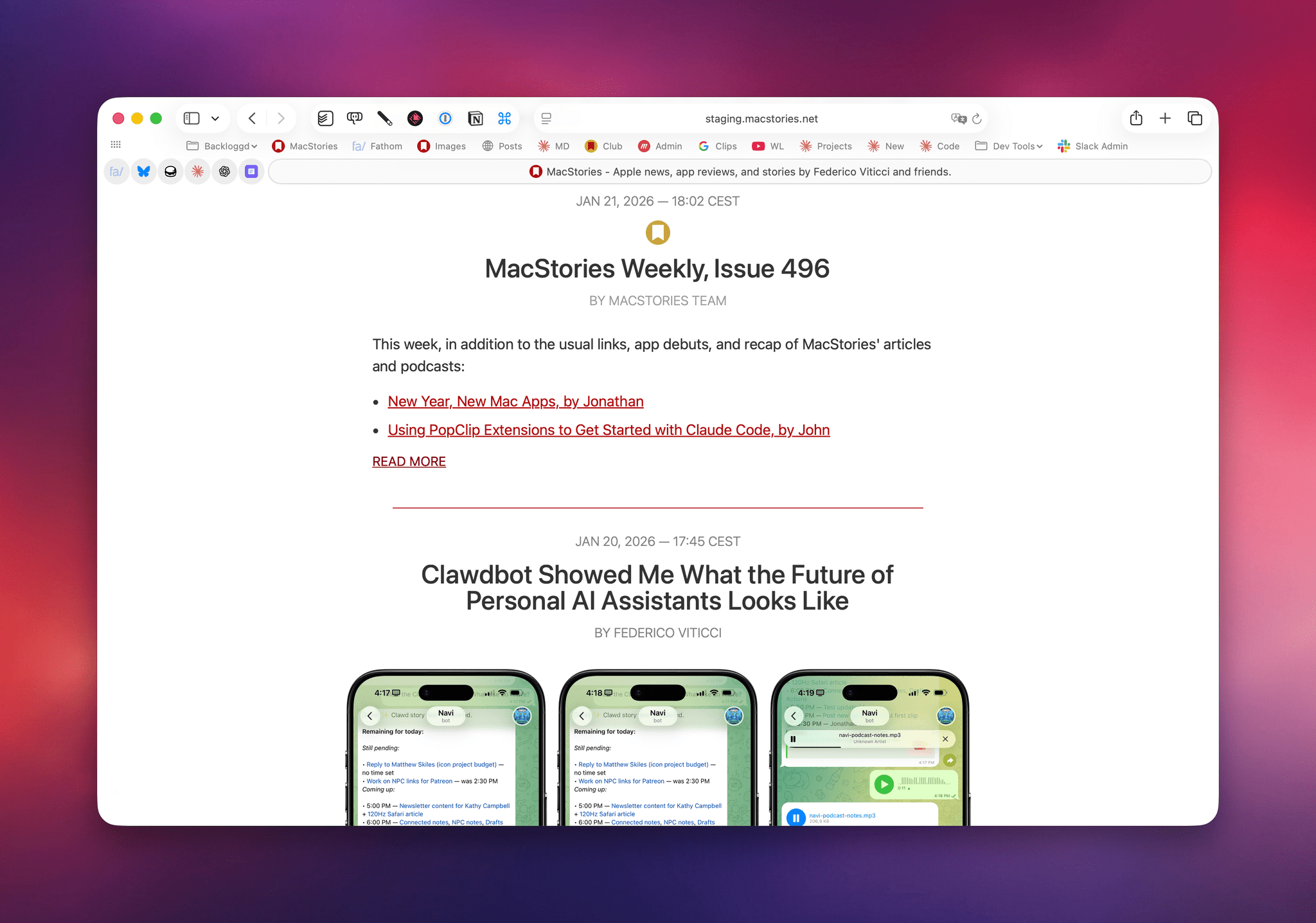
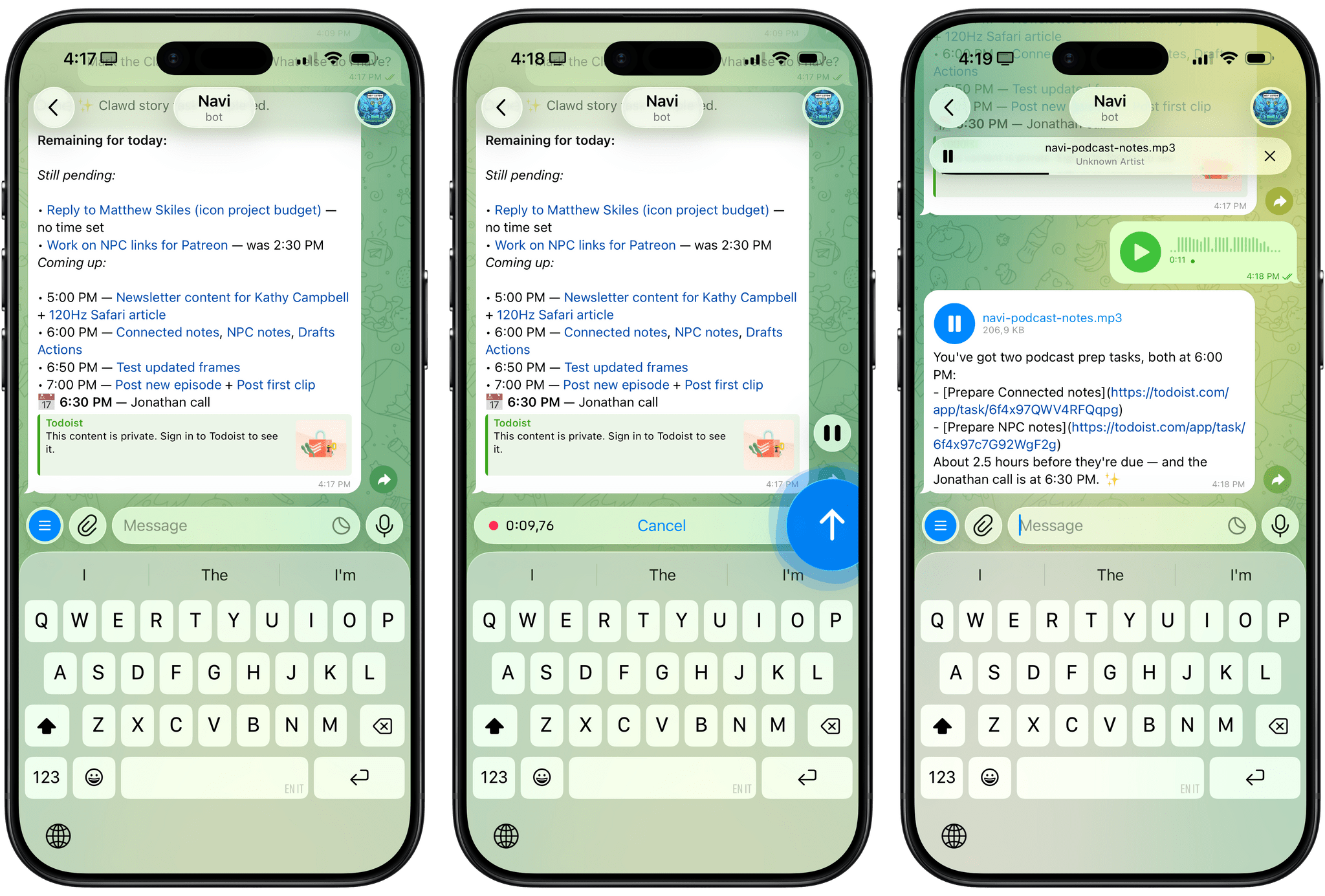
If you’re not Very Online and, specifically, Very Online and Plugged Into AI News, you may not know that over the past couple of weeks, a lot of folks seem to have realized that it’s possible to use Anthropic’s Claude Code desktop coding agent to do a lot more than just coding on a computer....
What’s Next for Apps in 2026
This week, Federico and John look ahead to 2026 and what it will mean for apps, smarter Siri, and more.
On AppStories+, Federico and John update listeners on their latest app experiments and holiday hardware projects.
We deliver AppStories+ to subscribers with bonus content, ad-free, and at a high bitrate early every week.
To learn more about an AppStories+ subscription, visit our Plans page, or read the AppStories+ FAQ.
AppStories Episode 466 - What’s Next for Apps in 2026
28:22
Home Screen: Federico Viticci
A lot has changed since the last time I shared my iPhone Home Screen here in MacStories Weekly in October 2024. The past year in software and apps has been a whirlwind of experiments, discovery, and reevaluation of old workflows for me. As you can probably tell if you’ve been listening to AppStories in...
The 2025 MacStories Selects Awards
This week, Federico and John reveal the winners of the 2025 MacStories Selects Awards, which celebrate the exceptional design, innovation, and creativity of apps across the iPhone, iPad, Mac, and Apple Watch.
On AppStories+, John has some Apple Music discovery tips for Federico, and they reveal the iPhone features they don’t use.
We deliver AppStories+ to subscribers with bonus content, ad-free, and at a high bitrate early every week.
To learn more about an AppStories+ subscription, visit our Plans page, or read the AppStories+ FAQ.
AppStories Episode 465 - The 2025 MacStories Selects Awards
57:26
This episode is sponsored by:
- RevenueCat – It’s the easiest way to add in-app subscriptions and native paywalls into your mobile apps, and getting started is free.
The MacStories Selects 2025 Lifetime Achievement Award
Unread
In the 16 years that I’ve been writing for MacStories, I’ve seen my fair share of new apps that have come and gone. Apps that promised to revolutionize a particular segment of the App Store were eventually acquired, discontinued, or simply abandoned. It’s been very unusual to witness an indie app survive in a highly competitive marketplace, let alone to find one that thrived after having been sold twice to different owners over the years. But such is the case of Unread, the RSS client now developed by John Brayton of Golden Hill Software and the recipient of this year’s MacStories Selects Lifetime Achievement Award.
Unread was originally created by indie developer Jared Sinclair in 2014, sold to Supertop (at the time, the makers of Castro), and then sold again to Golden Hill Software in 2017. When it first came out in 2014, Unread entered a crowded space: in the aftermath of Google Reader’s demise in 2013, third-party companies and developers rushed to offer comparable RSS syncing services and compatible apps to let users sync their RSS subscriptions and read articles across multiple devices.
In my original review from 2014, I noted how Unread set a new standard for elegant, gesture-driven interfaces optimized for phones that were getting progressively larger and harder to operate with one hand. With a fluid and minimal interface driven by “sloppy gestures” that didn’t require precision or specific buttons, Unread stood out because it followed Apple’s then-new “flat design” but imbued it with personality in the form of typographic choices, colors, share options (Sinclair created a custom share sheet before an official one even existed), and a novel interaction mechanism for an RSS reader.
After a three-year stint as a Supertop product, Unread was taken under the wing of John Brayton, who did something exceptionally rare: instead of following short-lived industry trends and fads, he doubled down on Unread’s essence while judiciously embracing modern technologies. Eleven years after its inception and eight years after its second sale to a different developer, Unread still stands out in the third-party indie app market because it’s managed to honor its lineage while adapting to the ever-changing nature of the Apple ecosystem.
Unread still is, at a fundamental level, an elegant and polished RSS client that syncs with multiple services and presents articles in a minimal, clutter-free UI that you can easily control with your thumb. Everything else around it, however, has evolved and expanded. Unread is now available on the iPad and Mac, where it supports features such as menu bar commands, windowing, and keyboard shortcuts. There is an Unread Cloud syncing service that is fully managed by its developer. Last year, Brayton shipped an incredibly powerful and custom Shortcuts integration that lets you trigger automations in the Shortcuts app from individual articles in Unread. This year, Brayton adapted to another new reality of the modern web: Unread can now securely store logins for paywalled websites – such as Club MacStories – so that all your articles that require a subscription to be read can be saved and accessed within the app. And in all of this, the modern Unread is both unmistakably the “same” app from 11 years ago, but also something far greater that has built upon Sinclair’s original idea thanks to the constant, relentless work of its current developer, John Brayton.
If you’ve been reading MacStories all these years, you know that this is no easy feat. Most app acquisitions don’t work out in the end, leaving users with the bittersweet nostalgia of something that used to be great and was eventually swallowed up by the greater scheme of economic factors, app rot, technical debt, and App Store changes.
Against all odds, Unread has successfully bucked that trend and evolved into a mature, powerful product that continues to stand alone in the sea of RSS clients as a beacon of hope for indie developers and our community as a whole. There is nothing else like it. For all these reasons, we couldn’t think of an app more worthy of the MacStories Selects Lifetime Achievement Award in 2025.
Learn more about Unread:
Vibe Coding Your Own Productivity Tools
This week, Federico and John explain how they go about creating personal productivity tools with the assistance of AI and walk through some of what they have created.
On AppStories+, we talk about our Black Friday tech purchases.
We deliver AppStories+ to subscribers with bonus content, ad-free, and at a high bitrate early every week.
To learn more about an AppStories+ subscription, visit our Plans page, or read the AppStories+ FAQ.
AppStories Episode 464 - Vibe Coding Your Own Productivity Tools
39:51
WhisperScribe, a Simple Shortcut for Really Fast Audio Transcription
While I’ve decided to use Wispr Flow as my cross-platform dictation app (I signed up for a year of Pro membership yesterday, in fact), there are times when I want to quickly dictate an idea into my iPhone without having to go through the dance of enabling Wispr’s software keyboard, launching the app, and going...
Why is ChatGPT for Mac So Good?→
Great post by Allen Pike on the importance of a great app experience for modern LLMs, which I recently wrote about. He opens with this line, which is a new axiom I’m going to reuse extensively:
A model is only as useful as its applications.
And on ChatGPT for Mac specifically:
The app does a good job of following the platform conventions on Mac. That means buttons, text fields, and menus behave as they do in other Mac apps. While ChatGPT is imperfect on both Mac and web, both platforms have the finish you would expect from a daily-use tool.
[…]
It’s easier to get a polished app with native APIs, but at a certain scale separate apps make it hard to rapidly iterate a complex enterprise product while keeping it in sync on each platform, while also meeting your service and customer obligations. So for a consumer-facing app like ChatGPT or the no-modifier Copilot, it’s easier to go native. For companies that are, at their core, selling to enterprises, you get Electron apps.
I don’t hate Electron as much as others in our community, but I can’t deny that ChatGPT is one of the nicest AI apps for Mac I’ve used. The other is the recently updated BoltAI. And they’re both native Mac apps.
Designing for Liquid Glass: Outstanding Indie Apps
This week, Federico and John dig into some of their favorite apps that have adopted Apple’s Liquid Glass design language.
On AppStories+, it’s John’s 10th anniversary at MacStories, so he and Federico look back at the last decade.
Also available on YouTube here.
We deliver AppStories+ to subscribers with bonus content, ad-free, and at a high bitrate early every week.
To learn more about an AppStories+ subscription, visit our Plans page, or read the AppStories+ FAQ.
AppStories Episode 463 - Designing for Liquid Glass: Outstanding Indie Apps
26:28
](https://cdn.macstories.net/banneras-1629219199428.png)