Batch Renaming Files on an iPad with FileBrowser
...

 Batch Renaming Files on an iPad with FileBrowser
 Well, this certainly took longer than expected.
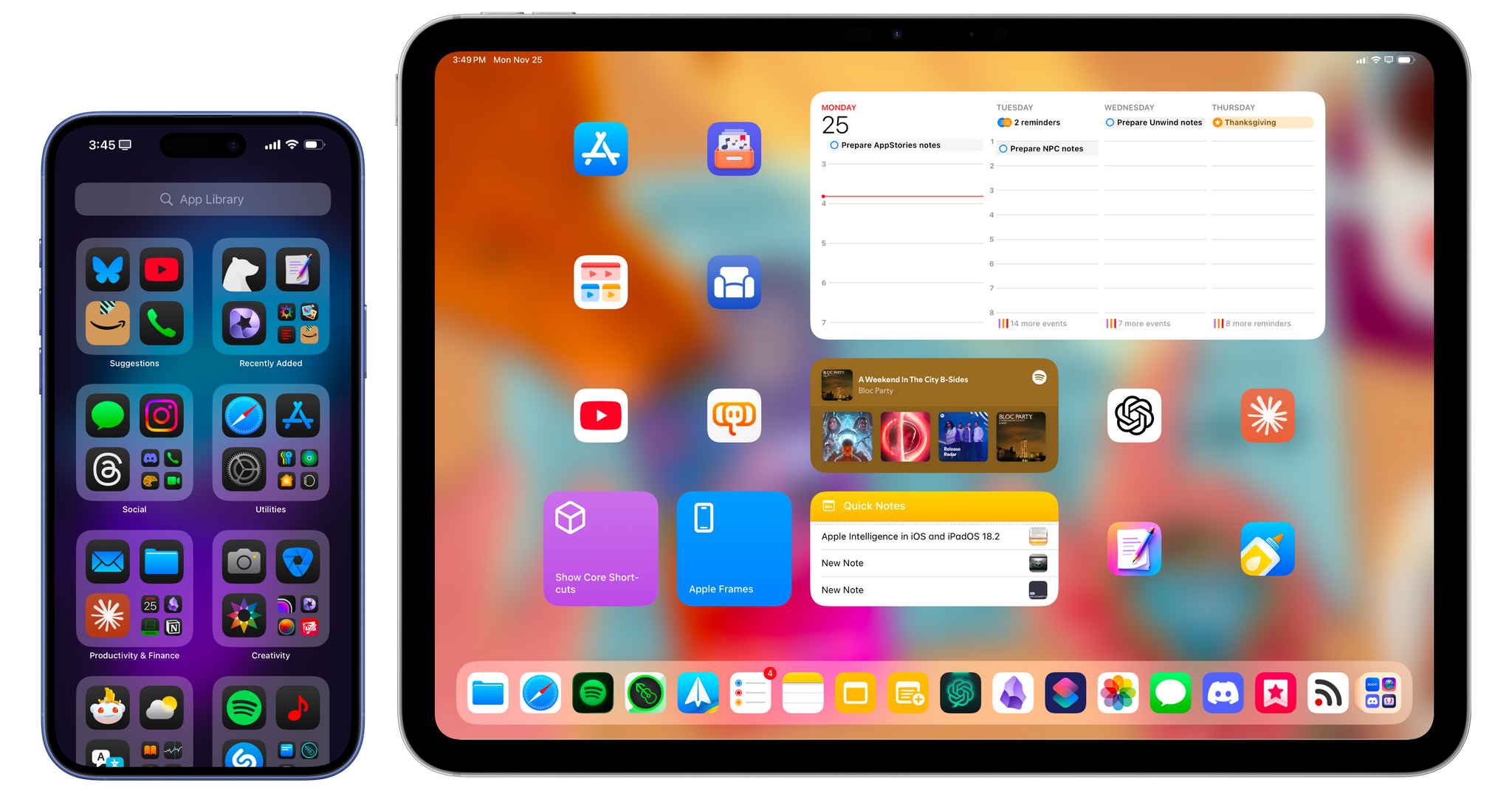
Today, I’m happy to finally release version 3.3 of Apple Frames, my shortcut to put screenshots inside physical frames of Apple devices. In this new version, which is a free update for everyone, you’ll find support for all the new devices Apple released in 2024:
To get started with Apple Frames, simply head to the end of this post (or search for Apple Frames in the MacStories Shortcuts Archive), download the updated shortcut, and replace any older version you may have installed with it. The first time you run the shortcut, you’ll be asked to redownload the file assets necessary for Apple Frames, which is a one-time operation. Once that’s done, you can resume framing your screenshots like you’ve always done, either using the native Apple Frames menu or the advanced API that I introduced last year.
So what took this update so long? Well, if you want to know the backstory, keep on reading.
 A Cavalcade of Nightmares
This week, John is joined by his NPC: Next Portable Console co-host Brendon Bigley for a conversation about Control Ultimate Edition coming to the Mac, Bluesky, a friendly interrogation about the apps and gear Brendon uses, and more.
When it comes to productivity apps, especially those that have to work within the constraints of iOS and iPadOS, it’s rare these days to stumble upon a new idea that has never been tried before. With the exception of objectively new technologies such as LLMs, or unless there’s a new framework that Apple is opening up to developers, it can often feel like most ideas have been attempted before and we’re simply retreading old ground.
Let me be clear: I don’t think there’s anything inherently wrong with that. I’ve been writing about iPhone and iPad apps for over a decade now, and I believe there are dozens of design patterns and features that have undeservedly fallen out of fashion. But such is life.
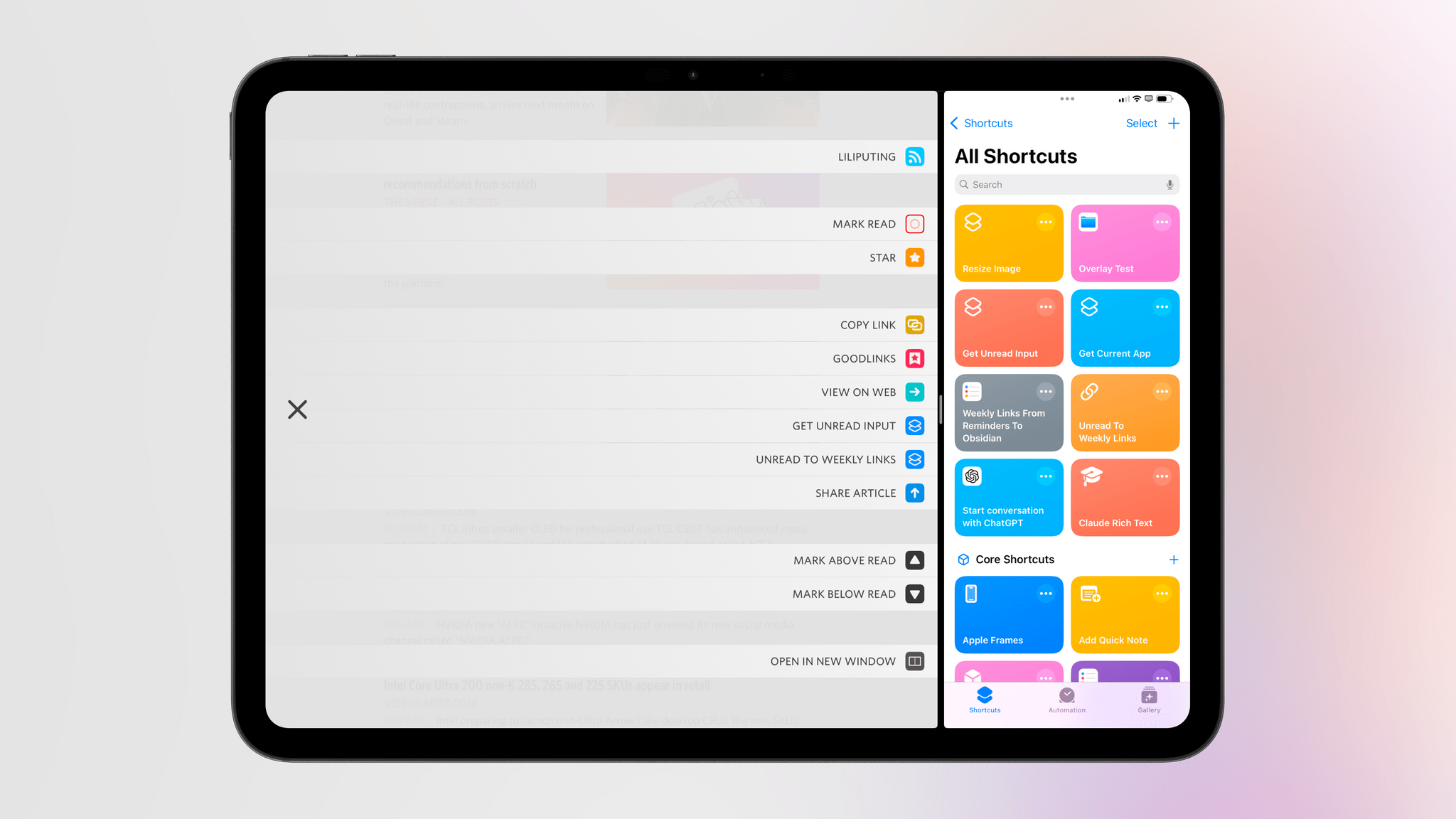
Today marks the return of a very MacStories-y feature in one of my longtime favorite apps, which – thanks to this new functionality – is gaining a permanent spot on my Home Screen. Namely, the RSS client Unread now lets you create custom article actions powered by the Shortcuts app.
What Kind of Person Are You?
This week, Federico and John interview Robb Knight, John’s co-host on Ruminate, a show about the open web, snacks, and the occasional videogame about Mastodon, ActivityPub, and the apps Robb uses day-to-day.
App Debuts I don’t remember exactly when I started using Denim, but it was years ago, and I was looking for a way to spruce up the covers of my playlists. I was using Apple Music at the time, and it was before Apple added basic playlist cover generation features to the Music app. Even after that feature came to Music, Denim still provided more options in terms of colors, fonts, and patterns. Earlier this year, I covered its 3.0 update with the ability to automatically recognize artists featured in playlists for Club members here.
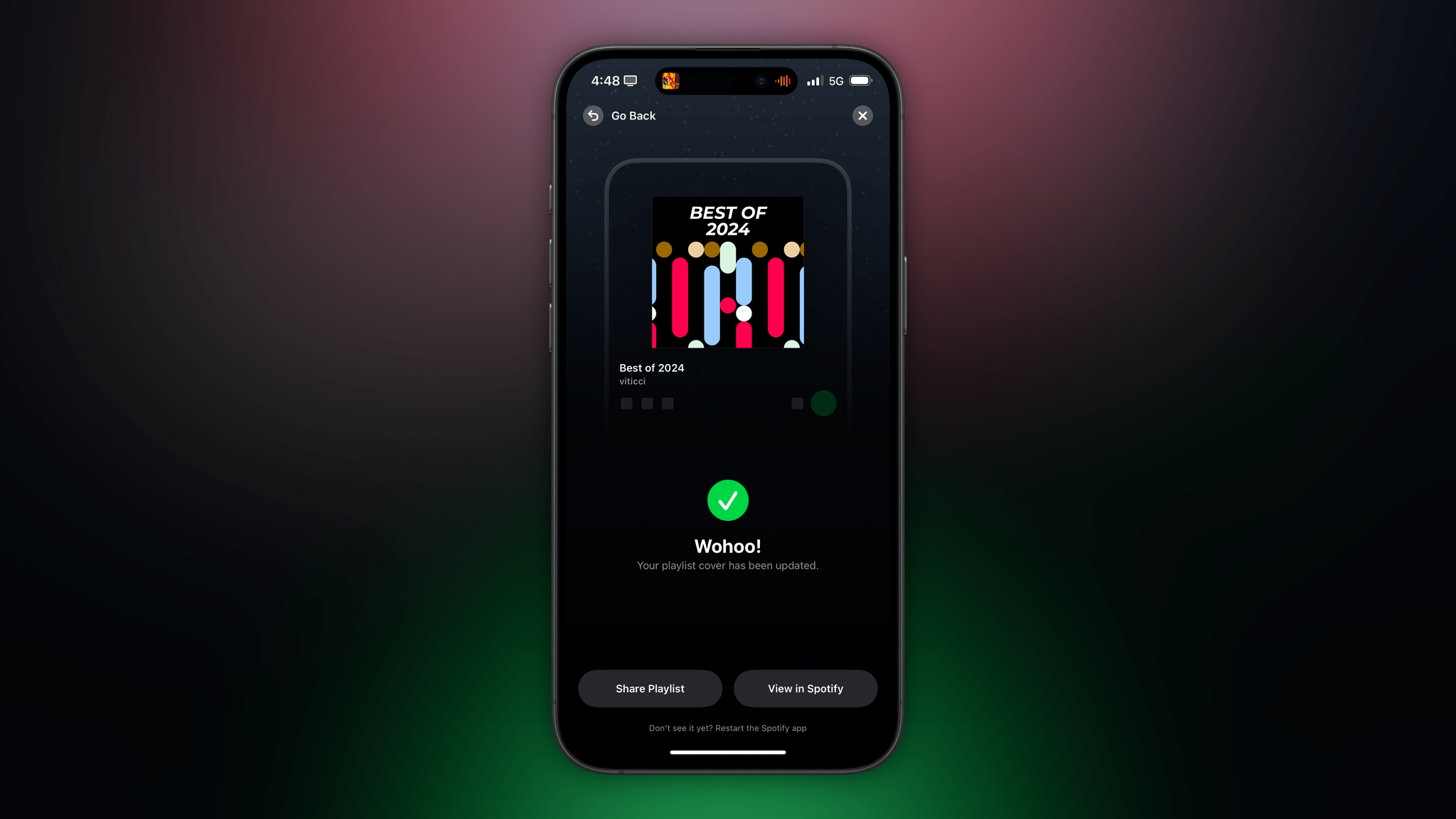
I switched to Spotify months ago (and haven’t looked back since; music discovery is still leagues ahead of Apple Music), and I was very happy to see recently that Denim can now integrate with Spotify directly, without the need to save covers to the Photos app first. Essentially, once you’ve logged in with your Spotify account, the app is connected to your library with access to your playlists. You can pick an existing playlist directly from Denim, customize its cover, and save it back to your Spotify account without opening the Spotify app or having to save an image file upfront.
That’s possible thanks to Spotify’s web-based API for third-party apps, which allows a utility like Denim to simplify the creation flow of custom covers down to a couple of taps. In a nice touch, once a playlist cover has been saved to Spotify, the app lets you know with haptic feedback and allows you to immediately view the updated cover in Spotify, should you want to double-check the results in the context of the app.
The combination of this fast customization process for Spotify and new artwork options added in this release only cements Denim’s role as the best utility for people who care about the looks of the playlists they share with friends and family. Denim is available on the App Store for free, with both a lifetime purchase ($19.99) and annual subscription ($4.99) available to unlock its full feature set.
The Apple Version of Comic Sans
This week, Federico and John are joined by Chris Lawley for a fun defense of his taste in music and beverages, plus a discussion of Apple’s acquisition of Pixelmator, working on the iPad, Final Cut Pro for iPad, and the apps Chris uses for his daily work.
I last wrote about iPod click wheel games here on MacStories in…2011, when Apple officially delisted them from the iTunes Store. Thirteen years later, some enterprising iPod fans are trying to preserve those games and find a way to let other old-school iPod fans play them today.
Here’s Kyle Orland, writing at Ars Technica:
In recent years, a Reddit user going by the handle Quix used this workaround to amass a local library of 19 clickwheel iPod games and publicly offered to share “copies of these games onto as many iPods as I can.” But Quix’s effort ran into a significant bottleneck of physical access—syncing his game library to a new iPod meant going through the costly and time-consuming process of shipping the device so it could be plugged into Quix’s actual computer and then sending it back to its original owner.
Enter Reddit user Olsro, who earlier this month started the appropriately named iPod Clickwheel Games Preservation Project. Rather than creating his master library of authorized iTunes games on a local computer in his native France, Olsro sought to “build a communitarian virtual machine that anyone can use to sync auth[orized] clickwheel games into their iPod.” While the process doesn’t require shipping, it does necessitate jumping through a few hoops to get the Qemu Virtual Machine running on your local computer.
Olsro’s project is available here, and it includes instructions on how to set up the virtual machine so you can install the games yourself. Did you know that, for example, Square Enix made two iPod games, Crystal Defenders and Song Summoner? Without these fan-made projects, all of these games would be lost to time and link rot – and we unfortunately know why.
 John
John