Spotify Center: A Custom Spotify Sharing Menu
...

 Spotify Center: A Custom Spotify Sharing Menu
Member Requests
Spotify Center: A Custom Spotify Sharing Menu
Member Requests Myke got an NES Mini, and Shahid explains the wonderful world of Console Devkits.
If you’ve ever been fascinated by the mystery surrounding videogame console devkits and what they really are, the latest Remaster is for you. You can listen here.
Sponsored by:
This week Fraser and Federico continue the Workflow series by looking at integrating Workflow with third-party apps.
In the latest episode of Canvas, our Workflow series continues with an in-depth look at third-party app integrations and several examples of our own workflows.
If you haven’t listened to the previous episodes of the series yet, you’ll want to go back and start from there.
Sponsored by:
Allen Pike has a good summary of how limited the media player framework is on iOS, especially for developers who want to create apps that integrate with Apple Music:
In the meantime, these limitations mean that any music app that attempts to play Apple Music tracks will be seriously limited, require odd workarounds, and behave problematically depending on user behaviour. In the spirit of giving users a quality experience, we’re stuck with the same limitation that other sophisticated audio apps have today: no Apple Music.
The explanation is a bit technical in places, but I think we can all relate to some limitations he details: apps can’t modify Music playlists on the user’s behalf, queue management is severely limited, and fading a song out is a private API.
There could be an entire ecosystem of music utilities and alternative players based on the streaming service – think how professional DJ apps, tagging services like Shazam and SoundHound, or music discovery apps could take advantage of a direct integration with Apple Music. I hope Apple will consider some of these suggestions for next year.
Every year, thousands of iOS and macOS app deals are launched for Black Friday and Cyber Monday. At MacStories, we handpick the best deals for iOS and Mac apps and collect them in a single roundup with links to buy or share discounted products directly. You don’t have to be overwhelmed by app deals; we take care of finding the best ones for you.
Bookmark this post and come back to find updated deals starting today through Monday. Updates will be listed as new entries at the top of each section; iOS apps are organized in sub-categories for easier navigation.
For real-time updates, you can find us as @MacStoriesDeals on Twitter.
This week Federico and Myke discuss the Google Daydream VR headset, how Instagram is becoming even more like Snapchat, Apple’s Holiday ad, the advancement of the iPad Pro, and iA Writer.
On this week’s Connected, Myke and I had a good discussion about what we still want from the iPad, plus iA Writer 4.0 and why I’m always looking to optimize the way I work from iOS. You can listen here.
Sponsored by:
I watch a lot of TV shows and YouTube videos on my iPad Pro. Thanks to the 12.9-inch iPad’s large screen and four-speaker system, watching directly on the device is a pleasure (I tend to prop up the iPad with the Razer keyboard I reviewed here) but I’ve also been streaming to Google Chromecast and Apple TV depending on what I want to watch (Chromecast is great for YouTube).
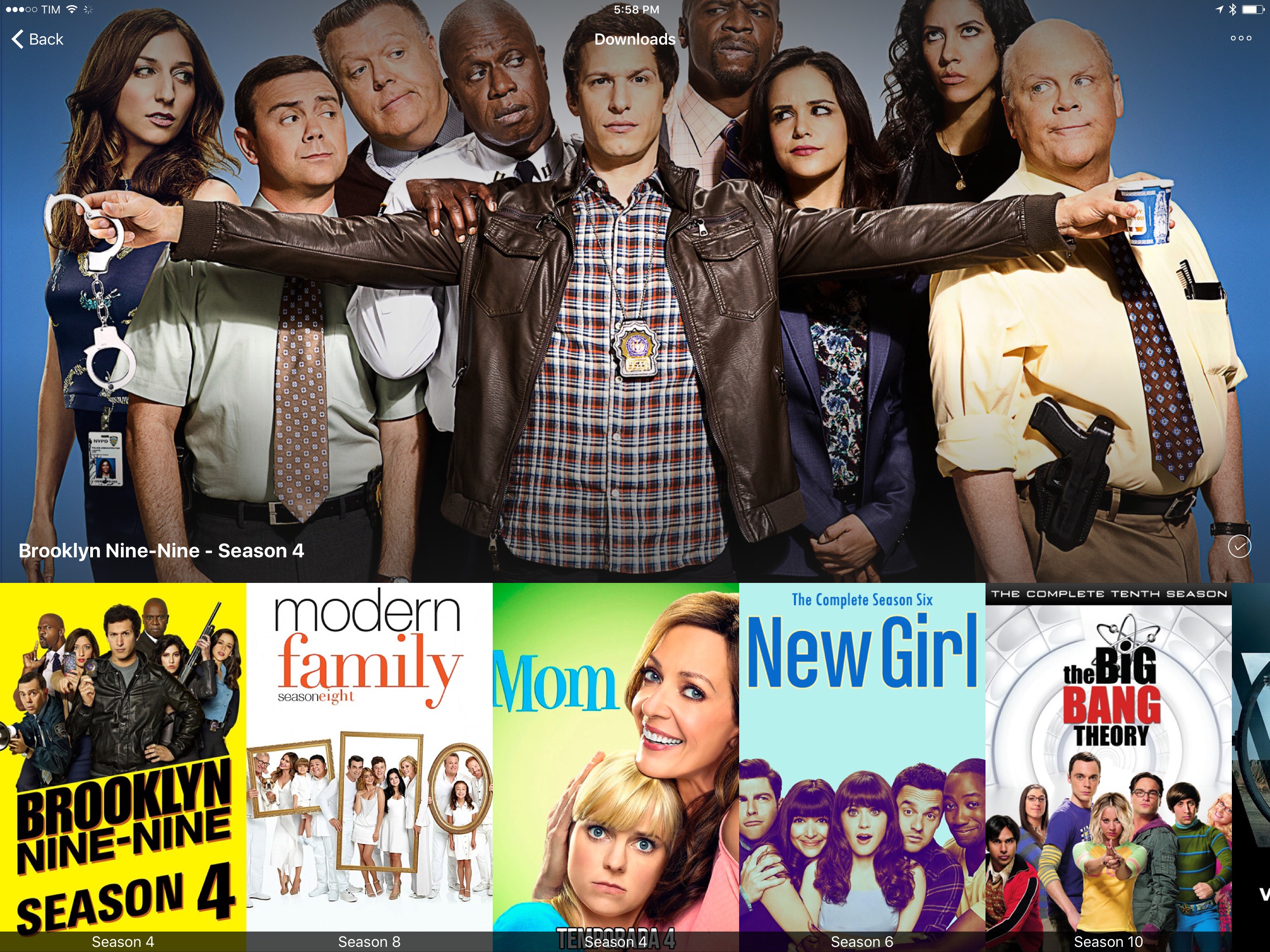
Every time I want to watch something, I use Infuse. I’ve been an Infuse Pro customer for years now and I like the app because it can stream videos from my Synology NAS and it can play anything I throw at it without issues. Yesterday, Infuse graduated to version 5, which is a separate app with a new subscription model at $6.99/year. I don’t mind paying $0.58/month for an app I use several times each day, and the new version brings some welcome additions that will save me a lot of time going forward.
Infuse 5 supports Split View and Picture-in-Picture, two features that were strangely missing since the launch of iOS 9. Infuse also uses iCloud now to keep shares, favorites, metadata, and other settings in sync between devices; I don’t use Infuse on my iPhone, but it’s good to know I won’t have to set it up from scratch. In terms of other native iOS features Infuse 5 supports, there is integration with the document picker to download files from external apps and optimizations for video playback on iOS 10.
More importantly for me, Infuse 5 can automatically download subtitles from Open Subtitles and stream videos from a connected Dropbox, Google Drive, or OneDrive account. The first option is welcome for those times when I have some friends over who want to watch a movie in English audio and subtitles, which I usually keep disabled. Now I don’t have to go looking around the web for the right version of subtitles as Infuse seems to be doing a decent job at picking up the correct .srt file from the popular subtitle service. Cloud streaming means I have an easy way to beam work-related videos from my Dropbox to my Apple TV or Chromecast while retaining the benefits of Infuse’s UI.
Infuse is the only video app I keep on my iPad Pro. Unlike other video apps, Infuse combines an elegant interface and intuitive controls with powerful functionalities and integrations, which is what I need when I’m done working and want to relax at the end of a long day. Infuse 5 is available on the App Store; a paid upfront Pro version is also available at $12.99 if you don’t want to subscribe annually.
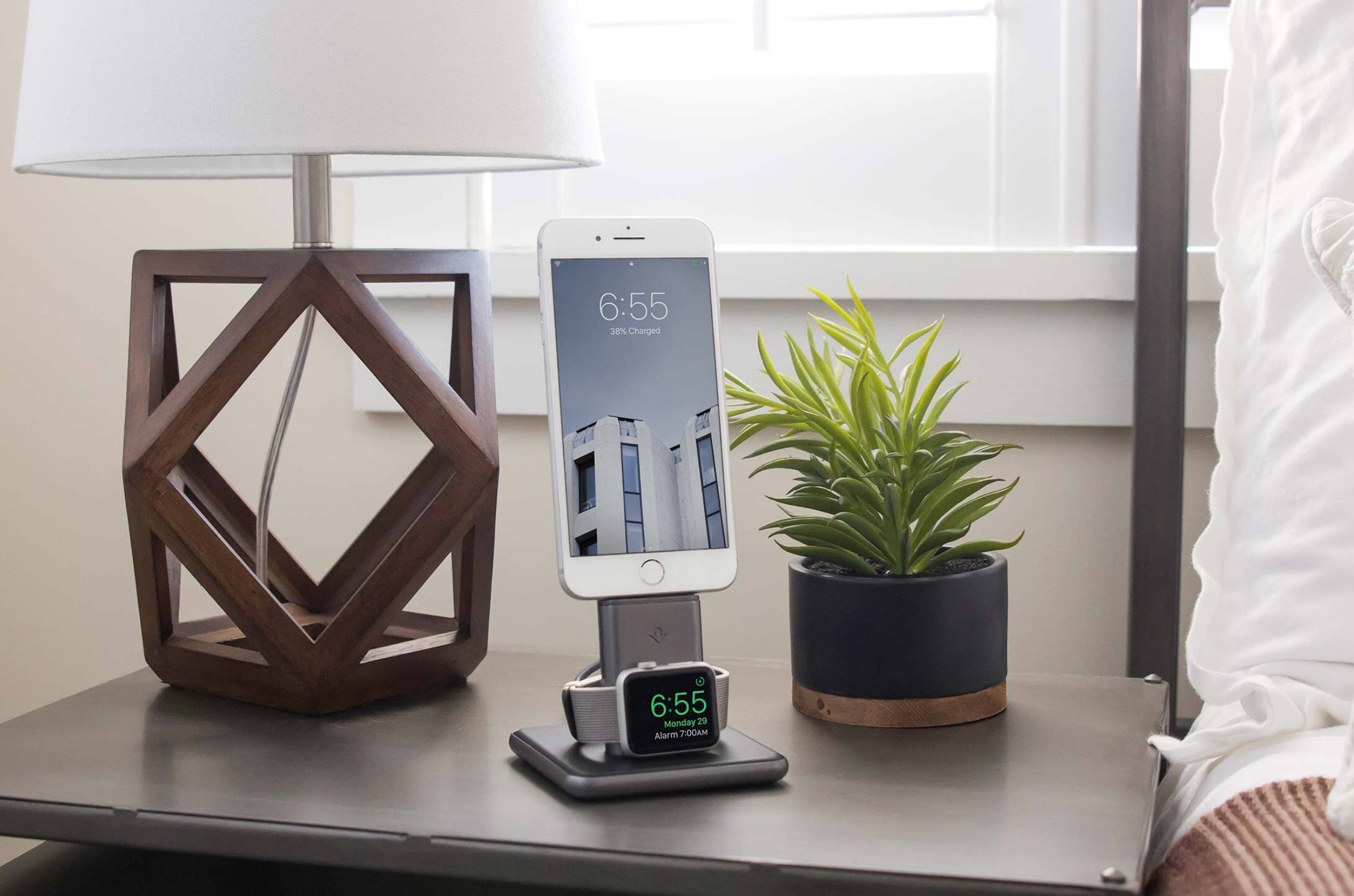
Great-looking addition to the HiRise family by Twelve South: the HiRise Duet is an integrated iPhone charging stand and Apple Watch charging dock that combines a Lightning connector with a magnetic charging disc. The Apple Watch can recharge at night while in Nighstand mode (so you can easily hit the snooze button in the morning) while the iPhone stands upright. Because it’s made of metal and weighs one pound, the HiRise Duet won’t slide across surfaces (either because you’re moving the cable or plugging in your devices). I like the Apple-inspired curved base, too.
The HiRise Duet is $119 with free shipping in the US. If I hadn’t already bought a Belkin Valet Charge Dock last year (which doesn’t support Nighstand mode), I’d get this one today.