Federico Viticci

10804 posts on MacStories since April 2009

Federico is the founder and Editor-in-Chief of MacStories, where he writes about Apple with a focus on apps, developers, iPad, and iOS productivity. He founded MacStories in April 2009 and has been writing about Apple since. Federico is also the co-host of AppStories, a weekly podcast exploring the world of apps, Unwind, a fun exploration of media and more, and NPC: Next Portable Console, a show about portable gaming and the handheld revolution.

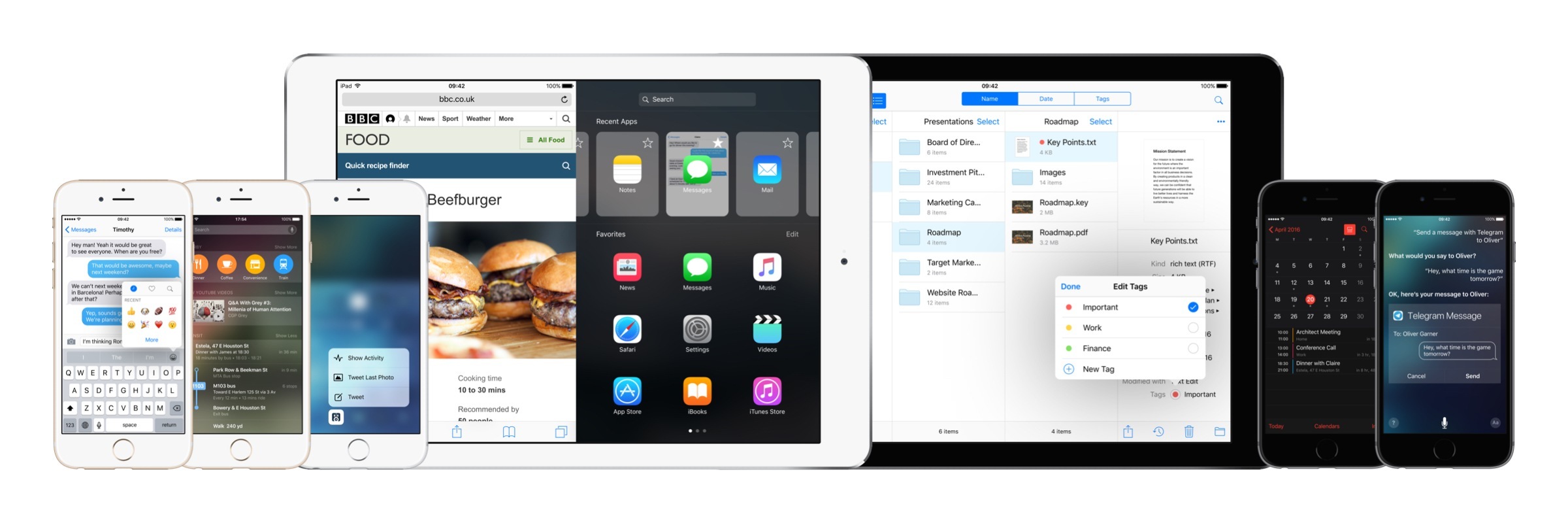
iOS 10: Wishes and Concept Video

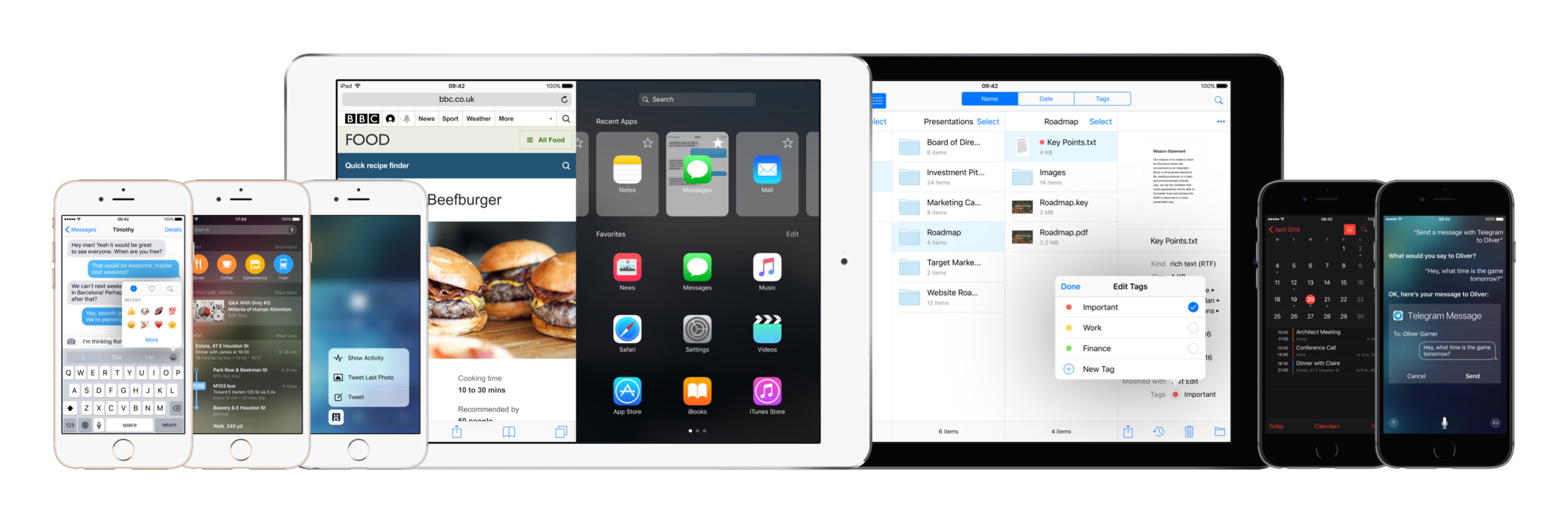
iOS 10 concept.

iOS 10 concept.


(Full-res)

I almost can’t believe there was a time when the iPad didn’t have Split View. Or that, for years, I thought Apple would never bring split-screen multitasking to iOS.

More than any other iOS update before, iOS 9 has fundamentally reinvented the role of the iPad in my computing life. As I’ve written in my iOS 9 review and look at the iPad one year after my decision to stop using my Mac, iOS 9 and its multitasking improvements have catapulted the iPad away from the old limitations of iOS into a different league.

With iOS 9 and the iPad Pro, the list of tasks I can’t perform on my iPad is down to a single item.

I’ve never been happier with an iOS device and operating system than I am with the iPad Pro and iOS 9. Getting my work done is faster; using apps in Split View is a treat compared to iOS 8; and the software keyboard (despite some problems) continues to impress me with the addition of trackpad mode and the Shortcut Bar. The iPhone 6s, too, has been a pleasant surprise thanks to its superior performance and 3D Touch.1

There’s never been a better time to be an iOS user. But that doesn’t mean that everything’s perfect. When it comes to iOS, happiness is often a fleeting moment – a temporary satisfaction with the current state of things before the inevitable longing for something deeper. Such is the constant pursuit of the future.

Every year, I put together a list of the changes I’d like to see in the next version of iOS. I’ve been doing this for several years now. This year, I wanted to prepare something bigger. The tenth version of iOS due to be released later this year will be a major milestone for Apple and iOS users. It only felt appropriate to celebrate the occasion with a different take on my annual iOS wish list.

For the past few months, I’ve been collaborating with Sam Beckett (author of a fantastic Control Center concept we linked to a while back) to visualize my iOS 10 wishes with a professional concept video and static mockups. Sam and I discussed my ideas for a couple of months, and he was able to visualize2 what I would like to have in iOS 10 – both for the iPhone and iPad – with a style and attention to detail I’m extremely happy with.

Below, you’ll find a collection of my iOS 10 wishes, organized in tentpole features (the ones also shown in the video) plus additional sub-sections. Some of these wishes have been on my list for years; others are a consequence of the features Apple shipped with iOS 9.

Let’s get started.

Read more


  1. I use 3D Touch heavily every day. Peek previews for tweets and links in Tweetbot, Home screen actions, keyboard cursor control, and channel shortcuts in Slack are gestures I intuitively perform daily. 
  2. He was also very patient. As you can imagine, I sent him a lot of ideas and comments before signing off on the final version. I can't recommend working with Sam enough. 

Introducing MacStories Dark Theme and Telegram Channel

Seven years ago today, I published my first post on MacStories.

I had no idea back then that this website would become my job one day – in fact, I really had no idea what I was doing. Every day, I’m incredibly thankful for the luck and privilege to have found friends, colleagues, and an audience that have guided us with their honest advice, help, and daily support.

MacStories wouldn’t be possible without you.

To celebrate the occasion, I’m thrilled to announce two changes that I think are going to make the MacStories experience more enjoyable for everyone.

Read more


Connected, Episode 87: Ticci on the Scene

A sleep-deprived Myke joins Federico and Stephen to talk about WWDC, new MacBooks and App Store search.

On this week’s Connected, the first details of our upcoming trip to San Francisco for WWDC, some fun speculation on Apple’s announcements, and some hints on what we’re announcing tomorrow at MacStories. You can listen here.

Sponsored by:

  • Memories: Relive your Photos from the Past
  • Arq: Automatically back up all your Macs and PCs. Your files are stored securely, readable only by you.
Permalink


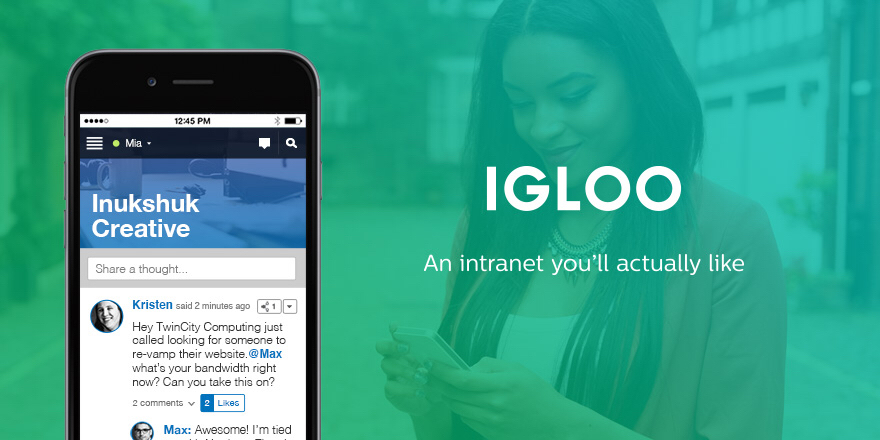
Igloo: An Intranet You’ll Actually Like [Sponsor]

We all struggle with productivity. We are constantly pressured to accomplish more, and to do it quicker. There is no one definitive way to accomplish that, and we have all devised our own little method to make things work.

At Igloo, they think your way is the best way, they just want to support you, and make your way better.

Work has evolved and your tools should too. Never email yourself a file again. Bring your company into the 21st century - send your IT guy to try Igloo Software for free.

Igloo is an intranet you’ll actually like.

Our thanks to Igloo for sponsoring MacStories this week.


Apple Announces WWDC 2016: Kicks Off June 13 with Sessions Live Streamed Daily

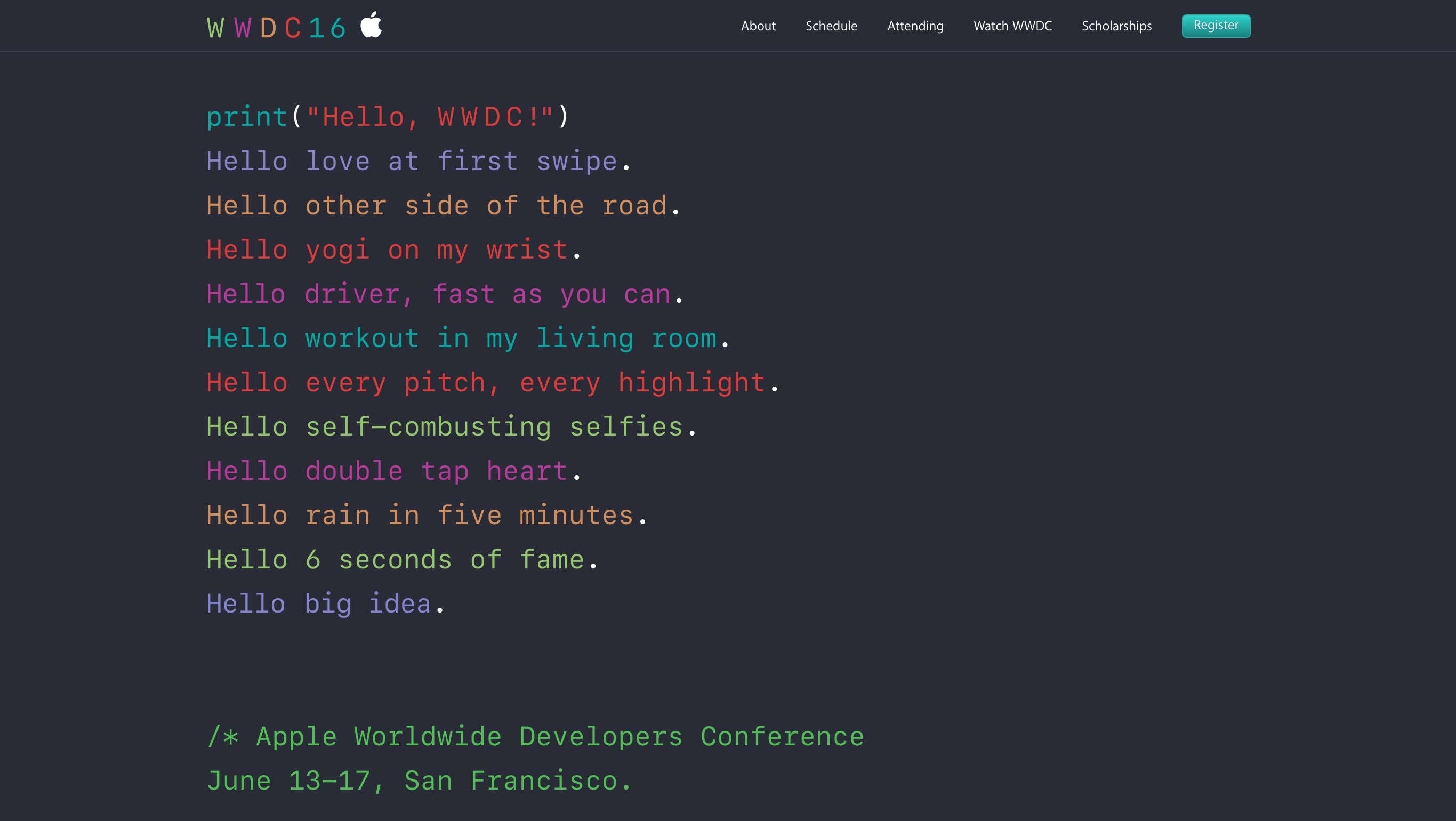
After confirming the dates via Siri earlier today, Apple has announced the official dates for WWDC 2016 with a press release and a website update. This year’s WWDC will start in San Francisco on June 13 and runs through June 17.

“With four innovative operating systems and a new, intuitive programming language powering over 1 billion devices worldwide, there has never been a more exciting time to bring our developer community together,” said Philip Schiller, Apple’s senior vice president of Worldwide Marketing. “WWDC 2016 is going to be a landmark event for developers who are coding in Swift, and building apps and products for iOS, OS X, watchOS and tvOS. We can’t wait for everyone to join us — in San Francisco or through the live stream.”

For the first time, the initial keynote address and Monday’s kickoff events will be held at the Bill Graham Civic Auditorium in San Francisco; the rest of the event, including the technical sessions, will be held at the usual Moscone West location (the company’s traditional Bash event will also be held at the Bill Graham Civic Auditorium on Thursday).

Apple writes:

The Apple Worldwide Developers Conference kicks off at the historic Bill Graham Civic Auditorium for an unforgettable Monday as Apple’s renowned developer community comes together to learn about the future of OS X, iOS, watchOS, and tvOS. The Keynote and State of the Union promise exciting reveals, providing inspiration and new opportunities to continue creating the most innovative apps in the world. End the day by honoring the most remarkable developers of the year at the Apple Design Awards.

Like last year, Apple will be awarding tickets to attendees through a random selection system (effectively, a lottery). Developers will be able to apply today through April 22 at 10 AM PDT, and they will know their status by Monday, April 25 at 5 PM PDT. There are also 350 WWDC Scholarships available, giving students and members of participating STEM organizations a chance to get a free ticket.

This year, Apple will celebrate apps that apps that “demonstrate technical excellence, innovation and outstanding design” with Apple Design Awards for all their major software platforms – iOS, OS X, tvOS, and watchOS.

In addition to a heavily Swift-themed website, Apple has also confirmed that they will live stream sessions from WWDC daily through the WWDC app and website. Those interested in attending WWDC can check out the dedicated webpage here.


MLB’s At Bat iPad App Live Video Viewing Up 86% Thanks to Picture in Picture

Sarah Perez, reporting for TechCrunch, on the effect iOS 9 multitasking had on MLB’s At Bat app since they added support for Split View and Picture in Picture two months ago:

During these first two weeks, MLB fans spent 20 percent more minutes per day, on average, watching live video on iPad compared with the 2015 season, when multitasking was not available. (MLB says that any form of multitasking behavior was counted here, not just spilt-screen viewing.)

In addition, fans who were using the new multitasking features and watching live video of MLB games in the At Bat application were spending 162 minutes per day on average consuming MLB.TV on iPad. That’s an increase of 86 percent from the 2015 season.

Picture in Picture fundamentally transforms the video experience of an iPad. Now imagine if two of the biggest video services around also realized this.

Permalink