Federico Viticci

10804 posts on MacStories since April 2009

Federico is the founder and Editor-in-Chief of MacStories, where he writes about Apple with a focus on apps, developers, iPad, and iOS productivity. He founded MacStories in April 2009 and has been writing about Apple since. Federico is also the co-host of AppStories, a weekly podcast exploring the world of apps, Unwind, a fun exploration of media and more, and NPC: Next Portable Console, a show about portable gaming and the handheld revolution.

On Google’s iOS Apps

MacStories readers and listeners of Connected are no strangers to my criticism towards Google’s Docs suite on iOS. For months, the company has been unable to properly support the iPad Pro and new iOS 9 features, leaving iOS users with an inferior experience riddled with a host of other inconsistencies and bugs.

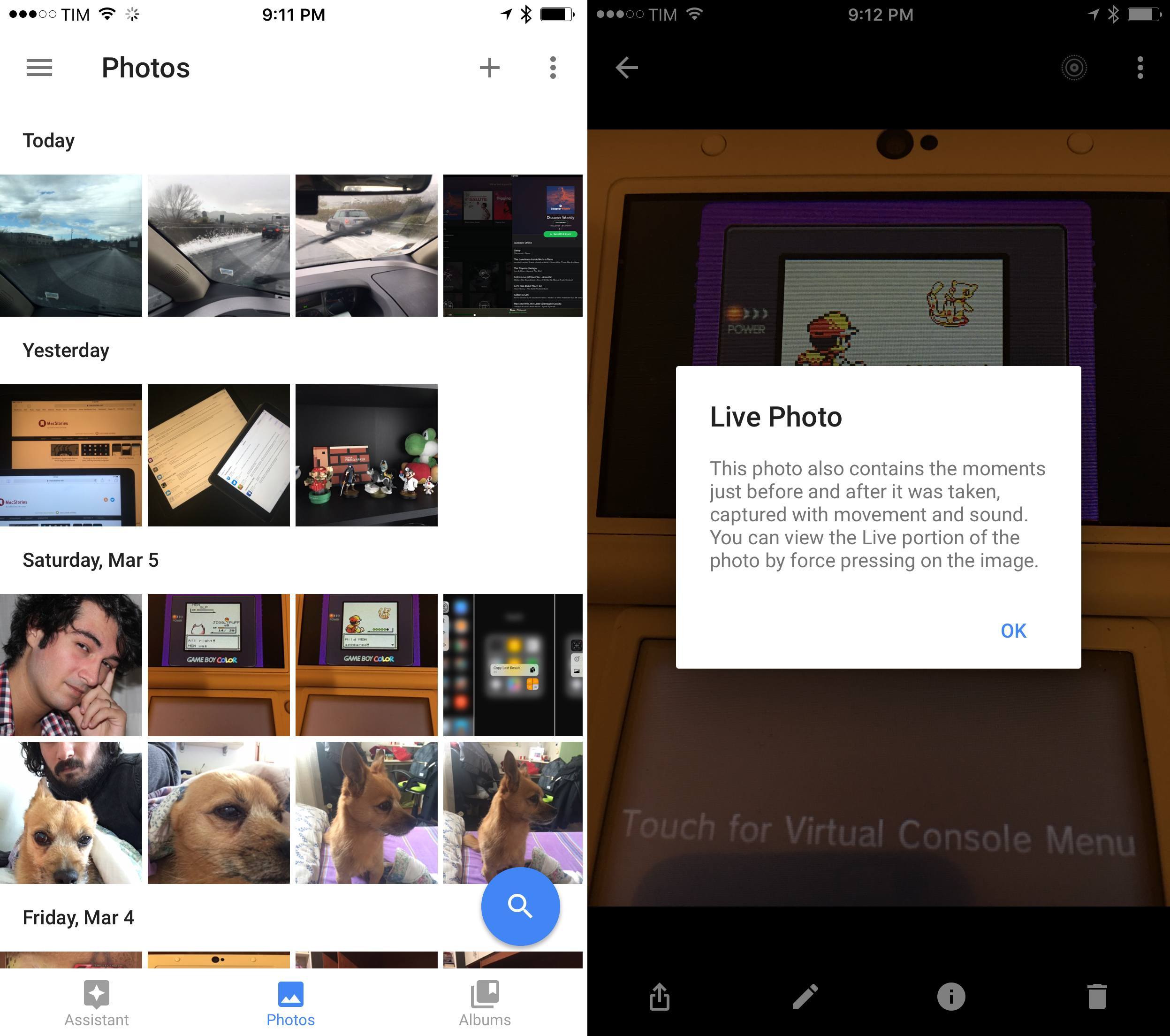
Earlier today, Google brought native iPad Pro resolution support to their Docs apps – meaning, you’ll no longer have to use stretched out apps with an iPad Air-size keyboard on your iPad Pro. While this is good news (no one likes to use iPad apps in compatibility mode with a stretched UI), the updates lack a fundamental feature of the post-iOS 9 world: multitasking with Slide Over and Split View. Unlike the recently updated Google Photos, Docs, Sheets, and Slides can’t be used alongside other apps on the iPad, which hinders the ability to work more efficiently with Google apps on iOS 9.

Today’s Google app updates highlight a major problem I’ve had with Google’s iOS software in the past year. One of the long-held beliefs in the tech industry is that Google excels at web services, while Apple makes superior native apps. In recent years, though, many have also noted that Google was getting better at making apps faster than Apple was improving at web services. Some have said that Google had built a great ecosystem of iOS apps, even.

Today, Google’s iOS apps are no longer great. They’re mostly okay, and they’re often disappointing in many ways – one of which1 is the unwillingness to recognize that adopting new iOS technologies is an essential step for building solid iOS experiences. The services are still amazing; the apps are too often a downright disappointment.2

No matter the technical reason behind the scenes, a company the size of Google shouldn’t need four months (nine if you count WWDC 2015) to ship a partial compatibility update for iOS 9 and the iPad Pro. Google have only themselves to blame for their lack of attention and failure to deliver modern iOS apps.


  1. I could mention the slowness to adopt iOS 9 across their other apps, or the lack of Picture in Picture and background audio in YouTube, or the many problems with rich text in Google Docs, or the lackluster iOS extension support across all their apps. 
  2. And for what it’s worth, Apple’s services still leave a lot to be desired, too – especially Siri. 

Canvas, Episode 5: Typing

On last week’s episode of Canvas, Fraser and I talked about typing on the iOS software keyboard. We covered some tips and tricks to become a better keyboard user on iOS, such as the ability to swipe on keys, tap & hold shortcuts, text replacements, custom keyboards, and more. It’s a good one. You can listen here.

Permalink


Workflow 1.4.4 Brings More Image Automation, HTML to Markdown Conversion

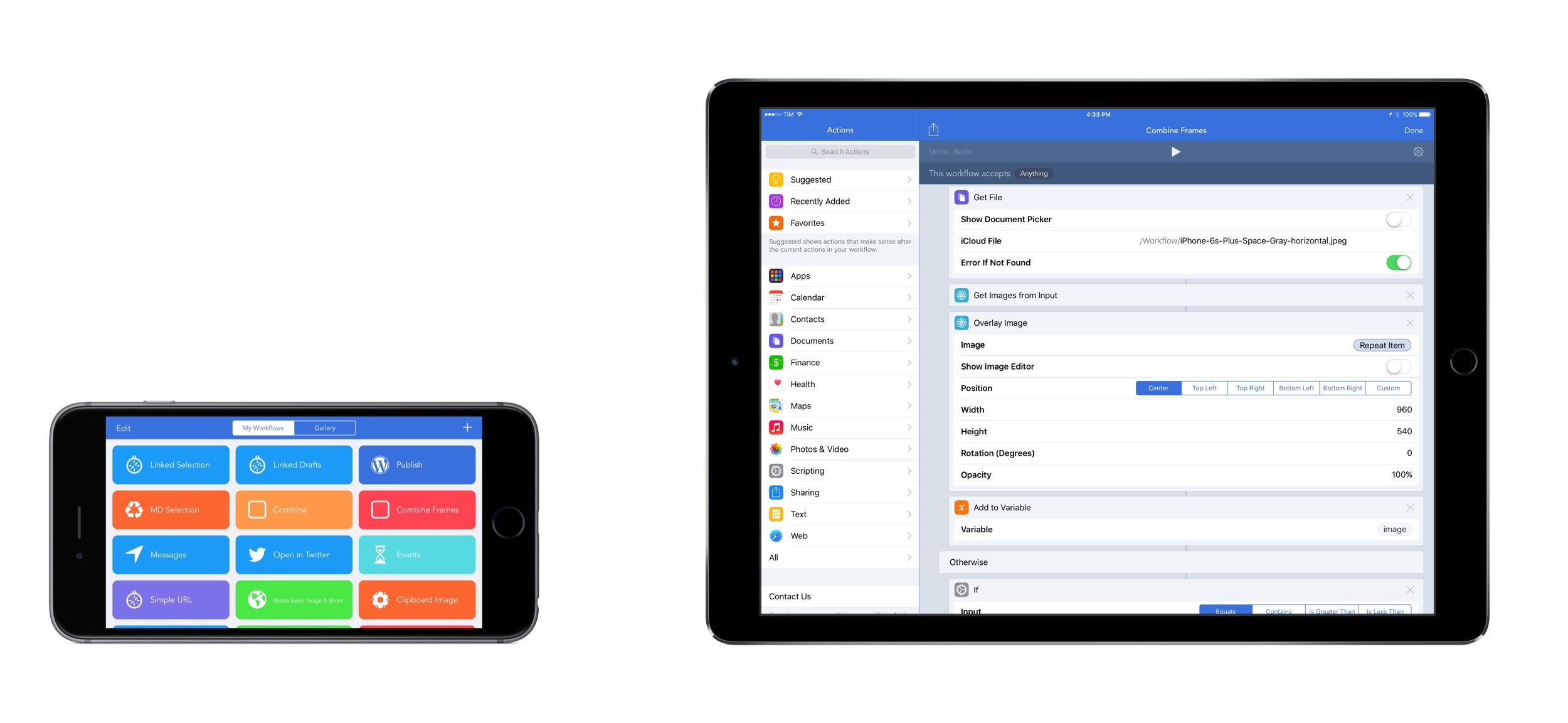
As much as I like to use Workflow for every task I don’t want to perform manually, until last week there were still some things I couldn’t automate with the app. Those tasks were utterly specific: converting HTML and rich text back to Markdown (with my beloved html2text in Python), or assembling iOS screenshots with pretty device frames (with LongScreen). With the release of Workflow 1.4.4 today, I can finally integrate these two key tasks into Workflow’s automation, and I’m in love with the results.

Read more


The Spaceship Rises

Apple’s new campus has received significant attention during its development phase, from design renderings to blueprints to aerial footage captured by drones. Apple has shared with Mashable exclusive details and photos of its new corporate offices, including the theater that will serve as the venue for future Apple product launches.

Some great new photos of Apple’s Campus 2 project at Mashable today. It’s hard to look at that carbon-fiber roof without thinking of a UFO, though.

Permalink


Connected: I’m Like a Butterfly

This week, Myke and Federico console Stephen over the Mac mini before discussing Siri and the next version of iOS.

This week on Connected, a discussion on Siri for iPhone (and maybe Mac in the future), plus some first thoughts on what iOS 10 could bring. You can listen here.

Sponsored by:

  • Braintree: Code for easy online payments.
  • PCalc : Ideal for scientists, engineers, students, professional podcasters, or indeed anybody looking for a feature-rich calculator.
Permalink

App Store Shifts to Updating ‘Best New Apps’ More Often

Jeff Benjamin, writing at 9to5Mac:

Schiller is now in charge of all App Stores, taking over responsibilities from Eddy Cue, which most prominently include the iOS App Store and the Mac App Store.

It’s been less than three months since the move occurred, but we’re already beginning to see a change in the way the App Store operates. For example, we’re now seeing more regular updates of the Best New Apps section at the top of the App Store’s Featured page. In a tweet today, Schiller acknowledged the changes and indicated that more changes were on the way.

I’ve been noticing the same, particularly on the front page, which makes sense. The App Store used to be refreshed every Thursday with Editor’s Choice and featured apps. Frequent updates to the ‘Best New Apps’ section could help in promoting apps multiple times throughout the week.

Permalink