Federico Viticci

10804 posts on MacStories since April 2009

Federico is the founder and Editor-in-Chief of MacStories, where he writes about Apple with a focus on apps, developers, iPad, and iOS productivity. He founded MacStories in April 2009 and has been writing about Apple since. Federico is also the co-host of AppStories, a weekly podcast exploring the world of apps, Unwind, a fun exploration of media and more, and NPC: Next Portable Console, a show about portable gaming and the handheld revolution.

Pigment Brings Adult Coloring Books to iPad Pro with Apple Pencil Support

I first heard of the adult coloring book trend from my friend Myke, who described on various podcasts and Slack conversations how coloring mandala-like patterns helps him concentrate and relax while doing something else. In a peculiar case of Baader-Meinhof Phenomenon, I then started hearing about the popularity of adult coloring from a lot of people – all of them, apparently, owners of physical books with empty artistic designs which need to be filled with color.

While I don’t own any adult coloring books myself, I’ve been intrigued by the trend enough to do some research. The origin story of the modern adult book coloring trend goes somewhat like this: Scottish artist Johanna Basford convinced British publisher Laurence King to order an initial run of ‘Secret Garden: An Inky Treasure Hunt and Coloring Book’. Since its release in 2013, the book has sold over two million copies worldwide. As noted by The Atlantic, adult coloring also started spreading in France when, in 2012, publisher Hachette released Art-Thérapie: 100 Coloriages Anti-Stress’. It was so successful, Hachette had to launch a full series, which has sold more than three and a half million copies so far. The New Yorker has a great primer on the rise of adult coloring books and the initial work of Johanna Basford and Hachette.

In another piece for The Atlantic, Julie Beck described adult coloring as offering the “relief and mindfulness without the paralysis that a blank page can cause”; the constraints of objects designed by others with the sole purpose being coloring them helps a lot of people relieve stress and engage a part of their brain that can either take their mind off daily concerns or, like Beck noted, use multitasking to relax.

Evidence – both factual and anecdotal – indicates that adult coloring has now turned into a global, lucrative phenomenon: mainstream media are talking about it, 5 out of 10 of the top books on Amazon are adult coloring books, and, if you go into a bookstore today, there’s a good chance you’ll find a section dedicated to books filled with patterns of flowers, natural landscapes, exotic objects, animals, and more.

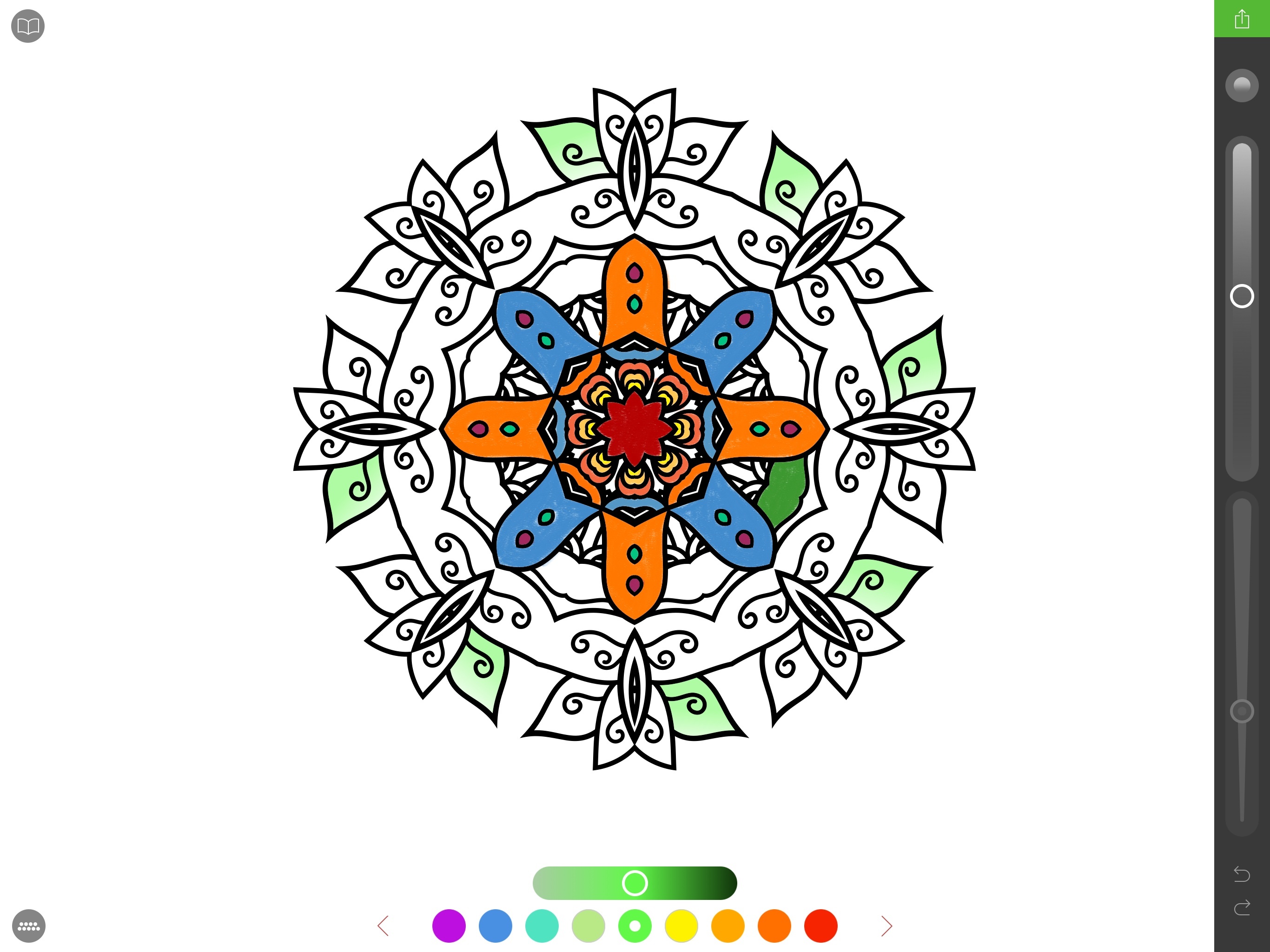
Back in November, I half-jokingly sent a tweet in response to John Gruber saying that the first developer to figure out how to make an adult coloring app with Apple Pencil integration would find success on the App Store. I don’t know if they’re going to make “millions” as I quipped, but California-based studio Pixite – specialized in photo apps for iOS and Android – is following the path I imagined. Today, Pixite is launching Pigment, an adult coloring app for iPhone and iPad that, however, is best enjoyed with the closest digital equivalent of a physical book: an iPad Pro paired with an Apple Pencil.

Read more


The First Spotlight Interface Is Still the Best

Riccardo Mori:

From Mac OS X 10.5 Leopard onwards, while the Spotlight menu and find-as-you-type list of results on the upper right corner of the desktop remained essentially unchanged, this neatly organised window disappeared, and the Show All option simply triggered a new Finder window with the search results amassed in an unorganised fashion. If you didn’t find what you were looking for in the first results Spotlight displayed from the Search menu on the top right, you’d have to perform more organised searches with various filters and criteria directly from a Finder window. But the overall approach was less clean and clear than under Mac OS X Tiger. On the other hand, Spotlight got better as an app launcher and new features were introduced, like the ability to do quick calculations from the Spotlight search field itself.

When the Spotlight interface was finally redesigned with the release of Mac OS X 10.10 Yosemite, it was great to see that Apple was revisiting that kind of search interface, with a panel front and centre, and with the results organised in categories in a similar way as it was under Tiger. Since I upgraded from Mac OS X 10.9 Mavericks to 10.11 El Capitan avoiding Yosemite completely, I only started using this new Spotlight interface in recent times. And I have mixed feelings about it.

This is a terrific analysis of the behavior and design choices of Spotlight for OS X Tiger and the latest El Capitan. I agree with Riccardo – the organization of results in the original interface still looks better.

Permalink

Copied: A Full-Featured Clipboard Manager for iOS 9

I first came across Copied a few days after its release in late October. Developed by Kevin Chang, Copied is a clipboard manager for iOS and OS X with iCloud sync and a polished interface – a fairly standard set of features, I first thought when looking at the app’s product page.

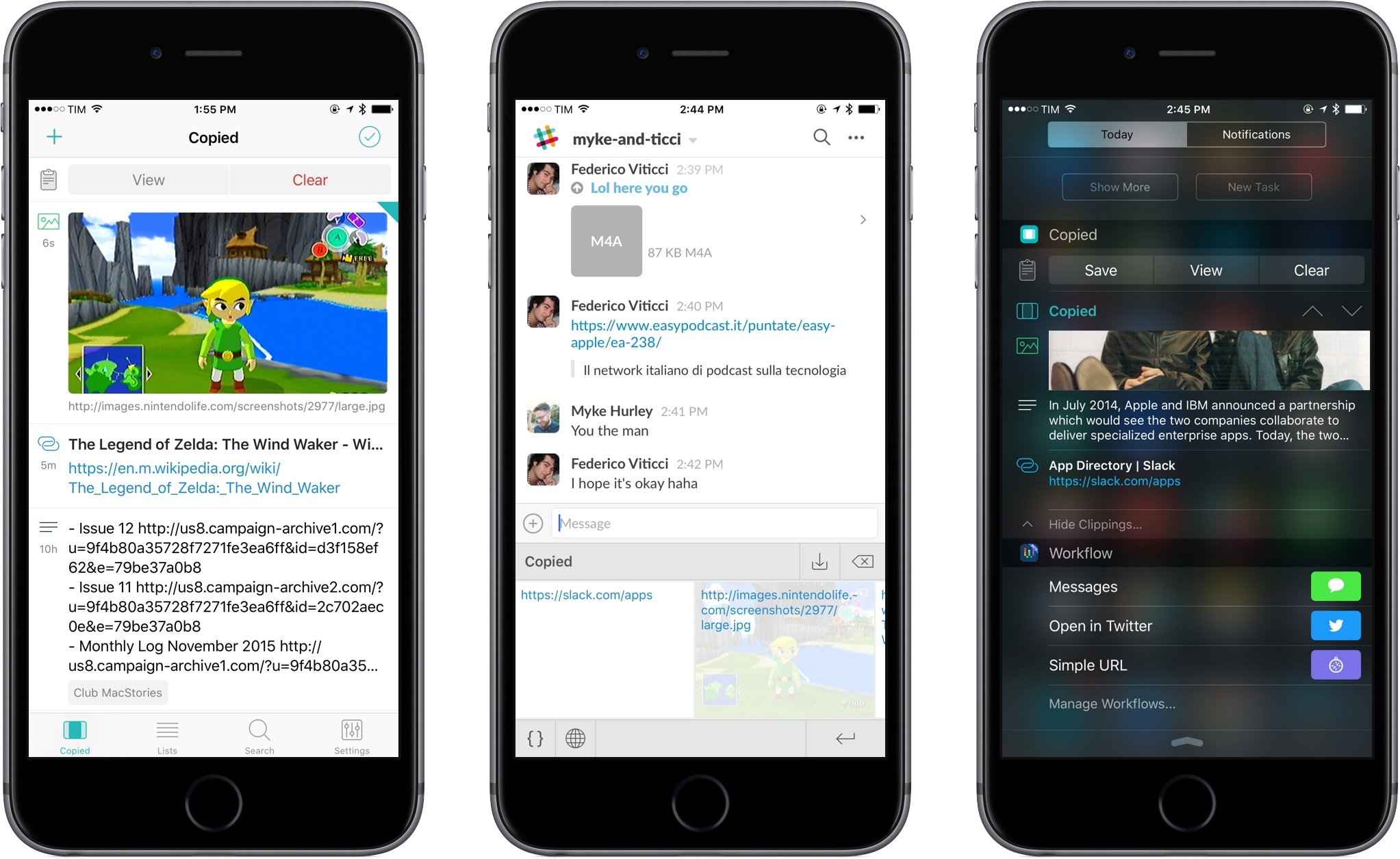
Over the subsequent couple of weeks, Copied played an essential role in helping me assemble my coverage of the iPad Pro, and it has since gained a permanent spot on my Home screen on both the iPhone and iPad. Copied has become my favorite way to quickly exchange bits of text and images between devices with iCloud, transfer URLs and templates I use for in-depth reviews and Club MacStories, and more.

On the surface, Copied may appear like another clipboard manager for iOS; however, several nice touches in the app break new ground in this category, and I consider Copied one of the best app debuts of 2015.

Read more


Igloo: An Intranet You’ll Actually Like [Sponsor]

We all struggle with productivity. We are constantly pressured to accomplish more, and to do it quicker. There is no one definitive way to accomplish that, and we have all devised our own little method to make things work.

At Igloo, they think your way is the best way, they just want to support you, and make your way better.

Work has evolved and your tools should too. Never email yourself a file again. Bring your company into the 21st century - send your IT guy to try Igloo Software for free.

Igloo is an intranet you’ll actually like.

Our thanks to Igloo for sponsoring MacStories this week.


Sidefari Adds iPhone Support with Updated Safari View Controller Extension

Sidefari's new iPhone extension.

Sidefari’s new iPhone extension.

I first covered Sidefari by Francisco Cantu last month, noting how such a clever idea had arisen from Apple’s limitations in the multitasking framework of iOS 9 for iPad:

Sidefari essentially acts as an on-demand Safari View Controller built into an app that does nothing else, and that’s been made available for Split View. In its simplicity, I find Sidefari to be an ingenious idea for an app that uses a built-in technology to work around a limitation of Apple’s multitasking design in iOS 9. By using Safari View Controller, Sidefari comes with a series of Safari features available by default (such as autofill and Reader); for Safari users, this is a superior alternative to using Safari and a browser like Chrome in Split View, as third-party browsers can’t access user data and settings from Safari.

I’ve been using Sidefari extensively on my iPad: while other third-party browsers exist with support for Split View (notably, both Google Chrome and the Google app can be used to browse webpages alongside Safari), Sidefari brings the convenience of having an instance of Safari that looks and behaves like the system browser. This convenience applies to design and security features, but also to everyday tricks like holding the address bar to open a URL or built-in Reader mode.

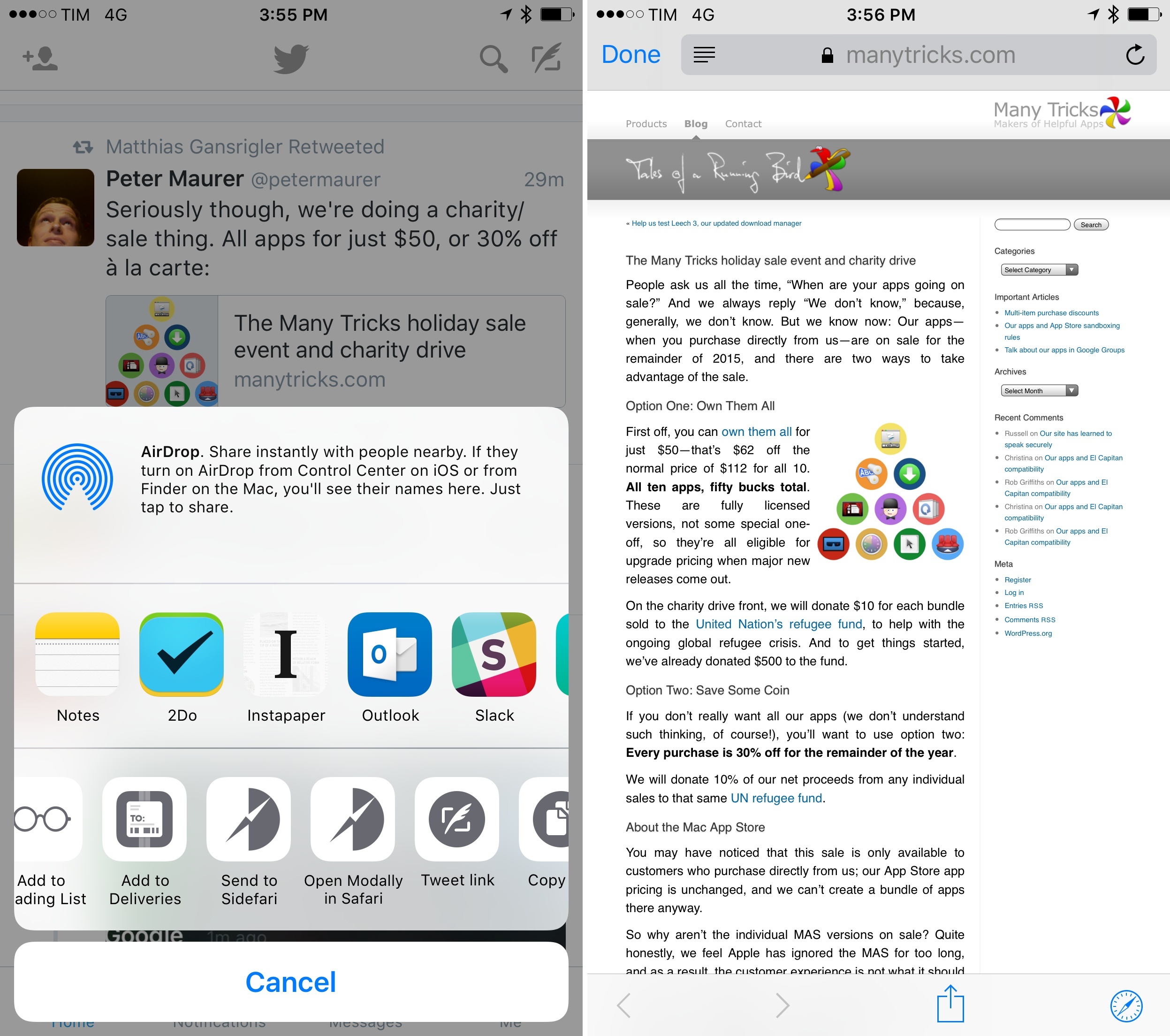
Yesterday, Cantu updated Sidefari with iPhone support and other minor improvements on the iPad. On the iPhone, the app now offers an action extension to open any link modally in Safari View Controller from any app. This is reminiscent of Browsecurely in that you can summon Safari views from apps that don’t support them– like Twitter’s official app – and it works well. On the iPad, the app has two new options: the address bar now doubles as a search box for Google search so you can type any query in it, and you can set a Home page to open with an icon in the main view. Both additions are quite handy if you want to save a little bit of time when using Safari and Safari View Controller simultaneously (the latter doesn’t let you tap the address bar to search manually, nor can you access bookmarks with it).

Sidefari has become one of my must-have utilities on the iPad, and I’m glad it’s on the iPhone too. Sidefari is available at $0.99 on the App Store.