Federico Viticci

10804 posts on MacStories since April 2009

Federico is the founder and Editor-in-Chief of MacStories, where he writes about Apple with a focus on apps, developers, iPad, and iOS productivity. He founded MacStories in April 2009 and has been writing about Apple since. Federico is also the co-host of AppStories, a weekly podcast exploring the world of apps, Unwind, a fun exploration of media and more, and NPC: Next Portable Console, a show about portable gaming and the handheld revolution.

Igloo: An intranet that actually works on your phone [Sponsor]

Work doesn’t stop when you leave your desk (although most intranet software will have you believe that).
 
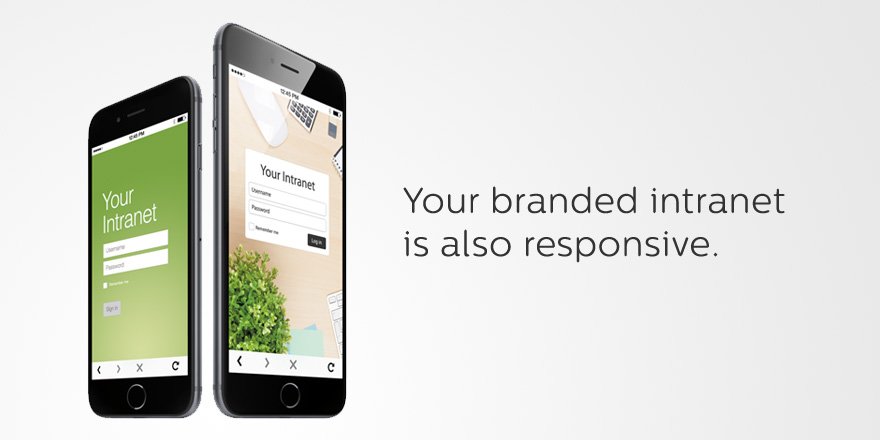
With Igloo’s responsive design, your intranet can be fully optimized for almost any device you’re using. Manage tasks, share status updates, download documents — almost everything you can do on your desktop, you can do on your tablet or phone. It will even work on your new iPhone 6 or 6 Plus. Boom.
 
Plus, when you design your Igloo, any change you make to the look and feel carries across all devices.
 
Igloo is free to use with up to ten people. Sign up now to start building your mobile-friendly intranet.

Our thanks to Igloo for sponsoring MacStories this week.

Apple Pay FAQ and Apps

Earlier today, Apple posted two support documents detailing frequently asked questions about Apple Pay and the security and privacy of the service.

From the FAQ:

When I’m paying in a store using my debit card in Apple Pay, should I choose Credit or Debit on the terminal?

When presented with this choice, we recommend you to choose “Credit” to get the most consistent Apple Pay experience. Choosing “Debit” may not always work successfully with some older merchant payment terminals and backend systems.

And about security:

When you pay using Apple Pay in stores

Paying in stores that accept contactless payments with Apple Pay uses Near Field Communication (NFC) technology between your device and the payment terminal. NFC is an industry-standard contactless technology designed to work only across short distances. If your iPhone 6 is on and it detects an NFC field, it will present you with your default credit or debit card. To send your payment information, you must authenticate using Touch ID or your passcode. No payment information is sent without your authentication.

MacRumors has a list of the retail stores that have begun accepting Apple Pay in the US today. Apple has also launched an Apple Pay section (currently on the front page of the US iPhone App Store) showcasing iOS apps that have been updated with Apple Pay support, including the Apple Store app.

Permalink

Apple Pay Demos

Apple Pay, the company’s new payment system for iPhones and iPads, rolled out in the US today with iOS 8.1, and Kyle Russell has a nice demo video of the feature in action:

Holding my thumb to Touch ID and my phone to the payment terminal, it took about a second and a half to register at Walgreens and the same amount of time at McDonald’s. Don’t expect it to change the entire experience however: you still have to sign for the amount shown at the drug store and get a receipt to show to the cashier when picking up your order at a fast food joint.

Jason Snell shared a similar experience at Six Colors:

I pulled the iPhone 6 out of my pocket and before I could even move it closer to the payment terminal—newly festooned with a Now Accepting Apple Pay tag—Apple Pay appeared on my phone and asked me to verify my purchase via Touch ID.

Below, a few demo videos from YouTube as well, showing the simplicity of Apple Pay with contactless payments.

Permalink

Yosemite HIG

I missed the updated OS X Yosemite Human Interface Guidelines document when it was posted by Apple last week following the public release of the OS. Here’s an excerpt from the introduction:

People love OS X because it gives them the tools and environment they need to create, manage, and experience the content they care about. A great OS X app integrates seamlessly into this environment, while at the same time providing custom functionality and a unique user experience.

Before you dive into the guidelines that help you design a great app, take a few moments to explore how OS X Yosemite uses simplicity, consistency, and depth to give users a content-focused experience.

The HIG is always a recommended read for developers and designers who want to craft software for Apple’s platforms. The Yosemite HIG includes an in-depth explanation of Apple’s focus on context, clarity, and content on the desktop, and it’s available here.

Permalink

Apple Releases iOS 8.1 – Here’s What’s New

Following an official announcement at a media event last week, Apple today released iOS 8.1, the first major update to iOS 8, which was originally launched in September.

As Apple’s Craig Federighi noted last week, Apple uses the launch of major new versions of iOS to collect “feedback” and quickly release bug fixes, address questions and concerns, and ship improvements that didn’t make the cut for the first release.

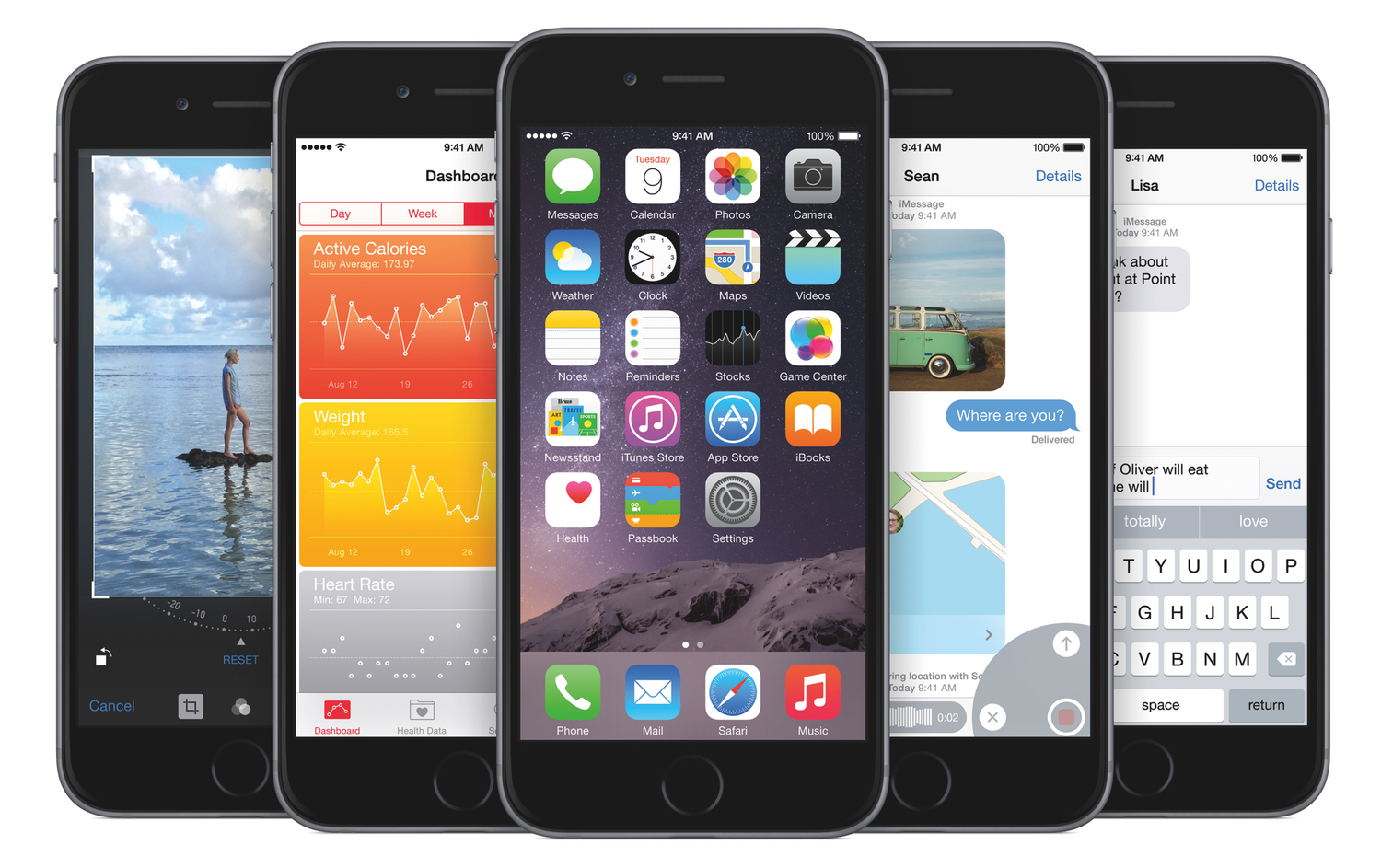
iOS 8.1 brings bug fixes, speed improvements, and interface changes, but it also enables Continuity features such as Text Message Forwarding and Instant Hotspot, allowing iOS devices to better integrate with each other and Macs running OS X Yosemite. With iOS 8.1, Apple is opening access to its iCloud Photo Library beta – an iCloud service that stores all your photos from all your devices, in a single library that relays changes to every device. And last, iOS 8.1 marks the debut of Apple Pay, the company’s new payment service that rolls out in the US today.

iOS 8.1 is available through Software Update now. You can find a list of the most notable changes below; you can read our previous iOS 8 coverage here.

Read more


Spotify Announces Family Subscriptions

From the Spotify blog:

Are you currently sharing your Spotify account with the entire family? Want to keep your 60s soul classics playlist separate from your kids’ Frozen soundtrack and save money in the process?

Well, great news! With Spotify Family you can now invite up to four family members and share one billing account whilst keeping your listening history, recommendations and playlists completely separate.

Family subscriptions were one of the main reasons my girlfriend and I used Rdio with a family account. Now, we’ll be able to give Spotify a try and see if it works better for her (understandably, she doesn’t care about trying every single streaming service like I do) – and plans will also be cheaper for two users (Rdio starts at $17.99 for two members, Spotify Family will be $14.99).

Spotify Family subscriptions will be available soon.

Permalink

The Utility of Twitter Cards

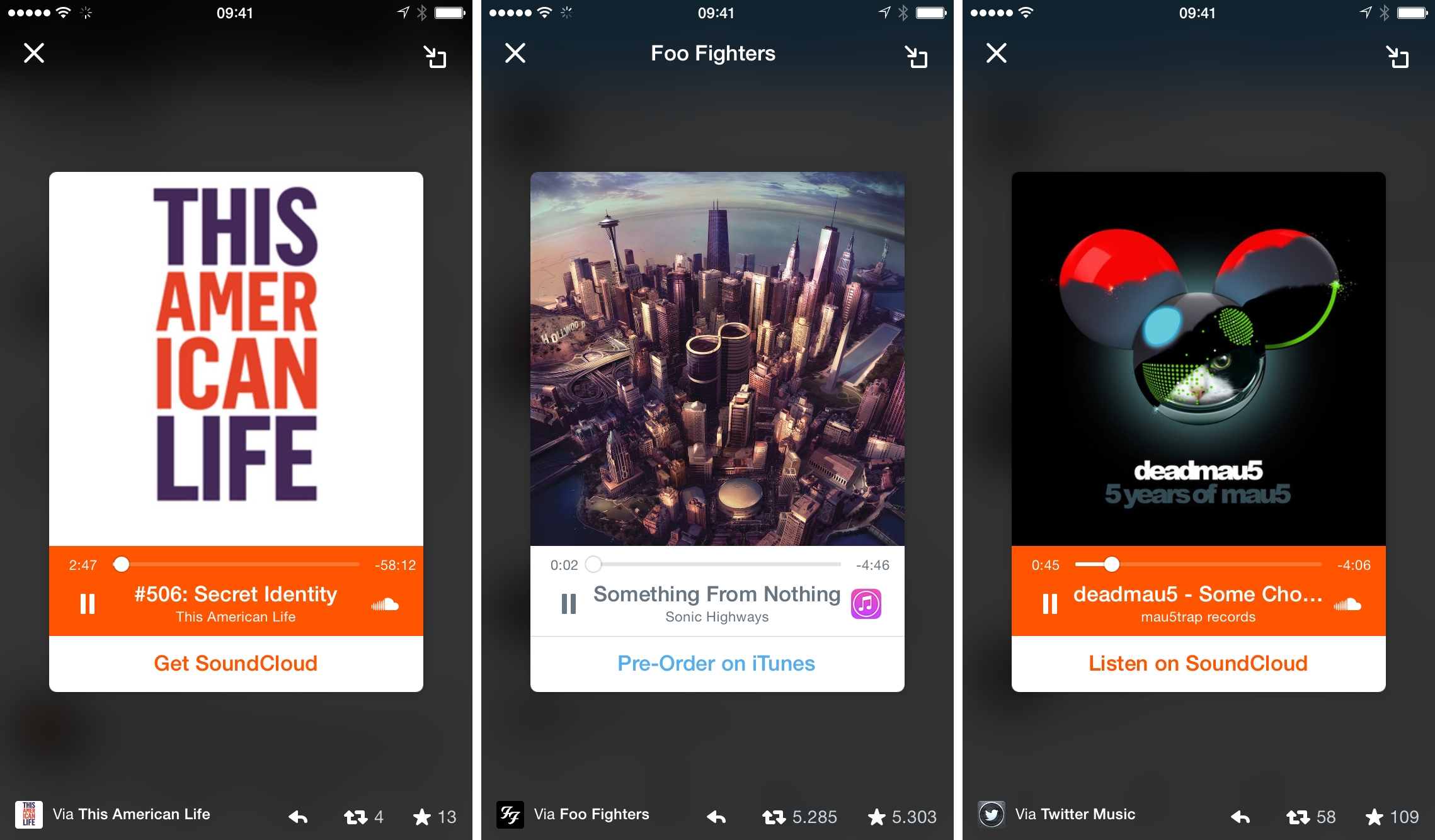
The Audio Card is the latest entry in Twitter’s line-up of interactive cards. The feature was announced earlier this week by Twitter, with SoundCloud being the first partner:

The world’s most influential musicians and media producers already share unique audio content through Twitter every day. Today we’re introducing a new way for you to experience audio directly on Twitter.

With a single tap, the Twitter Audio Card lets you discover and listen to audio directly in your timeline on both iOS and Android devices. Throughout your listening experience, you can dock the Audio Card and keep listening as you continue to browse inside the Twitter app.

Musicians, podcasters, and other producers of audio content are on board with SoundCloud cards that can be played without leaving the Twitter app. In a separate blog post, Twitter also announced compatibility with iTunes Music:

Now, when you listen to music from select iTunes artists, it’ll only take a few taps to pre-order unreleased music and purchase your favorite songs directly from iTunes.

Foo Fighters are already using the Audio card to promote their new song, Something From Nothing.

Read more


Retina iMac Questions Answered

There’s a lot to consider about Apple’s new iMac with Retina 5K Display. Marco Arment has a comparison of the new iMac vs. the Mac Pro (on paper) – here’s what he writes about 4K and 5K displays:

This difference is much bigger than it sounds. It’s the same, proportionally, as the difference between typical 21- to 24-inch and 27- to 30-inch monitors: “4K” computer monitors have 8.3 megapixels, while “5K” has 14.7 megapixels. Without software scaling to simulate higher density, the “right” size for a 4K monitor tops out at 24 inches, while a 5K monitor looks right at 27 to 30 inches.

It’s a huge difference.

Make sure to read the entire post as he makes some solid points with interesting technical observations.

Christina Bonnington also published a great FAQ on the new iMac at Wired, and I liked her explanation of why 5K is actually useful:

For most of us, a 5K display is just an extravagance, a high-end computing machine with specs that make our friends’ jaws drop. But for professionals in some industries, such a high pixel density is quite important.

For example, 5K resolution is great for those working on 4K content. “You can view all of the images at their true native 4K resolution, which is very important, and then have a fair amount of leftover screen space all around it for controls, icons, and even a generous 3.2-inch high text area at the bottom for commands and text input,” Displaymate’s Ray Soneira told WIRED. This actually ends up being better and more efficient than using a second monitor because you can keep your eyes on the images while working on them, instead of having to glance off to the side.

IHS Technology’s Rhoda Alexander points out that in addition to those in graphics-related fields like CAD and CG, healthcare imaging (like radiology) also has need for displays with a very high resolution.

Permalink