


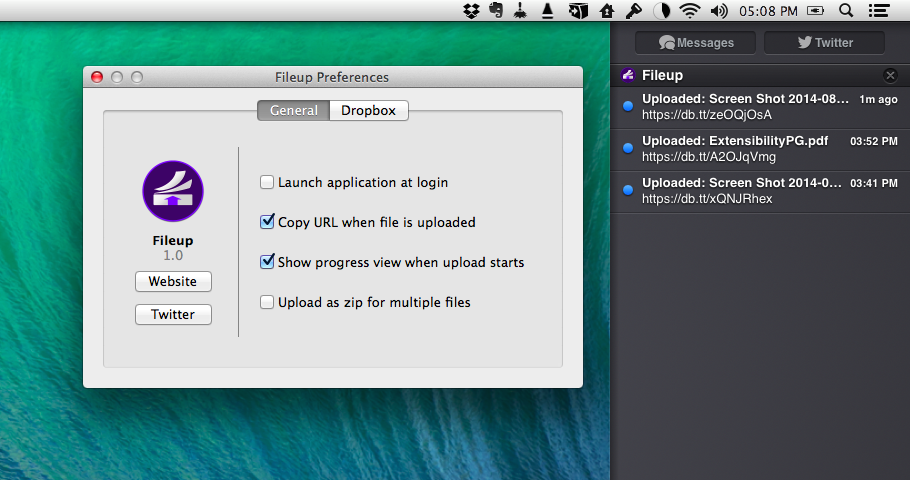
Developed by Francisco Cantu, Fileup is a new OS X utility that lets you quickly share files through Dropbox by dragging them onto a menu bar icon. Unlike other apps that have implemented the same sharing mechanism and user interaction (which Dropbox surprisingly doesn’t support with their own menu bar app), Fileup adds filters for file types, integrates with Notification Center, and lets you set up templates for naming files through a simple syntax. The idea is reminiscent of Vemedio’s shortlived Sharebox experiment, but, as required by Dropbox, Fileup is a separate menu bar utility that doesn’t interact with the official Dropbox client.
iStat Menus 5 Brings New Design, Per-App Stats, Yosemite Support, and More
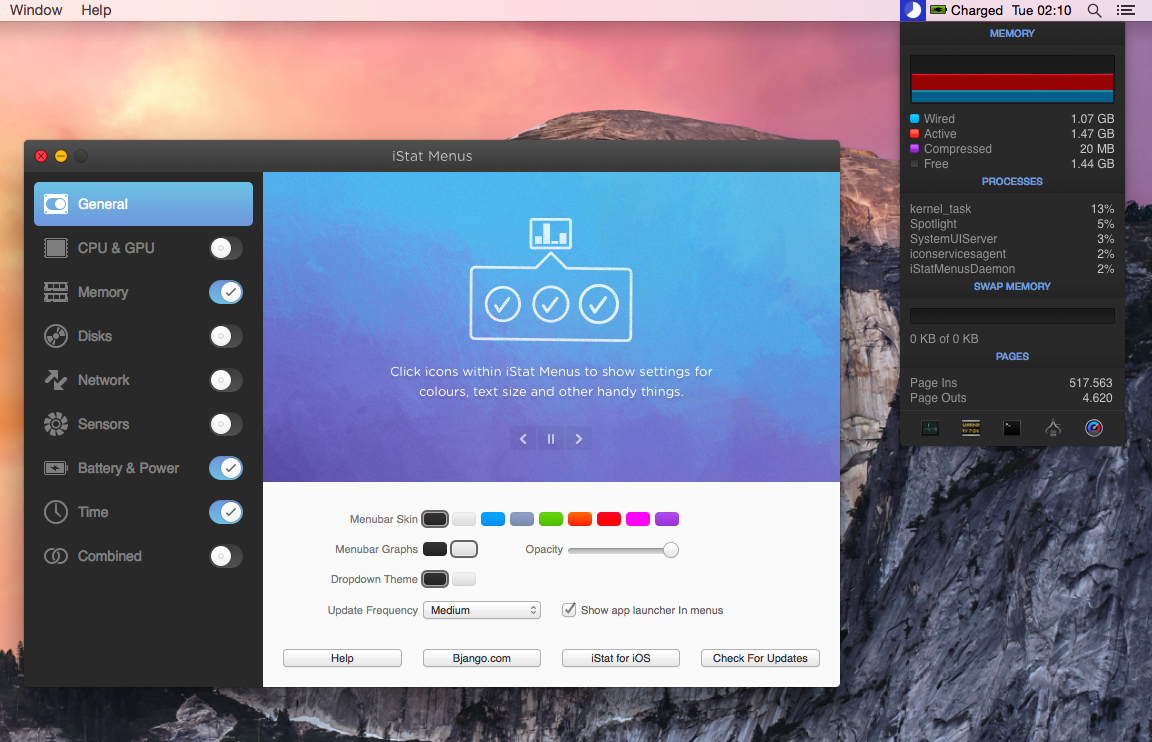
Two years after the release of version 4.0, Bjango has launched iStat Menus 5 today, adding hundreds of new features and improvements, and bringing a new design for both OS X Mavericks and Yosemite.
App Store Freshness→
David Smith has a great analysis of the “freshness” of apps on the App Store – data about when apps were last updated, for both Top Charts and the entire App Store.
For a very long time I’ve talked about my concerns about the size and health of the iOS App Store catalog. The App Store currently sits around 1,200,000 apps. For years the depth and diversity of the App Store has been one of the platforms strongest differentiators. However, as it grows the challenge becomes ensuring that it doesn’t begin to strain under its own size.
What has always annoyed me in my discussions about how to improve the App Store was that I didn’t have actual data on the composition of the App Store. Since it wasn’t (to my knowledge) available I started working out ways to get at it myself.
The numbers about the size of the App Store in relation to updates and the release of iOS 7 last year are surprising to me, as I was expecting a much worse scenario. The charts in David’s post clearly show a developer interest in updating for iOS 7 – make sure to check out the charts.
MindNode 3.2 with Image Support
MindNode, my favorite app to outline ideas visually on both iOS and OS X, was updated last week with a notable addition: embedded images.
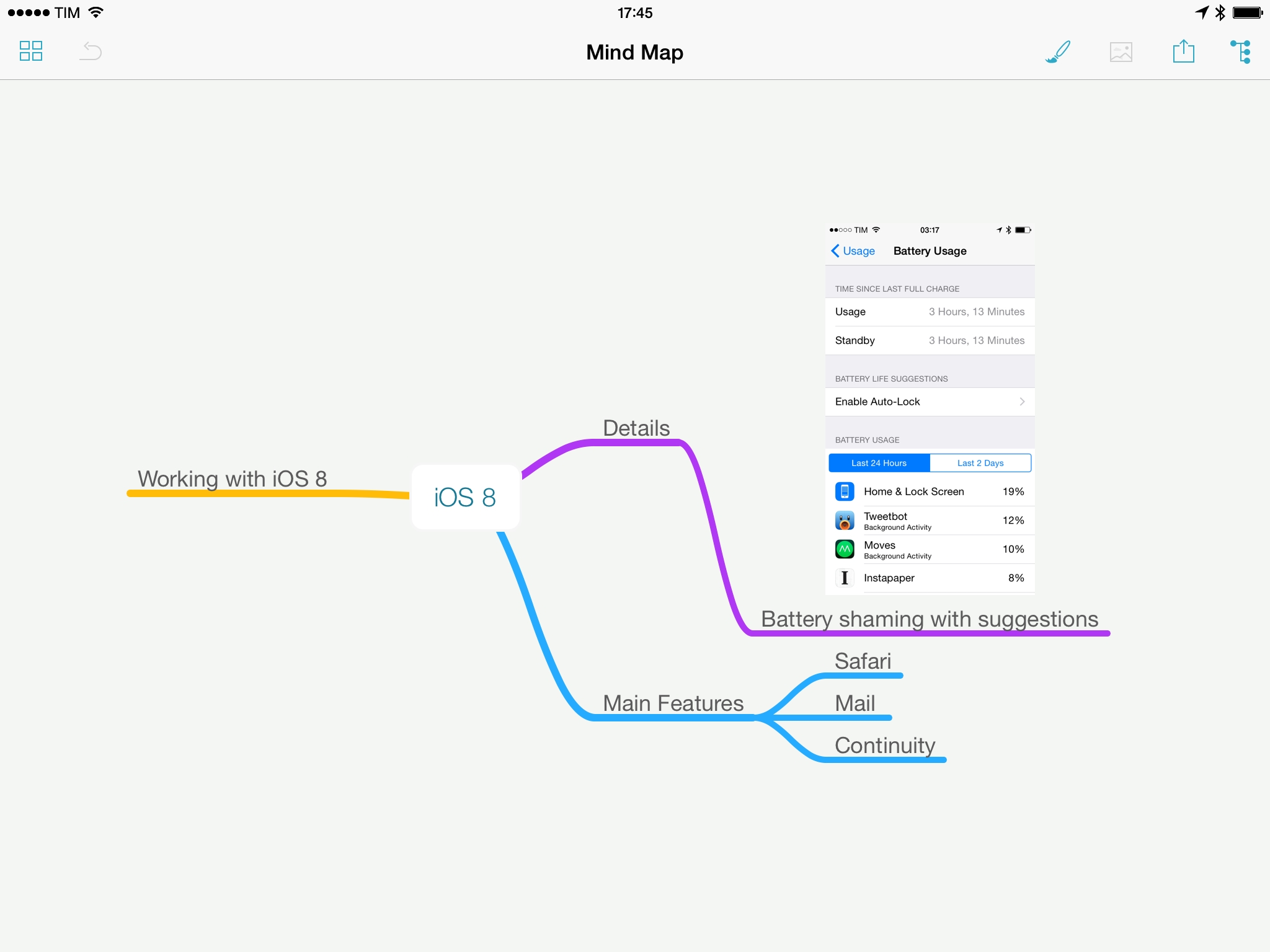
I use MindNode to flesh out ideas and thoughts that help me find connections and relationships through the use of colors, branches, and formatting of text. Typically, large reviews, roundups, and articles for this site start as a plain text list in Evernote, but before writing in Editorial, I transform that list into a map in MindNode to get a better visual understanding of the topic(s) I want to cover. Images were an obvious candidate for mindmaps, and while other apps already supported them, I wanted to be able to insert images in maps with the simplicity of MindNode’s interface and iCloud storage.
Fantastical 2.1
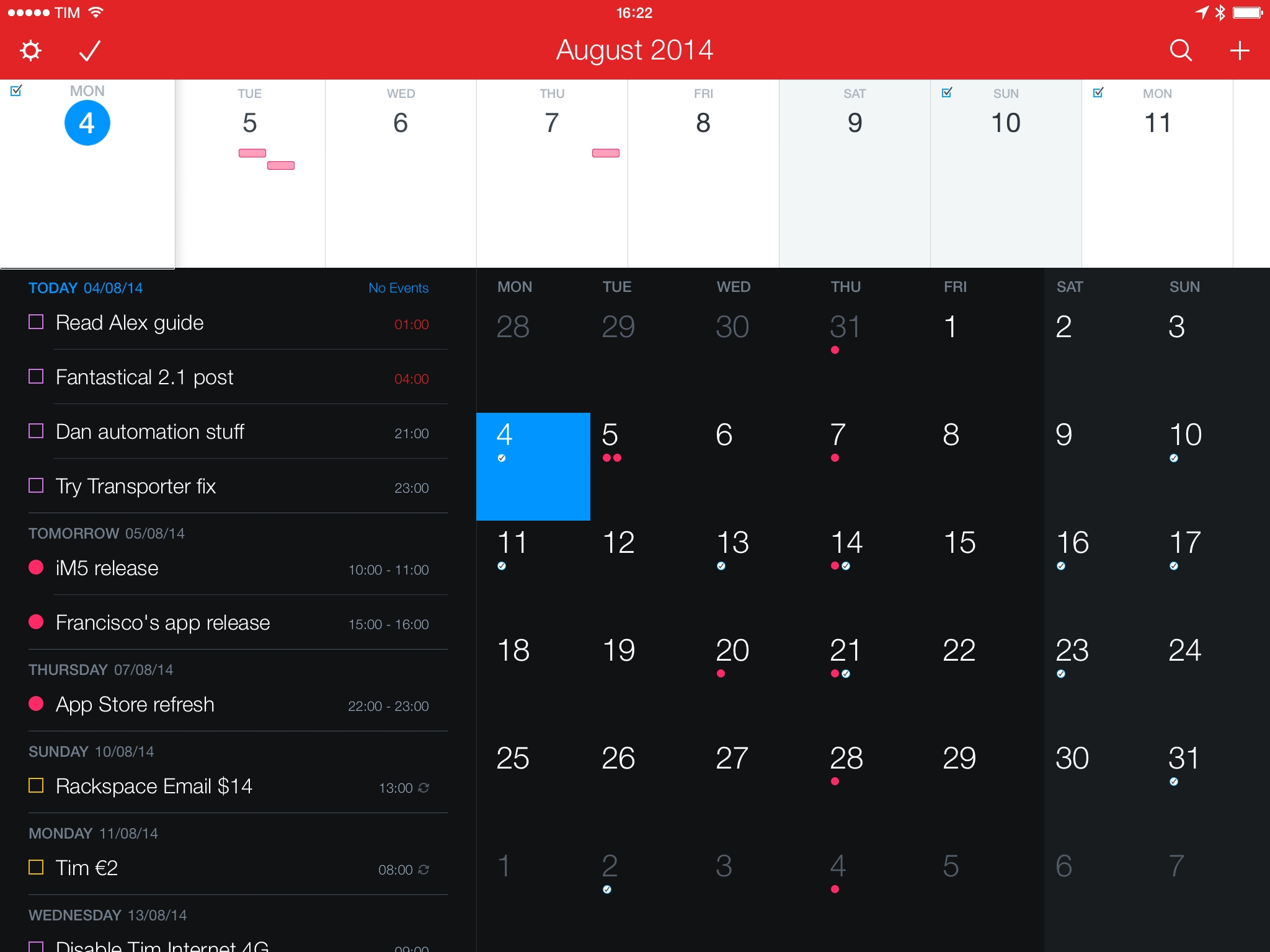
Released last week, Fantastical 2.1 is a pretty big update to my favorite calendar app for iPhone and iPad that brought the usual variety of fixes and improvements, snooze options for notifications (which I don’t use, as I rely on native iCloud alerts), and other enhancements such as upcoming birthday and new event invitation notifications. Being on vacation prevented me from preparing a review in time for the update’s release (it turns out, this is not an ideal spot for good 3G coverage), but I still wanted to focus on three additions to Fantastical that I’m particularly fond of.
The Original BioShock Is Coming to iOS→
BioShock, Irrational Games’ masterpiece originally released on Xbox 360 in 2007, is coming to the iPhone and iPad this summer with a mobile port developed by 2K China, the same studio that handled XCOM: Enemy Unknown for iOS devices. BioShock is considered one of the most important games of the last generation of home consoles, and, for the upcoming mobile version, Polygon’s Brian Crecente notes that it “feels very much like the original, especially when played on an iPad and with a controller”.
In order to fit within the size limitations of the App Store, BioShock’s graphics and effects have been toned down, which, according to previews of the game published this morning, results in visually inferior experience for those who remember the original game on Xbox. Here’s Ben Gilbert, writing at Engadget:
Yes, BioShock doesn’t look as good on iOS. It’s the truth. In-game lighting and shadows are cut down pretty dramatically, as are art assets. The grandeur of Rapture is distinctly less grand, which sucks some of the life out of one of my personal favorites. The first thing you’ll notice is “iOS fire.” The game’s opening – a plane crash – puts main character Jack in the ocean surrounded by some hideously ugly fire animations. It’s the first hint that the iOS version of Rapture has been shrunken down to fit within Apple’s app store file size limitation, and it’s a nagging issue that I couldn’t shake in my hands-on time.
Over at TouchArcade, Jared Nelson has another preview of BioShock for iOS with a hands-on video:
One thing that struck me about playing Bioshock on a mobile device is that it’s a very intimate experience. Over the last decade, high end televisions and home theater systems have become common, making for incredible environments to play through immersive and atmospheric games. And Bioshock is one of the most atmospheric of all time. However, there’s really something to be said for having your very own little screen running the game, right up in your face as close as you want it to be.
BioShock was released in 2007, in the formative years of last-gen consoles. Based on the previews and first impressions published today, it sounds like modern iOS hardware would be capable of handling the original game’s graphics and assets, but file size limitations are preventing developers from putting a full console experience into an App Store download. Considering Apple’s push for console-quality game technologies such as controller frameworks and Metal, this seems fairly anachronistic.
BioShock Mobile will be released sometime this summer for iPhone and iPad at a “premium price” with no In-App Purchases, and it will include a digital art book and Game Center integration. Make sure to check out the hands-on video at TouchArcade.
Marked Released On Mac App Store, Discounted, and Updated→
Marked, developed by Brett Terpstra, is my must-have utility to convert MultiMarkdown to HTML on my Mac. Whenever I need to publish an article from OS X rather than my iPad (usually because I need to record and include GIFs or screencasts), I rely on Marked to handle conversion to valid HTML with a keyboard shortcut. And yet, as we’ve shown before, there is so much that Marked can do, such as printing to a variety of formats, keyword and readability analysis, and more.
Today, Brett released version 2.3 of Marked and made it available on the Mac App Store as well. Both versions of the app share the same features and they are both sandboxed to comply with Apple’s App Store rules. However, in spite of the restrictions, Marked hasn’t lost its functionality – instead, Brett managed to add new options such as full GitHub Flavored Markdown support, improved PDF export stability, a document reading progress bar (I love this), and a mini map for navigation with fast scrolling.
What I still find most impressive about Marked isn’t its feature set per se, but rather how the app can be used as a simple tool for short posts or an advanced solution for writers who are working on a book or long documents. Marked is incredibly powerful and flexible and, at $9.99 on the Mac App Store as a limited time sale, I highly recommend it.
(Check out Brett’s blog post and our previous coverage of Marked.)
Unreal Engine 4.3 Adds Metal Support→
From Unreal Engine’s blog:
Unreal Engine 4.3 includes greatly improved mobile support, awesome new rendering features, improved Blueprint workflows, and strides toward an excellent experience on Mac and laptops. Be sure to check out the new World Composition tools, spline features, and the preview of Paper2D, our 2D toolset! Today we’re also shipping SpeedTree 7 support, our work on Metal API for iOS 8 to date, and new Oculus Rift features such as time warping.
Unreal is one of the most popular engines used by game developers today. With iOS 8 and new devices on the horizon, I can’t wait to see what kind of advancements Metal will bring for mobile graphics.
Directional: Final Stage→
This week Federico and Myke talk about setting up an Xbox controller with a Mac, Nuclear Throne, No Man’s Sky and the original Game Boy.
My other podcast, Directional, also ended yesterday. For the final stage, we concluded with a classic topic: the Game Boy.
Get the episode here.