Federico Viticci

10804 posts on MacStories since April 2009

Federico is the founder and Editor-in-Chief of MacStories, where he writes about Apple with a focus on apps, developers, iPad, and iOS productivity. He founded MacStories in April 2009 and has been writing about Apple since. Federico is also the co-host of AppStories, a weekly podcast exploring the world of apps, Unwind, a fun exploration of media and more, and NPC: Next Portable Console, a show about portable gaming and the handheld revolution.

The Prompt: World’s Greatest Finale

The young men (and Stephen) of The Prompt gather one last time and discuss Overcast and IBM.

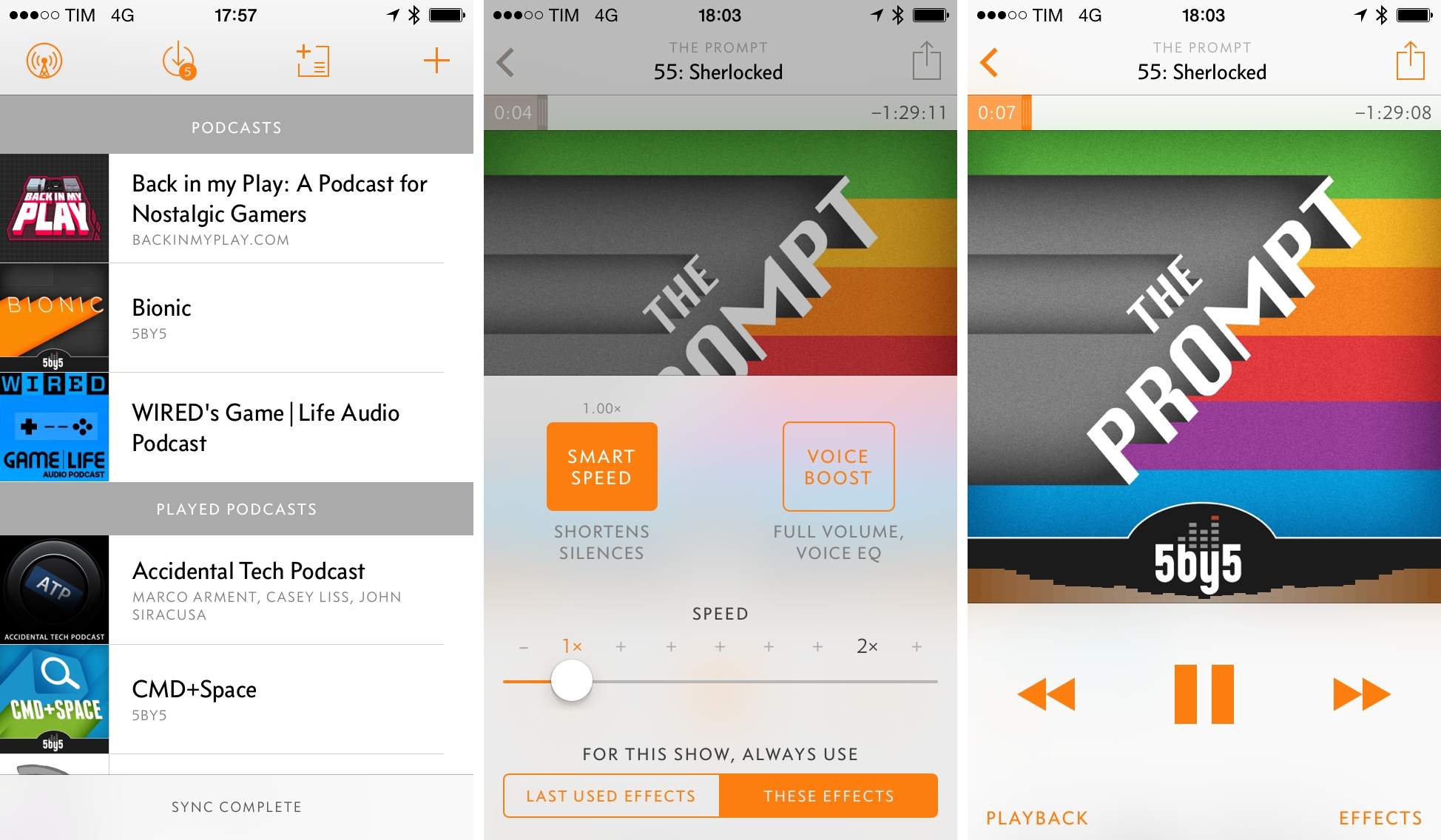
In the final episode of The Prompt, we take an in-depth look at Marco Arment’s new app, Overcast, with a discussion on its feature set and business model. You can get the episode here.

I’d like to thank everyone for listening to The Prompt over the past 57 episodes. It’s been a fantastic journey, and I can’t wait for what’s next.

Permalink


Overcast Review

When I received the first beta of Marco Arment’s new app, Overcast, back in May, I didn’t think I could use an iPhone-only podcast client with no iPad version and no streaming support as my daily podcast listening solution. Overcast, available today on the App Store, is launching to high expectations and hype for what Arment, best known for creating Instapaper, founding The Magazine, and co-hosting the Accidental Tech Podcast, has been working on since his reveal in September 2013.

Two months after putting Overcast on my Home screen as a vote of confidence and using it to listen to podcasts every day, I don’t want to go back to any other podcast app I’ve tried before. In spite of lacking iPad and OS X versions and some features from popular podcast apps, the listening experience in Overcast and its approach to podcast discovery have been so thoughtfully implemented and cleverly engineered, I find it to be a superior choice for my listening habits.

Read more


Spillo Is a Versatile and Fast Pinboard Client for OS X

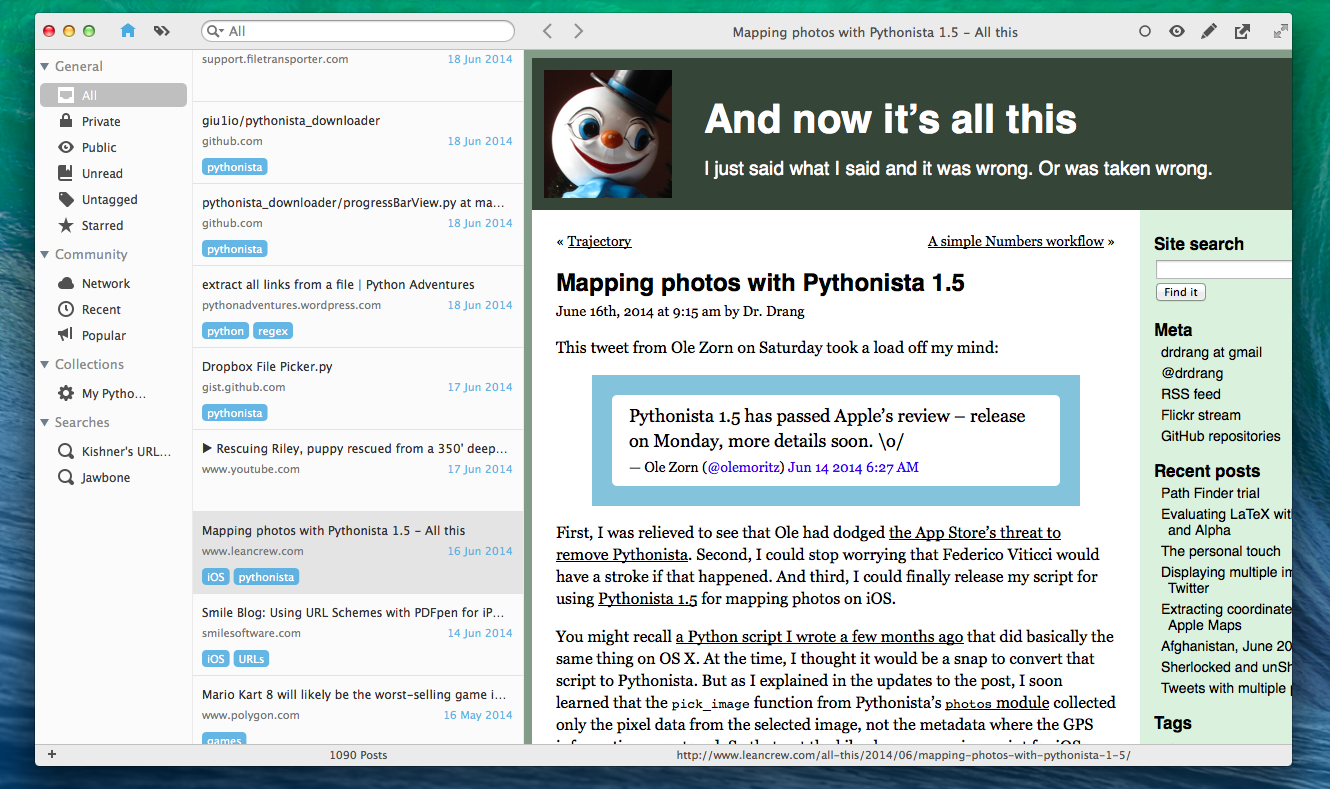
Developed by Damien DeVille, Spillo is a new Pinboard client released today for OS X and available on both the Mac App Store and Bananafish Software’s website. Unlike Shiori (a desktop app for Pinboard I covered before) and other minimal apps that try to facilitate the process of saving bookmarks to the service, Spillo wants to be a full client for management and discovery of links, and it’s reminiscent of powerful solutions for iOS such as Pushpin and Pinswift. I’ve been using Spillo for the past couple of weeks, and I think it has potential.

Read more


Estimote Rolls Out Power Management Features for iBeacons

Estimote, makers of wireless beacons powered by Bluetooth and compatible with Apple’s iBeacon technology, today rolled out a series of power management features available in their updated iOS app and developer SDK:

Our embedded and systems engineers have worked for thousands of hours optimizing every packet in the Bluetooth stack and have devised several new schemes to extend the life of an Estimote Beacon measurably. We abstract 100% of this from developers and expose this neatly in both our mobile app and SDK for you to manage. And this is simply the first release in a series of power management features due out from us. We believe that pretty soon a beacon will be able to last forever, powering millions of interactions as consumers move about their journey through the physical world, and we want to be the first company to get there.

Emphasis mine.

The more I read about them, the more I believe beacons and contextual awareness will profoundly change the way we interact with apps, letting our devices have a better understanding of our location, intention, and interaction with our surroundings. We’re already seeing this in retail, museums, stadiums, and even personal home automation. Estimote is leading the way with their iBeacon implementation, and you can check out the app here.

Permalink


lynda.com [Sponsor]

lynda.com helps you learn and keep-up-to-date with your software, pick up brand-new skills, or explore new hobbies with easy to follow video tutorials. Whether you want to take better pictures and video with your DSLR, learn the programming skills to develop your own mobile app, or edit your own video footage using Final Cut Pro X or Premiere, lynda.com offers thousands of video courses in a variety of topics.

Featuring over 2,400 courses taught by industry experts (with more added weekly), lynda.com works directly with software companies to provide timely training, often the same day new versions or releases hit the market. Courses available on lynda.com aren’t like low-quality, homemade screencasts available elsewhere on the web: they are professionally-produced, high-quality courses that feature project files, transcripts, playlists, and that are broken into bite-size pieces to be viewed at any time.

Courses encompass all experience levels, so whether you’re a beginner or advanced user, you’ll always find material to improve your skills, keep up with technology, and learn new software applications. One low monthly price of $25 gives you unlimited access to the entire lynda.com library, which includes, among many others, iOS tutorials, photography courses, and hundreds of Apple tutorials. The lynda.com iOS app, available for iPhone and iPad, includes a visual, intuitive interface, and offers offline course and video viewing (making it easy and convenient to learn even in environments without Internet access).

lynda.com is providing a special offer for MacStories readers to access the entire library for free, for 7 days. Visit lynda.com/macstories to start your 7-day free trial.

Our thanks to lynda.com for sponsoring MacStories this week.


April Zero

Three months ago, Anand Sharma started tracking everything about himself: runs, walks, heart rate, food, locations, and even restaurants and haircuts. Using only an iPhone and apps like Moves and Foursquare, he has built a complete log of his life, which he has turned into April Zero, a website that, through animations and lots of graphs, presents data collected using an iPhone and apps.

This site tracks where I go and what I do every day. Most of the data comes from various apps on my phone.

I’ve measured my heart rate 415 times and typically it beats 69 times per minute. In the past 105 days, I’ve pushed 1,311 commits to this site, gone on 26 runs & eaten 14 burritos. I love a good burrito.

I’m extremely fascinated by this project: since I’ve started testing fitness trackers and apps to have a healthier lifestyle, exercise more throughout the day, and sleep better, I’ve made an effort to use data and numbers about myself to see which areas I can improve (spoiler: less carbs, more fiber and vitamins, go to bed earlier) and how different data points relate to each other with specific trends that I can observe. The quantified self approach can be a little concerning from a privacy standpoint, but, personally, I’m noticing that visualizing certain aspects of my life helps me understand myself better and actively make changes.

Anand’s website takes lifelogging visualizations to the next level, and I’d be interested to know which other apps he used and how he managed to have the patience to track himself every single day, multiple times per day without forgetting about apps or going crazy. It’s also interesting that all this was possible with just an iPhone and no dedicated hardware, and it makes me excited about the potential of HealthKit for third-party developers on iOS 8.

Check out April Zero here.

Permalink

Spotify Actions for Launch Center Pro

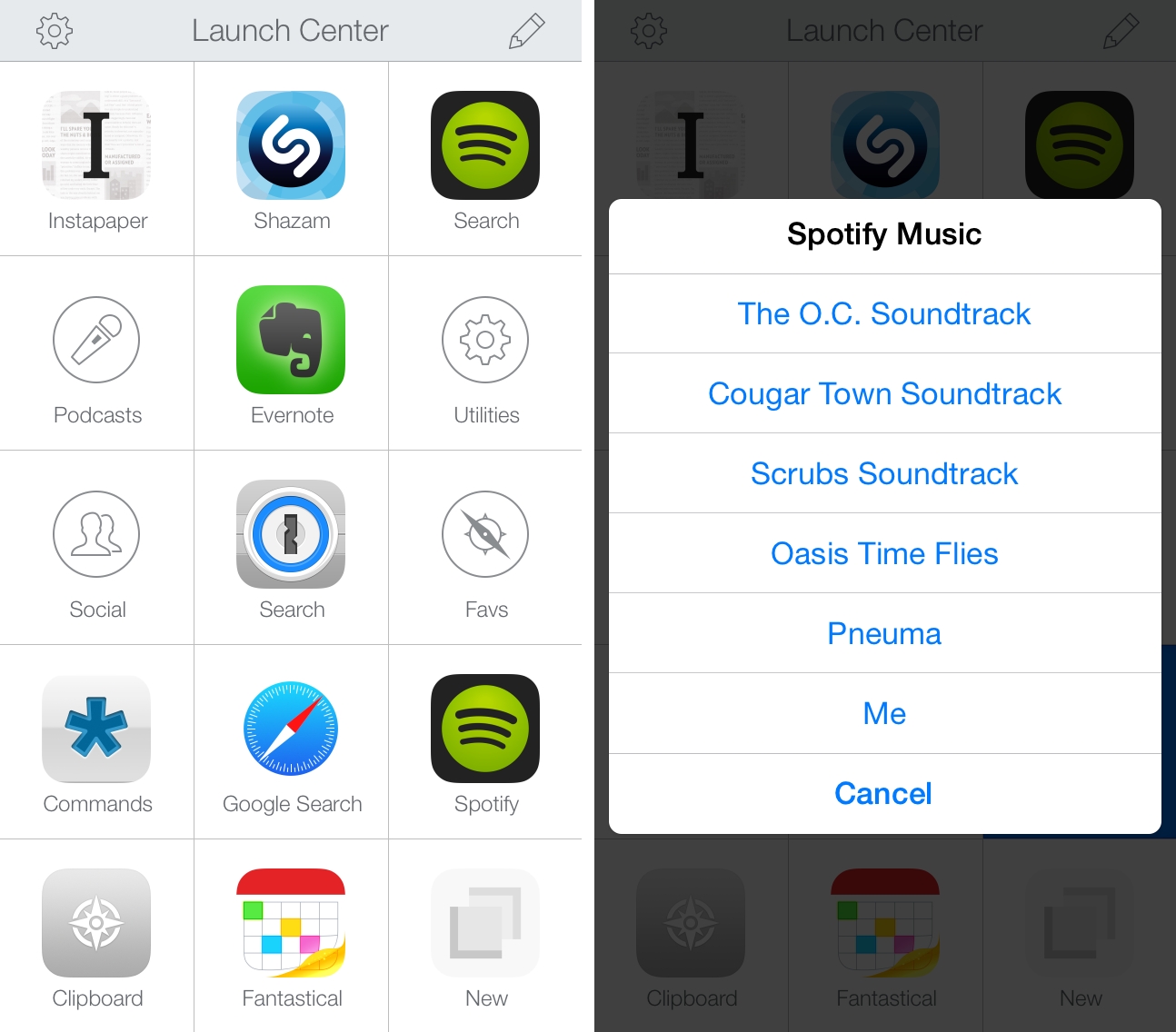
I recently tweeted about a change in the Spotify app for iOS – which I’ve been using to listen to music every day1 – that broke my shortcut to search for songs and artists from my Launch Center Pro action grid. I’ve been trying to identify the culprit and I’ve read documentation about Spotify’s URL scheme and integration with the web app, but I haven’t been able to figure out how to make searches typed in Launch Center Pro work with Spotify again. Therefore, I’ve tweaked my Spotify action setup and settled on a compromise that’s (kind of) working for now.

Read more