Federico Viticci

10804 posts on MacStories since April 2009

Federico is the founder and Editor-in-Chief of MacStories, where he writes about Apple with a focus on apps, developers, iPad, and iOS productivity. He founded MacStories in April 2009 and has been writing about Apple since. Federico is also the co-host of AppStories, a weekly podcast exploring the world of apps, Unwind, a fun exploration of media and more, and NPC: Next Portable Console, a show about portable gaming and the handheld revolution.

OS X Lion: Interface Tour

As we discussed in our OS X Lion review, Apple’s latest operating system is an evolutionary step forward, a milestone in the company’s desktop software history that innovates old concepts and user interactions by bringing some of the features and design schemes seen on iOS devices to the Mac’s bigger screen. There is a subtle difference though: whereas most people would think Apple is “stealing” from iOS, building on the success of the iPhone and iPad (now a bigger business than desktop computers) to sell more Macs, Lion does in fact prove that the roots of OS X are still strong, but looking for a cohesive integration with the seeds planted on mobile. As Cody wrote in his review “Apple weaved our working knowledge of gestures and interfaces into the Mac to capitalize on our intuition” – Lion isn’t a glamorous iOS. Lion is an evolution of the OS X we know and use, and the changes made to the operating system are immediately visible in the interface.

Lion doesn’t look like iOS. If anything, Apple has tweaked the Aqua interface to achieve the same elegance, minimalism and focus on content first conceptualized on the iPhone, but it’s far from being an iOS clone. With Lion, Apple hasn’t ported iOS’ design principles to the Mac – they took the best parts of a mobile interface that they thought would also make sense on the desktop, and managed to make it work. The changes in Lion – both design-wise and feature-wise – never feel like forced additions that are weird to use and be familiar with. Rather, they’re subtle improvements that will make you wonder why they weren’t implemented before. Read more


Apple’s B2B App Store Launches

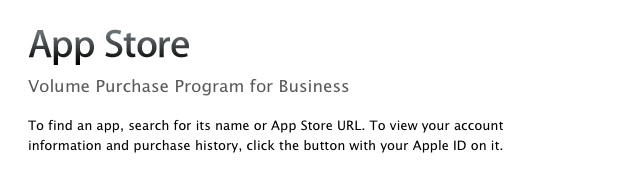
As noted by The Loop, Apple launched its B2B App Store today, allowing business customers enrolled in the Volume Purchase Program to buy apps from iOS developers. The new Volume Purchase Program for business was first unveiled last week, when Apple announced the Volume Purchasing for Business would be available “soon”.

Streamline your purchasing process and put more power and productivity in the hands of your workforce. Every paid app in the App Store is available for businesses to buy in volume through the program website. Simply search for the apps you need, enter the quantity you want to buy, and complete the transaction with your corporate credit card. Apps are available for purchase at the same price listed in the App Store.

Custom B2B apps are built just for you by third-party developers and business partners to address a specific business process, integrate with a unique back-office environment, or deliver a custom interface for your users. Using the Volume Purchase Program, you can securely and privately purchase custom B2B apps for iPhone and iPad that make your business even more effective.

If you are a developer who is enrolled in the iOS Developer program you can create custom B2B apps for sale to your customers enrolled in the Volume Purchase Program.

Apple noted how B2B apps could address specific solutions and needs of business customers such as:

  • A customized user interface including company logo or branding Unique features or capabilities specific to a business process or workflow
  • Extra privacy protection to handle sensitive data
  • A specific configuration to meet the customer’s server/back-office environment or IT environment
  • Features targeted to a limited audience, such as a business partner, dealer, or franchise

To enroll in the program, business customers will need:

  • Basic contact information to verify your business
  • Dun & Bradstreet number (D-U-N-S) number
  • Corporate credit card or PCard to purchase apps

A guide to the Volume Purchasing Program is available as .PDF here. According to Apple, any business in the US can partecipate to the Volume Purchasing program. Details on requirements and how to enroll can be viewed in our previous coverage, and the B2B App Store is accessible now at vpp.itunes.apple.com/us/store.


Apple Updates Remote Desktop with Per-User Remote Control

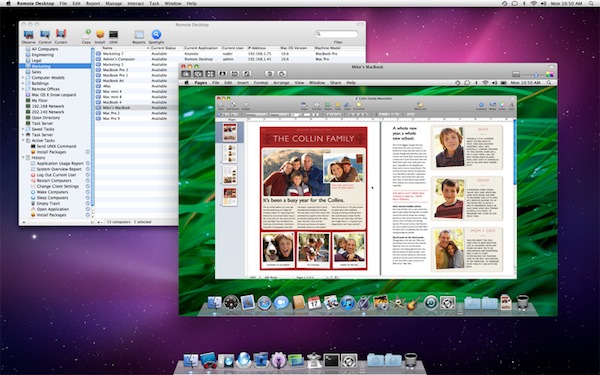
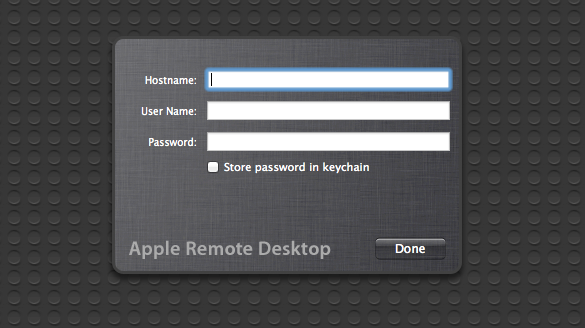
As part of the ongoing series of software updates that Apple is releasing today following the big debut of OS X Lion on the Mac App Store, Apple’s professional tool to access and manage computers on a network, Apple Remote Desktop, was updated as well to incorporate some of the new functionalities baked into Lion. The new version of OS X, in fact, allows users to log into a remote machine (or one on a local network) using a different account than the one currently in use by the second computer; so say your co-worker is logged into his personal account, you can still remotely access his Mac and log into, for instance, a shared work account. This is one of the big new features of Lion that was unveiled with the developer previews, and which works in conjunction with the possibility of remotely logging into a computer using an Apple ID.

The new Apple Remote Desktop isn’t exclusive to Lion (requirements accept OS X 10.6), but it includes Lion’s per-user remote control. Apple writes in the changelog:

You can remotely log in to a Mac with any user account on that computer and control it, without interrupting someone else who might be using the computer under a different login.

You can read more about all the features offered by Remote Desktop here, and buy the app from the Mac App Store. For those who didn’t purchase Remote Desktop on the Store, there are some updates available on Apple’s website as well:


Lion App Updates: GrowlMail, Pixelmator, Plex, Backblaze

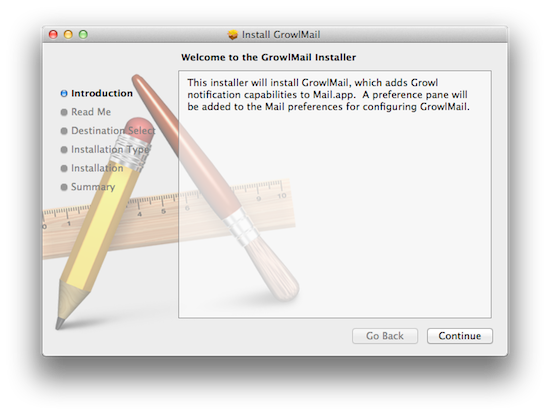
Earlier today, Apple released new hardware, OS X Lion, and a series of software updates to bring new OS compatibility to apps such as the iWork suite, Cocoa enhancements to iTunes, and new features to Safari. Apple also released several minor updates on its Support website, which we outlined in a separate Lion article here. But on the other hand, developers of third-party apps for the Mac haven’t missed the opportunity to update their software following the release of Lion, which is likely being installed and tested for the first time by hundreds of thousands of Mac users as we speak. In the past few hours, we’ve collected the most interesting app updates released today, so check them out after the break. Read more


Xcode 4.1 for Lion Released, Free On Mac App Store

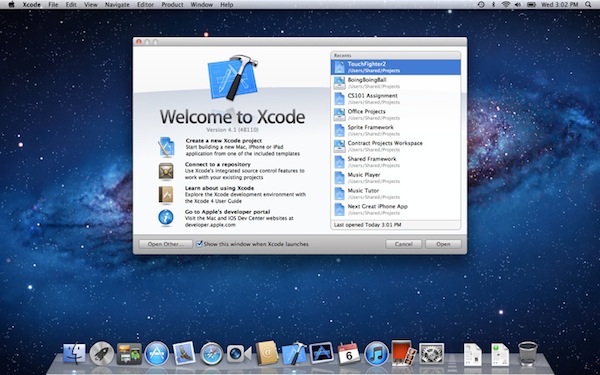
Among all the various software updates released today, Apple also just flipped the switch on a new version of Xcode. Xcode 4.1, after several developer previews, is now available for free on the Mac App Store. From the changelog:

  • Includes SDKs for OS X Lion and iOS 4.3
  • Interface Builder support for Auto Layout and new Aqua controls such as NSPopover
  • Full screen support in workspace, project, and organizer windows
  • Project modernization to identify and resolve out of date build settings
  • Behaviors can be customized and assigned to unique key bindings
  • Source control enhancements to pushing, pulling, and management of remote servers
  • Assistant editor support for display of generated assembly and preprocessed output
  • Additional bug fixes and stability improvements

Mac OS X Lion is a requirement to download this new version of Xcode. The new 4.1 version, however, shows up as free on older Snow Leopard machines as well. Download here.


Apple Releases iTunes 10.4: Full 64-bit Cocoa On OS X Lion


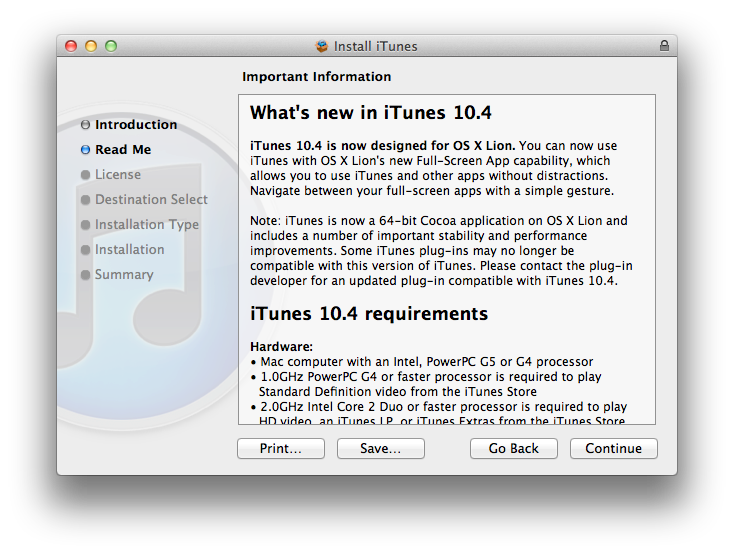
Apple just released an update for iTunes, which reaches version 10.4 and adds a number of important improvements in OS X Lion. The new iTunes does in fact support full-screen mode, but more importantly is a full 64-bit Cocoa application on OS X Lion. This should enable for speedier performances and a more stable app, though we haven’t been able to test it just yet. iTunes 10.4 comes ahead of iTunes 10.5, which has already been seeded to developers and will likely debut this Fall alongside iOS 5 and iCloud. The new iCloud-based features such as automatic downloads and iTunes in the Cloud, however, are available to iTunes 10.3, and now iTunes 10.4, users as well, without needing to get the developer preview.

iTunes 10.4 is now designed for OS X Lion. You can now use iTunes with OS X Lion’s new Full-Screen App capability, which allows you to use iTunes and other without distractions. Navigate between your full-screen apps with a simple gesture.

iTunes is now a 64-bit Cocoa application on OS X Lion and includes a number of important stability and performance improvements. Some iTunes plug-ins may no longer be compatible with this version of iTunes. Please contact the plug-in developer for an updated plug-in compatible with iTunes 10.4.

To enjoy the latest Cocoa enhancements and 64-bit support, you’ll need to have Lion installed on your machine. You can download iTunes 10.4 from Apple’s site or Software Update now.

Update: As far as performances go, if iTunes 10.5 beta is of any indication on my late-2008 MacBook Pro with SSD, the application does seem a little snappier and generally more responsive than older iTunes versions, though it’s not an immediately visible change. The trained eyes of developers will notice the performance improvements and technical changes, but to the average user it’s just the same iTunes, only slightly faster.


iWork Update: Resume, Full-Screen, Auto Save and Versions in Lion

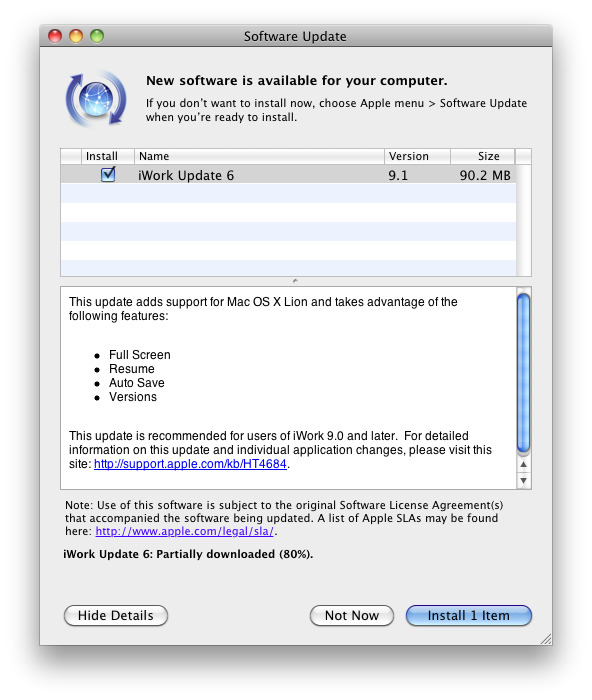
Apple just released an update to the existing iWork suite, bringing support for several new features in OS X Lion: namely, Apple enabled full-screen mode, Resume and auto save, as well as Versions for all the iWork apps when used on the new OS. Currently the update is only showing up with the Software Control panel, but we expect the Mac App Store versions to receive the update soon. Apple indeed mentions Mac App Store, Software Update and Standalone Installer in this support document.

Changelog:

All iWork 9.1 applications

Adds support for Mac OS X Lion, including:

  • Full-Screen
  • Resume
  • Auto Save
  • Versions
  • Character picker

More details available on the OS X Lion page.

  • Improves Microsoft Office Compatibility

Keynote 5.1

Adds new builds:

  • Anvil
  • Fall Apart

We’ll update this story with screenshots of the new features for iWork 9.1 as we get more information.

Update: The updated iWork apps are now available on the Mac App Store: Pages, Numbers, Keynote have all received the latest update for the standalone versions. Read more


Apple Releases Safari 5.1: Full-Screen, Gestures, Reading List, And More

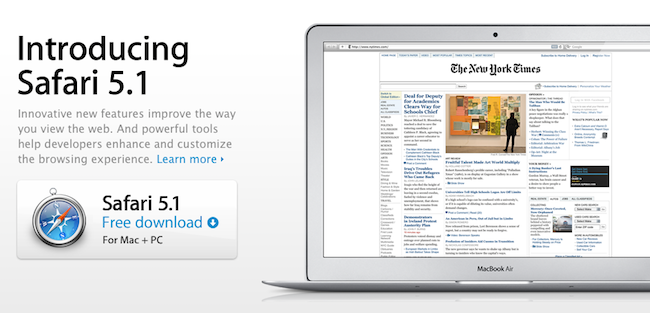
Alongside OS X Lion, new MacBook Airs, new Mac Minis and Thunderbolt Display, Apple just released a major update to Safari, reaching version 5.1. Available to developers for quite some time, the new Safari brings extensive support for gestures, the Reading List, new privacy and security features, full-screen browsing and more.

Safari isn’t just the world’s most innovative web browser. It changes the way you interact with the web. With great new features that take advantage of OS X Lion, you’ll become completely immersed in everything you see, touch, read, and watch. Oh, and browse.

The Reading List allows users to save webpages for later, and read them at any time by accessing them from a new sidebar. Reading List will gain iOS sync capabilities with iCloud this Fall, but in the meantime it works perfectly in conjunction with Safari Reader, which can strip out the clutter off webpages saved in the Reading List easily.

New multi-touch gestures and full-screen are exclusive to Lion, as they take advantage of the new APIs introduced by Apple in the new OS. You can double-tap to zoom, swipe to navigate as detailed in our Lion review, or pinch to zoom to better focus on content. Read more


Apple Releases OS X Lion, USB Thumb Drive Coming at $69

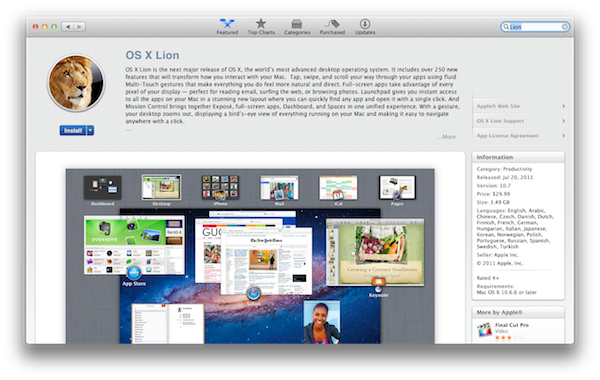
As widely expected, Apple released the next major version of OS X, Lion, on the Mac App Store today. The new OS is now available at $29.99 as digital-only download and is propagating through all the international App Stores at the moment of writing this.

You can download OS X Lion here. OS X Lion Server is available as a separate add-on here.

Lion is a major upgrade to Apple’s desktop OS that introduces over 250 new features and blends several typical desktop UI elements with design concepts and implementations first explored on the iPhone and iPad. Indeed, at the “Back to the Mac” event in October 2010, Apple described Lion as “OS X meets the iPad”. The Launchpad, for example, is a new way to install, organize and launch apps that’s heavily inspired by iOS’ Springboard, which lays out app icons in a grid against a default background with possibility of creating, moving, and deleting folders. Mission Control, a new way to manage app windows, combines the best elements of Snow Leopard’s Exposè and Spaces to create a new experience that unifies windows, desktops and full-screen apps in a single, easy to use interface. Lion brings hundreds of changes and subtle refinements, most of them delightfully added throughout the whole operating system in apps like iChat and System Preferences, others immediately visible like “All My Files” and “AirDrop”, two new Finder features to browse all documents and share files locally with others, respectively.

Lion brings new functionalities and APIs that should make users and developers alike excited to try out the new OS. For instance, developers can enable the new Automatic Termination and Resume APIs in their applications to make sure the “state” of an app is always saved upon quitting, and resumed on the next OS boot or app launch. This behavior can be reversed, but it’s enabled by default to put the emphasis on an operating system capable of saving your work and “app state” without you even thinking about it – app state means anything from open windows to position on screen and mouse cursor. Similarly, the new Auto Save when combined with Lion’s Versions will allow you to never worry about “saving” a document again, and have the OS perform continuos versioning in the background that you can access from a new Time Machine-like UI. Versions allow you to restore a document’s previous changes and edits from any point in time since you first created it.

Lion is a milestone in Apple’s desktop OS history, and we’ll have a complete review, as well as a detailed installation guide, in a few minutes on our site’s homepage.

Update: In the official press release, also embedded below, Apple confirms that Lion will be made available on a USB thumb drive at $69 for users without broadband access.

Mac OS X Lion is available as an upgrade to Mac OS X version 10.6.6 Snow Leopard® from the Mac App Store for $29.99 (US). Lion is the easiest OS X upgrade and at around 4GB, it is about the size of an HD movie from the iTunes Store®. Users who do not have broadband access at home, work or school can download Lion at Apple retail stores and later this August, Lion will be made available on a USB thumb drive through the Apple Store® (www.apple.com) for $69 (US). Mac OS X Lion Server requires Lion and is available from the Mac App Store for $49.99 (US).

Read more