Going All-In with Reminders Tags and Smart Lists
...

 Going All-In with Reminders Tags and Smart Lists
 Longtime MacStories readers may be familiar with UI Browser, an incredible scripting tool for macOS created by Bill Cheeseman. UI Browser lets you discover the AppleScript structure of an app’s menu system, taking advantage of Apple’s Accessibility APIs to make it easier to script UI, which is not – how do I put this – normally “fun”, per se. UI Browser developer Bill Cheeseman, having turned 79 years old, has decided it is now time to “bring this good work to a conclusion”, and the app will be retired in October.
Here’s what John Gruber wrote about UI Browser last week:
Long story as short as possible: “Regular” AppleScript scripting is accomplished using the programming syntax terms defined in scriptable apps’ scripting dictionaries. If you ever merely tinkered with writing or tweaking AppleScript scripts, this is almost certainly what you know. But as an expansion of accessibility features under Mac OS X, Apple added UI scripting — a way to automate apps that either don’t support AppleScript properly at all, or to accomplish something unscriptable in an otherwise scriptable app. UI scripting is, basically, a way to expose everything accessible to the Accessibility APIs to anyone writing an AppleScript script. They’re not APIs per se but just ways to automate the things you — a human — can do on screen.
A great idea. The only downside: scripting the user interface this way is tedious (very verbose) at best, and inscrutable at worst. Cheeseman’s UI Browser makes it easy. Arguably — but I’ll argue this side — “regular” AppleScript scripting is easier than “UI” AppleScript scripting, but “UI” AppleScript scripting with UI Browser is easier than anything else. UI Browser is both incredibly well-designed and well-named: it lets you browse the user interface of an app and copy the scripting syntax to automate elements of it.
I first covered UI Browser in 2019, when I published a story on how I could control my Mac mini from the iPad Pro using Luna Display and some AppleScript, which I was able to learn thanks to UI Browser. I then mentioned UI Browser twice last month for Automation April: it was thanks to the app that I managed to create shortcuts to toggle the Lyrics and Up Next sidebars in the Music app for Monterey. Maybe it’s silly, but I think there’s something beautiful in the fact that the last thing I did with UI Browser was bridging the old world of AppleScript with the modern reality of Shortcuts.
Gruber argued that Apple should acquire UI Browser and make it part of their built-in scripting tools for macOS; while I don’t disagree, I think it’s more realistic to hope another indie developer or studio picks up UI Browser and continues developing for as long as possible. There’s nothing else like it on the market, and I’d like to thank Bill Cheeseman for his amazing work on this application over the years. It’ll be missed.
 Gaming on Apple Platforms
Working Around Shortcuts RegEx Bugs in Apple’s Latest Betas
Music and URL Scheme Shortcuts and a Keyboard Maestro Macro
Turn Any Text Selection on macOS into a Text File
Gaming on Apple Platforms
Working Around Shortcuts RegEx Bugs in Apple’s Latest Betas
Music and URL Scheme Shortcuts and a Keyboard Maestro Macro
Turn Any Text Selection on macOS into a Text File It’s the final week of Automation April, and before we get into the details of the final batch of 10 shortcuts I’ve prepared for this week, I just want to express my gratitude toward all readers – old and new – who checked out MacStories this month, entered the contest, or signed up for Club MacStories. The response to Automation April has exceeded our most optimistic expectations: we received over 200 shortcut submissions for the contest, which is why we’re taking a few extra days to sift through all of them before; look for an official announcement of all the winners next week.
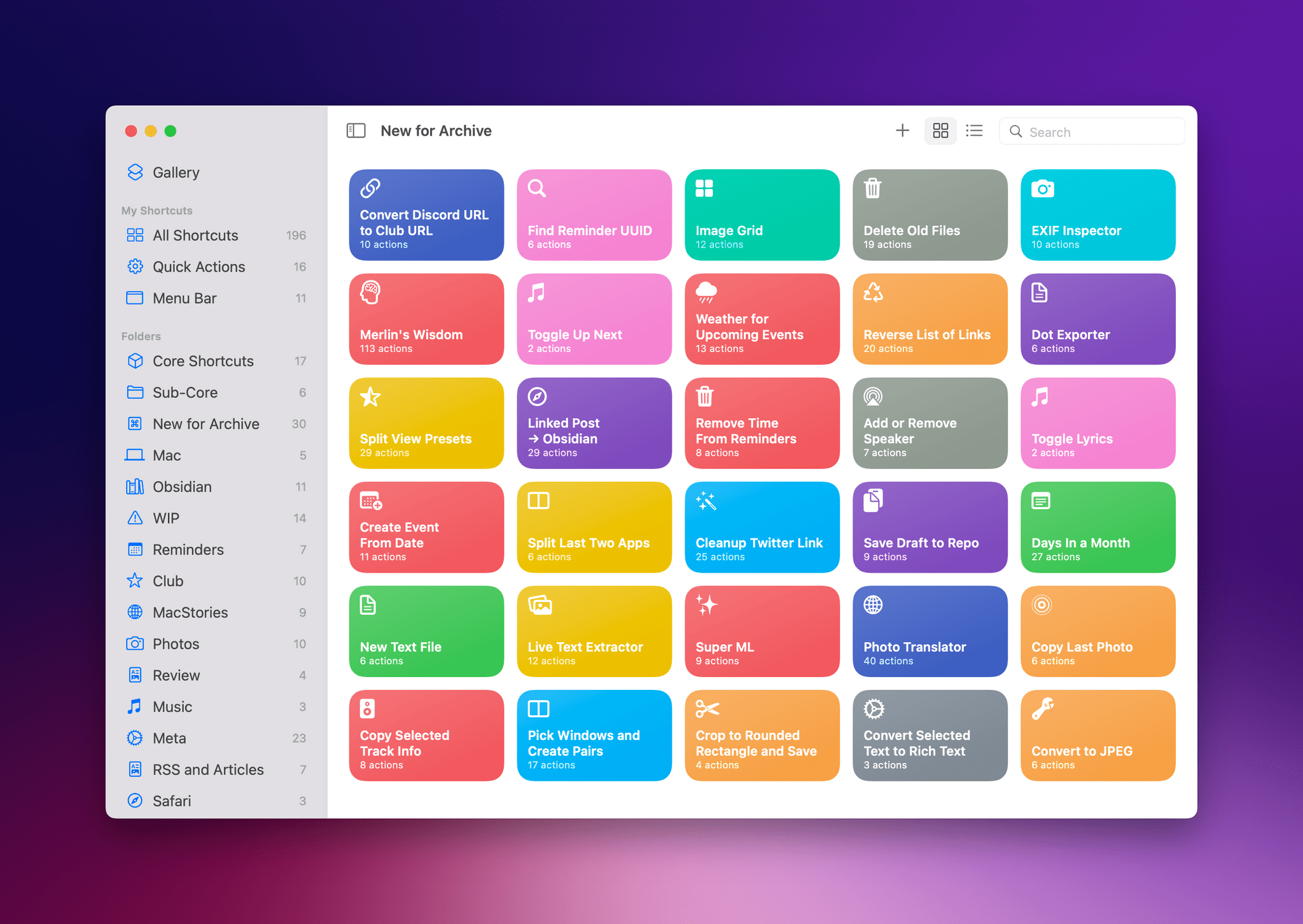
For this final group of 10 shortcuts, I’ve assembled another pretty diverse list of utilities for iPhone, iPad, and Mac that integrate with different parts of Apple’s operating systems. There’s a shortcut that automatically deletes old files from Finder or the Files app; another that finds the unique identifier of a specific task in the Reminders app; there’s a shortcut that gives you a weather report for the location of an upcoming event in your calendar. In case you missed the previous collections of shortcuts, you can find them here and here.
So, with Automation April coming to a close, let’s dive in one last time and check out the details of the shortcuts I’m sharing this week.
Apps with Great Shortcuts Support
Apps to Archive Articles, Shortcuts, Drafts Actions, Keyboard Maestro Macros, and an NFC Project  John
John