


Each major revision of OS X and macOS has come with a different default wallpaper. Stephen Hackett of 512 Pixels has collected them all in one place and teamed up with designer @forgottentowel to create 5K versions of the lower resolution wallpapers. One more reason to get a 5K iMac or display.
Posts in Linked
Every Default Wallpaper from Cheetah to High Sierra in 5K→
‘Nintendo Switch Online’ App Arriving on iOS Soon→
Juli Clover writes for MacRumors about the upcoming release of Nintendo’s previously announced iOS app, which will serve as a companion to the Nintendo Switch:
During a Nintendo Direct event this morning, Nintendo announced plans to release a new “Nintendo Switch Online” app on July 21, the release date for Splatoon 2. According to Nintendo, the Nintendo Switch Online app, available for iOS and Android, is designed to “enhance your online experience for compatible games on the Nintendo Switch console.”
At launch, the only game compatible with the Nintendo Switch Online app will be Splatoon 2. The app will let users voice chat with friends, invite people to online matches, create teams, and access SplatNet 2. SplatNet2 offers up online play statistics and info on upcoming game features.
At launch all components of the new app will be free for all users, but it’s unclear how long that will last. Nintendo has stated that from some point in 2018 and beyond, its online service for the Nintendo Switch will cost $19.99 per year or $3.99 per month, and there has been no clarification to this point on which aspects of the companion app might be tied to that paid service.
Connected, Episode 149: Caramel→
Will the next iPhone eschew Touch ID for facial scanning? Is Stephen keeping his Echo Show? Can Ticci explain CoreML in a way that normal humans can understand?
On this week’s Connected, we cover some of the latest iPhone 8 rumors and try to explain what Apple is doing with machine learning in iOS 11. You can listen here.
Sponsored by:
- Mack Weldon: Smart underwear for smart guys. Get 20% off with the code CONNECTED.
- Hover: Domain names for your ideas. Get 10% off your first purchase.
- Igloo: A digital workplace platform Free for up to 10 people.
iOS 11 and Accessibility→
Great overview by Steven Aquino on the Accessibility changes coming with iOS 11. In particular, he’s got the details on Type to Siri, a new option for keyboard interaction with the assistant:
Available on iOS and the Mac, Type to Siri is a feature whereby a user can interact with Siri via an iMessage-like UI. Apple says the interaction is one-way; presently it’s not possible to simultaneously switch between text and voice. There are two caveats, however. The first is, it’s possible to use the system-wide Siri Dictation feature (the mic button on the keyboard) in conjunction with typing. Therefore, instead of typing everything, you can dictate text and send commands thusly. The other caveat pertains to “Hey Siri.” According to a macOS Siri engineer on Twitter, who responded to this tweet I wrote about the feature, it seems Type to Siri is initiated only by a press of the Home button. The verbal “Hey Siri” trigger will cause Siri to await voice input as normal.
Technicalities aside, Type to Siri is a feature many have clamored for, and should prove useful across a variety of situations. In an accessibility context, this feature should be a boon for deaf and hard-of-hearing people, who previously may have felt excluded from using Siri due to its voice-first nature. It levels the playing field by democratizing the technology, opening up Siri to an even wider group of people.
I wish there was a way to switch between voice and keyboard input from the same UI, but retaining the ‘Hey Siri’ voice activation seems like a sensible trade-off. I’m probably going to enable Type to Siri on my iPad, where I’m typing most of the time anyway, and where I could save time with “Siri templates” made with native iOS Text Replacements.
Made with ARKit→
ARKit is one of the iOS 11 features I’m really excited about along with iPad improvements, changes to Notes, and better screenshot workflows. The “problem” with ARKit is that Apple isn’t offering a proper AR app for iOS yet – it’s a framework for developers to create AR experiences. Thus, until you play with an ARKit demo, it’s hard to understand the extent of Apple’s efforts and the potential for future ARKit-enabled apps.
Fortunately, the folks at Made with ARKit have been collecting early demoes shared by developers showing a variety of AR apps that will be possible later this year. And some of these are already incredible. From a rocket landing in your backyard to robots dancing in your living room and obvious measuring tapes, these videos give us an early glimpse at the promise of ARKit and the quality of tracking and rendering on an iPhone’s screen.
I don’t know if these showcases will turn into actual shipping products this Fall, but I have a feeling this new category of apps will become a great reason for millions of users to upgrade to iOS 11 quickly. I can’t wait to play with some of these AR apps.
Remaster, Episode 38: SNES Classic→
Have Nintendo learned from their previous foray in to tiny nostalgia?
On this week’s episode of Remaster, we talk about Nintendo’s recently announced SNES Classic Mini, the games it’ll offer, and the company’s strategy for the Virtual Console. You can listen here.
Sponsored by:
- Casper: Because everyone deserves a great night sleep. Get $50 off with the code ‘REMASTER’
Red Sweater’s MarsEdit 4.0 Public Beta Released→
Today, Red Sweater Software’s Daniel Jalkut released a public beta of his macOS blog publishing app, MarsEdit. According to Jalkut,
It’s been over 7 years since MarsEdit 3 was released. Typically I would like to maintain a schedule of releasing major upgrades every two to three years. This time, a variety of unexpected challenges led to a longer and longer delay.
The good news? MarsEdit 4 is finally shaping up. I plan to release the update later this year.
Because the update contains many new features that my patient users have been waiting to get their hands on, I want to give folks the option of trying it out early.
MarsEdit 4 includes a long list of features including:
- Visual formatting bar for applying common formatting options;
- Typewriter scrolling mode;
- Support for MultiMarkdown; and
- WordPress-specific features like faster refresh times and Featured Image, Post Format, and Per-Post Author support.
If you want to to try the beta yourself, there’s a link in the Red Sweater blog post. The beta is free to use by anyone who has a license for MarsEdit 3 that was purchased directly from MarsEdit on the web. Also, anyone who buys a copy of MarsEdit 3 now will receive a free upgrade to MarsEdit 4 when it is released later this year.
Connected, Episode 148: The Grand Scheme of Screens→
The Prompt Curse strikes again! Find out what has been struck down, as Myke and Federico discuss the current state of iOS 11, Ticci’s keyboard woes, reviews of the Echo Show, and ARKit.
A fun episode of Connected this week with more thoughts on the iOS 11 beta and a discussion on ARKit and the potential of AR apps for iOS. You can listen here.
Sponsored by:
Apple Opens iOS 11 Public Beta→
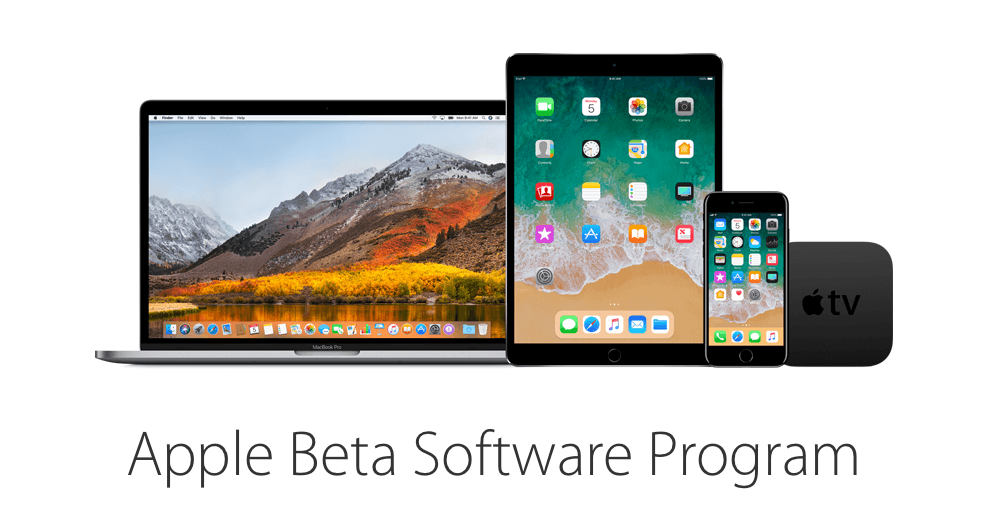
Apple has released the first public beta of iOS 11. The first developer beta of iOS 11 was released at WWDC on June 5, 2017. iOS 11 includes many new features such as a new Files app that makes navigating files on iOS devices easier than in the past and adds several iPad-only features like drag & drop, an app Dock, and enhanced multitasking.
You can sign up for the beta program here, but be sure to follow the instructions, which include backing up your iOS device, because it’s still early in the iOS 11 beta release cycle. There will be bugs and running a beta always runs the risk of data loss.