This Week's Sponsor:

Turbulence Forecast

Know before you go. Get detailed turbulence forecasts for your exact route, now available 5 days in advance.


Posts in reviews


Drafts 15 Review: Multiwindow, Shortcuts, and More

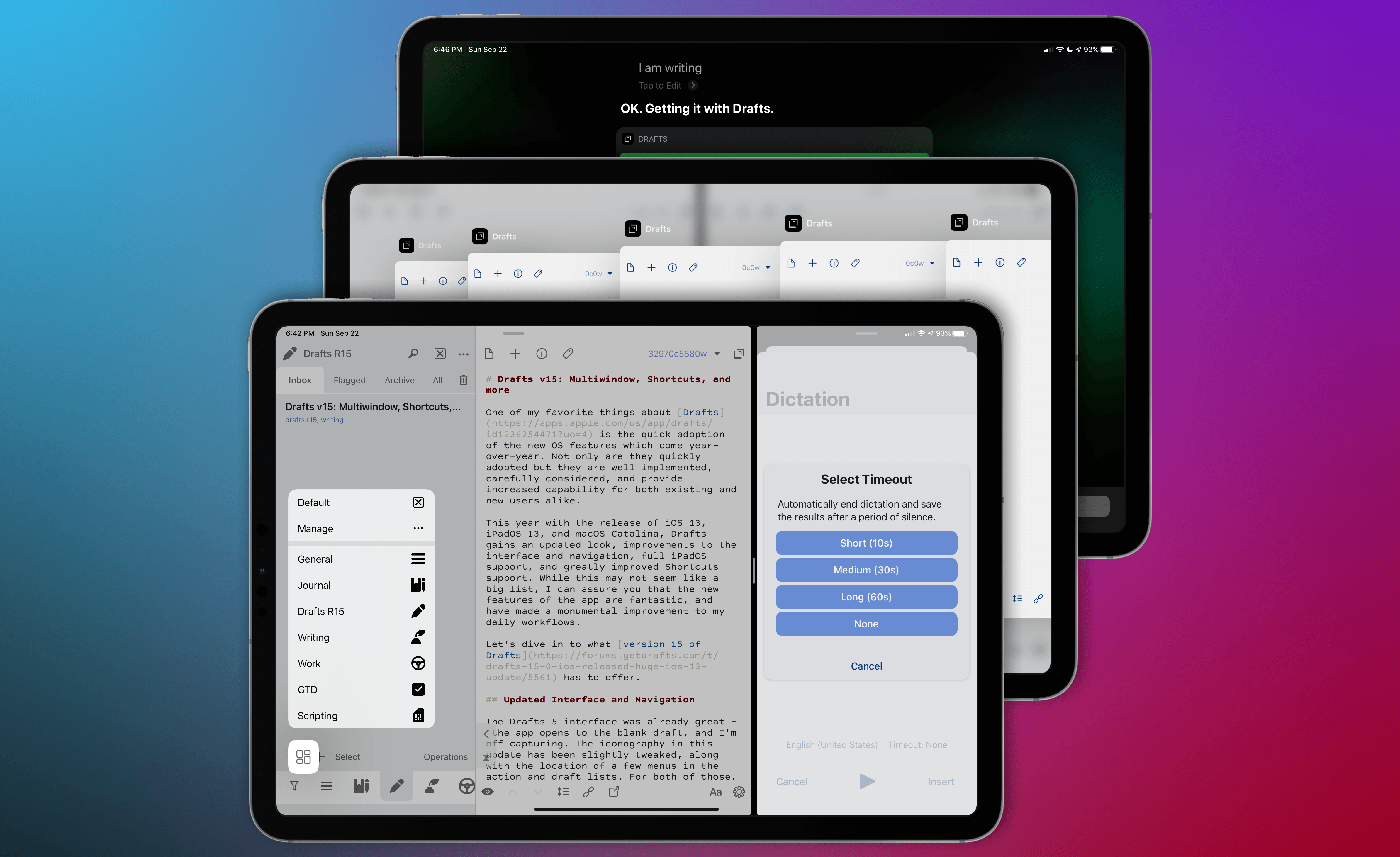
One of my favorite things about Drafts is its quick adoption of the new OS features that come year-over-year. Not only are they quickly adopted, but they are well implemented, carefully considered, and provide increased capability for both existing and new users alike.

This year with the release of iOS 13, iPadOS 13, and macOS Catalina, Drafts gains an updated look, improvements to the interface and navigation, full iPadOS support, and greatly improved Shortcuts integration. While this may not seem like a big list, I can assure you that the new features of the app are fantastic, and have made a monumental improvement to my daily workflows.

Let’s dive in to what version 15 of Drafts has to offer.

Read more


Things Adds Multiwindow, iOS 13 Dark Mode, Shortcuts, New Share Extension, and Reminders Import

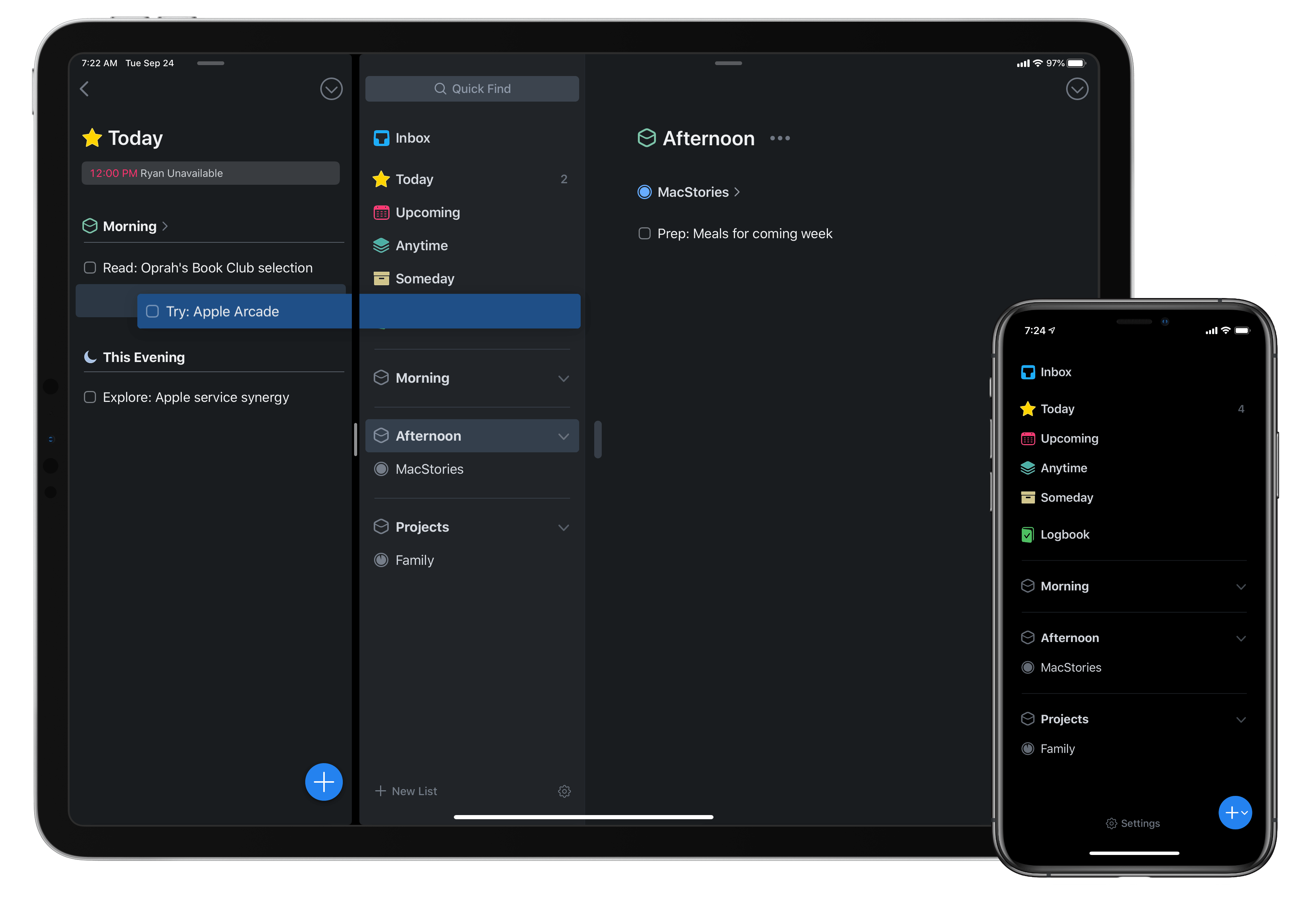
Today as Apple releases iPadOS into the world, Things 3 for both iPad and iPhone has fully updated to add multiwindow functionality on iPad, integration with iOS 13’s system dark mode, shortcuts with parameters, a share extension that introduces key new functionality, and finally a new Reminders Import feature for moving easily all your reminders into Things. There’s a lot to explore, so let’s dive in.

Read more


LookUp 6 Review: The Biggest Update Yet for the Best Dictionary App

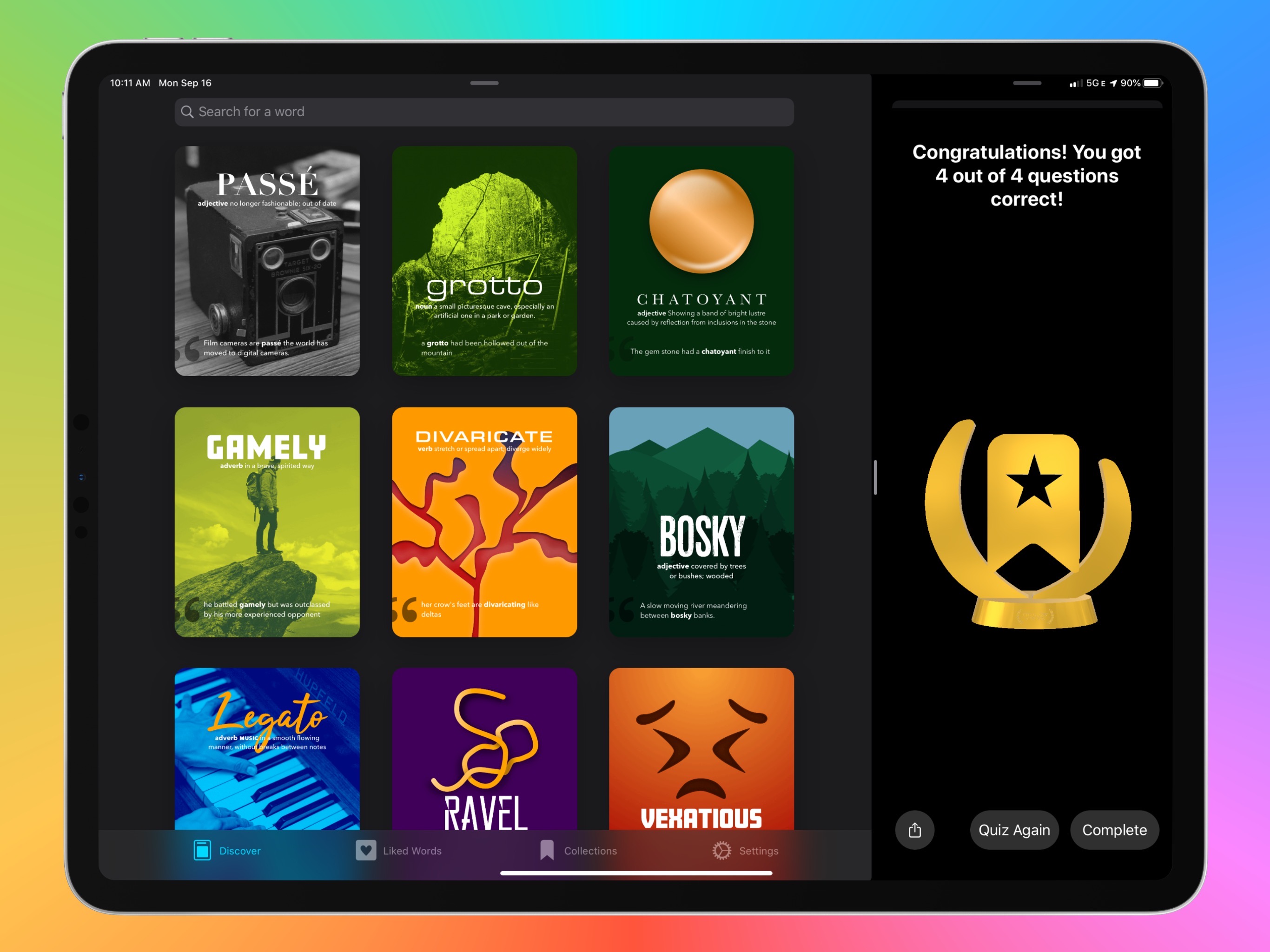
The average life cycle of an app typically consists of two phases: the app’s early days often bring a host of significant updates as it strives toward feature maturity; however, once that level of maturity is achieved, the updates become more iterative and unsurprising, largely aimed at keeping pace with new OS technologies. LookUp 6 defies that normal pattern. The sixth major version of the excellent iOS dictionary app weds two important themes: adopting all the relevant functionality enabled by Apple’s latest OS releases, while simultaneously adding substantial features like quizzes, translation, full navigation via keyboard, and more. Despite how modern and feature-rich LookUp already was, version 6 sets the app on even stronger footing at the dawn of Apple’s latest software releases.

Read more


PCalc 3.9 Adds Dark Mode and the Latest Shortcuts Features, Expanding the App’s Automation Capabilities

Last year when Siri shortcuts debuted on iOS 12, developer James Thomson added one of the first and best implementations for creating custom shortcuts with his calculator app PCalc. However, iOS 12 required PCalc to rely on the system clipboard as a means of passing inputs to calculations and then outputting the results, which added complexity to shortcuts that used PCalc actions. iOS and iPadOS 13 free PCalc of that constraint, and with the addition of parameter support and the conversational Siri shortcuts coming in iOS and iPadOS 13.1, PCalc’s automation features are vastly more powerful.

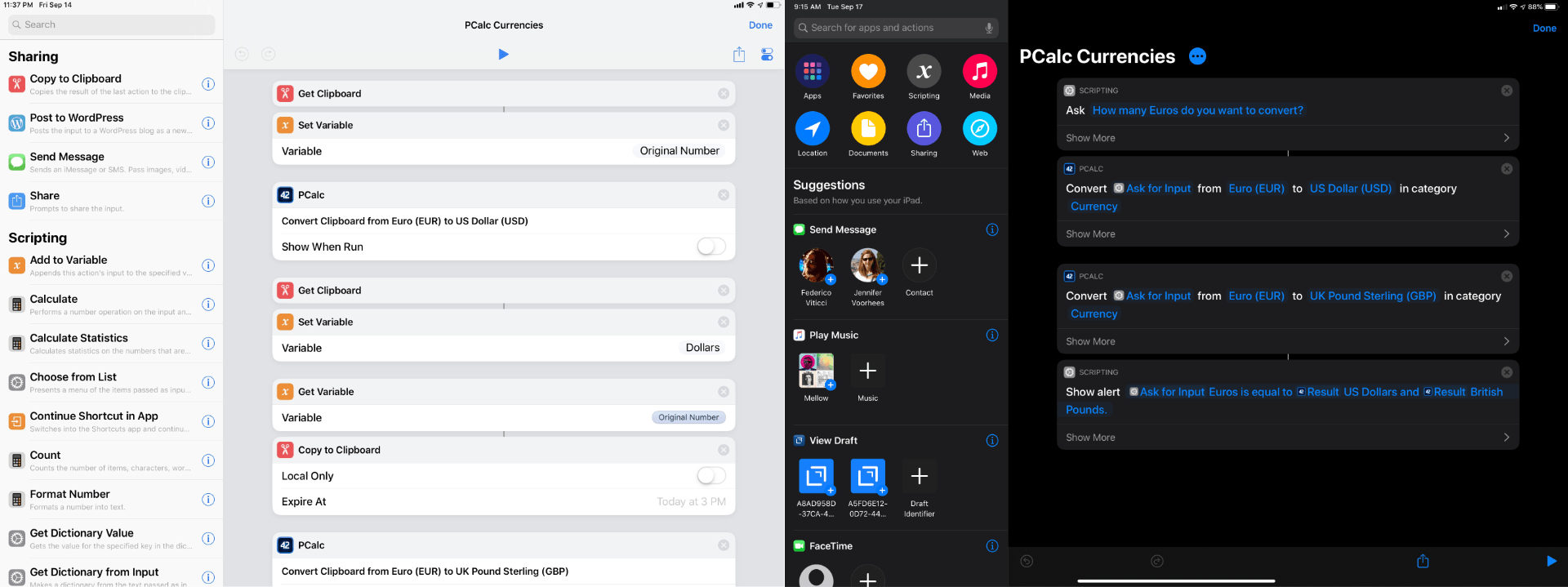
Federico’s review of PCalc 3.8 featured a shortcut called PCalc Currencies, which is a terrific example of what a PCalc-based shortcut looked like in iOS 12. The shortcut coverts Euros to US Dollars and British Pounds. The first step is to pass the number of Euros to the shortcut from the system clipboard and then create a variable to store that value. Next, the shortcut uses PCalc’s conversion action to calculate the US Dollar equivalent, store it in a separate variable, and then do the same for pounds. The final step displays the results using each of the three currency variables. In total, the shortcut uses twelve actions, many of which involve moving data on and off the clipboard.

PCalc Currencies for iOS 12 (left) and iOS 13 (right).

PCalc Currencies for iOS 12 (left) and iOS 13 (right).

With PCalc’s new Shortcuts actions, we can reduce the number of actions from twelve to just four. It’s a fantastic demonstration of the power that iOS and iPadOS 13 add to third-party shortcut actions and the reduction in complexity that can be achieved with even a relatively simple shortcut. Okay, let’s update Federico’s shortcut.

Read more


Game Day: Dead Cells

Dead Cells by Motion Twin landed on mobile for the first time today with its release on iOS. The game, which the Bordeaux, France-based game studio describes as a ‘rogue-lite, metroidvania action-platformer,’ has been adapted for mobile by publisher Playdigious. I’ve been playing Dead Cells on a variety of iOS devices for the past two weeks both with onscreen controls and controllers, and it’s quickly become my favorite iOS game of 2019 so far.

Dead Cells, which debuted in 2017 and is also available for consoles and PC, is not an easy game. You play as a warrior raised from the dead, battling your way through dungeon mazes. Along the way, you collect weapons, cells, which can be used to upgrade your weapons, and other items. When you die, you lose any unused cells and some of the items you’ve collected. However, other upgrades are permanent and remain intact between sessions. Combined with levels that are partially procedurally generated and provide variety between attempts to defeat enemies, the mechanic creates a fun tension that makes Dead Cells extremely hard to put down.

Read more


Dark Noise Review: Ambient Noise Never Looked So Good

An ambient noise app’s most important job is providing a variety of sounds that can evoke a soothing sense of calm, and offer environment control. The App Store is full of apps that accomplish this purpose, and a new one’s being added to that roster today: Dark Noise, from developer and designer Charlie Chapman.

One chief advantage of Dark Noise over its competition is that out of the gate it’s the best of iOS citizens. Nearly every relevant iOS technology that Apple puts at developers’ disposal has been implemented in Dark Noise: Siri shortcuts, haptic feedback, alternate app icons, a customizable widget, an iPad version with Split View support, and more. I’ve never used an ambient noise app with such strong system integrations.

What makes Dark Noise truly special, however, is the way it’s easy not only on the ears, but the eyes too. Chapman’s pedigree as a designer and motion graphics artist shines throughout the app, creating a design experience through animations and gestures that’s truly delightful.

Read more


Prizmo 5 for iOS Delivers Fast Scanning and Powerful OCR

I own a ScanSnap S1300i scanner, but I’m not sure why anymore. I used to scan paper documents and store them on my Mac. I’d OCR the scans, so they would be text searchable, and I used Hazel rules to organize them in folders automatically. However, I realized recently that not only do I rarely need to refer back to those scanned documents, but most are already available in electronic form online. If I need to look at an old credit card statement or bill, I can log into those accounts to find the information I need, so I tossed my scanner in a drawer.

Important bits of paper still come into my life now and then, but I’ve found that an iOS scanning app is more convenient for the volume of scanning I do now. There are lots of terrific apps on iOS to capture and organize scans, but Prizmo by Creaceed, which I’ve been testing for the past week, has quickly become one of my favorites, distinguishing itself with its ease of capture and terrific OCR functionality.

Read more


NetNewsWire Review: The Mac RSS Client, Rebooted with a Solid Foundation for the Future

After Google Reader disappeared, a lot of people drifted away from RSS readers. For many, social networks like Twitter filled the void, leading some observers to declare the death of RSS. However, a funny thing happened in the aftermath of Google Reader’s demise. New sync services arose, and RSS readers flourished on iOS, where competition to provide users with new and innovative ways to read their favorite feeds has been fierce.

However, feed reader options haven’t been nearly as robust on the Mac. As I’ve noted before, many of my favorite RSS readers for iOS don’t have Mac counterparts, and those that do haven’t been developed with the same regularity we’ve seen on iOS. It’s into this landscape that NetNewsWire 5 launches today.

If you’ve been using RSS for any length of time, you’ve undoubtedly heard of NetNewsWire, but may not be aware of its long history. The app’s roots stretch back to 2002 with NetNewsWire Lite 1.0, which Brent Simmons developed. In 2005, the app was purchased by NewsGator, then Black Pixel bought the app in 2011.

Simmons began working on a new open-source RSS reader called Evergreen in 2015. But then in 2018, he reacquired the rights to NetNewsWire from Black Pixel, bringing the app back to where it started for the first time in 13 years.

NetNewsWire comes with a built-in set of feeds to get newcomers started.

NetNewsWire comes with a built-in set of feeds to get newcomers started.

NetNewsWire 5 is an all-new, free app rebuilt from the ground up using Evergreen’s code, but bearing the name of Simmons’ original feed reader. The time and hard work by Simmons and other contributors to the open-source project are apparent. NetNewsWire 5 is a thoughtfully-designed, fast app with powerful search. The app won’t be my primary Mac feed reader until it has more syncing options or the planned iOS version is released, but if your feed reading is limited to the Mac or you use Feedbin to sync your feeds to iOS, NetNewsWire is an excellent choice.

Read more