This Week's Sponsor:

Turbulence Forecast

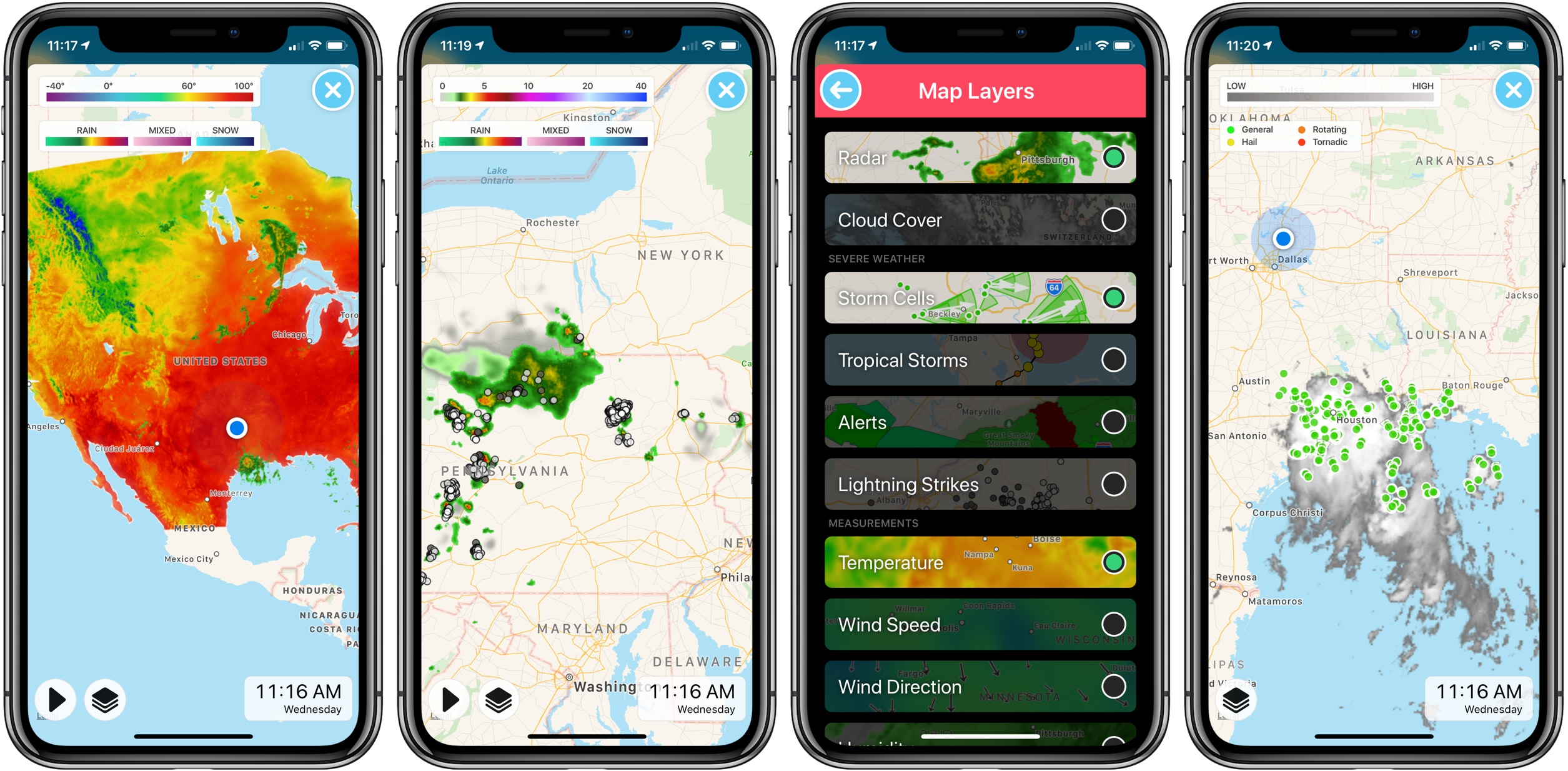
Know before you go. Get detailed turbulence forecasts for your exact route, now available 5 days in advance.


Posts in reviews

Fantastical 2.5 for Mac Adds Time Change Proposals, Meetup.com Support, and More

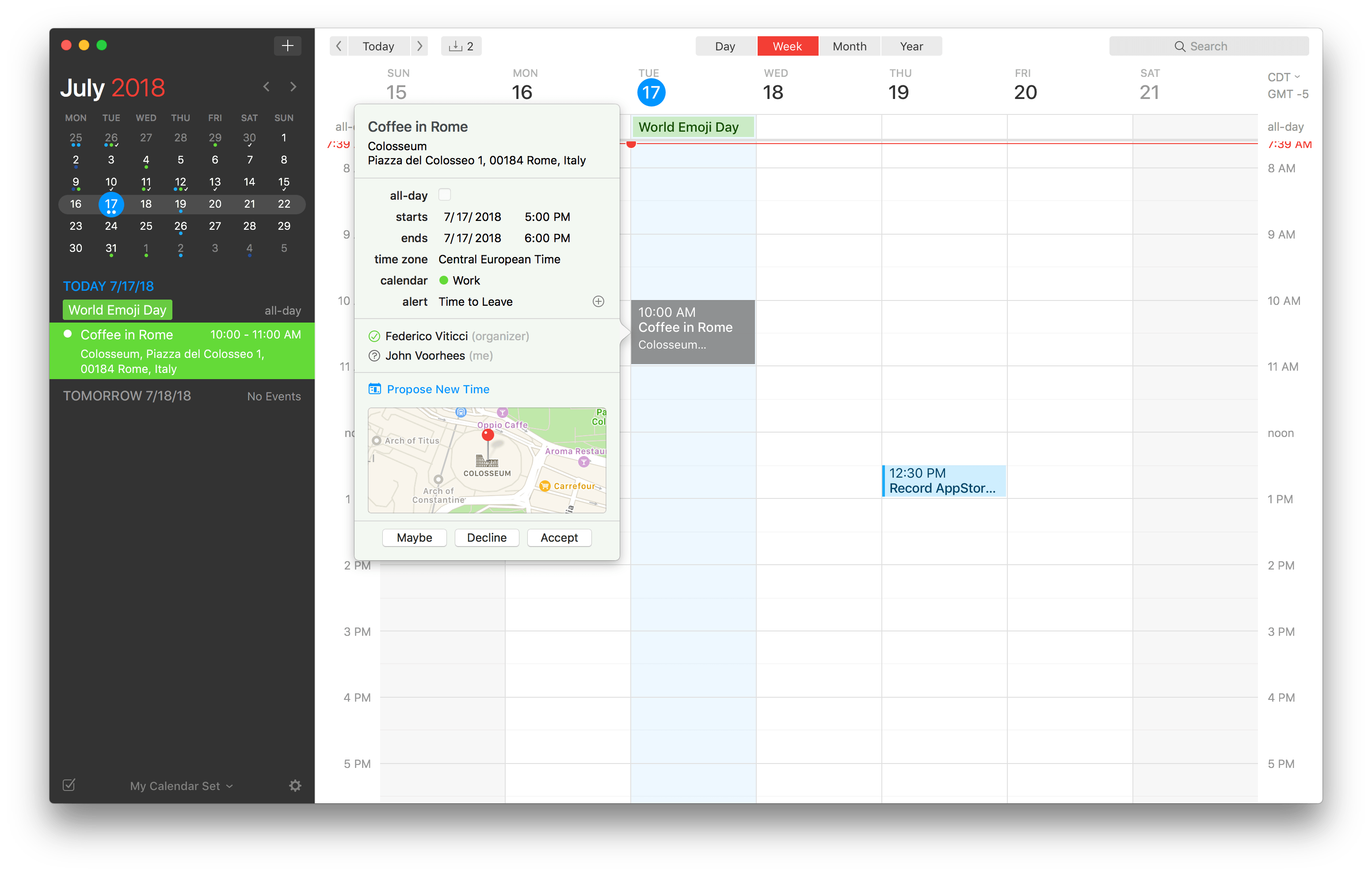
Flexibits has released an update to the Mac version of its popular calendar app Fantastical. The feature that should be useful to most users immediately is the ability to send and receive new time proposals for events. Fantastical already could send meeting invitations and acceptances, but with version 2.5, recipients of an invitation can propose a new time. The feature works with iCloud, Google, Exchange and CalDAV calendaring services, which should cover most use cases.

Read more


Documents Adds WiFi File Transfer

Documents by Readdle has been on the App Store a long time. Before Apple released its Files app, Documents filled the gap with features that made it indispensable for accessing files on iOS devices and doing things like unzipping an archived folder. Although the stock Files app has taken over many of my day-to-day needs for file handling, Documents continues to evolve and adapt, providing tools that aren’t in Files.

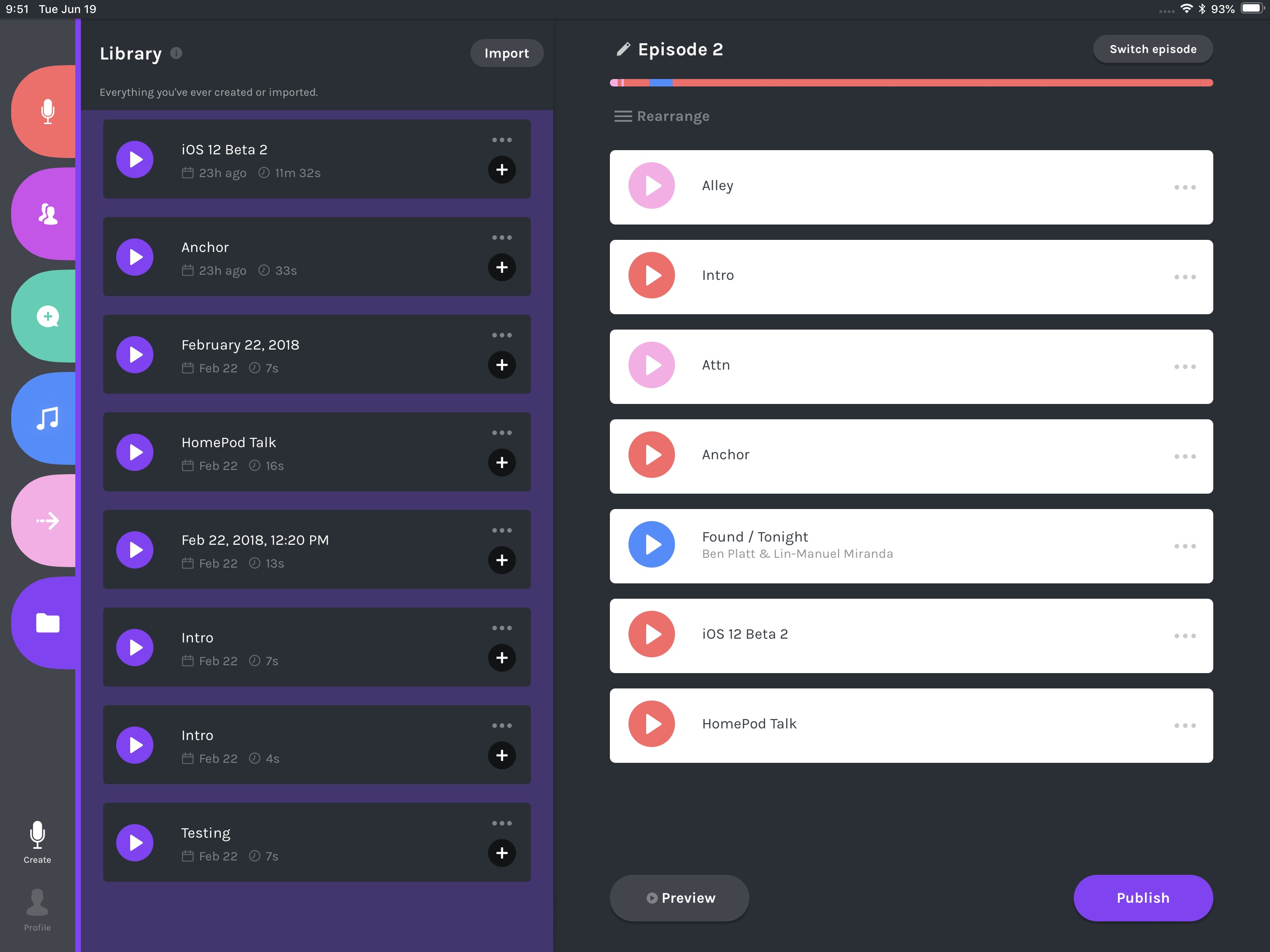
Today, for instance, Readdle added WiFi file transfers between a Mac and iOS device to Documents. The system is easy to use and more flexible than AirDrop, making it something to keep in mind, especially when you are moving large numbers of files between a Mac and iOS device.

Read more


OmniFocus 3 Review: More Approachable and Powerful, All at Once

If you’re anything like me, you probably remain perpetually dissatisfied with your task management setup. You may have chosen an app and settled in with it, but some of its design choices don’t quite fit with your way of working, so you’re always keen to try the latest and greatest app that comes along. Realistically though, you’ve resigned yourself to the fact that the “perfect task manager” doesn’t exist, and likely never will.

Task management is a tough problem to solve, because every option out there is optimized for specific use cases, resulting in different complexity levels. Some aim to remain simple and user-friendly, while others try to put every tool at your disposal, endearing themselves to power users while scaring off prospective customers who need a bit less. On this complexity spectrum, OmniFocus has historically been the poster child for the weightier end: if you have a lot of complicated projects that need a high degree of structure, there’s no better place to start than OmniFocus; however, for lighter needs, I’ve always found its myriad of options too overwhelming to recommend.

OmniFocus 3, released today for iOS (and later coming to the Mac), adds even more power and options to the app’s existing toolset, yet rather than growing more complex in the process, it’s surprisingly become more approachable. This improved user friendliness is achieved thanks to a new level of flexibility that can, upon tweaking your ideal setup, obscure the app’s complexity in everyday use. In more ways than ever before, OmniFocus provides the tools to make the app your own.

Outside of a lovely new design, where icons and fonts are bolder and everything feels more fresh, my favorite changes in OmniFocus 3 are this increased flexibility, which encompasses a lot of new and updated features, and its excellent iPad improvements. Let’s dive in.

Read more


Retrobatch from Flying Meat Brings Nodal Batch Processing of Images to the Mac

Retrobatch is a new batch photo processing app for the Mac from Flying Meat, the maker of Acorn. Batch processing of photos isn’t new. There are plenty of apps available that let you manipulate collections of photos. What’s different about Retrobatch is how it goes about processing images.

If you’ve ever used Audio Hijack from Rogue Amoeba, you’ll understand the power of Retrobatch immediately. The app is based on the idea of linking individual nodes together to create complex workflows. Point your new workflow at a batch of images, hit go, and Retrobatch goes about its work, delivering your processed photos to wherever you specify. The power is in abstracting complex actions into simple building blocks that can be strung together and branched as though you were building a flowchart.

That last point is the essential distinction between Retrobatch and other batch processors. Most image processors are linear, moving through a series of steps that outputs modified images. Retrobatch’s nodal structure allows you to start with a folder of images, perform actions on them, and then branch off to different actions at any point in the process.

Read more


Agenda for iOS Review

Agenda, which launched on iOS today, is one of the most interesting note-taking apps I’ve used. The app is simultaneously structured around projects, like a task manager, and dates, like a calendar app.

Agenda immediately caught my eye with its beautiful design and unique approach to notes when it launched on the Mac in January. At the time, I was intrigued by Agenda, but the lack of an iOS version was a deal-breaker. Notes apps are one of those categories that benefit immensely from being available everywhere. When I tested Agenda in January, I found myself on my iPad wanting to refer notes that were locked inside Agenda on my Mac almost immediately, so I put Agenda away and waited for the promised iOS version.

On the iPhone, Agenda uses the same sliding panels where they dominate most of the screen.

On the iPhone, Agenda uses the same sliding panels where they dominate most of the screen.

With today’s release of Agenda for iOS, which syncs between platforms, that’s no longer an issue. The Mac and iOS versions are virtually identical in their designs, interaction models, and feature sets. I won’t repeat the details here. You can learn more about the app’s structure and design from my review of the Mac version. Instead, I want to focus on the ways I’ve begun to integrate Agenda into my work over the past week that I’ve had the beta; with an app as flexible as Agenda, concrete examples of how it can be used are more useful than a list of features.

Read more