
 MacStories Weekly: Issue 417
MacStories Unwind: Federico Visits Medium Ben→

This week on MacStories Unwind, Federico and I discuss how Apple crushed it at its iPad event, and Federico lets loose in London.






Links and Show Notes
Crushing It
- Apple’s Crush! ad
- Hugh Grant, Justine Bateman and More Slam Apple for iPad Pro ‘Crush’ Ad: ‘Truly, What Is Wrong With You?’
- Apple’s New iPad Ad Leaves Its Creative Audience Feeling … Flat
Federico Lets Loose in London
- MacStories’ ‘Let Loose’ event coverage
- Photos from Federico’s trip
Up Next
MacStories Unwind+

We deliver MacStories Unwind+ to Club MacStories subscribers ad-free and early with high bitrate audio every week.
To learn more about the benefits of a Club MacStories subscription, visit our Plans page.
Apple Apologizes for Crush! Video
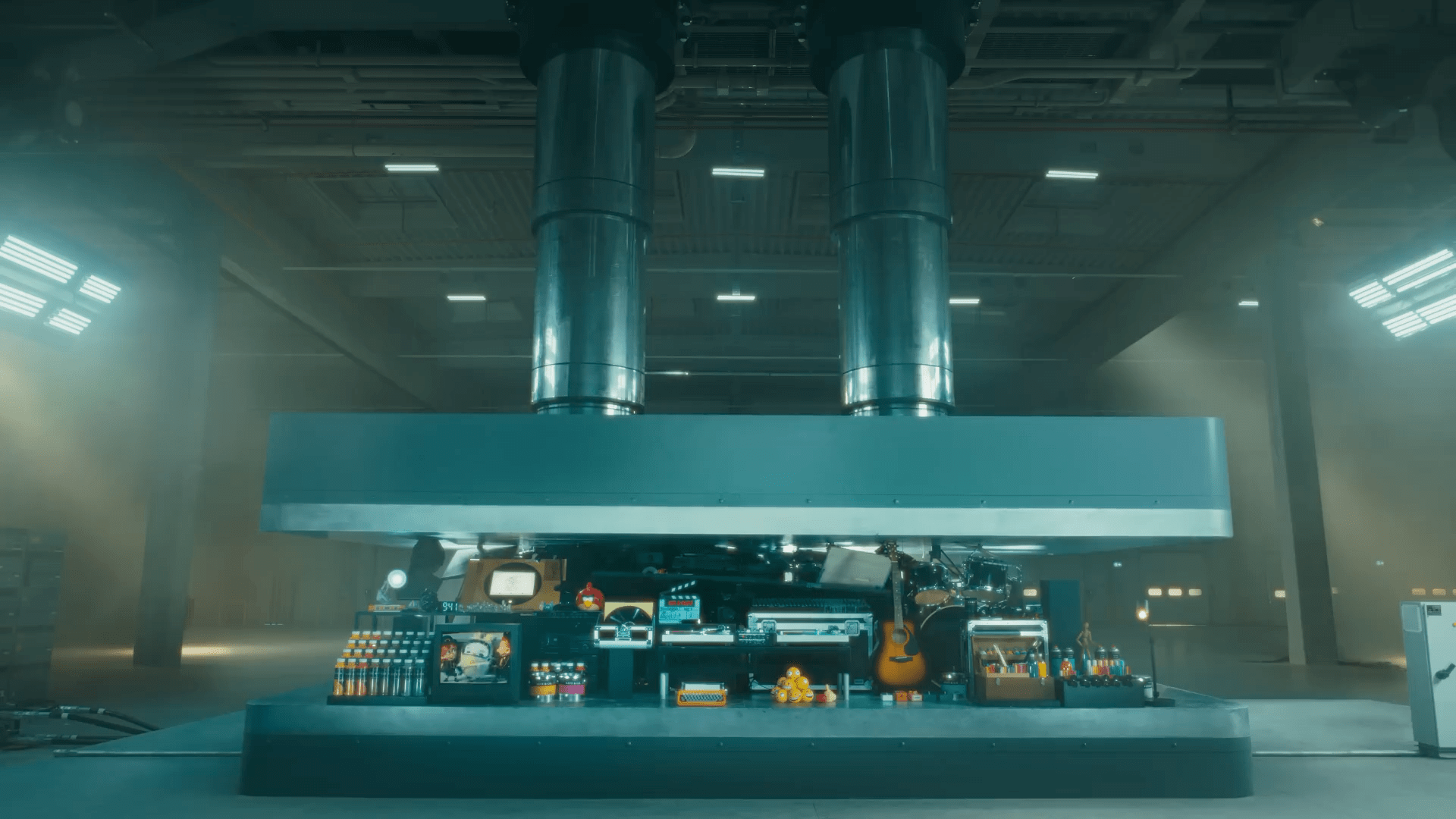
On Tuesday, Apple introduced its new iPad Pros with a video called Crush! that was meant to convey how much the device can do. The trouble was the way the video delivered the message, depicting musical instruments, books, a record player, paints, a TV, and many other creative tools being crushed by a hydraulic press. When the press opened, it revealed the new iPad Pro.

Crush! was widely criticized by the creative community, including actor Hugh Grant, director Reed Morano, and many others. Within hours, the story had spread beyond the tech industry to all corners of the mainstream media.
Today, as reported by The Verge, Apple vice president of marketing Tor Myhren made a statement to Ad Age, apologizing for the video saying:
Creativity is in our DNA at Apple, and it’s incredibly important to us to design products that empower creatives all over the world. Our goal is to always celebrate the myriad of ways users express themselves and bring their ideas to life through iPad. We missed the mark with this video, and we’re sorry.
Earlier today, Federico and I covered the firestorm caused by the video on MacStories Unwind+ for Club MacStories members. During the episode, which will be generally available tomorrow, Federico predicted this outcome, which I think is the right move given the widespread strong reaction to the video.
Stu Maschwitz on the Filming of Apple’s Let Loose Event→
This week’s “Let Loose” Apple event was filmed on the iPhone and edited on the Mac and iPad. During the event, filmmaker Stu Maschwitz noticed that some scenes featured a shallower depth of field than is possible with the iPhone’s cameras. Although he doesn’t cite a source, Maschwitz says he figured out how Apple got those shots:
“Let Loose” was shot on iPhone 15 Pro Max, and for several shots where a shallow depth-of-field was desired, Panavision lenses were attached to the iPhones using a Panavision-developed mount called the “Lens Relay System.” This rig is publicly available for rent from Panavision today, although not currently listed on their website.
As he further explains:
With Panavision’s new system, the iPhone’s own lens captures the areal image created by any Panavision lens you like. The iPhone provides the image capture, in ProRes Apple Log, of course.
In fact, “Let Loose” is the first Apple Event finished and streamed in HDR, pushing the iPhone’s capture abilities even further than “Scary Fast.”
The wildest part of all is the seamlessness of it all:
Or think of it this way: Apple confidently intercut footage shot with the most elite cinema lenses available with footage shot with unadorned iPhone lenses.
I appreciate Maschwitz’s perspective on the capabilities of the iPhone’s cameras. Having rewatched this week’s event a couple of nights ago, I would never have suspected it was shot on a mobile phone if I didn’t know to look for the note at the end of the video.
Apple Music Adds Shazam Radio Spins Charts and a New Industry Program
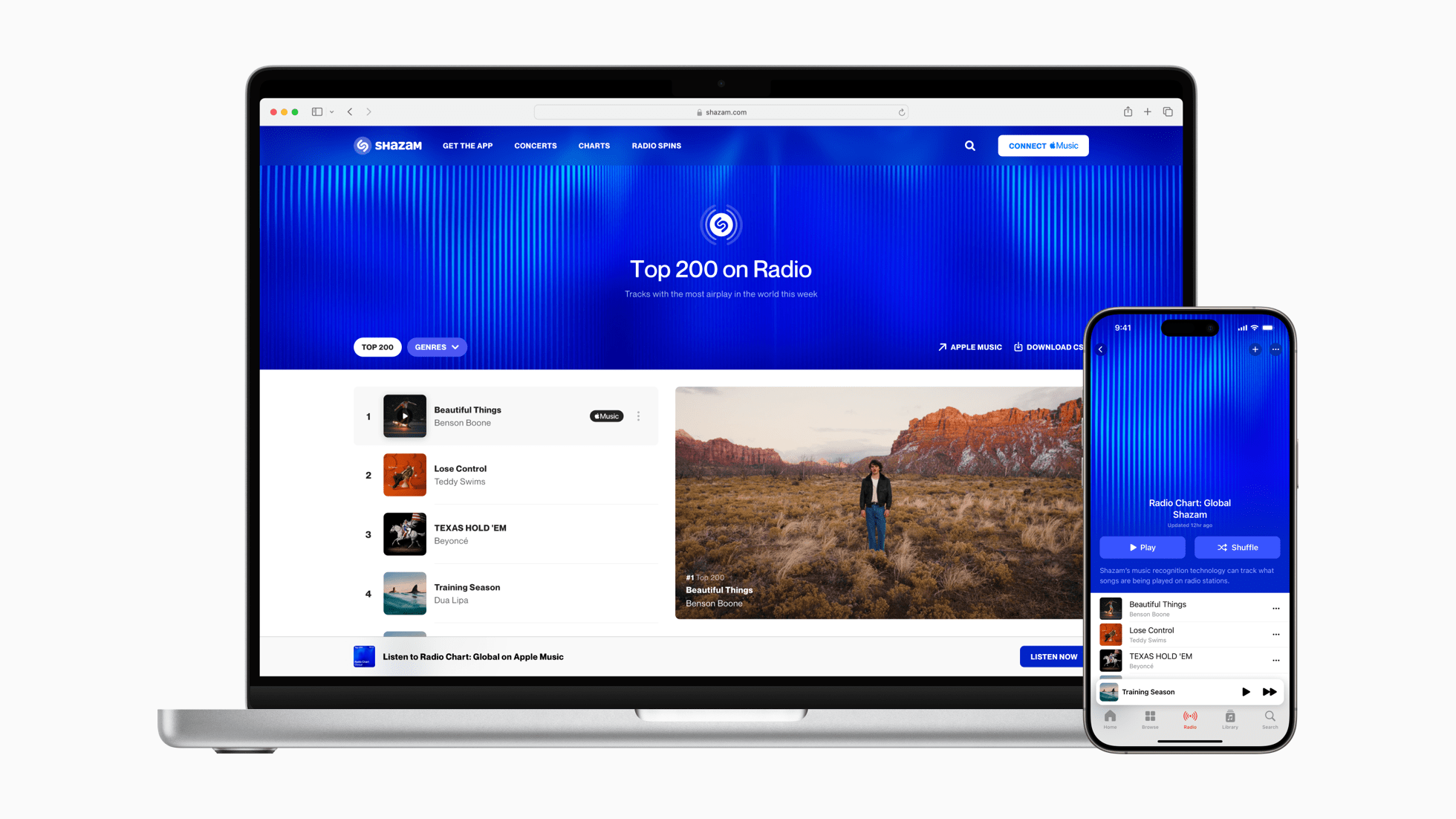
Apple Music has launched Shazam Radio Spins, a new set of top chart playlists built by identifying music played by over 40,000 radio stations in over 200 countries and regions.
The centerpiece of the new charts is the global Top 200 Radio Chart, which is updated daily. Shazam has also begun publishing charts for a wide variety of genres like Pop, Dance, R&B/Soul, Hip-Hop/Rap, French Pop, Reggae/Dancehall, AfroBeats, Latin, Country, Singer/Songwriter, and more.
Apple Music subscribers can access Shazam Radio Spins from Shazam’s curator page in the Music app or Shazam’s website. So far, I’ve only been able to access the Top 200 Radio Chart in Apple Music, but I expect the genre-specific charts will begin to appear before long because they are already available on the web.
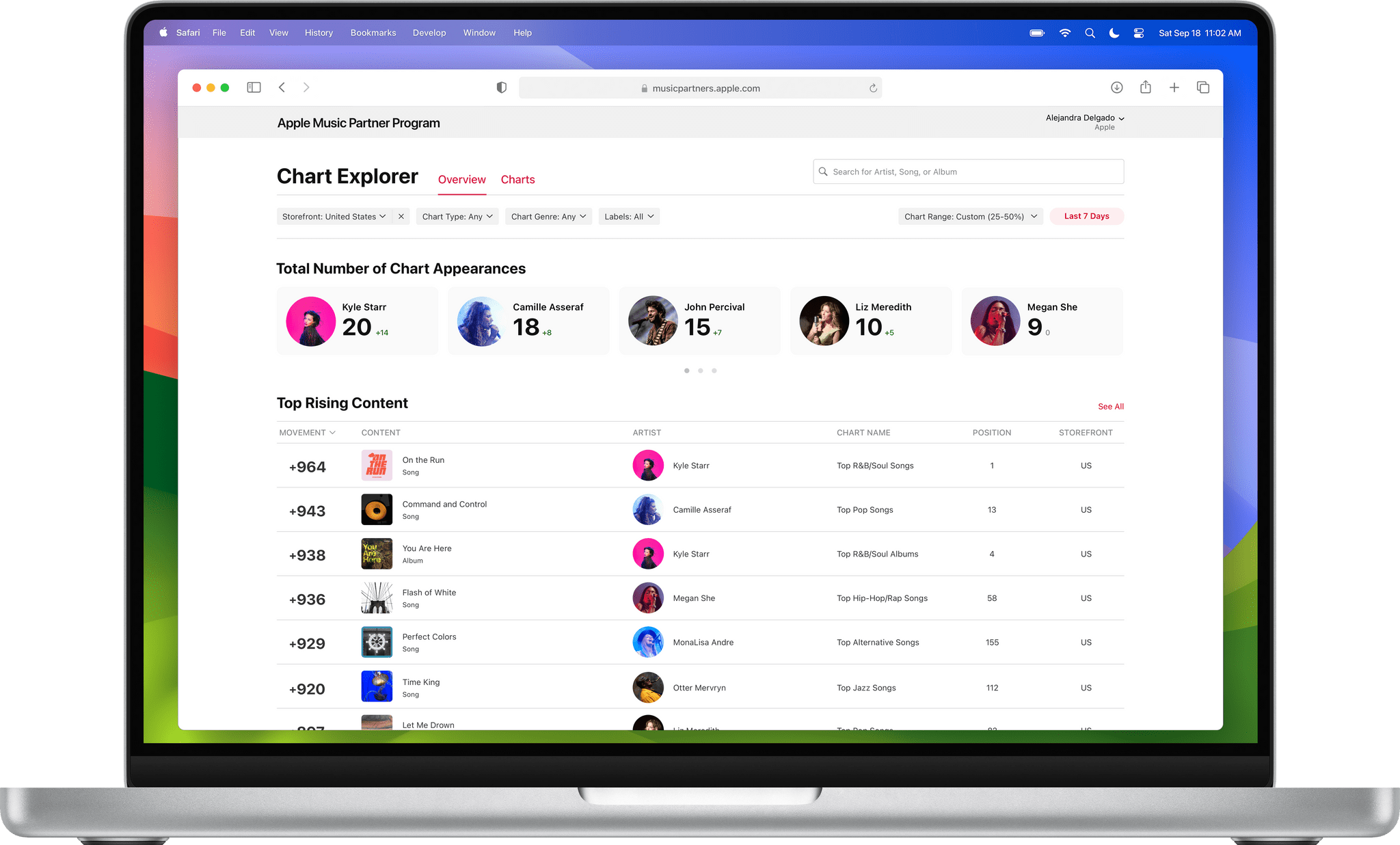
In addition to the new charts, Apple has introduced a new music industry partner program to help record labels and music distributors spot trends in the music industry. The new Apple Music Partner Program is available initially to a limited number of US labels and distributors that distribute via Apple Music.
Quinn Nelson of Snazzy Labs Explains the iPad Pro’s Tandem OLED Screen and the M4 Chip→
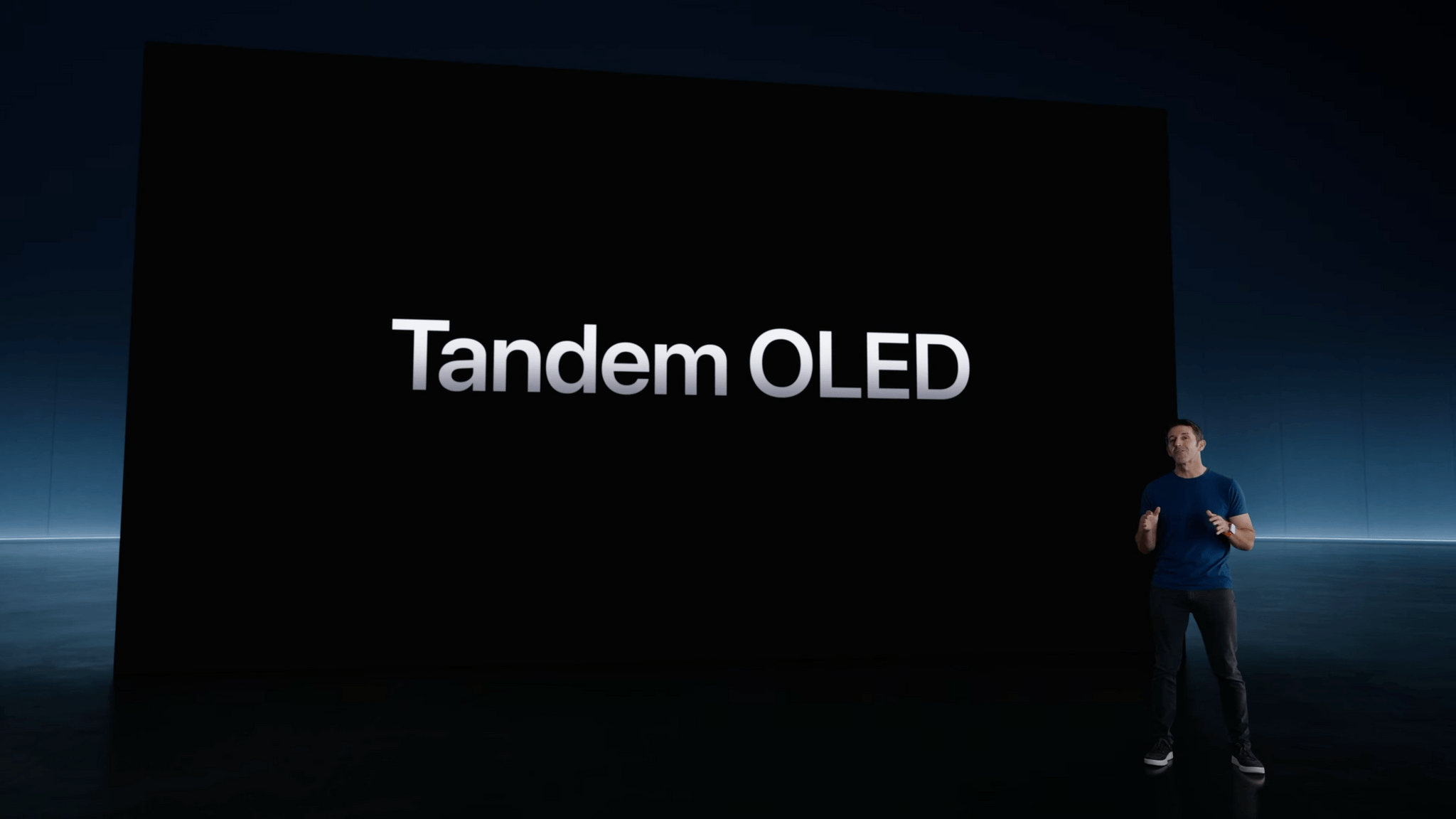
Tandem OLED display panels were new to me when Apple mentioned them during the “Let Loose” event yesterday. I figured it was another marketing term like Ultra Retina XDR, but it’s not.
As Quinn Nelson of Snazzy Labs explains in his excellent video, tandem OLED is a technology that stacks two OLED displays on top of each other, creating more light, greater electrical efficiency, and longer-lasting displays. The catch is that tandem OLED displays are hard to make without losing a lot of the light they generate. There have been multiple proposed solutions as Quinn explains, but it’s not clear how Apple has solved the issue with the new iPad Pros. What is clear, though, is that the technology is a big deal.
Quinn also explains the differences between TSMC’s 3-nanometer chip processes and why the M4 ‘…is a necessary strategic leap. It’s not a computational leap.’ The entire video is worth watching a couple of times to understand the nerdiest bits and why they hold so much promise for Apple’s future hardware releases.
Magic Rays of Light: Dark Matter and the iPad Let Loose→
This week on Magic Rays of Light, Sigmund and Devon break down all of the announcements from Apple’s Let Loose event, grade their event predictions, and highlight this week’s release of sci-fi series Dark Matter.
Show Notes
- Highlight
- Let Loose Event Recap
- Trailer Talk
- News
- Releases
- Extras
- Up Next
Send us a voice message all week via iMessage or email to magic@macstories.net.
Sigmund Judge | Follow Sigmund on X, Mastodon, or Threads
Marvel Studios and ILM Immersive Announce an Upcoming Vision Pro Project Based on the ‘What If…?’ Series
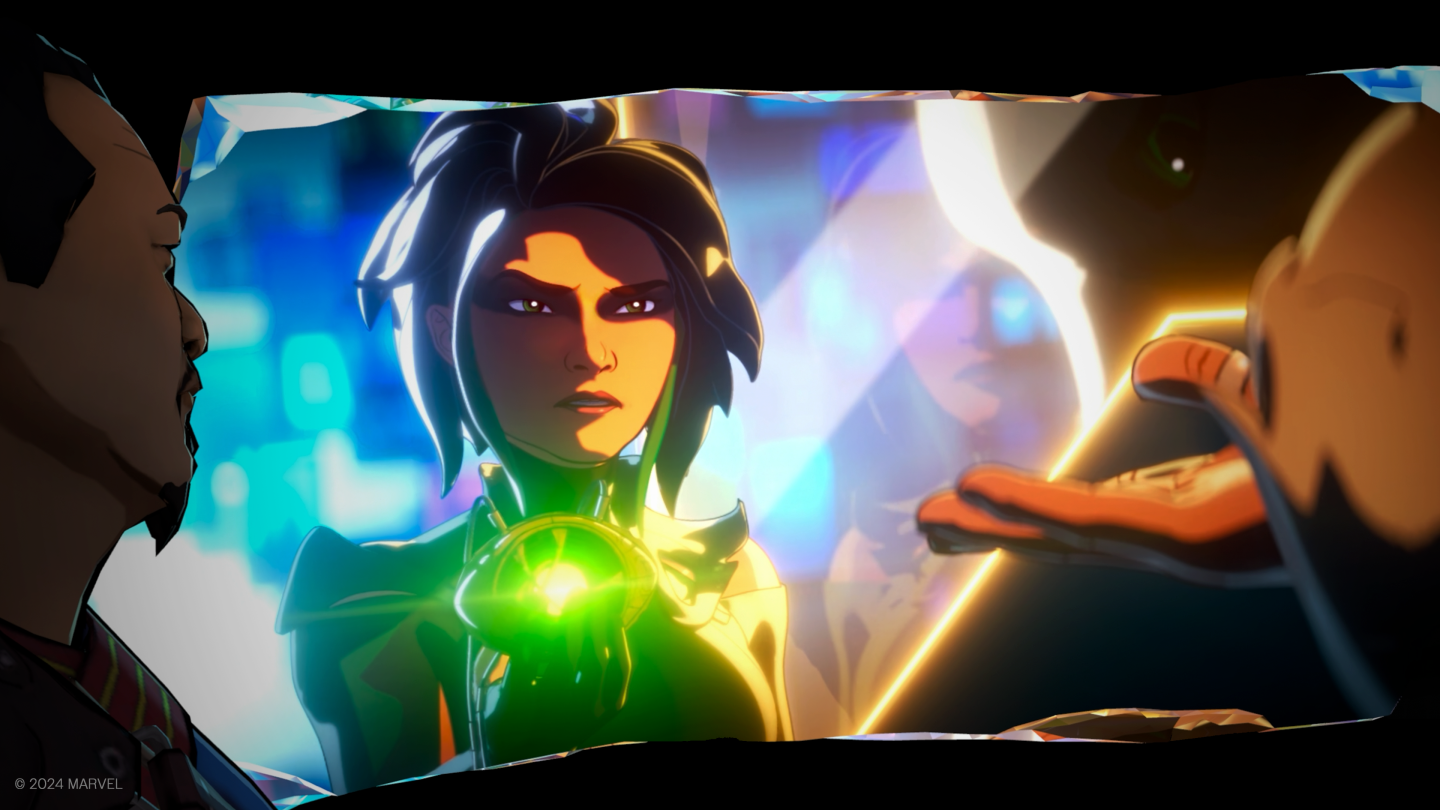
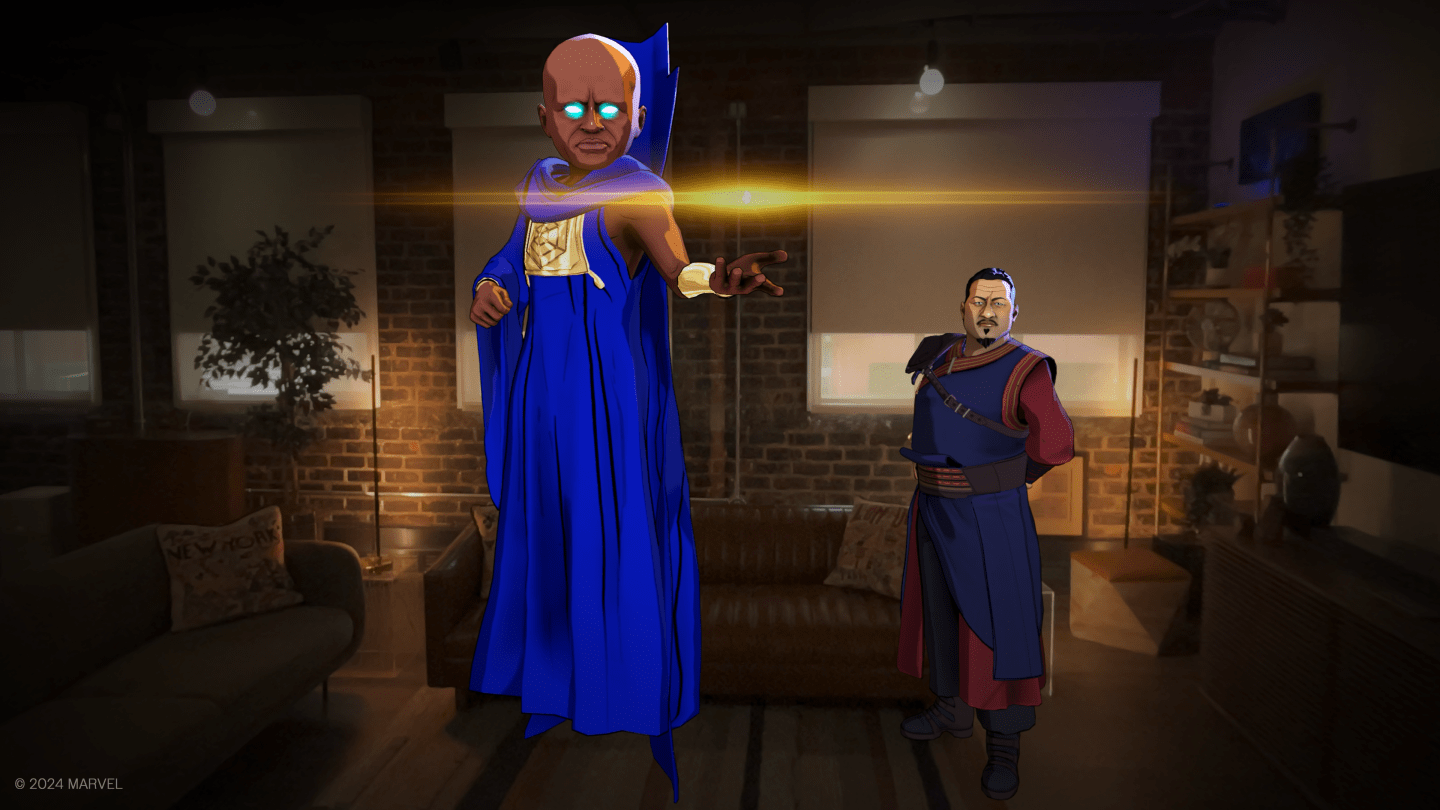
Today, Marvel Studios and ILM Immersive announced What If…? – An Immersive Story for Disney+ subscriber on the Apple Vision Pro. What If…? is Marvel Studios’ animated series that considers what might occur if major events in the Marvel Cinematic Universe turned out differently. Drawing on the animated series, the creators say:
Fans will be invited to step inside the Multiverse like never before and have the chance to dive into an immersive, narrative-driven and innovative story in mixed reality.
](https://cdn.macstories.net/whatifimmersive_screenshot_watcherinfinitystone-1440x810-1715184370919.png)
Executive producer Brad Winderbaum adds that:
What If…? the animated series as well as the comic book has always been about looking over the horizon into realities that have yet to be conceived. What If…? – An Immersive Story takes this one step further and actually allows you to visit these strange new worlds, not as a Watcher but as an actual participant. The creative work on this project is nothing less than stellar and we could not be more excited for fans to interact firsthand with some of their favorite Marvel heroes.
There’s not a lot of detail on the special hour-long project yet, but Marvel Studios and ILM Immersive promise more details soon. Still, it’s good to see Marvel Studios and ILM Immersive are working on this. The interactive content for the Vision Pro has been sparse since its launch, so hopefully, this is a sign that the market is big enough to support more interactive content, and the Vision Pro will be expanding to other countries soon.
I appreciate the advance notice, too. I’ve had the What If…? series in my queue for a while, and now I have another reason to check it out.
Apple’s May 2024 Let Loose Event: All The Small Things
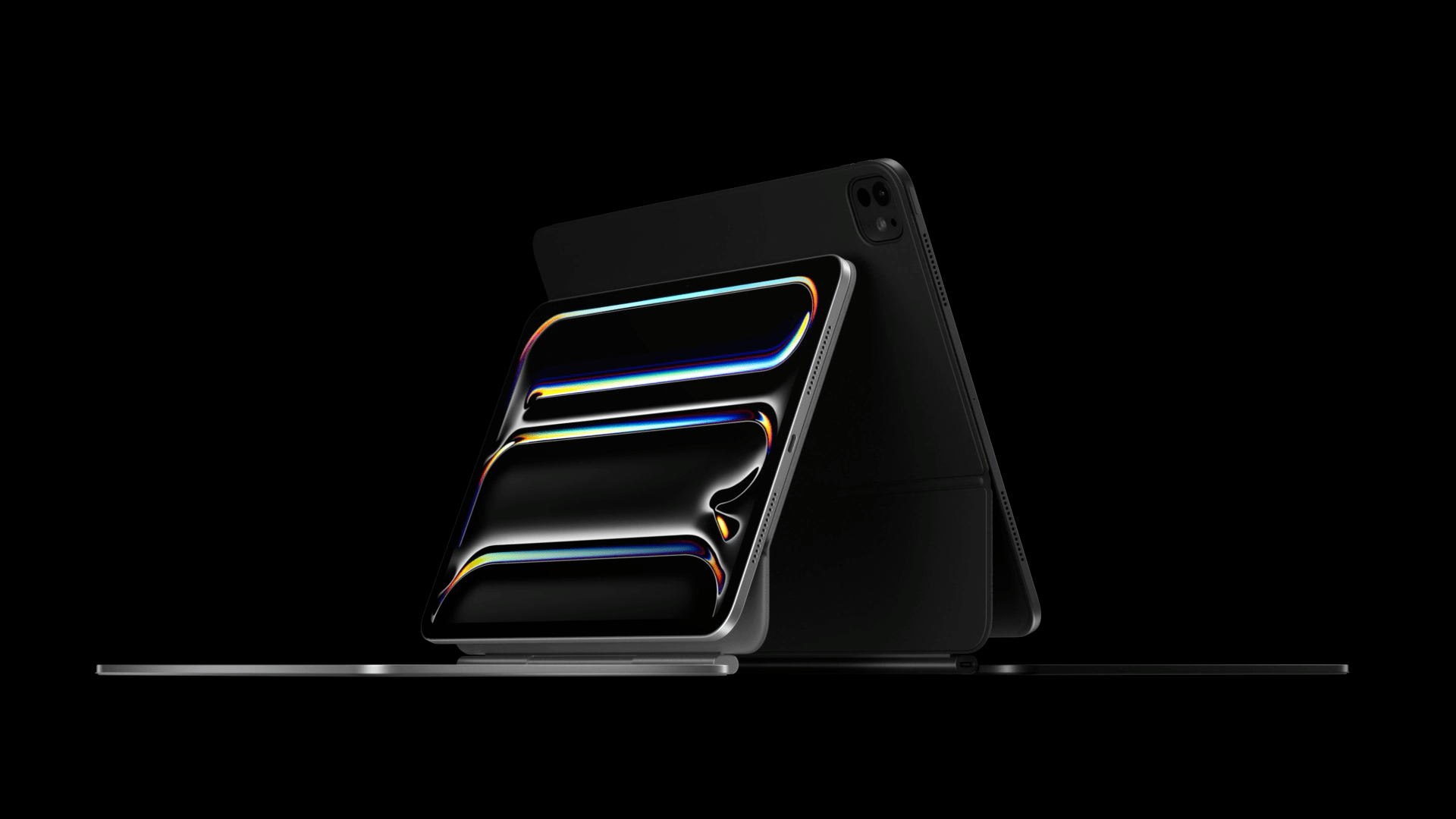
Apple’s presentation moved fast yesterday, and since the event concluded, more details have emerged about everything announced. We’ve been combing Apple’s product pages, social media, and other sources to learn more about everything announced, which we’ve collected below:
- Chance Miller of 9to5Mac, reporting based on a memo sent to Apple Store employees that Apple will no longer include stickers in the boxes with the iPads introduced yesterday. Instead, retail stores will have a small number of stickers on hand for customers who ask for them.
- One of the first things I noticed in yesterday’s video presentation was that Tim Cook’s shoes were different somehow. The detail wasn’t enough to identify them from the streamed video, but it turns out that they were Nike Air Max 1 ‘86’s that were ‘Made on iPad,’ which was embroidered on the tongue of the shoes. Apple has published a Reel on Instagram showing the shoes sketched on an iPad.
- MacRumors reports that the new iPad Pros support lower refresh rates but not the iPhone Pro’s always-on feature. Nonetheless, the lower refresh rate support should help the iPad Pros extend battery life depending on how the iPad is used.
- As I first learned from MKBHD’s iPad Pro first impressions video, the new Magic Keyboard for iPad Pro includes a 60W USB-C charging port, which is a significant increase from the previous model.
- As Dan Moren explained on Six Colors, Apple appears to be binning the M4 chips in the new iPad Pro models with the 1TB and 2TB storage tiers sporting an additional performance core.
- The Verge reported that the new iPads have eliminated physical SIM cards in favor of eSIMs, which is likely a space-saving measure.
You can follow all of our May 2024 Apple event coverage through our May 2024 Apple event hub or subscribe to the dedicated May 2024 Apple event RSS feed.