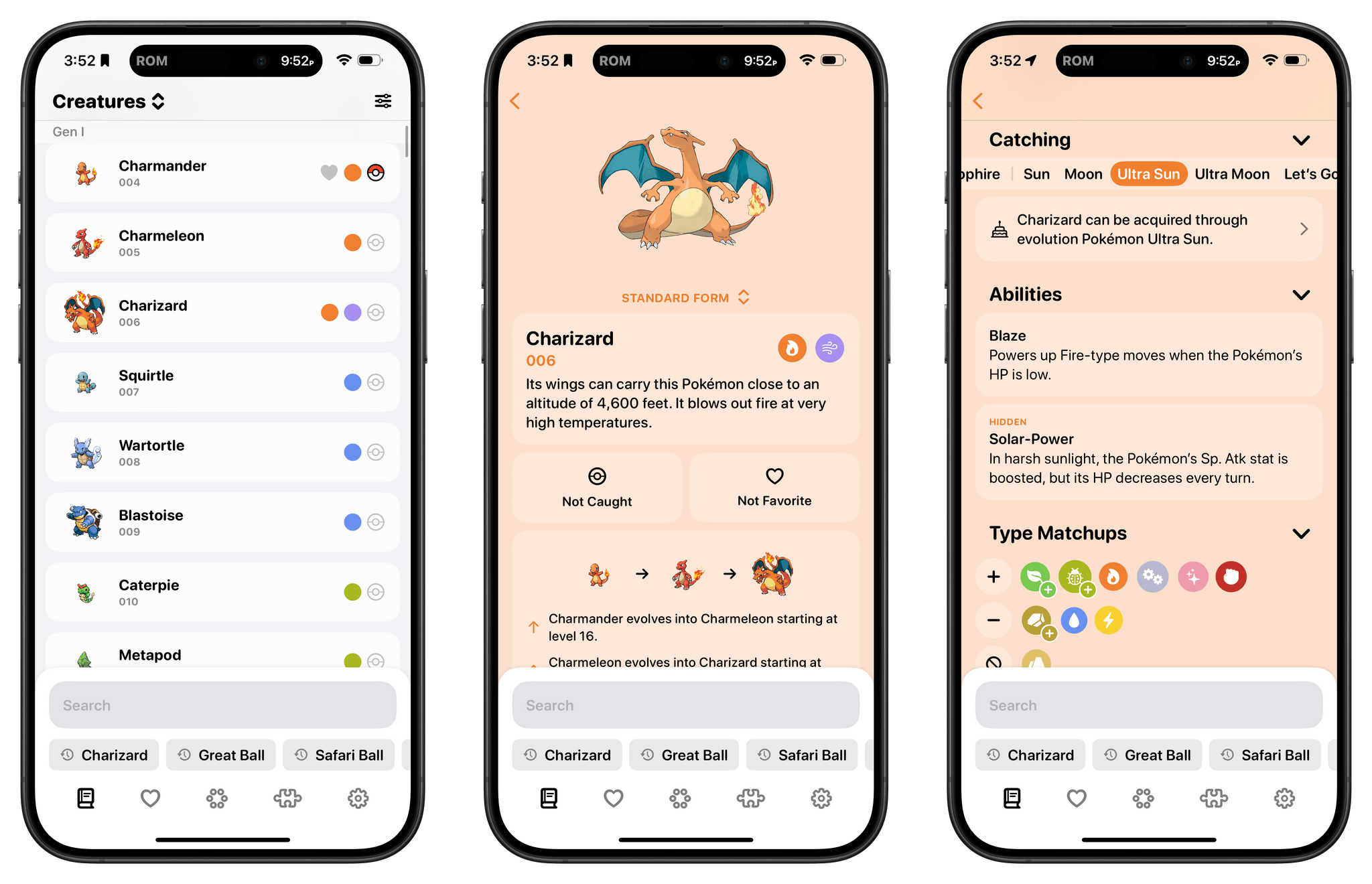
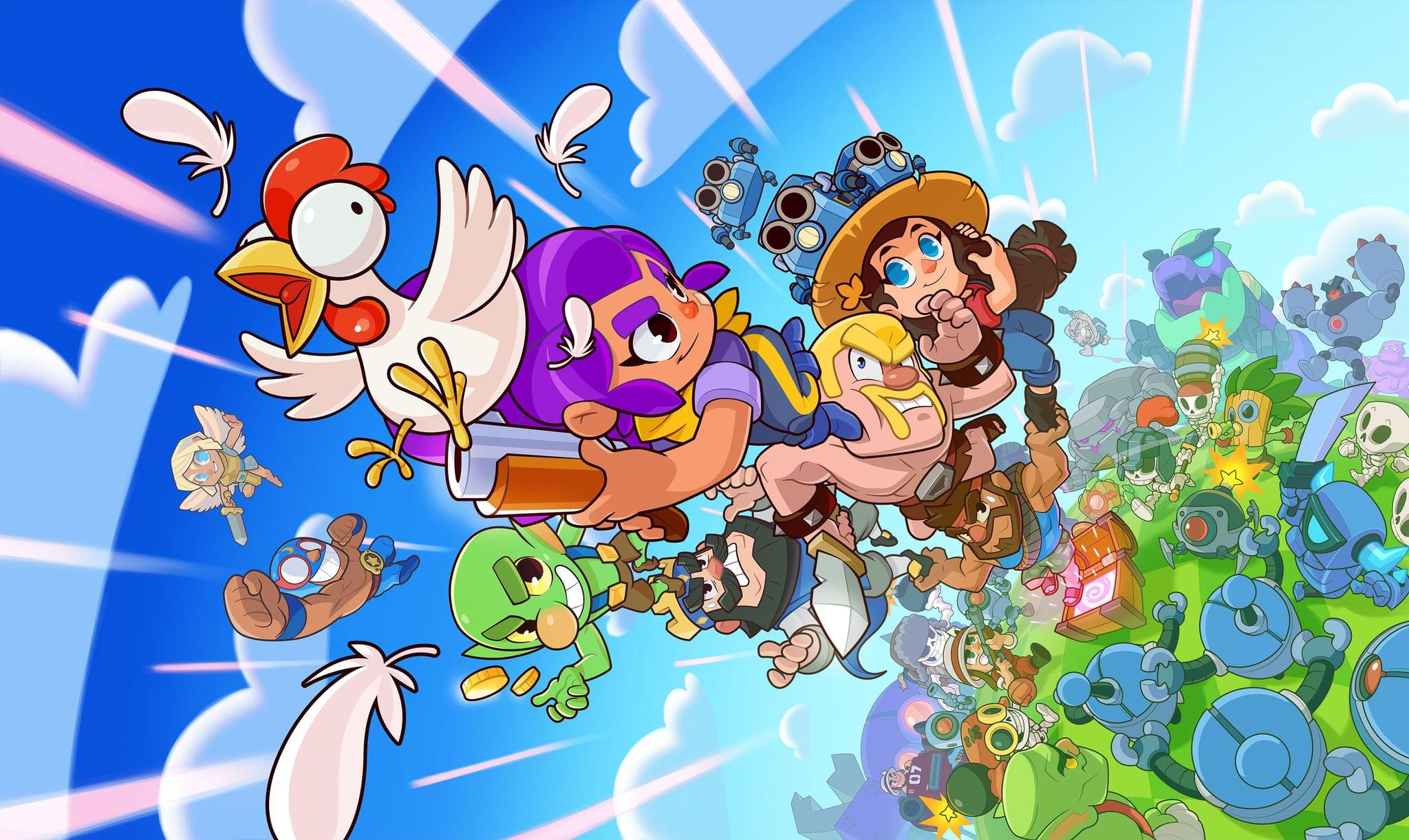
In this month's edition of the Monthly Log:
- Backing Up My Collection of Old GameCube and Wii Games, by Federico
- Slow and Steady, by John
Know before you go. Get detailed turbulence forecasts for your exact route, now available 5 days in advance.
In this month's edition of the Monthly Log:
At last fall’s iPhone event, Apple and Ubisoft announced that Assassin’s Creed Mirage would be coming to the iPhone 15 Pro and Pro Max. Today, Ubisoft confirmed with a press release that the game is coming on June 6th, just before WWDC. In addition to the iPhone, the game is coming to iPad Air and iPad Pro models with an M1 chip and later, which includes the 5th generation iPad Pros released in the spring of 2021 and later, as well as the current iPad Air.
According to Ubisoft’s website:
Developed by Ubisoft Sofia, these ports offer an intuitive, comfortable and engaging gaming experience with optimized touch controls and controller support. Cross-save and cross-ownership will also be available for players to enjoy the game between iPhone and iPad as they please.
The game will also be a Universal Purchase that will work across the iPhone and iPad and will be free to download and play for 90 minutes. The full version of Mirage will unlockable for $49.99. If you’re interested in pre-ordering Assassin’s Creed Mirage, you can do so now on the App Store.
Assassin’s Creed Mirage launched on consoles and PCs last fall to favorable reviews. I’m looking forward to giving it a try on the iPhone and iPad, but I’m a little disappointed that it’s not also launching on the Mac.
I’ve written about media-tracking apps a lot in the past, and they tend to fall into one of two categories: there are ‘generalist apps’ that cover multiple types of media, and there are ‘specialist apps’ that go much deeper into one particular kind. The benefit of the former is having a one-stop destination for all your media tracking, while the latter usually goes further, focusing on the unique characteristics of one media type. There are advantages to each approach, but they’re serving two different kinds of users, so it’s not that surprising that apps don’t try to do both.
That’s why I was intrigued when I heard about Sofa 4.0 and its custom Categories and Ingredients features, which launch today. Sofa has always been one of my favorite apps for tracking multiple types of media, but as soon as I saw custom Categories and Ingredients, I knew the app had the potential to transcend the media tracker category by letting users have a greater say in how it’s used. That’s exactly what its developer, Shawn Hickman, has done, and the results are fantastic.
This week, Federico joined John Gruber on The Talk Show for a wide-ranging conversation about:
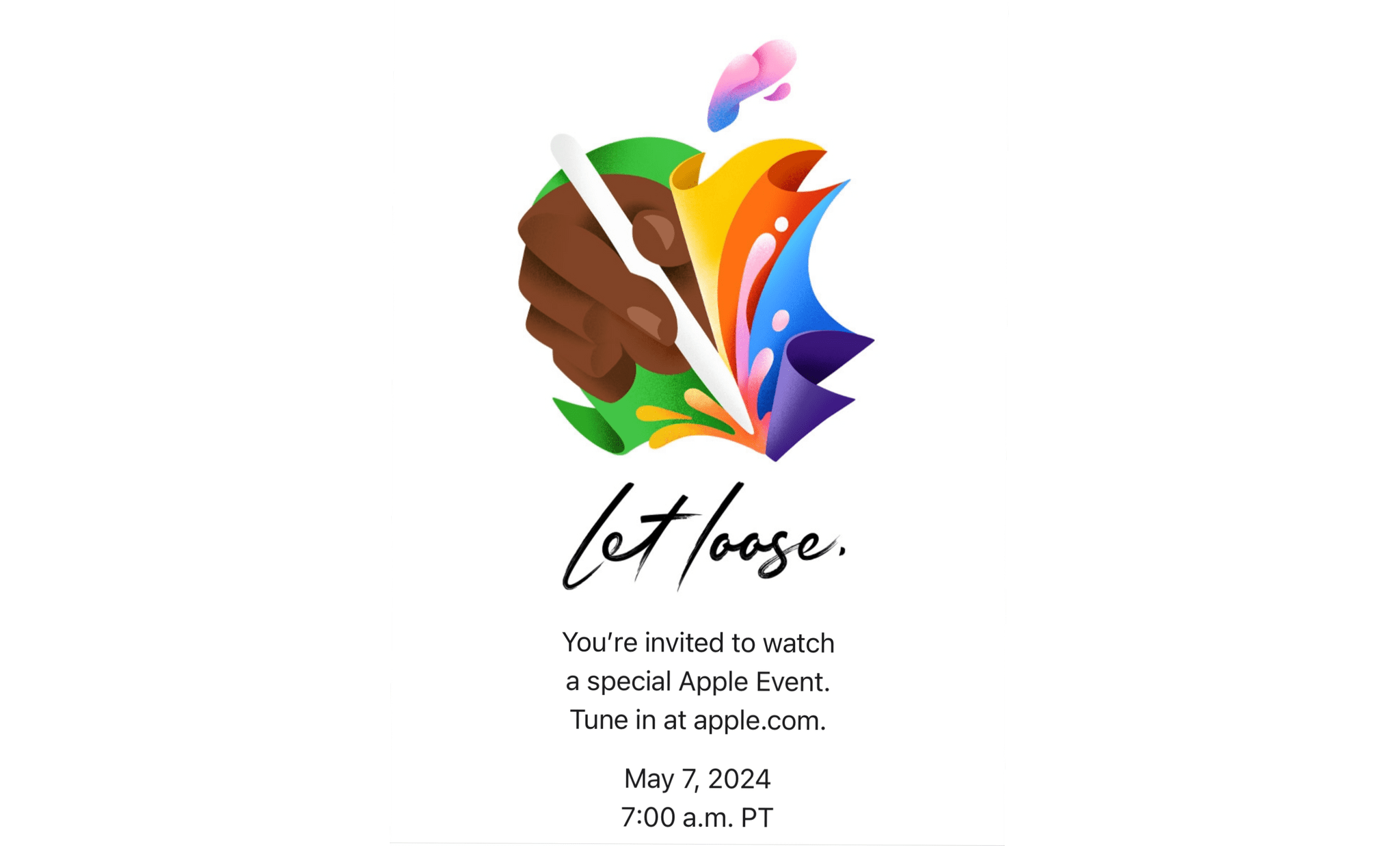
It’s a terrific episode from two people who have witnessed the evolution of blogging firsthand and Apple’s struggle to find a comfortable place for the iPad in its product lineup. That makes it the perfect warmup for next week’s Apple event.
This week on AppStories, we are joined by Susan Prescott, vice president of developer relations, education, and enterprise at Apple, along with 2024 Swift Student Challenge winners Harshitha Rajesh and Roscoe Rubin-Rottenberg to talk about the challenge and the students’ projects. Then, I interview Finn Voorhees and Ellie O’Sullivan, past winners of the Swift Student Challenge who share their advice about participating in the program and getting started with Swift.
Sponsored by:
On AppStories+, we discuss a wild iPad rumor that Federico found on Reddit.
We deliver AppStories+ to subscribers with bonus content, ad-free, and at a high bitrate early every week.
To learn more about the benefits included with an AppStories+ subscription, visit our Plans page, or read the AppStories+ FAQ.
This week, Federico and John are joined by Susan Prescott, vice president of developer relations, education, and enterprise at Apple, along with 2024 Swift Student Challenge winners Harshitha Rajesh and Roscoe Rubin-Rottenberg to talk about the challenge and the students’ projects. Then, John is joined by Finn Voorhees and Ellie O’Sullivan, past winners of the Swift Student Challenge who share their advice about participating in the program and getting started with Swift.
We deliver AppStories+ to subscribers with bonus content, ad-free, and at a high bitrate early every week.
To learn more about the benefits included with an AppStories+ subscription, visit our Plans page, or read the AppStories+ FAQ.
Collections Database is the premier personal database app for organizing anything and everything on your iPhone, iPad, and Mac.
The app features more than 20 field types, linkable sub-databases, reusable lists, and a robust customization system. It’s a powerful and flexible solution that makes Collections easy to get started with for beginners, while meeting the needs of advanced users too.
Collections provides essential templates to get started, including Expenses, Contacts, Subscriptions, Books and more. However, you’re always free to start from scratch by building your own custom templates.
A long, complete list of field types is available for your databases too. The set includes everything you’d expect from a modern database app, including Text, Number, Date, Picture - even Barcode fields. Collections can import spreadsheets from other apps, using its powerful CSV import functionality. Collections also offers quick filters, sorting, password protection, smart text-based search, and more.
A standout feature is the extensive support for Shortcuts, which expands the app capabilities even more.
Collections is free to try, but by upgrading to the Pro version via In-App Purchase, you’ll gain access to an unlimited number of database entries and files, plus advanced filters. The Pro version also includes a unique visual formula editor the makes building complex formulas intuitive and easy.
The app is a universal purchase, so your purchase will be available on the iPhone, iPad, and Mac. At the same time, though, Collections has been carefully optimized to each Apple platform for the best experience on every platform.
Collections is regularly updated to take advantage of the latest Apple technologies and is privacy-minded. Your data isn’t collected or sent anywhere else.
To learn more, and download Collections Database visit the App Store today.
Our thanks to Collections Database for sponsoring MacStories this week.
Today, the European Union announced that it has added iPadOS to the products and services subject to the Digital Markets Act (DMA). The designation gives Apple six months to comply with the DMA.
In a press release, the European Commission said:
The Commission’s investigation found that Apple presents the features of a gatekeeper in relation to iPadOS, as among others:
- Apple’s business user numbers exceeded the quantitative threshold elevenfold, while its end user numbers were close to the threshold and are predicted to rise in the near future.
- End users are locked-in to iPadOS. Apple leverages its large ecosystem to disincentivise end users from switching to other operating systems for tablets.
- Business users are locked-in to iPadOS because of its large and commercially attractive user base, and its importance for certain use cases, such as gaming apps.
On the basis of the findings of the investigation, the Commission concluded that iPadOS constitutes an important gateway for business users to reach end users, and that Apple enjoys an entrenched and durable position with respect to iPadOS.
In a statement to Bloomberg, an Apple spokesperson said that:
…the company remains focused on delivering for European consumers, “while mitigating the new privacy and data security risks the DMA poses.”
iOS is already subject to the DMA, and Apple’s response meant that actions it took to comply with the law did not apply to iPadOS, leading to incongruous differences between the platforms. With the addition of iPadOS under the purview of the DMA, I expect some of those differences will need to be ironed out.

This week, in addition to the usual links, app debuts, and recap of MacStories' articles and podcasts: