This Week's Sponsor:

Turbulence Forecast

Know before you go. Get detailed turbulence forecasts for your exact route, now available 5 days in advance.


Apple Releases Spatial Personas Betas to visionOS 1.1 Users

Apple has added Spatial Personas to the Personas beta for all Vision Pro users running visionOS 1.1, the latest public release of the OS.

Spatial Personas are available in FaceTime where users can collaborate using SharePlay. That means you can work with colleagues on a presentation, watch TV with friends and family, play games, and more. According to Apple, Spatial Personas allow you to move around and interact with digital content, providing a greater sense of presence.

Apple says that each user can reposition content to accommodate their own surroundings without affecting the others participating in a SharePlay session. Spatial Personas are available to developers. The Spatial Personas feature also integrates with Spatial Audio, so audio tracks with the position of the other people participating in your FaceTime call.

If you have visionOS 1.1 installed, you may need to reboot your Vision Pro to see a new Spatial Personas button in the FaceTime app, although we’ve tried and don’t see the feature yet. Tapping on a Persona tile during a FaceTime call will also allow you to switch the Spatial Persona of the person you’re calling. Returning to a Persona from a Spatial Persona can be accomplished from the Vision Pro’s Control Center. There’s also a limit of five Spatial Personas per FaceTime call.


AppStories, Episode 377 – Why the DOJ Claims Apple Is a Monopoly

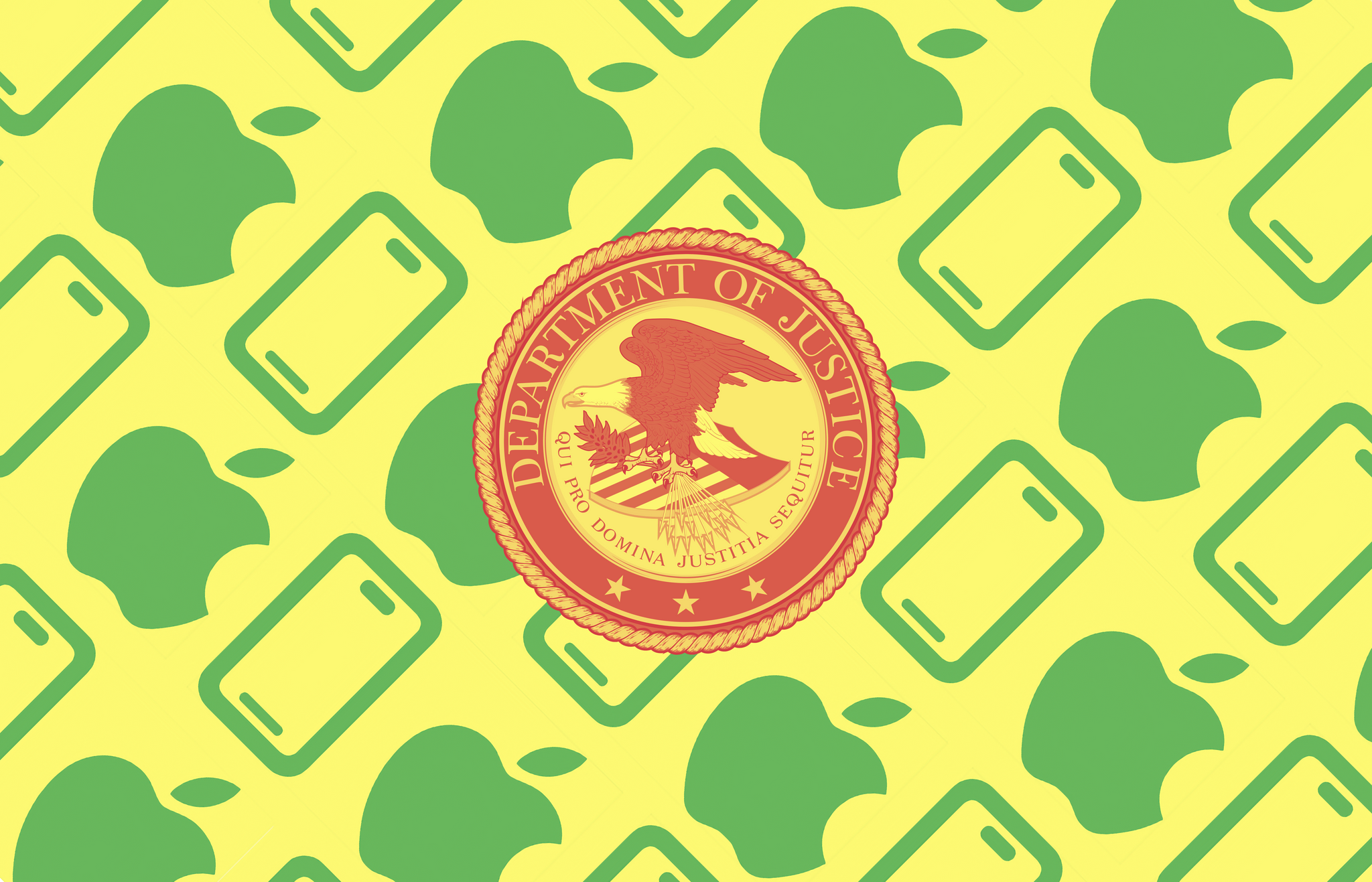
This week on AppStories, we explain what’s going on with the US Department of Justice’s lawsuit against Apple that claims the iPhone-maker is monopolizing the smartphone market.


Sponsored by:

  • Copilot Money – The best money tracker, with native iOS and Mac apps. Try it free.
  • Jam – Developer friendly bug reports in 1 click.
  • Tailscale – Secure remote access to shared resources. Sign up today.

The US Department of Justice’s Antitrust Complaint Against Apple


On AppStories+, I explain the research and writing workflow I developed for big projects like covering the DOJ’s lawsuit against Apple.

We deliver AppStories+ to subscribers with bonus content, ad-free, and at a high bitrate early every week.

To learn more about the benefits included with an AppStories+ subscription, visit our Plans page, or read the AppStories+ FAQ.

Read more


Copilot: The Best Money Tracker App [Sponsor]

I’ve been using Copilot for over a year and the reason I’ve stuck with it for monitoring my finances is that it takes so little effort but provides so many valuable insights. That’s been critical to staying on top of my spending because even when I’m busy, I can find a minute or two to check on my latest purchases and make adjustments, keeping my spending under control and monitoring my overall financial health.

Their native iPhone and Mac apps can do it all: you can track your spending, budget, investments, and net worth all in one place, allowing you to drill into the details without losing sight of the big picture.

The secret to Copilot is how easy it is to track everything in your financial life. The app connects securely to your bank and other financial accounts and then reports back whenever a new transaction is detected.

New transactions are listed on Copilot’s Dashboard which analyzes them suggesting AI-powered categories for each. That makes reviewing transactions and applying them to a budget simple. With just a few taps or clicks, you can review everything and update your spending. Copilot’s Dashboard also reports where your spending stands compared to your budget and provides an overview of your budget by category, upcoming recurring expenses, and income.

For a more detailed look at your finances, Copilot includes a detailed Categories tab, more information on recurring expenses, such as subscriptions, and a chronological list of all transactions. The app also tracks the performance of your investments and the balance of each of your bank, investment, credit, and other accounts. With a recent update, Copilot is among the first apps to track Apple Card transactions too.

If you’ve ever struggled with tracking your finances, give Copilot a try today for free. And, for a limited time, MacStories readers can get an extra month as part of their Copilot free trial by using the code MACSTORIES when signing up. Visit their website to learn more and download Copilot from the App Store to get started today.

Our thanks to Copilot for sponsoring MacStories this week.


Why the DOJ Claims Apple Is a Monopoly

AppStories+ Deeper into the world of apps

AppStories Episode 377 - Why the DOJ Claims Apple Is a Monopoly

0:00
45:26

AppStories+ Deeper into the world of apps

This week, Federico and John explain what’s going on with the US Department of Justice’s lawsuit against Apple that claims the iPhone-maker is monopolizing the smartphone market.

This episode is sponsored by:

  • Copilot Money – The best money tracker, with native iOS and Mac apps. Try it free.
  • Jam – Developer friendly bug reports in 1 click.
  • Tailscale – Secure remote access to shared resources. Sign up today.

The US Department of Justice’s Antitrust Complaint Against Apple

We deliver AppStories+ to subscribers with bonus content, ad-free, and at a high bitrate early every week.

To learn more about the benefits included with an AppStories+ subscription, visit our Plans page, or read the AppStories+ FAQ.


Follow us on Mastodon

Follow us on Threads

Follow us on Instagram


MacStories Weekly: Issue 411

This week, in addition to the usual links, app debuts, and recap of MacStories' articles and podcasts:

  • A Small Update to ThingsBox, by MacStories Team
  • WallSetter, A Simple Shortcut to Assign Wallpapers from Files and Finder, by Federico
  • A Love Letter to SF Symbols, by Jonathan
  • The Ghost of Windows Past: Explaining the DOJ's Fascination with Super Apps, by John
  • iOS 4 Mastodon, Food Tracking, and More Modding, by Jonathan
Read more

MacStories Unwind, Federico’s Film Fest: Memento

This week on MacStories Unwind, Federico and John are joined by Jonathan Reed to discuss Christopher Nolan’s film, Memento and our weekly On Deck picks.


This episode is sponsored by:

  • Kolide – It ensures that if a device isn’t secure it can’t access your apps.  It’s Device Trust for Okta. Watch the demo now.

Federico’s Film Fest

Thanks to everyone who suggested films to Federico after last week’s episode of MacStories Unwind. If you’d still like to recommend a movie to him please get in touch on Mastodon or Threads.

On Deck

What we’re watching, playing, reading, or listening to soon:


MacStories Unwind+

We deliver MacStories Unwind+ to Club MacStories subscribers ad-free and early with high bitrate audio every week.

To learn more about the benefits of a Club MacStories subscription, visit our Plans page.

Read more


Film Featuring the 2023 MLS Cup Playoffs and Shot in Apple Immersive Video Coming Later Today

When Major League Soccer’s season began last month, Apple announced that it would release a highlights film of the 2023 MLS Cup Playoffs that was captured in Apple Immersive Video. Well, Apple now says that the film, called 2023 MLS Cup Highlights, will be available later today on the Vision Pro. The film should be available at around 9 PM Eastern US time.

I’m excited to watch the film. I’m not an MLS fan, but I haven’t had a chance to see what it’s like to experience sports in an immersive environment yet. Sports and music concerts are areas I expect we’ll see a lot more of on the Vision Pro in the coming months.


Vision Pro Chronicles: My Custom ‘Dual Knit Open’ Setup for Maximum Comfort and Awareness

My custom Vision Pro setup. [This is the stand](https://www.etsy.com/listing/1679187530/dock-for-apple-vision-pro-apple-vision) I'm using.

My custom Vision Pro setup. This is the stand I’m using.

Vision Pro Chronicles is a MacStories series about our journeys with the Vision Pro. In this series, we’ll explore the potential of visionOS as a brand new platform in our workflows and personal lives, share how we’re using the Vision Pro on a daily basis, and cover interesting apps and accessories for the device.

You’ll be shocked to learn that I’m not using the Vision Pro in any of the default Apple configurations.

After two months spent testing a variety of different options for bands, straps, and other “mounting” solutions, I’ve found my ideal setup. It looks somewhat ridiculous at a glance, and it’s not for everyone, but it allows me to use the Vision Pro for longer sessions.

Most importantly, it helps me enjoy the Vision Pro more.

Read more