This Week's Sponsor:

Turbulence Forecast

Know before you go. Get detailed turbulence forecasts for your exact route, now available 5 days in advance.


AppStories, Episode 359 – Getting Your Digital Life in Order

This week on AppStories, we tackle the struggle with staying organized in the face of the never-ending stream of files and other information.

Sponsored by:

  • Notion – Do your most efficient work with Notion AI. Try it free today.

On AppStories+, The Chamberlain Group’s decision to cut off API support to its garage door controllers is an example of what happens when a company shifts from selling to customers to selling access to those customers.

We deliver AppStories+ to subscribers with bonus content, ad-free, and at a high bitrate early every week.

To learn more about the benefits included with an AppStories+ subscription, visit our Plans page, or read the AppStories+ FAQ.

Permalink

Coming Soon: The Sixth Annual MacStories Selects Awards, Readers’ Choice Award, and Lifetime Achievement Award

The sixth annual MacStories Selects Awards are just around the corner. The awards honor our favorite apps in a wide variety of categories. Winners will receive a physical MacStories Selects award designed by MacStories’ own Silvia Gatta. As with last year, awards will be selected in the following categories:

  • App of the Year
  • Best New App
  • Best App Update
  • Best New Feature
  • Best Design
  • Best Watch App
  • Best Mac App
  • Lifetime Achievement Award

We’ll also be conferring two special awards once again:

  • The Readers’ Choice Award
  • The Lifetime Achievement Award
In 2022, Club MacStories members picked CARROT Weather for the Readers’ Choice Award.

In 2022, Club MacStories members picked CARROT Weather for the Readers’ Choice Award.

The Readers’ Choice Award is nominated by Club MacStories members and chosen by Club MacStories+ and Club Premier members. A link to the nomination form and details about which apps are eligible for the award were published in Issue 393 of MacStories Weekly at the beginning of the issue. Nominations will be accepted until Noon Eastern US time this Tuesday, November 14th.

After nominations close, we’ll tally the submissions and open voting on the top nominees to Club MacStories+ and Club Premier members via our Discord community. Voting will conclude at Noon Eastern US time on Thursday, November 16th.

For more details on each Club MacStories membership and to join, please use the buttons below:

Club MacStories:

Club MacStories+:

Club Premier:

2022's Lifetime Achievement Award went to Drafts by Greg Pierce's Agile Tortoise.

2022’s Lifetime Achievement Award went to Drafts by Greg Pierce’s Agile Tortoise.

We’ll also be selecting a Lifetime Achievement Award to recognize an app that has had an important impact on the world of apps. We’ll be choosing an app beloved by users and inspiring to developers, which has left its mark on the App Store’s history.

Every year, we use hundreds of terrific apps. MacStories Selects is our way to call out a handful of our absolute favorites that are shining examples of the best apps on Apple’s platforms.

We look forward to sharing our selections and our Club members’ pick with you in December.


The Dirty Secret of OS Updates [Sponsor]

Getting OS updates installed on end user devices should be easy. After all, it’s one of the simplest yet most impactful ways that every employee can practice good security. 

On top of that, every MDM solution promises that it will automate the process and install updates with no user interaction needed.

Yet in the real world, it doesn’t play out like that. Users don’t install updates and IT admins won’t force installs via forced restart.

Let’s talk about the second problem first. Sure, you could simply schedule updates for all your users, and have them restart during non-work hours. But this inevitably leads to disruptions and lost work. This, in turn, leads to users (especially executives) who simply demand to be left out of your update policy. The bottom line is: any forced restarts without user approval will lead to data loss events, and that makes them so unpopular that they are functionally unusable.

There is another class of tools that claim to get users to install updates themselves, through “nudges.” These reminders pop up with increasing frequency until users relent or the timer runs out. This is an improvement, since it involves users in the process, but users still tend to delay updating as long as possible (which for some tools can be indefinitely).

At Kolide, OS updates are the single most common issue customers want us to solve. They come to us because we have a unique (and uniquely effective) approach to device compliance.

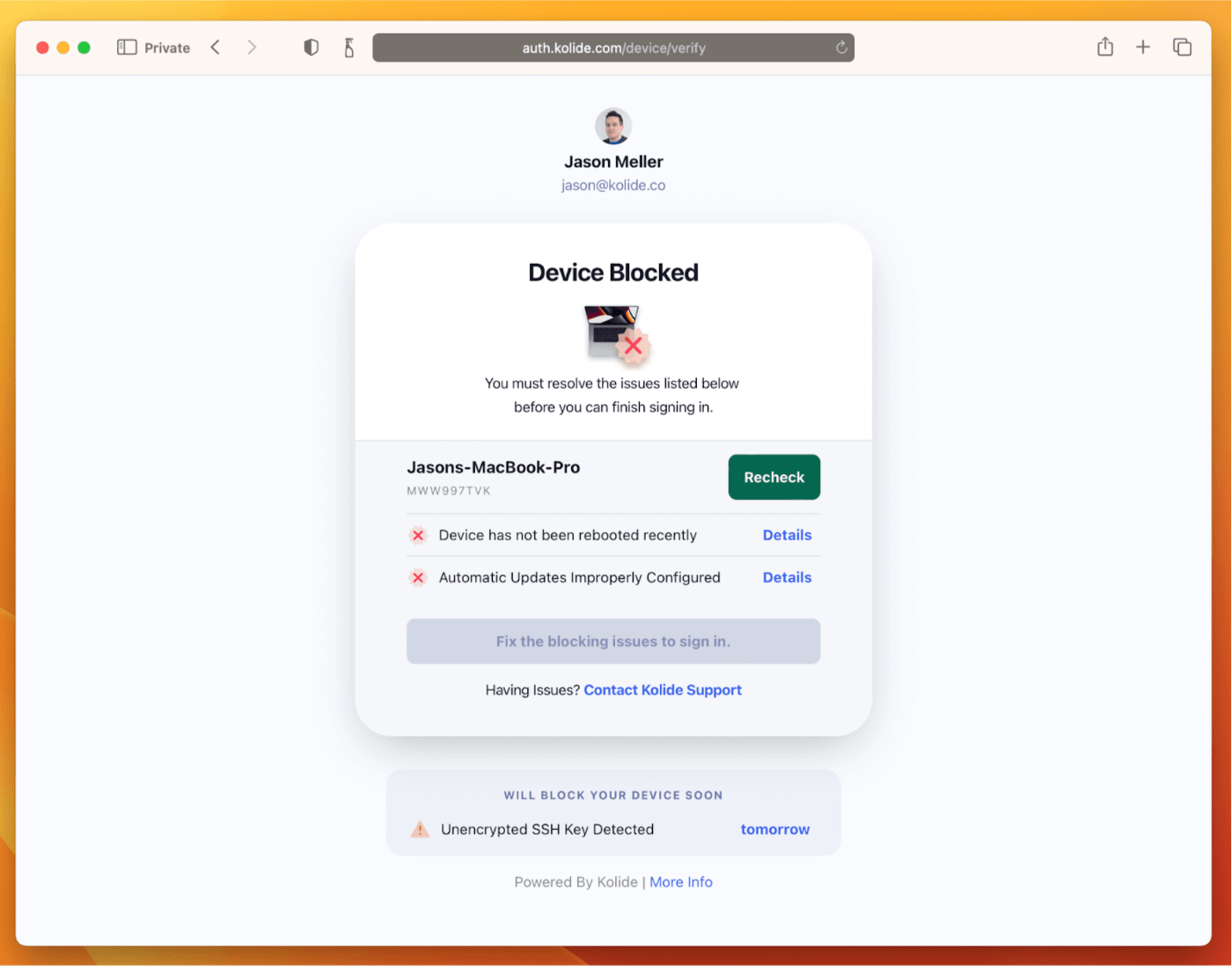
With Kolide, when a user’s device–be it Mac, Windows, Linux, or mobile–is out of compliance, we reach out to them with instructions on how to fix it.

The user chooses when to restart, but if they don’t fix the problem by a predetermined deadline, they’re unable to authenticate with Okta. (At present, Kolide is exclusive to Okta customers, but we plan to integrate with more SSO providers soon.)
If your fleet is littered with devices that stubbornly refuse to update, then consider these two principles:

  1. You can’t have a successful patch management policy without involving users.
  2. You can’t get users to install patches unless you give them both clear instructions and real consequences.

Installing OS updates is a top priority for both security and IT, and when you make it part of conditional access, you can finally get it done without massive lists of exemptions or massive piles of support tickets.

To learn more about how Kolide enforces device compliance for companies with Okta, click here to watch an on-demand demo.

Our thank to Kolide for sponsoring MacStories this week.


Getting Your Digital Life in Order

AppStories+ Deeper into the world of apps

AppStories Episode 359 - Getting Your Digital Life in Order

0:00
25:51

AppStories+ Deeper into the world of apps

This week, Federico and John tackle the struggle with staying organized in the face of the never-ending stream of files and other information.

This episode is sponsored by:

  • Notion – Do your most efficient work with Notion AI. Try it free today.

Getting Your Digital Life in Order

We deliver AppStories+ to subscribers with bonus content, ad-free, and at a high bitrate early every week.

To learn more about the benefits included with an AppStories+ subscription, visit our Plans page, or read the AppStories+ FAQ.


Follow us on Mastodon

Follow us on Threads

Follow us on Instagram


MacStories Weekly: Issue 393

This week, in addition to the usual links, app debuts, and recap of MacStories' articles and podcasts:

  • Voting for the 2023 Sixth Annual MacStories Selects Readers' Choice Award, by MacStories Team
  • Presence-Based Automations with the Aqara FP2, by John
  • Kompressor Is a Promising Image Exporter with Excellent File Size Control, by Jonathan
  • So Many Thoughts on the Ai Pin, Note-Taking Apps, and A Reddit App, by Jonathan
Read more

Crash Detection Saves Unconscious AppleInsider Writer

The Apple Watch and iPhone’s crash detection has saved a lot of lives, and you probably think of it as something for when you’re driving your car. However, as AppleInsider’s Daniel Eran Dilger discovered, it works with scooters, too. Dilger was in a serious accident while riding a scooter. Lying on the ground at night, unconscious, and bleeding, he could have bled to death.

Fortunately, Dilger’s Apple Watch contacted emergency services, who found him, thanks to the feature, and took him to a hospital:

Even though I wasn’t driving a conventional vehicle, Crash Detection determined that I had been involved in a serious accident and that I wasn’t responding. Within 20 seconds, it called emergency services with my location. Within thirty minutes I was loaded in an ambulance and on the way to the emergency room.

When I came to, I had to ask what was happening. That’s the first I found out that I was getting my eyebrow stitched up and had various scrapes across the half of my face that I had apparently used to a break my fall. I couldn’t remember anything.

It’s a scary story that highlights just how important Crash Detection can be in circumstances like Dilger’s, where he was unable to call emergency services himself.

Dilger also reminds readers to update their emergency contacts on their devices. His were out of date, so they didn’t get a call about the accident. Fortunately, Find My Friends alerted Dilger’s partner of his location so they could call the hospital to check on him.

Permalink

MacStories Unwind: A Trip to Flavortown

AppStories+ Deeper into the world of apps
0:00
26:19

AppStories+ Deeper into the world of apps


This week on MacStories Unwind, I take Federico on a trip to Flavortown with Guy Fieri’s Diners, Drive-Ins, and Dives, including Krazy Jim’s Blimpy Burgers, Smoque BBQ, and Del Rhea’s Chicken Basket, three of my favorite Flavortown stops.

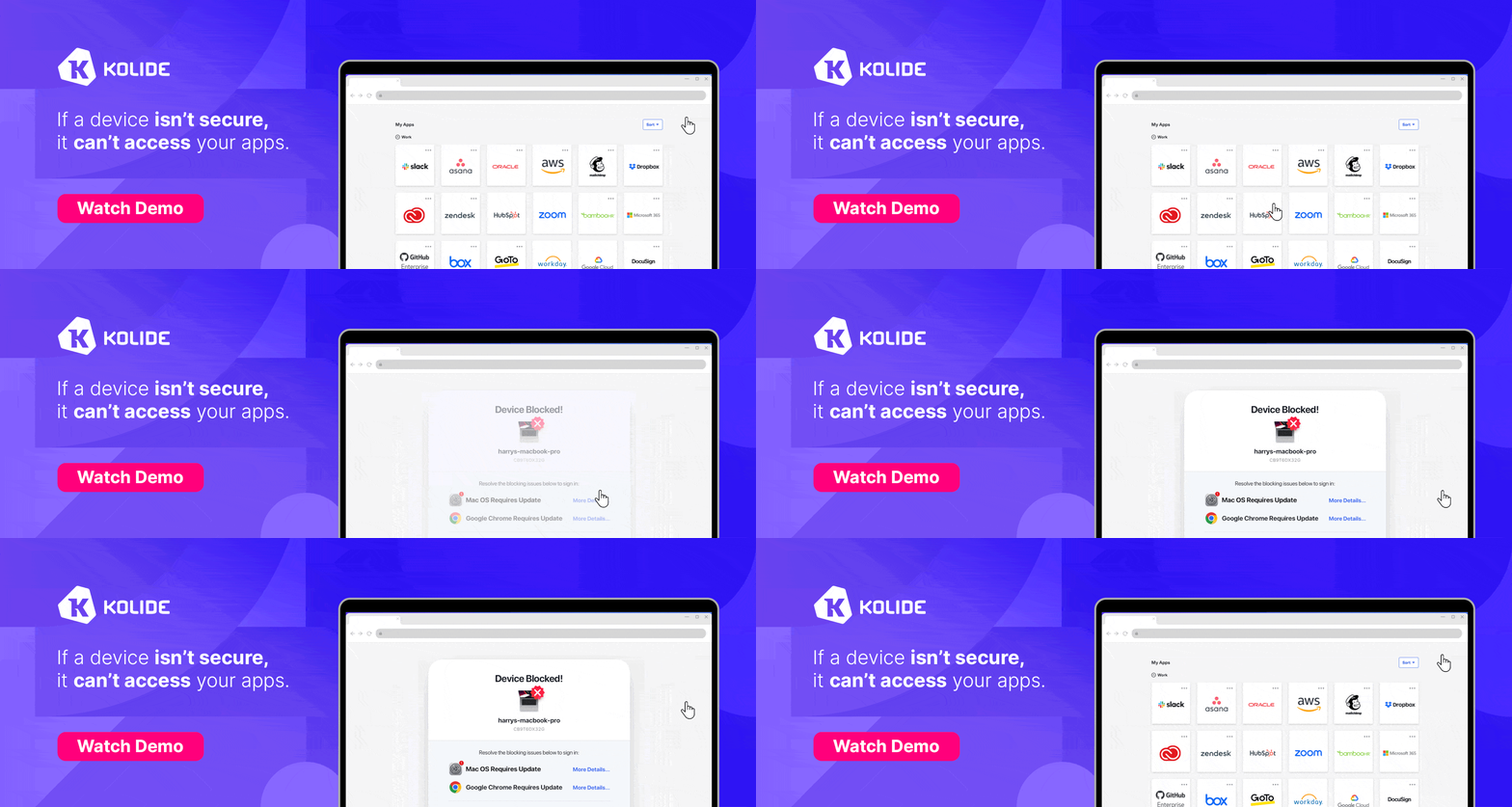
  • Kolide – It ensures that if a device isn’t secure it can’t access your apps.  It’s Device Trust for Okta. Watch the demo today!

MacStories Unwind+

We deliver MacStories Unwind+ to Club MacStories subscribers ad-free and early with high bitrate audio every week.

To learn more about the benefits of a Club MacStories subscription, visit our Plans page.


Garage Access as a Service: The Chamberlain Group’s Anti-Consumer Approach to the Smart Home

Source: The Chamberlain Group.

Source: The Chamberlain Group.

When you install a garage door in your home, you expect to have full access to how it works – at least, that’s how it worked historically. As Jennifer Pattison Touhy explains for The Verge, that’s not at all the case with The Chamberlain Group, which has built its myQ smart garage door controller technology into many of the doors it sells and has systematically removed ways for consumers to use the tech:

The move breaks the smart home integrations of thousands of users who relied on platforms such as Homebridge and Home Assistant to do things like shut the garage door when they lock their front door or flash a light if they leave their door open for 10 minutes, or whatever other control or automation they wanted to do with the device they bought and paid for.

The move comes a year after Chamberlain discontinued its official Apple HomeKit integration and a few months after it finally killed support for Google Assistant. It’s sadly another example of how the company continues to be hostile to the interoperable smart home.

The result is that many people who purchased garage doors with myQ’s smart controller technology built in now have a less capable door. The only way to restore smart home interoperability is to buy a new door controller or one of the devices covered in The Verge’s story.

What I find most galling about this story is that The Chamberlain Group is removing these features from its doors while simultaneously expanding its partnerships with auto manufacturers and security companies. Think of it as GaaaS: Garage Access as a Service. Instead of offering consumers control directly, The Chamberlain Group ironically has set itself up as the gatekeeper of your garage. Rather than allowing consumers convenient access to their garage doors, The Chamberlain Group is steering them through paid services, which stinks.

A giant button and ads. That's it. That's the myQ app review.

A giant button and ads. That’s it. That’s the myQ app review.

I have a Chamberlain garage door at home and haven’t decided yet what to do in light of this news. The myQ app is garbage – it’s literally just a big button to open and close the door without access via a widget, the Home app, or Shortcuts. Oh, and it has ads too. I had been planning to go the Home Assistant route after The Chamberlain Group removed HomeKit access last fall, but instead, I expect I’ll buy the Meross Smart Wi-Fi Garage Door Opener that Stephen Hackett has used for a while.

Permalink