This Week's Sponsor:

Turbulence Forecast

Know before you go. Get detailed turbulence forecasts for your exact route, now available 5 days in advance.


MacStories Unwind: AV Club Edition, Only Murders in the Building

AppStories+ Deeper into the world of apps
0:00
30:35

AppStories+ Deeper into the world of apps


In this month’s special AV Club edition of MacStories Unwind, Federico, John, and Jonathan discuss Season 3 of the Hulu Original, Only Murders in the Building.

  • iMazing 3 is coming, macOS and the public beta is available now.

MacStories Unwind+

We deliver MacStories Unwind+ to Club MacStories subscribers ad-free and early with high bitrate audio every week.

To learn more about the benefits of a Club MacStories subscription, visit our Plans page.


Game On: An Upcoming Game Release Check-In

Ever since WWDC 2022, when Apple showcased Resident Evil Village, the company has been eager to highlight console and PC titles that are coming to its platforms. Sometimes, it can be a little hard to keep track of what’s coming, so today’s Game On focuses on recent big-title release news as well as other recent updates in the world of Apple gaming.

Before looking at the titles coming next to Apple’s platforms, let’s take a quick look back at one of the all-time classic iOS games: Machinarium. The game, from Czech studio Amanita Design, which was followed up a few years ago on Apple Arcade by Pilgrims, started on the Mac and other platforms, but was also an iPad gaming pioneer, debuting on the tablet in 2011, with its unforgettable hand drawn style.

However, like a lot of games, Machinarium hadn’t seen an update in a long time. According to Touch Arcade, the game hadn’t been touched since 2019 but was updated last week with controller, Metal rendering, and Core Audio support. If you love puzzle games and haven’t played Machinarium, you can buy it on the App Store and play it on iOS, iPadOS, and tvOS for $5.99.

Source: Capcom.

Source: Capcom.

Skepticism about whether Apple will be successful in attracting console and PC-level games to its platforms is warranted, given the company’s track record with such games. However, they continue to push back, with Tim Cook recently telling The Independent in the context of an interview about the Apple Vision Pro that:

There’s significant excitement about our role in gaming, and we’re very serious about it. This is not a hobby for us. We’re putting all of ourselves out there.

Apple’s last self-proclaimed hobby was the Apple TV, which took a very long time to graduate from that role but is now part of the company’s videogame strategy.

Also, just before iOS and iPadOS 17 were released, Jeremy Sandmel, Apple’s Senior Director of GPU Software, and Tim Millet, Apple’s VP of Platform Architecture, were interviewed by IGN and emphasized the advantage of Apple silicon and its Metal framework across the iPhone, iPad, and Mac as a unified gaming platform:

So we really look at these many generations of SoC architecture across the phone, across the iPad, across now, Apple Silicon Macs. And we’d see that as part of one big unified platform, a graphics and gaming platform in particular.

Fort Solis. Source: Dear Villagers.

Fort Solis. Source: Dear Villagers.

And judging from the announcements, the pace of top-shelf releases is beginning to pick up and include the iPhone more often than in the past. Among other notable upcoming releases:

There may be other big releases coming that I’ve missed, but that alone is a pretty healthy lineup to go with other titles that are already available. It will be interesting to see if others are added to the release roster in the coming weeks.


Bartender 5 Is the Essential Menu Bar Upgrade for macOS Sonoma

The last time Bartender received a major update was back in 2021. Bartender 4 brought many new powerful features to help declutter the menu bar, particularly on the new MacBook models with a notch, which made menu bar real estate become even more valuable. Bartender 5 was officially released last month, and not only is it a fantastic maintenance update that brings support for macOS Sonoma – it’s also a release full of fun additions for all Mac users.

Read more


AppStories, Episode 354 – Apple Vision Pro and Apps

This week on AppStories, we spent time with the visionOS simulator and consider the design of the Apple Vision Pro system apps and what to expect from third-party developers.

Sponsored by:

  • Zocdoc – Find the right doctor, right now with Zocdoc. Sign up for free.
  • CleanMyMac X – Your Mac. As good as new. Get 5% off today.
  • Notion – Do your most efficient work with Notion AI. Try it free today.

On AppStories+, Federico dropped a big AR surprise on me.

We deliver AppStories+ to subscribers with bonus content, ad-free, and at a high bitrate early every week.

To learn more about the benefits included with an AppStories+ subscription, visit our Plans page, or read the AppStories+ FAQ.

Permalink

iMazing 3 Is Coming, macOS Public Beta Available Now [Sponsor]

Rethought, rewritten, and redesigned from the ground up iMazing, the trusted iPhone manager, is about to release its third major version. Ahead of the launch later this year we’re inviting MacStories readers to check out the latest macOS beta today!

The iMazing team’s primary focus was to deliver the smoothest possible user experience. The all new interface brings the many available features to light, while remaining accessible to less technical users willing to perform simple tasks.

A new Discover view greets users with quick access to iMazing’s most-used features, like download photos from any iOS device, export text messages from an ‌iPhone‌ to a computer, back up a device or update to a new one, or drag and drop files via Quick Transfer!

Advanced and pro users will appreciate the new take on the Devices screen with a grid or a list view to pick from. The app then filters commonly available tasks, and makes it a breeze to backup or update multiple devices at once.

iMazing 3 lays the foundation for the future, with a robust roadmap of features for the upcoming years.

Learn more about iMazing 3 and try out the beta, we’d love to hear what you think!

Our thank to iMazing for sponsoring MacStories this week.


Apple Vision Pro and Apps

AppStories+ Deeper into the world of apps

AppStories Episode 354 - Apple Vision Pro and Apps

0:00
47:33

AppStories+ Deeper into the world of apps

This week, Federico and John spend time with the visionOS simulator and consider the design of the Apple Vision Pro system apps and what to expect from third-party developers.

This episode is sponsored by:

  • Zocdoc – Find the right doctor, right now with Zocdoc. Sign up for free.
  • CleanMyMac X – Your Mac. As good as new. Get 5% off today.
  • Notion – Do your most efficient work with Notion AI. Try it free today.

Announcements

Apple Vision Pro Apps

We deliver AppStories+ to subscribers with bonus content, ad-free, and at a high bitrate early every week.

To learn more about the benefits included with an AppStories+ subscription, visit our Plans page, or read the AppStories+ FAQ.


Follow us on Mastodon

Follow us on Threads

Follow us on Instagram


MacStories Weekly: Issue 388

This week, in addition to the usual links, app debuts, and recap of MacStories' articles and podcasts:

  • Welcome, Jonathan and Niléane, by MacStories Team
  • iPhone 15 Pro Max First Impressions, by John
  • Using Moom and BetterTouchTool to Reset My Windows Layouts between Laptop and Desktop Mode, by Niléane
  • A Portable HomeKit Camera Plus a Grab Bag of Tips, by Jonathan
  • Getting Elon’s Attention, Password Managers, and New Wearables, by Jonathan
Read more

MacStories Unwind: Flora and Son and Federico’s Latest Tech Discovery

AppStories+ Deeper into the world of apps
0:00
23:03

AppStories+ Deeper into the world of apps


This week on MacStories Unwind, I recommend an Irish family drama on Apple TV+, while Federico has been out exploring new corners of the tech world.

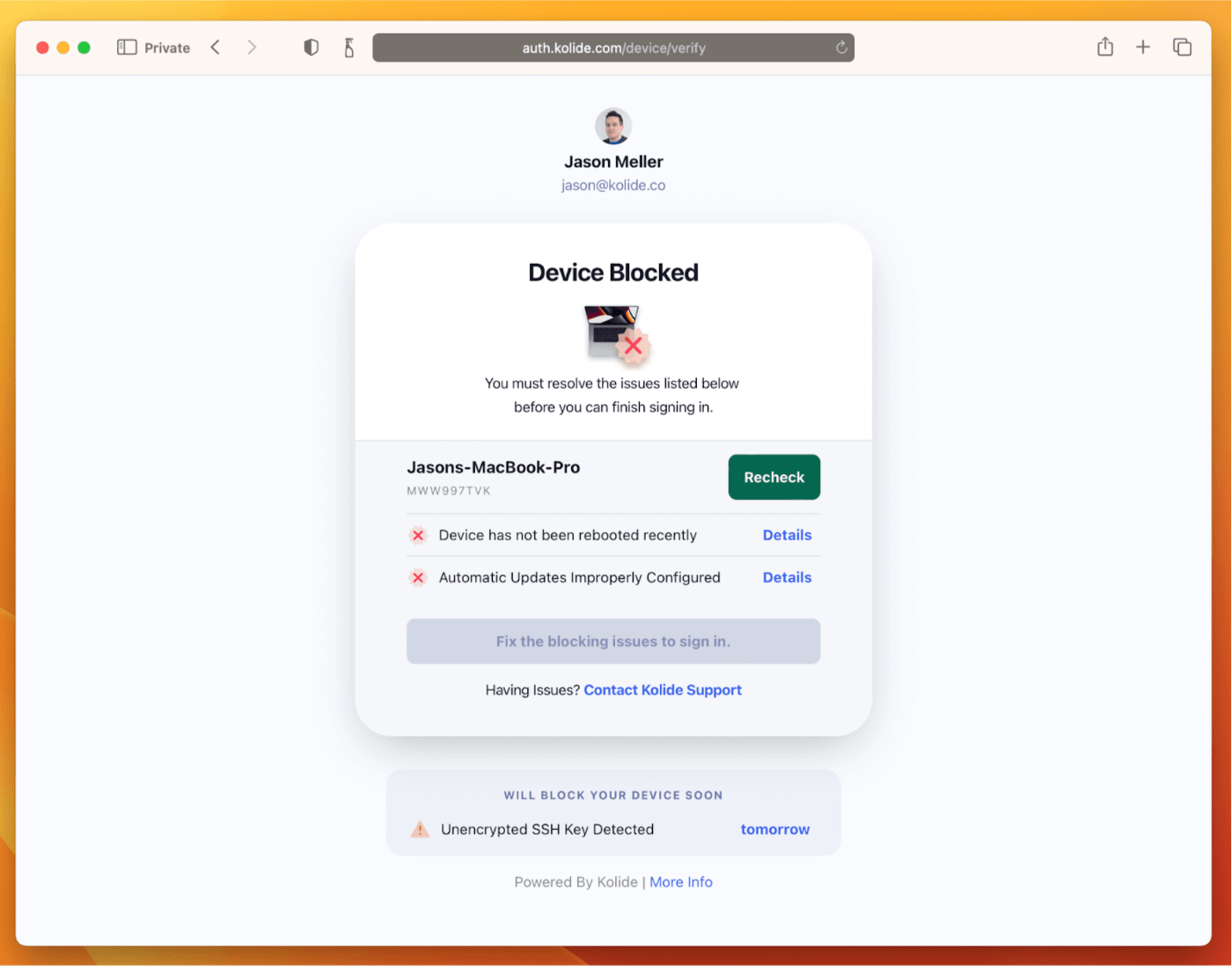
  • Kolide – It ensures that if a device isn’t secure it can’t access your apps.  It’s Device Trust for Okta. Watch the demo today!

John’s Pick

Federico’s Pick

Federico recording AppStories using the XREAL Air.

Federico recording AppStories using the XREAL Air.

MacStories Unwind+

We deliver MacStories Unwind+ to Club MacStories subscribers ad-free and early with high bitrate audio every week.

To learn more about the benefits of a Club MacStories subscription, visit our Plans page.


The Creativity Enabled by the iPhone 15 Pro’s New Cameras and Action Button

Every year, one of the most anticipated iPhone hardware announcements is changes to its camera. This year, the iPhone Pro Max’s new telephoto lens was the center of attention. However, there were other notable tweaks to the camera hardware and software across the iPhone lineup, too. Plus, we got a hardware bonus in the form of the iPhone 15 Pro and Pro Max’s Action button, which can perform some interesting tricks. Now, with the new iPhones in the hands of people around the world, we’re starting to see what that hardware can do in practice, and I’ve got three examples I’d like to share.

Source: Lux.

Source: Lux.

The first is an update to the camera app Halide that does something incredibly clever. Built into version 2.13 of the app is a shortcut that can be tied to the Action button to open Halide with a single press. That’s something you can do with any app using an Open App action, but Halide goes a step further by offering in-app functionality if you tie the button to its app. In the app’s settings, you can choose to tie the Action button to any of the following options:

  • Do nothing
  • Lenses
  • Exposure Mode
  • Focus Mode
  • RAW
  • Resolution
  • Capture

After using the Action button to open the app, pressing the button again will perform whichever action you picked in its settings. For example, if you chose Lenses, the first press of the Action button from outside the app will open Halide, and subsequent presses will cycle through each of the available camera lenses. I love this use of the Action button and hope other developers do the same, adding contextual actions to more apps.

A 5x telephoto shot by Sebastiaan de With.

A 5x telephoto shot by Sebastiaan de With.

Speaking of Halide, Sebastiaan de With, one of its creators, published a review of the iPhone 15 Pro Max camera today, concluding that:

With iPhone 15 Pro Max’s default 24 megapixel resolution, added ‘lenses’ under the main camera lens, automatic depth capture for portraits, and that 5× lens, this release might not blow away on a spec sheet, but is massive for everyone who uses an iPhone to take photos.

There’s a lot of ground to cover between the hardware and processing changes happening behind the scenes. Plus, de With is an excellent photographer whose shots do a fantastic job illustrating what is possible with the iPhone 15 Pro Max. So be sure to check out the full review.

Finally, the iPhone’s camera takes amazing video, too. This year saw the introduction of Log encoding for Pro Res 4K footage. That opens up a wider range of editing control using apps like Final Cut Pro, which Joey Helms used to create this amazing video of Chicago:

I’ve had my iPhone 15 Pro Max for just four days, and already, I’m enjoying taking photos as I walk around my neighborhood and playing with features like adding Portrait mode after the fact to images like the one below.

Before (left) and after (right) applying Portrait mode.

Before (left) and after (right) applying Portrait mode.

The result is a lot more creative freedom that’s more accessible than ever, not only because your iPhone is usually in your pocket but because the tools Apple has created for taking great photos and videos are so easy to use.