This Week's Sponsor:

Turbulence Forecast

Know before you go. Get detailed turbulence forecasts for your exact route, now available 5 days in advance.


MacStories Weekly: Issue 364

This week, in addition to the usual links, app debuts, and recap of MacStories' articles and podcasts:

  • A New Club Deal and Automation April Update, by MacStories Team
  • Button Creator, by John
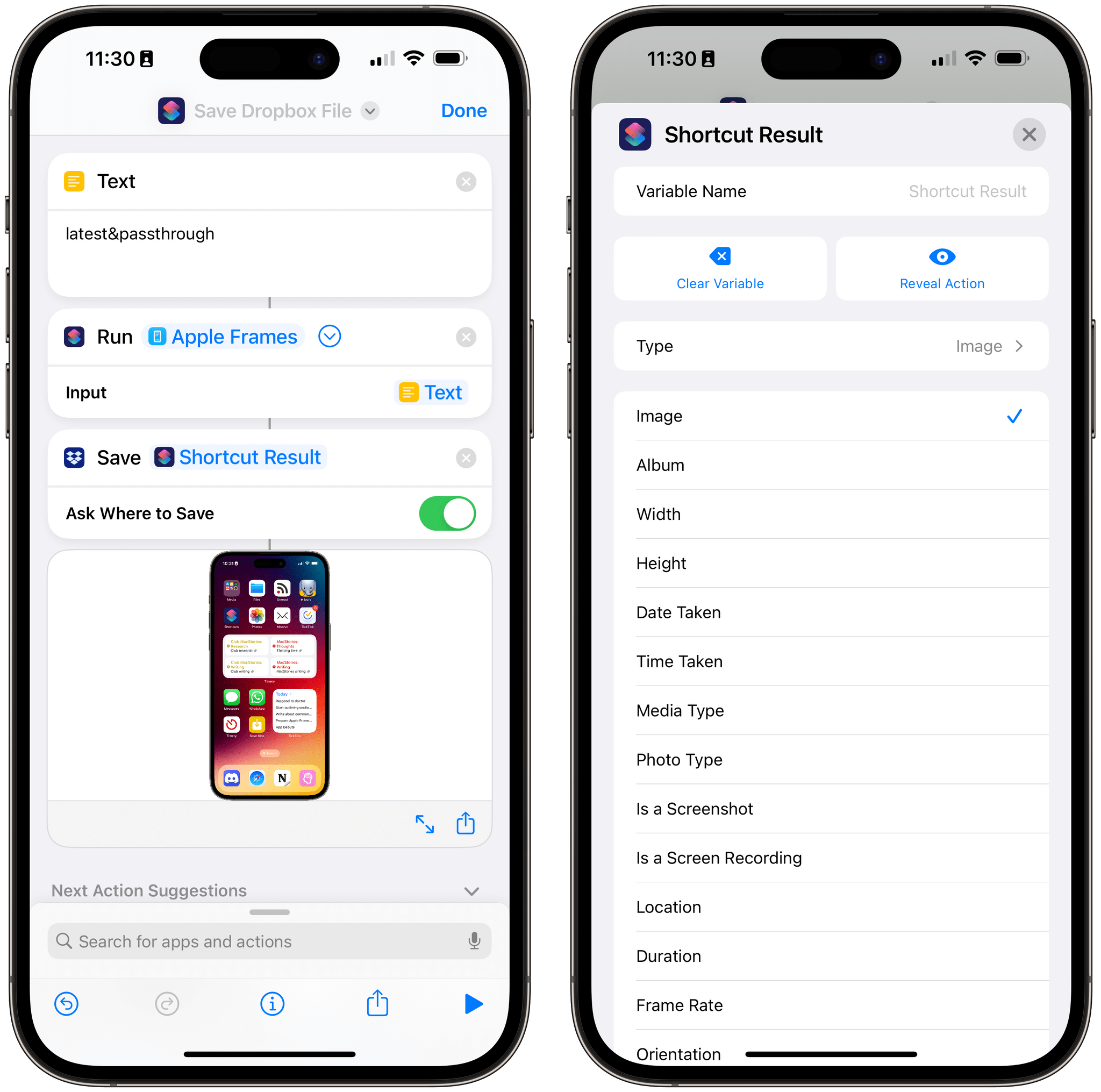
  • Extending Shortcuts for Mac with Third-Party Apps, by John
  • Reading the Contents of Markdown Files with Shortcuts, by Federico
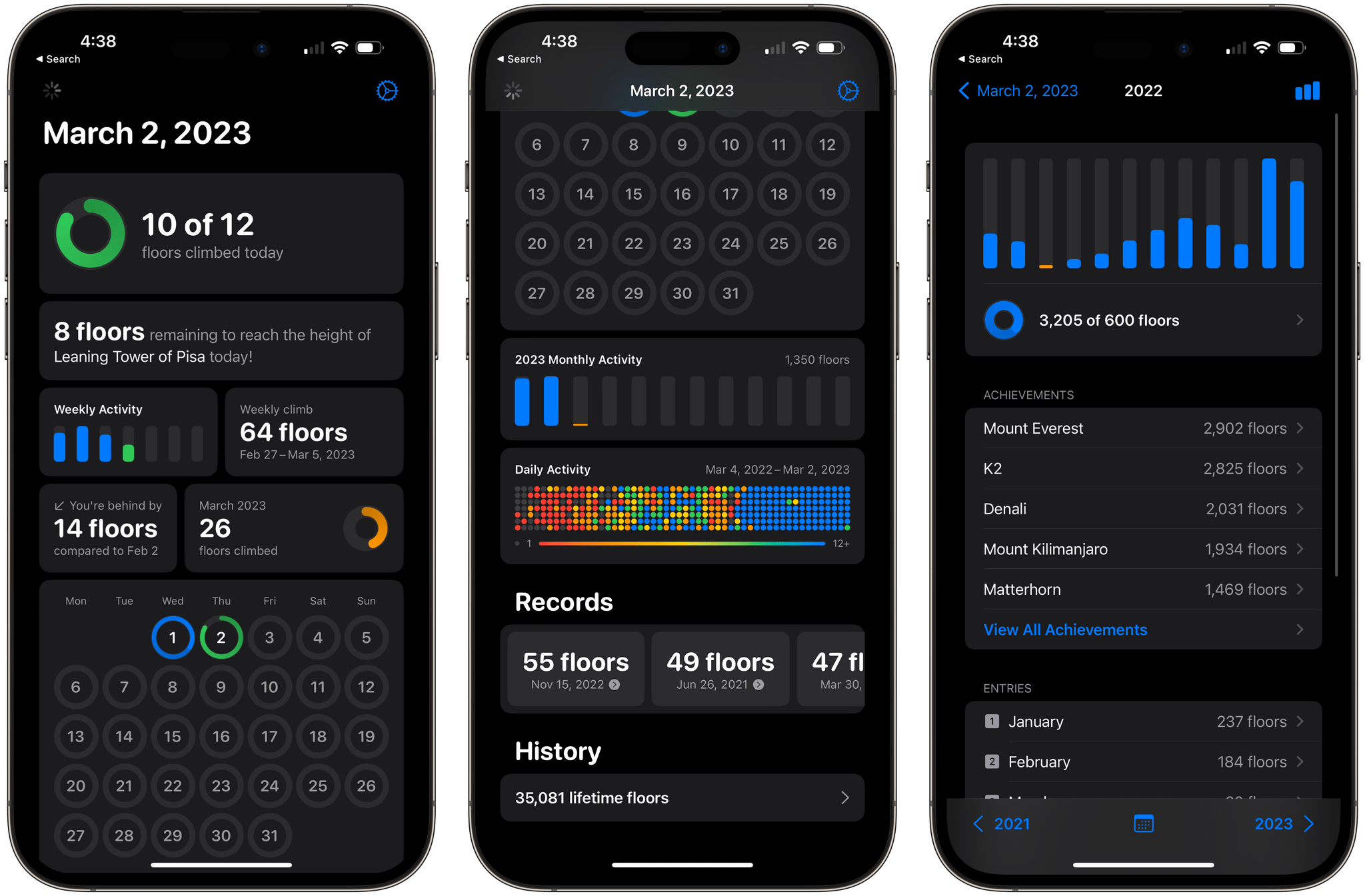
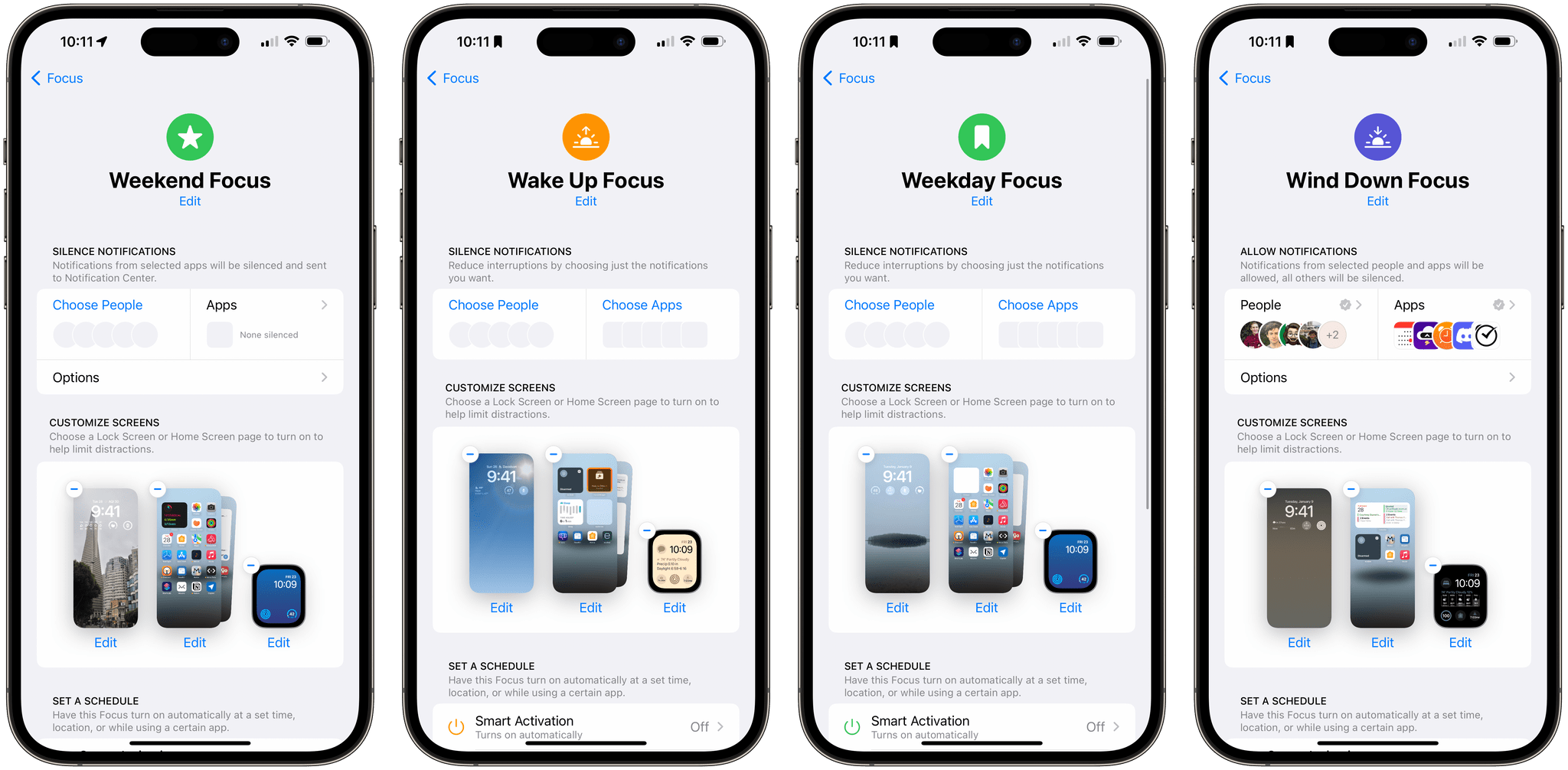
  • Shortcut Workshop, Rating Songs with Shortcuts and AppleScript, a YouTube Subscription Shortcut, and Focus Modes, by Federico
  • Perk, by MacStories Team
Read more

Deadline Extended for Automation April Shortcuts Contest to April 21st

As we head into the weekend, we wanted to let everyone know that we’ve extended the Automation April Shortcuts Contest to Friday, April 21st, at 5:00 PM Eastern US time. That gives you four extra days to finish your shortcuts and submit them.

Remember:

  • You can submit up to two shortcuts for consideration in any of the six categories
  • You can edit your submissions until the deadline on April 21st
  • Shortcuts do not have to be complex to win the contest; originality and utility are key factors in the judges’ decisions
  • We have tons of great prizes, including a Loupedeck Live S and CalDigit Thunderbolt Station 4 for the winner of the Best Overall Shortcut, plus Club MacStories memberships

For the complete rules, be sure to read our post from last week.

Good luck, and use the extra time wisely!


You can also follow MacStories’ Automation April coverage through our dedicated hub, or subscribe to its RSS feed.


MacStories Unwind: An Iced Coffee, a Mouse, New Caledonia, and John Wick

AppStories+ Deeper into the world of apps
0:00
18:04

AppStories+ Deeper into the world of apps


This week on MacStories Unwind, I explain iced coffee to Federico, who has a new Logitech Lift mouse and has been playing Tchia, while I spent hours at the theater enjoying John Wick, Chapter 4.

Iced Coffee

Federico’s Picks:

Legend of Zelda: Tears of the Kingdom

John’s Pick:


Unlock Big App Savings with Club MacStories+ and Premier Memberships

A core perk of a Club MacStories+ or Club Premier membership is the wide variety of discounts on our favorite apps and services we offer in partnership with developers. Our app discount program brings Club members a long list of deals that regularly rotate, so there’s always something new to try. That makes it easy to save hundreds of dollars on some of the best apps out there when you sign up and to keep on saving month after month.

Read more


Drawing a Blank

Source: furbo.org.

Source: furbo.org.

Yesterday, Craig Hockenberry announced a free Apple TV app he created called Blank. The app blanks out your TV screen until you press a button on the Apple TV remote. That way, you can listen to music or a podcast through an Apple TV without also watching the album art or screensavers.

Blank is a clever solution to something that’s been a problem ever since the second-generation Apple TV, which ditched its dedicated audio out port in favor of HDMI. How do I know that? Well, I tackled the same problem myself in 2016 in a far hackier way than Hockenberry, which I shared more than 300 issues ago in MacStories Weekly 25. As I said then, when the Apple TV’s flyover screensavers, and even HDMI, were brand new:

I enjoy the new flyover screensavers on the Apple TV, but whether you have a current generation Apple TV and use those, or use a different screensaver with any model of the Apple TV, the screensavers are a distraction when you throw a party and want to use the Apple TV for music. In my experience, people are drawn to the screensaver like moths, focusing on it instead of socializing.

My solution? Create a Photos album with a single 1080p image of a black rectangle and use it with the Apple TV’s ‘Sliding Panels’ screensaver. Blank is a far more elegant solution and even offers an inspirational quote that appears onscreen before the screen goes blank.

You can download Blank from the App Store for free.

Permalink

The Making of S-GPT: Using the ChatGPT API with Apple’s Shortcuts App to Have Conversations with OpenAI’s Assistant

Last week on MacStories, I published S-GPT, an advanced shortcut for ChatGPT that lets you have conversations with OpenAI’s powerful assistant while also leveraging native integrations on Apple platforms. S-GPT supports native functionalities of iOS, iPadOS, watchOS, and macOS such as the system clipboard, Live Text, Reminders and Calendar, and even playlists in the Music...

Read more

S-GPT 1.0.2 Brings Date and Time Awareness, Integration with macOS Services Menu, Passthrough Mode, Better HomePod Support, and More

S-GPT 1.0.2.

S-GPT 1.0.2.

I just published version 1.0.2 of S-GPT, the shortcut I released last week to have conversations with OpenAI’s ChatGPT and integrate it directly with native features of Apple’s OSes. You can find the updated download link at the end of this post, in the original article, and in the MacStories Shortcuts Archive; before you replace version 1.0.1 of S-GPT, save your existing OpenAI API key somewhere as you’ll have to paste it again in the shortcut later.

I’m going to include the full changelog for S-GPT 1.0.2 below, but long story short: S-GPT is now aware of the current date and time, and I’ve heard all the requests about improving interactions with the HomePod and Siri, so I made that part much better. S-GPT can now perform a variety of date/time calculations with natural language, and you can end a conversation by saying “no” or “stop”.

Read more


Automation April: The Loupedeck Live S Is a More Portable and Affordable Automation Control Panel for the Mac

In 2021, I reviewed the Loupedeck Live, a programmable control panel for the Mac and Windows PCs for Club MacStories members as part of my Macintosh Desktop Experience column. It’s an excellent device, but its price put it at a disadvantage to a similarly-sized Elgato Stream Deck despite several other advantages that I explained in the review.

Last year, Loupedeck released the Loupedeck Live S, a smaller, more affordable Loupedeck that retains the core experience of the Loupedeck Live, but dispenses with a handful of physical buttons and dials. The new device retails for $189 compared to the Loupedeck Live, which is $269. That’s still $40 more than the 15-button Stream Deck MK.2, but a significantly narrower difference for a device that offers a wider range of functionality, making it worth another look if you were put off by the Loupedeck Live’s price.

Read more