This Week's Sponsor:

LookAway

It helps you take regular breaks from your Mac to rest your eyes, without breaking your flow.


TestFlight Fixes and Wishes

Just as I was heading into the final stretch of review season, TestFlight was updated to reverse an update I wrote about in July. That update added search, which was one of my longstanding wishes for TestFlight. However, for some users, the update also changed the sorting of betas from reverse chronological order to alphabetical, including active betas alongside expired ones. As someone who reviews a lot of apps, that made TestFlight barely usable.

With the latest update, I’m happy to report that the sorting order has been restored to reverse chronological order. The most recently updated betas appear at the top of the list, and when you want to find something older, search is a great option. Returning to reverse chronological order may seem like a small thing, but it’s made a world of difference in keeping up with the apps I test.

Search was near the top of my list of TestFlight wishes for years, and its addition made a meaningful difference to the app’s usability. But I’ve had a lot of TestFlight wishes over the years that are scattered across multiple articles, so I thought I’d share what else I’d like Apple to tackle with TestFlight:

  • Performance. I test a lot of apps, which slows TestFlight down on every Apple platform. The issue isn’t as severe today as it was when I wrote about it in 2023, but the slowness is still bad enough to make the app hard to use. Whatever the issue is, I’d love to see the list loading time reduced and scrolling through a list of apps become as smooth as it is in the App Store.
  • Add filtering, sorting, and folders. Search is a step in the right direction, but allow me to sort by date, developer, category, and other metadata. I’d also like to be able to filter by installation status, so I can just see the betas I’ve installed or haven’t installed yet. User-defined folders for organization would be a nice bonus too.
  • Hide inactive and expired betas. I’ve thought about TestFlight’s expired betas section a lot and can’t think of a single reason it exists from a tester’s perspective. Let me hide or exclude expired and withdrawn betas.
  • Fix TestFlight emails and automatic updates. TestFlight email notifications can only be turned on or off on a per-beta basis. Adding a global switch would help a lot with managing these messages. Also, automatic updates of betas have never worked on my iPhone, and I’ve talked to others who have the same problem.
  • Restore usable betas after a device migration. Apple’s migration from one device to another has gotten much better over the years, but it still does not migrate TestFlight betas, leaving me with a bunch of broken apps on my iPhone every fall.
  • Indicate when a beta has been released on the App Store. This strikes me as easy to request, though I’m sure is difficult to implement, but I’d love to know when a beta has been superseded by an App Store version, so I can grab the stable release if I want and know I can publish a review about an app without having to check the App Store repeatedly myself.

The bottom line is that while TestFlight is once again usable, it could be much better. I recognize that TestFlight isn’t an app used by most people, but like Apple’s own OS beta testing program, TestFlight betas are an important part of developers’ workflow. They provide QA feedback and a promotional channel that the friction encountered by TestFlight users undermines.

I’m glad TestFlight continues to get meaningful updates. I just hope it gets more attention going forward.
watchOS 27: The MacStories Review

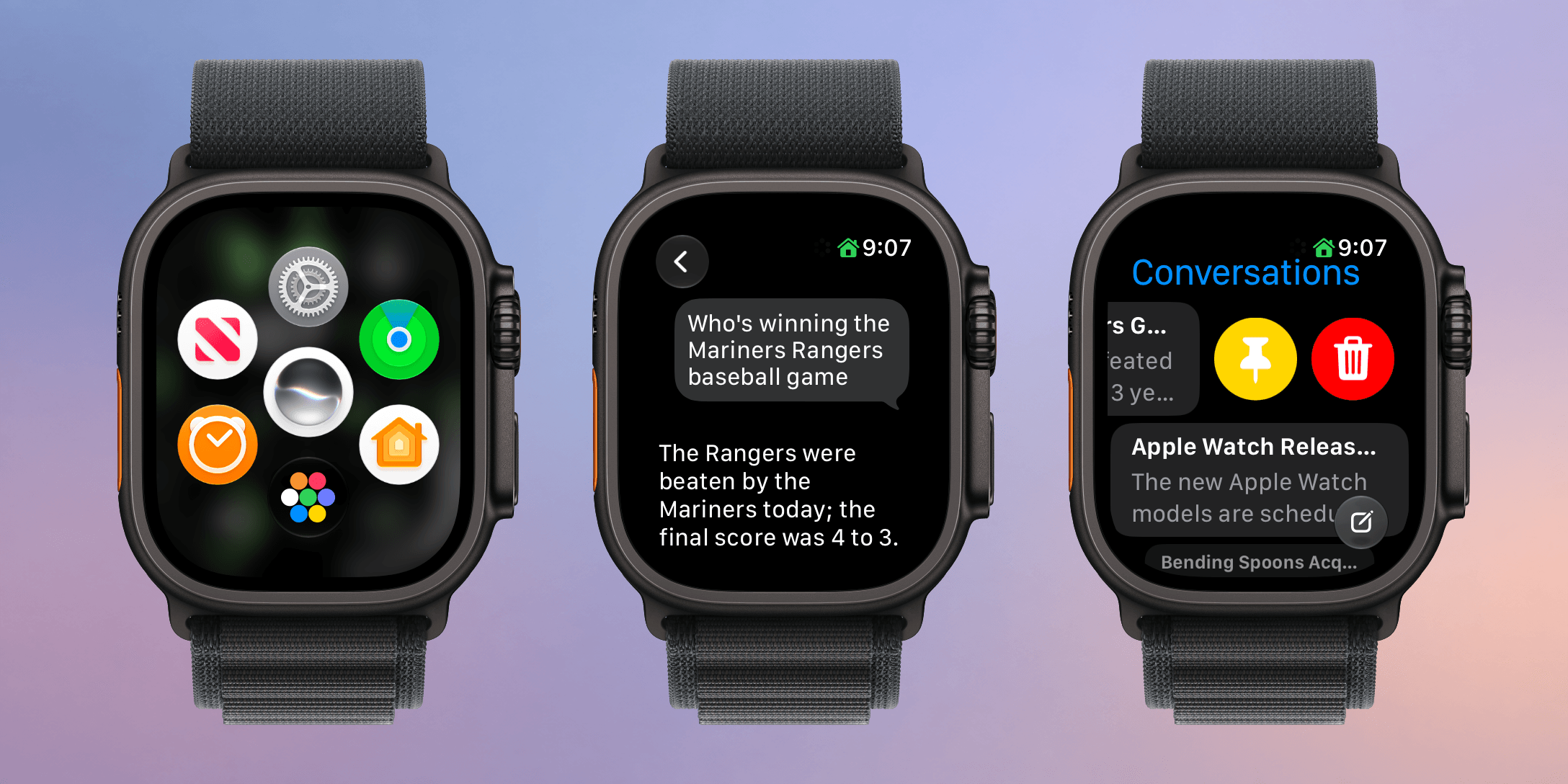
I haven’t been this excited about an Apple Watch in a long time. Last week, Apple introduced the Apple Watch Series 12 and Apple Watch Ultra 4, which will be available at the end of the week. The new Watches feature the S11 chip, which enables a bunch of new features, some of which won’t debut until later this year. At the same time, Apple is dropping support for more Watches than usual.

What we’re witnessing is a reboot of the Apple Watch and watchOS forced by advances in AI. The Apple Watch and its OS found their niche years ago, freeing us from pulling out our iPhones for notifications, tracking our health and fitness, and enabling the occasional Siri request. It was a good and comfortable spot for what by all accounts has been one of the most successful wearables to date, but watchOS also felt stuck in a rut.

Every year we got a few new workout types, a new watch face, and a few other features, but the OS didn’t advance much. What’s different this year is that watchOS 27 is breaking with slower hardware and looking forward to the substantially more powerful S11 chip, which will allow the Apple Watch to expand into all-new areas.

What this transition also means is that there is not just one set of features to track in watchOS 27 this year but three:

  • those that arrive today for anyone with a compatible Apple Watch,
  • those that arrive at the end of the week that are exclusive to the new Apple Watch Series 12 and Ultra 4, and
  • those that are coming later this year.

That makes this more than just a review. It’s also a preview of things to come and a roadmap for where the Apple Watch is heading.

There’s more than usual to cover this year, so let’s dive in and check it out.

Read more


macOS 27: The MacStories Review

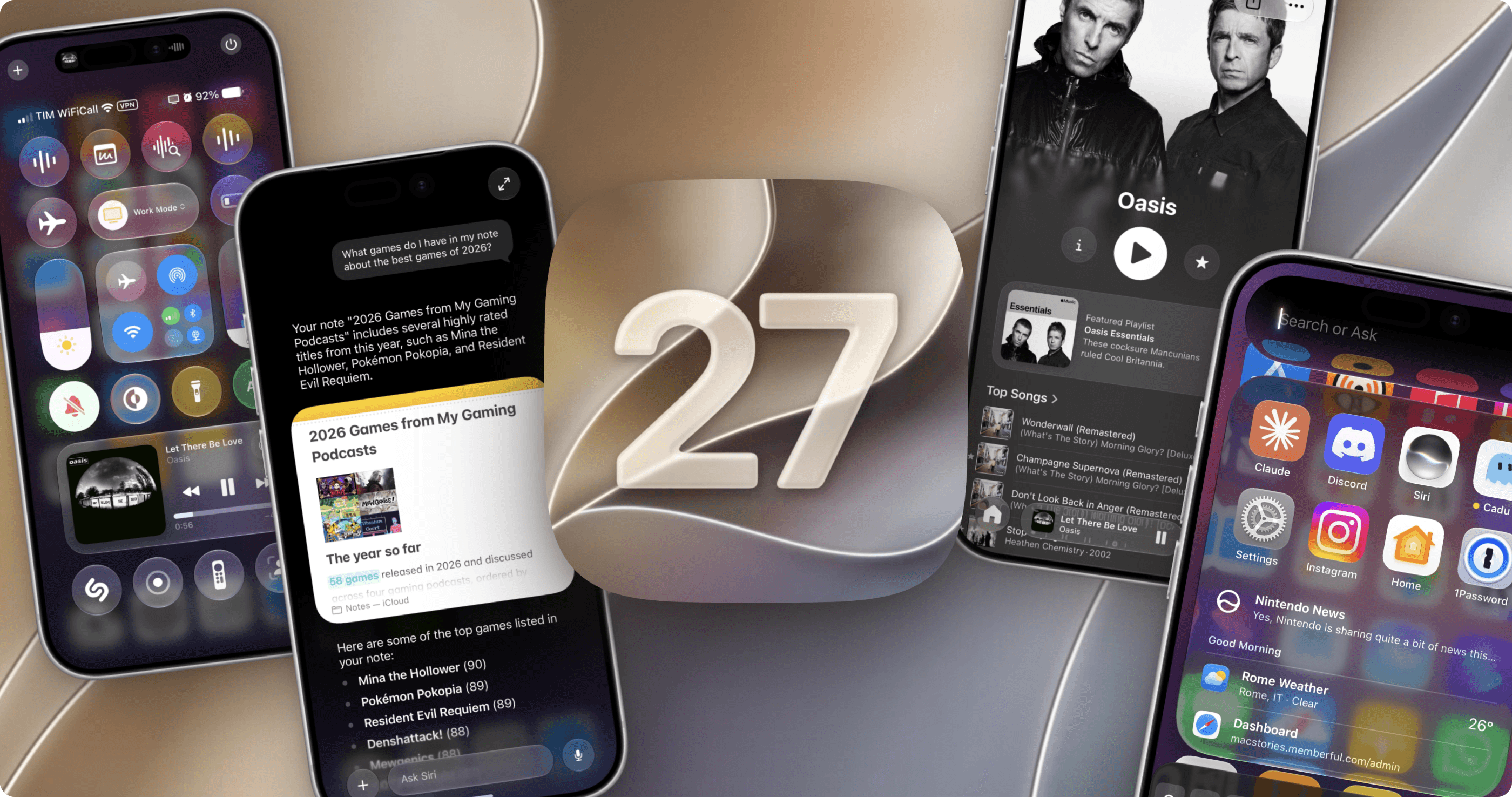
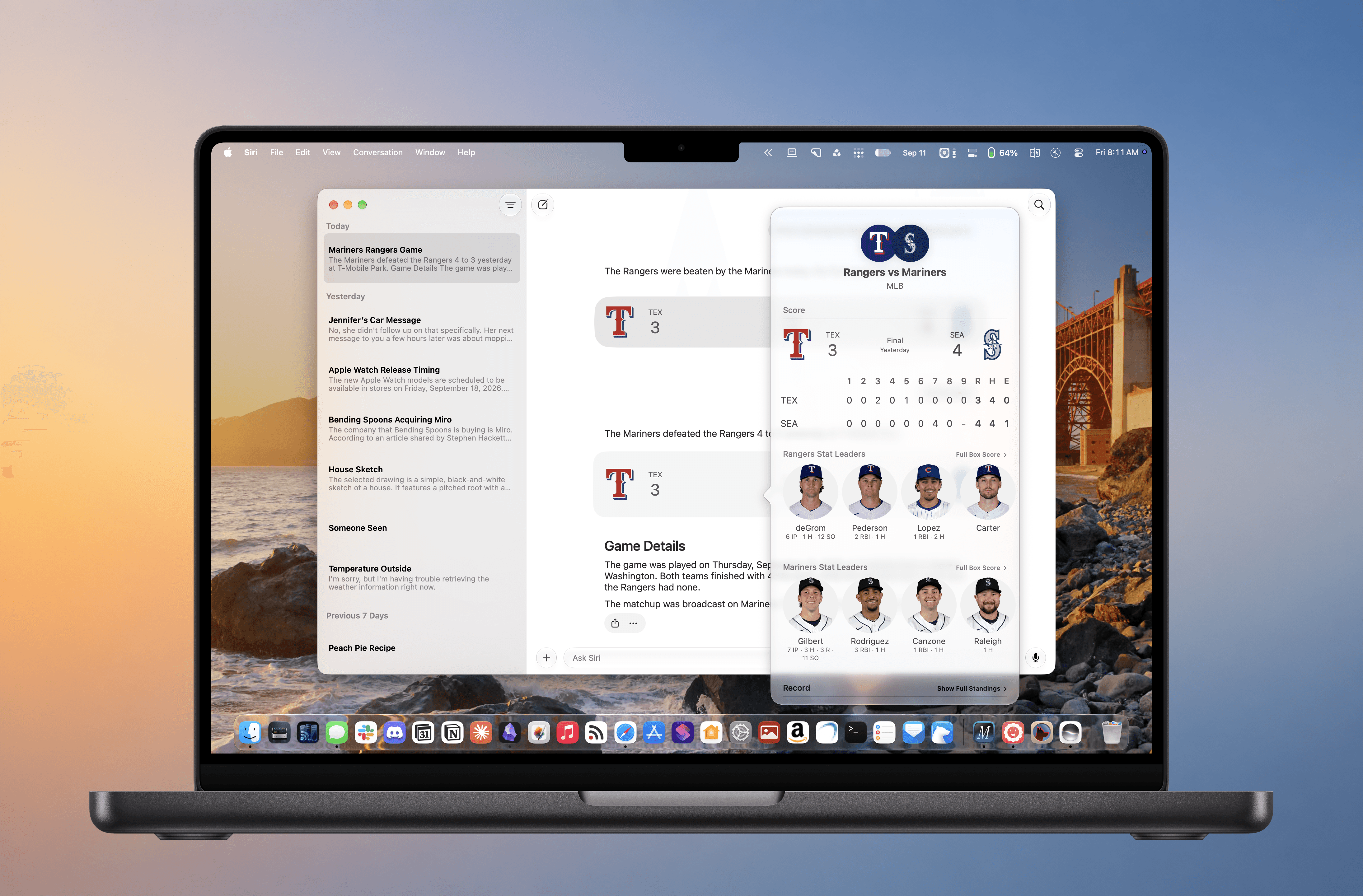
Every OS update has a story to tell. With macOS 27 Golden Gate, that story captures a moment when Apple is faced with multiple challenges, many of which are tied to the rise of large language models.

One of those challenges is obvious. Apple was caught off guard by chatbots, overpromised a response at WWDC in 2024, and has been playing catch-up ever since.

But this isn’t simply a story of missteps or wasted opportunities. There’s more to it than that.

Read more


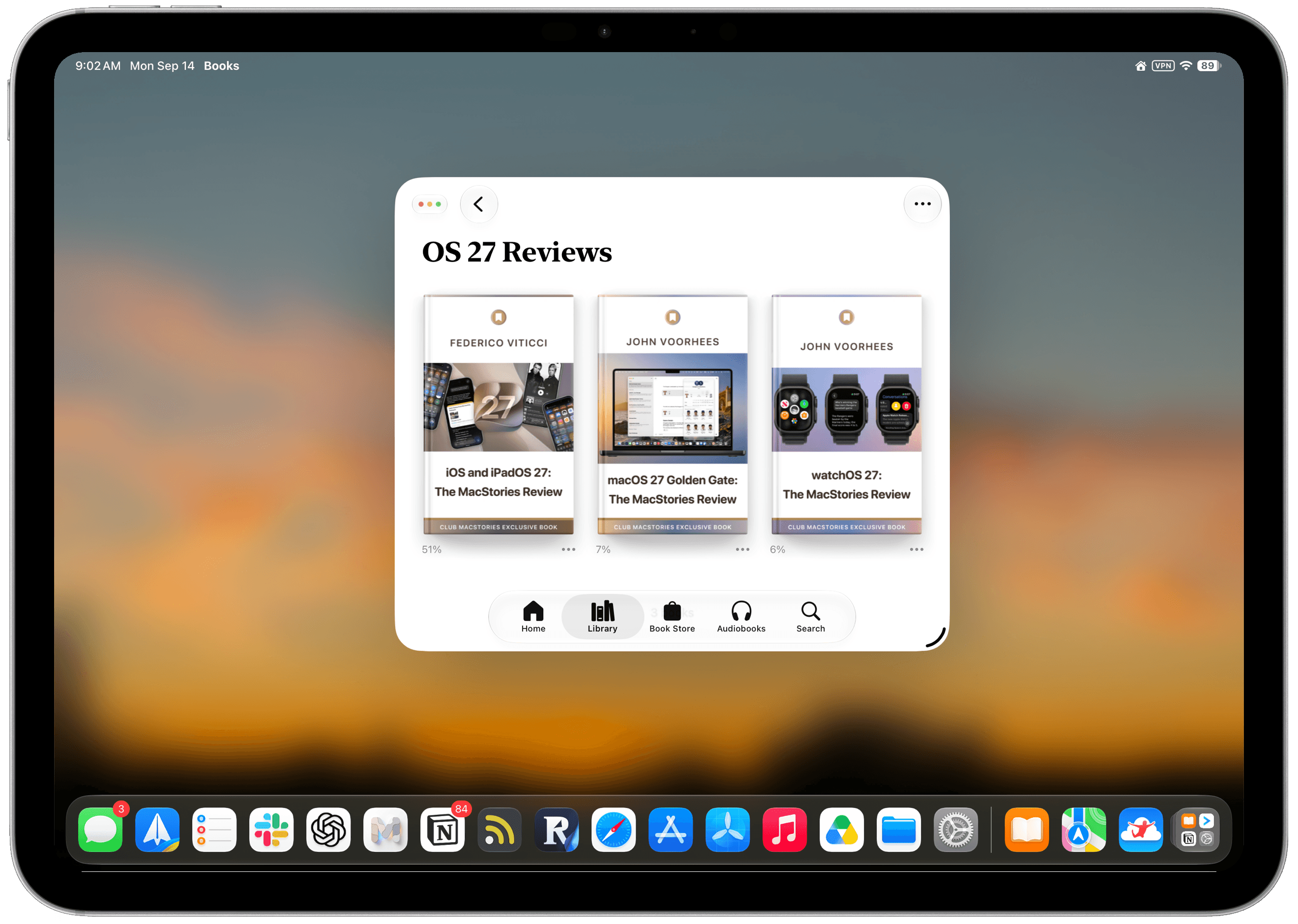
Our OS 27 Review Extras: eBooks, Shortcuts, and the Making of the iOS and iPadOS 27 Review

Today we published not one, but three reviews covering four OSes:

The reviews cover design, new app features and more, which kicks off a big week here at MacStories that includes extra special perks for Club MacStories members. Here’s what we have planned.

For Club MacStories members, we’ve got some exciting perks to help you get more out of the reviews:

  • An eBook edition of Federico’s iOS and iPadOS 27: The MacStories Review that you can download and read on your favorite device or app
  • 20 additional ready-made shortcuts for iOS 27
  • An eBook edition of John’s macOS 27 Golden Gate review
  • An eBook edition of John’s watchOS 27 review.

If you’re not already a member, you can join Club MacStories for $5/month or $50/year using the buttons below:

Read more


iOS and iPadOS 27: The MacStories Review

After years of relentless building, it’s good to see Apple sweat the details again.

In the 11 years I’ve been writing annual iOS and iPadOS reviews every summer, I don’t think I’ve ever struggled to find an “angle” for my story as much as I did this year. The reason was twofold: I wasn’t particularly enamored with Siri AI and Apple’s belated chatbot efforts; and, as I realized during the summer, it can be challenging to write about an OS update that is largely focused on performance improvements and refinements.

“Everyone wants a so-called Snow Leopard year until it actually happens,” I thought to myself on several occasions over the past few months. Think about it: on paper, we all love a good ol’ basket of bug fixes that just make our phones better without changing much about the overall design and experience of iOS. It’s a commendable effort, and there’s no denying that iOS 27 is the snappiest (insert meme here), most stable version of iOS I’ve ever tested – and it has been since the first developer beta. In practice, though, it turns out that considering a major iOS update merely through the lens of improvements and fixes can be…a little boring.

So I’ve been sitting on this review for a while. I let it simmer. Then, a month ago, as I was sunbathing with my girlfriend Silvia down south in beautiful Vieste, Puglia, it hit me: iOS 27 is a geographically ambiguous update. Stay with me here. Depending on where you are in the world, this update can either be a little boring or pretty exciting.

Read more


Unlock 13 Premium FunnMedia Apps on Your Apple Devices for Less than $5 a Month

You’ve been paying a tax on being healthy. Four dollars here for hydration, five there for sleep, another subscription for fasting, another for habits, and each one only ever sees its own slice of you. Your Apple Watch is already collecting the whole picture; what’s missing is a set of apps built to work with it, and with each other.

The FunnMedia Premium Plus Bundle Unlock 13 premium apps on your Apple devices for less than $5/month. fixes that with one subscription: 13 premium apps for health, wellness, and productivity, fully unlocked, for $59.99 a year.

What makes it work is that every app comes from the same small indie studio and is built around Apple Health, Apple Watch, and widgets. Because they all read from and write to Health, a log in one app shows up where it should, and the whole set shares one design language instead of feeling like a pile of downloads.

Replay

In practice, a day looks like this. SleepMinder scores last night before you’re out of bed. WaterMinder nudges you from your wrist before you’re thirsty. Calory scans your lunch barcode, FastMinder watches your eating window, and Couch to Fit squeezes in a seven-minute workout before dinner. FitnessView pulls all of it into dashboards that show real trends, HabitView keeps your streaks honest, and ZenMinder and RelaxTopia handle the wind-down. When your doctor asks for numbers, HealthExport hands over a PDF. Widgetive, NoteFolio, and ReplyCube cover the productivity side.

This isn’t an unknown lineup. WaterMinder is an Apple Editors’ Choice with more than 10 million downloads!

Bought individually, these subscriptions run past $300 a year. The bundle is $59.99, cancel anytime, and every app FunnMedia releases from here on is added automatically. Subscribe once and the next launch is already yours. Get it at funnmedia.com/bundle.


Apple’s Surprise and Shine Event: All the Small Things

Source: Apple.

Source: Apple.

An Apple event can only cover so much. Some of the most useful details turn up in the product pages, technical specifications, footnotes, and summary slides after the presentation ends. We’ve collected our favorite smaller changes from yesterday’s Surprise and Shine event below:

iPhone Duo

  • In the hands-on area after Apple’s event, Ben Bajarin reported that the Duo’s hinge crease is barely noticeable, except at specific angles.
  • David Imel was impressed by the matte finish on the Duo.
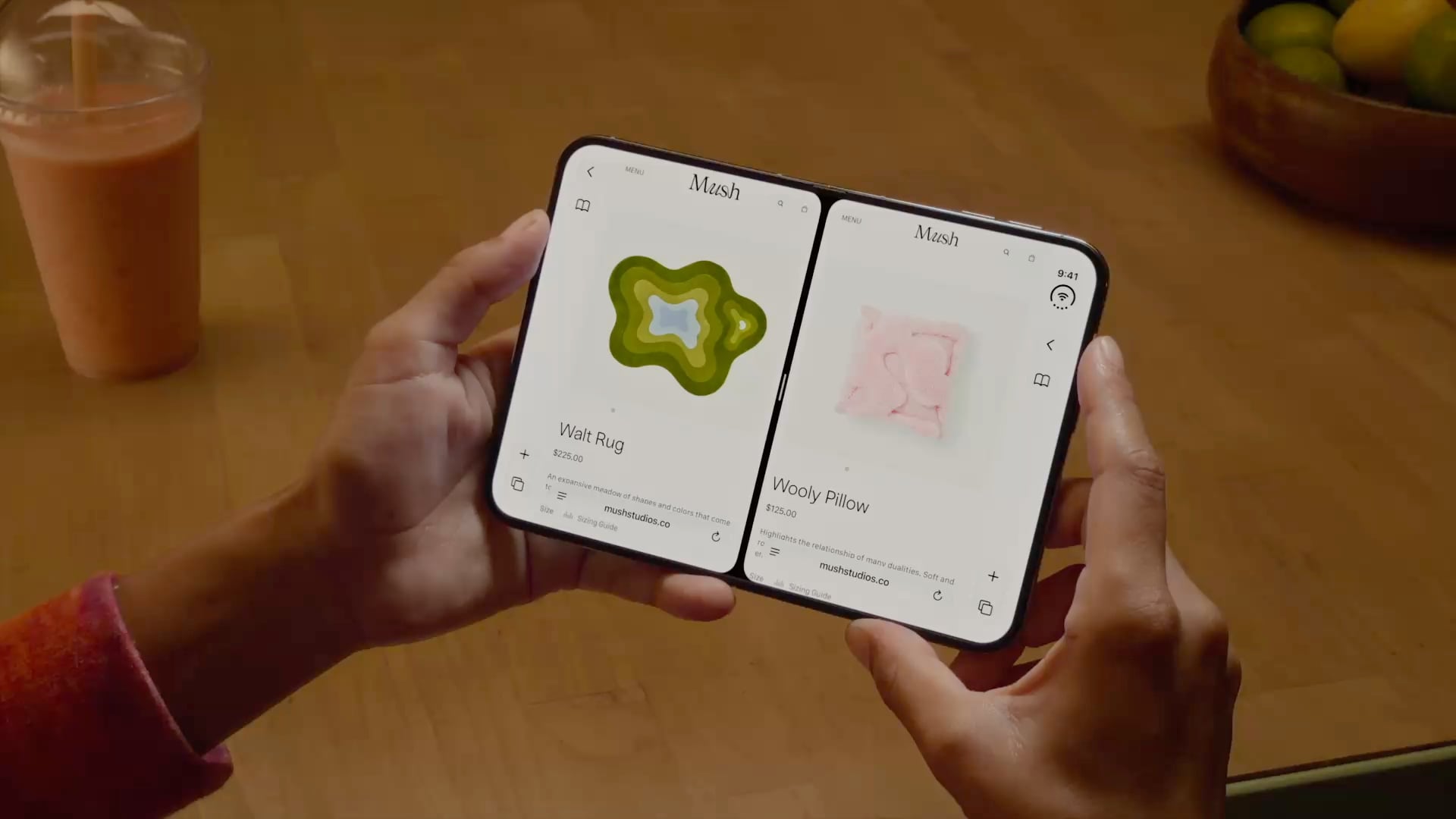
  • iJustine has an excellent video showing off multitasking using both the outer and inner screen of the Duo.
  • Apple has released a six-video playlist on YouTube and in the Apple Developer app called “Get ready for iPhone Duo” to help get designers up to speed with the phone’s new format. The Human Interface Guidelines have been updated too.
  • The vertical strip along the side of the Duo uses App Control icons for what would be tab bars and nav bars on other devices.
  • For developers, Apple has released five tech talk videos in the Apple Developer app, including “Raise the bar with iPhone Duo.” Additional materials, workshops, and the Xcode 27.1 beta are coming later this month.
  • Continuous Angle API lets developers receive ongoing updates about the Duo’s hinge angle to power interactive effects.
  • Developers who don’t update for the iPhone Duo may have their apps letterboxed.

iPhone 18 Pro and Pro Max

Apple Watch Series 12 and Ultra 4

  • Apple published a study that compares its new Apple Watch Series 12 to other wearables, and the results are impressive.
  • Your Readiness score changes during the day, adjusting based on workouts and changes in your daytime vitals.
  • Audio Intelligence requires more than just a new Apple Watch. Features like Live Rewind and Siri Recap won’t work with the iPhone 16e or iPhone 15 Pro models even though those iPhones support Apple Intelligence.
  • Unsaved Siri Recaps are automatically deleted after seven days, and unless saved, Live Rewind transcripts disappear around 30 seconds after your Watch’s screen dims. Siri Recaps can be edited and exported to other apps like Notes.

You can follow all of our September 2026 Apple event coverage through our September 2026 Apple Event hub or subscribe to the dedicated September 2026 Apple event RSS feed.


iPhone 18 Pro and iPhone Duo: The MacStories Overview

The iPhone Duo.

The iPhone Duo.

Apple’s iPhone lineup is taking a different shape this year.

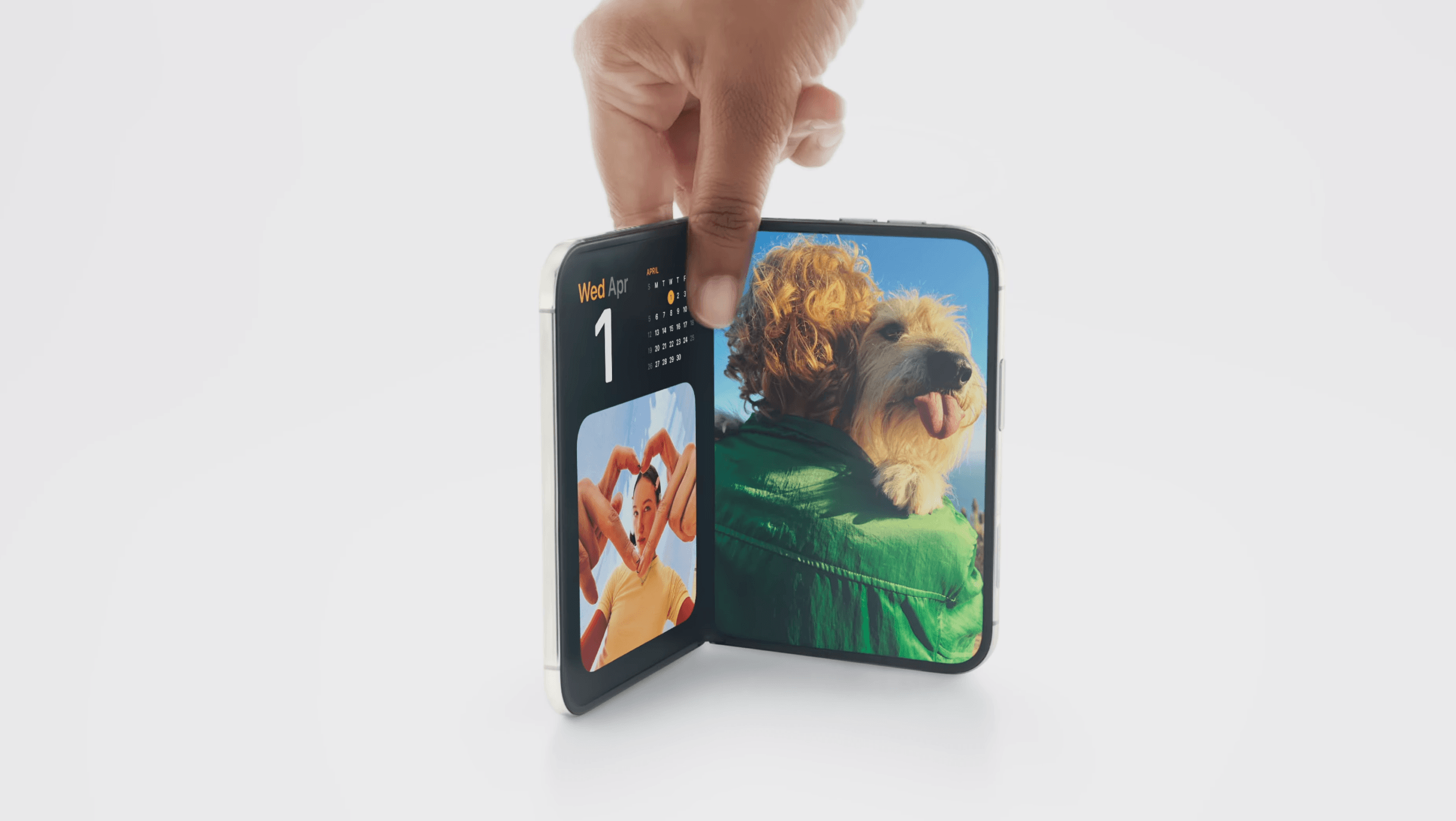
At today’s Surprise and Shine event, the company introduced the iPhone 18 Pro and 18 Pro Max alongside the iPhone Duo, its first foldable iPhone. The Pro models build on the familiar design introduced last year, while the Duo marks the debut of an iPhone with a brand new form factor that combines a smaller, outer display with a larger, almost iPad mini-like internal display.

As a longtime iPad user who’s long been fascinated by foldables (and I’ve tried some over the years, too), I’ve been eagerly anticipating Apple’s debut in this space. Based on what we’ve seen today, it looks like Apple was able to deliver on the promise of a new iPhone category that combines the best of iOS with concepts borrowed from iPadOS, turning the iPhone into a versatile pocket computer that epitomizes Apple CEO John Ternus’ concept of the “personal hub”.

As we’ll see in this article, while the iPhone 18 Pro’s story largely revolves around the camera (unsurprisingly) and improved performance (some of the A20 Pro’s numbers are, in fact, a surprise merely a year after the A19 Pro), the iPhone Duo marks a new beginning for iOS, which now supports features that never existed on the platform before, as well as a series of interactions that Apple is exploring for the first time.

Let’s dive in.

Read more