
 MacStories Weekly: Issue 346
MacStories Unwind: Atari 50 and Music Discovery







This week on MacStories Unwind, I recommend Atari 50, and Federico shares the tools he uses to discover new music.
Links and Show Notes
John’s Pick:
Federico’s Picks:
- Websites
- Apps
Give the Gift of Club MacStories This Holiday Season, and if You’re a Club Member, Get Something Back for Yourself Too

More Club Gift Options Than Ever Before
The holiday season is upon us, and as you shop for gifts for friends and family, we wanted to remind everyone that Club MacStories memberships can be given as gifts all year long. Every tier of the Club extends what we publish at MacStories, which makes it the perfect gift for someone who wants more of the kind of in-depth app, automation, and other coverage you find on the site every day.
With Club MacStories, Club MacStories+, and Club Premier, we’ve got gift options for every budget this holiday season.

Pick a Plan
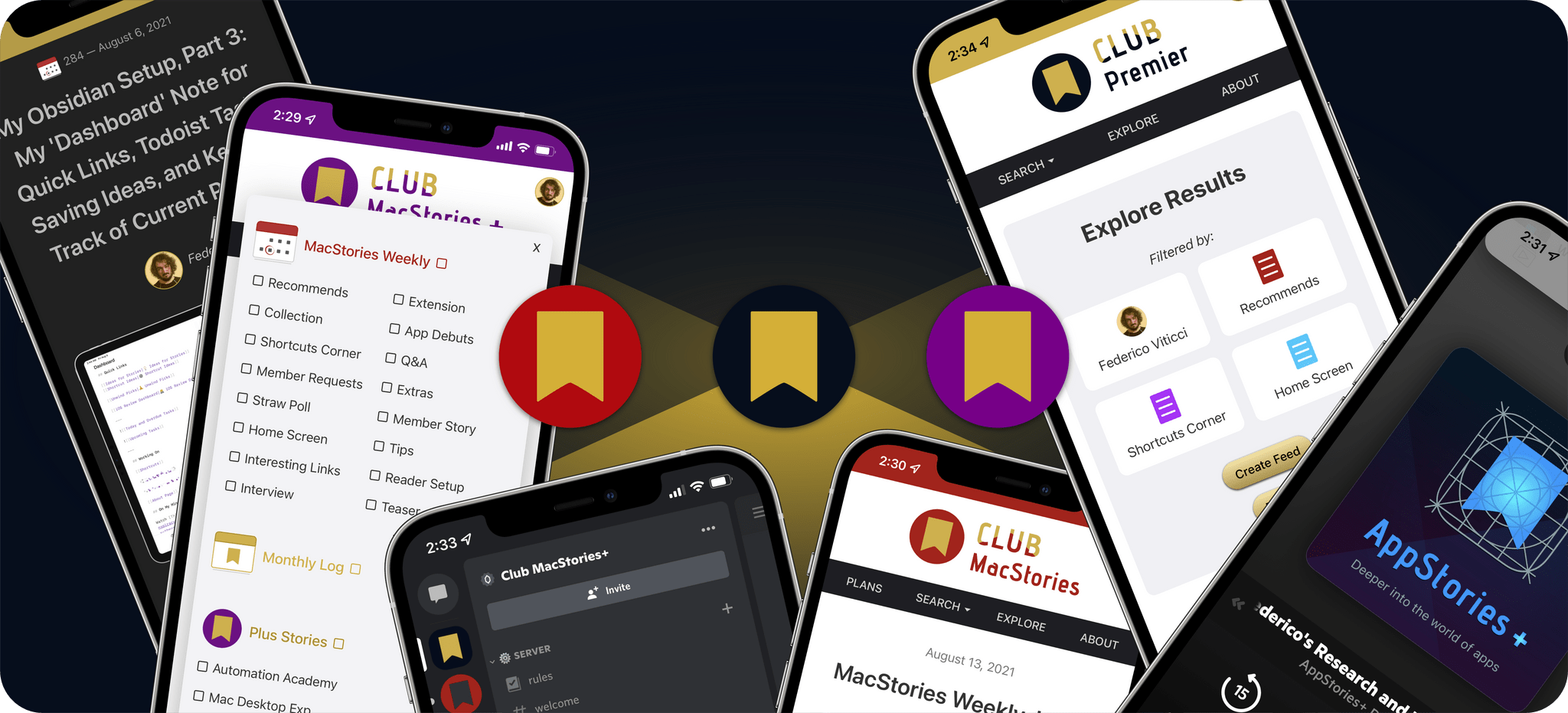
As always, Club MacStories delivers weekly and monthly newsletters by email and on the web, packed with our favorite apps, themed collections, tips, Shortcuts automations, and more. Club members also receive MacStories Unplugged, our monthly Club-only podcast, plus periodic giveaways, and downloadable exclusives like our annual iOS and iPadOS and macOS reviews.
Club MacStories+ adds to Club MacStories, with bonus content, a brand new, powerful web app to read Club articles on the web with advanced search and filtering, advanced RSS features, exclusive discounts, and our Discord community.
Club Premier is the ultimate plan that includes all of Club MacStories, Club MacStories+, and the new extended, ad-free AppStories+ podcast in a single package. It is the best value and the easiest way to get access to everything we do. It’s the MacStories all-access pass.
To learn more about each tier, visit plus.club.
Gift an Annual Plan Through November 30th, and Extend Your Own Membership by 3 Months
Gift accounts are available all year long. However, through November 30th, if you’re already a Club member at any tier and purchase an annual membership for someone as a gift, we’ll extend your membership three months.
The process is simple:
- Purchase an annual Club membership for someone
- Send us an email at club@macstories.net to let us know you gifted a membership and include the email address you use to log into the Club.
That’s it. We’ll confirm your gift purchase based on your Club email address and extend your membership for three months as a thank you from the MacStories team for helping spread the word about Club MacStories.
So, if you have a MacStories reader on your holiday shopping list this season, consider a Club MacStories membership that they can enjoy all year long.
Gift Memberships Are Available at All Tiers
Annual gift memberships can be purchased using the links below:
- Annual Club Premier Gift Membership: $120
- Annual Club MacStories+ Gift Membership: $100
- Annual Club MacStories Gift Membership: $50
We also offer monthly gift memberships too, although they aren’t eligible for the special offer above, which can be purchased here:
- Monthly Club Premier Gift Membership: $12
- Monthly Club MacStories+ Gift Membership: $10
- Monthly Club MacStories Gift Membership: $5
Finally, thanks to all our loyal Club members who have joined since the Club’s debut in 2015. You’re an essential part of what we do here at MacStories, and we hope you’ve enjoyed the Club as much as we enjoy creating its special content for you all year long.
Happy Holidays!
– The MacStories Team
Club MacStories+ Town Halls: 2022 MacStories Selects Preview
Rogue Amoeba’s Loopback Was the Key to Creating a Budget 12-Channel Dolby Atmos Surround Sound System→
If you’ve ever dug into setting up a surround sound audio system, it gets complicated and expensive fast. But, DMS, a YouTuber who covers headphones and other audio gear, managed to pull off something extraordinary: a 12-speaker Dolby Atmos surround sound speaker setup for under $2,000. The secret sauce? Loopback by Rogue Amoeba.
DMS bought 12 speakers and a bunch of DACs, but immediately had trouble getting the system to decode a Dolby Atmos signal without buying an expensive decoder. Ultimately, the solution was to use Loopback to combine the DACs into one virtual multichannel DAC, a far cheaper solution than trying to handle 12 channels at once.
DMS’s setup has been documented for anyone who wants to try it themselves. What struck me about it is how well Loopback handled an incredibly complex setup and saved DMS thousands of dollars by creating a software version of what otherwise would have required expensive hardware. This is a terrific example of why so many people turn to Rogue Amoeba’s apps when they need to do something with audio on the Mac, whether it’s as simple as recording a live track of their favorite band streaming in Safari, or as complex as a 12-channel Dolby Atomos surround sound system.
AppStories, Episode 306 – Nerding Out for the Holidays (Part 1)→
This week on AppStories, we share the nerdy holiday season projects we’ve lined up in part 1 of a two-part series.
Sponsored by:
- RevenueCat – Subscription management built for mobile apps.
- Kolide – Maintaining endpoint security shouldn’t mean compromising employee privacy. Check out their manifesto: Honest Security.
](https://cdn.macstories.net/banneras-1629219199428.png)
On AppStories+, Federico has questions for me about using Logitech keyboards and mice with a Mac and iPad.
We deliver AppStories+ to subscribers with bonus content, ad-free, and at a high bitrate early every week.
To learn more about the benefits included with an AppStories+ subscription, visit our Plans page, or read the AppStories+ FAQ.
ReadKit 3.1 Adds Smart Folders, More Customization Options, and New Lifetime Purchase Options
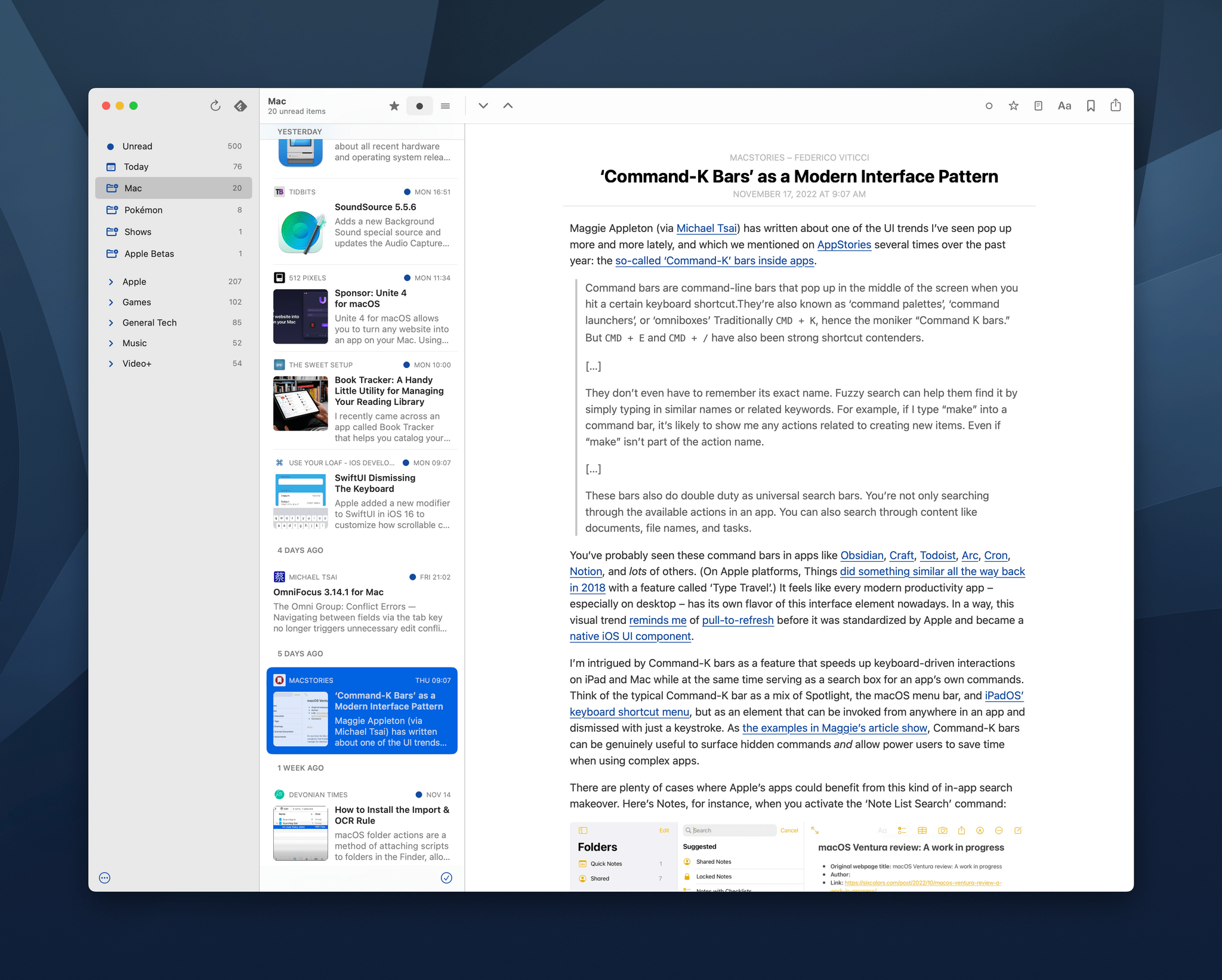
Around this time every year, I tend to start fiddling with my RSS setup. Last year, I drastically simplified my setup, and it worked well. Still, with Twitter’s fate uncertain, I thought it would be an excellent time to reexamine what various sync services and apps have to offer to refine my RSS reading experience.
One of my goals with this year’s experiments is to find better ways to filter and sort the articles in my feeds. Folders are a useful top layer of organization, but I’ve wanted more control over my feeds for a while now, especially when I’m busiest. One way to accomplish advanced filtering is server-side with an RSS sync service, but support for them by third-party RSS apps is limited. That’s why I was excited to see that ReadKit 3.1 has added a new smart folders feature.
Apple’s Taken the Joy out of its Books App with iOS 16→
I enjoyed this article by Mitchell Clark, writing for The Verge, about the removal of the classic page-turn animation from the redesigned Books app in iOS 16:
Apple Books has been my main reading app for years for one very specific reason: its page-turning animation is far and away the best in the business. Unfortunately, that went away with iOS 16 and has been replaced by a new animation that makes it feel like you’re moving cards through a deck instead of leafing through a digitized version of paper. And despite the fact that I’ve been trying to get used to the change since I got onto the beta in July, I still feel like Apple’s destroyed one of the last ways that my phone brought joy into my life.
I forgot to mention this in the Books section of my iOS 16 review. The Books app received a major redesign this year, and I’ve heard from quite a few people over the past few months about why, for serious readers like them, the new UI layout of the Books app is a regression from iOS 15. All that aside, however, I don’t understand why the page-turn animation – a fun, whimsical aspect of the Books UI that felt uniquely Apple – had to be taken away.
I agree with Mitchell on this: the page-turn animation should come back – if anything, as an optional setting.
Last Week, on Club MacStories: Nominations for the MacStories Selects Readers’ Choice Award, Club-Related Tips, Twitter’s Future, and Apps
Because Club MacStories now encompasses more than just newsletters, we’ve created a guide to the past week’s happenings along with a look at what’s coming up next:
MacStories Weekly: Issue 345

- We kicked off Club member nominations for the fifth annual MacStories Selects Readers’ Choice award
- Voting for the winner is now open via a link in the Club MacStories+ Discord community through 2:00 pm EST on November 22, 2022
- Federico shared two tips on ways to enhance your Club MacStories experience on Apple platforms
- I shared some thoughts on why I hope Twitter weathers its latest troubles
- Plus:
- App Debuts
- Highlights from the Club MacStories+ Discord
- Interesting links from around the web
- A sneak peek at what’s next on MacStories’ podcasts
- and more
Up Next
- We’re hosting a special MacStories Selects Town Hall tomorrow, November 22, at 11:30 am Eastern US time in the Club MacStories+ Discord community. We’ll talk about preparing for MacStories Selects 2022, share some of the things we’ve been working on, and take questions from members.
- Voting for the MacStories Selects Readers’ Choice award concludes at 2:00 pm Eastern US time November 22, 2022