This Week's Sponsor:

Turbulence Forecast

Know before you go. Get detailed turbulence forecasts for your exact route, now available 5 days in advance.


Last Week, on Club MacStories: Calendar Apps, AV Club Returns, Plus Movies, TV Shows, Apps, and More

Because Club MacStories now encompasses more than just newsletters, we’ve created a guide to the past week’s happenings along with a look at what’s coming up next:

MacStories Weekly: Issue 348


Gone but Not Forgotten: The Third-Party Apps (Part 1)

AppStories+ Deeper into the world of apps

AppStories Episode 309 - Gone but Not Forgotten: The Third-Party Apps (Part 1)

0:00
39:13

AppStories+ Deeper into the world of apps

This week, Federico and John extend last week’s ‘Gone but Not Forgotten’ theme to third-party apps, including Dropbox text editors, Twitter apps, email clients, and more.

This episode is sponsored by:

  • Pillow – Sleeping better, made simple.
  • Memberful – Monetize your passion with membership.

TOPIC

Gone but Not Forgotten: The Third-Party Apps (Part 1)

We deliver AppStories+ to subscribers with bonus content, ad-free, and at a high bitrate early every week.

To learn more about the benefits included with an AppStories+ subscription, visit our Plans page, or read the AppStories+ FAQ.


Follow us on Twitter

Follow us on Instagram


MacStories Weekly: Issue 348

This week, in addition to the usual links, app debuts, and recap of MacStories' articles and podcasts:

  • AV Club Resuming in January, by MacStories Team
  • Revisiting Other Calendar Apps, by John
  • Top TV Show and Movie Picks, Remembering Long Gone Apps, and A Treat Yourself Thread, by John
Read more

MacStories Unwind: The Best TV Shows and Movies of 2022

AppStories+ Deeper into the world of apps
0:00
21:38

AppStories+ Deeper into the world of apps


This week, Federico and John share their favorite TV shows and movies of 2022.

The Best TV Shows and Movies of 2022

Joint Picks:

Federico’s Picks:

John’s Picks:

Club MacStories Member Recommendations:


Sofa 3.4: List Sharing, Shortcuts Actions, Lock Screen Widgets, and More

Shawn Hickman is back with another excellent update to Sofa, the downtime/media organization app for iPhone and iPad that we’ve covered several times on MacStories. Sofa remains my favorite one-stop app for managing lists of media I don’t want to forget to enjoy later. The app supports TV shows, movies, books, audiobooks, videgames, music, podcasts, board games, and apps, making it the most comprehensive media organizer I’ve used. However, what makes Sofa special is its design and extensive customization options, which is why it was the runner-up for Best App Update in last year’s MacStories Selects awards.

What I appreciate most about version 3.4 of Sofa is that it extends the app beyond its existing boundaries with list sharing and new Shortcuts support. To round out the update, Sofa also adds Lock Screen widget support and TV and movie provider details for Super Sofa subscribers. It’s an excellent batch of new features for an app that I already consider one of the finest in its category.

Read more


iOS 16.1 and Apps with Live Activities: The MacStories Roundup, Part 2

When Live Activities debuted with iOS 16.1, a long list of apps supported the feature. There were some great examples, like the ten apps I covered in October and Timery, which was updated shortly thereafter. Because developers didn’t have a lot of time to prepare their apps for Live Activities, I expected a steady stream of updates that take advantage of the feature, but that hasn’t happened. Live Activity support is still being added to apps, but I thought I’d have more interesting, innovative examples to share by now, but I don’t.

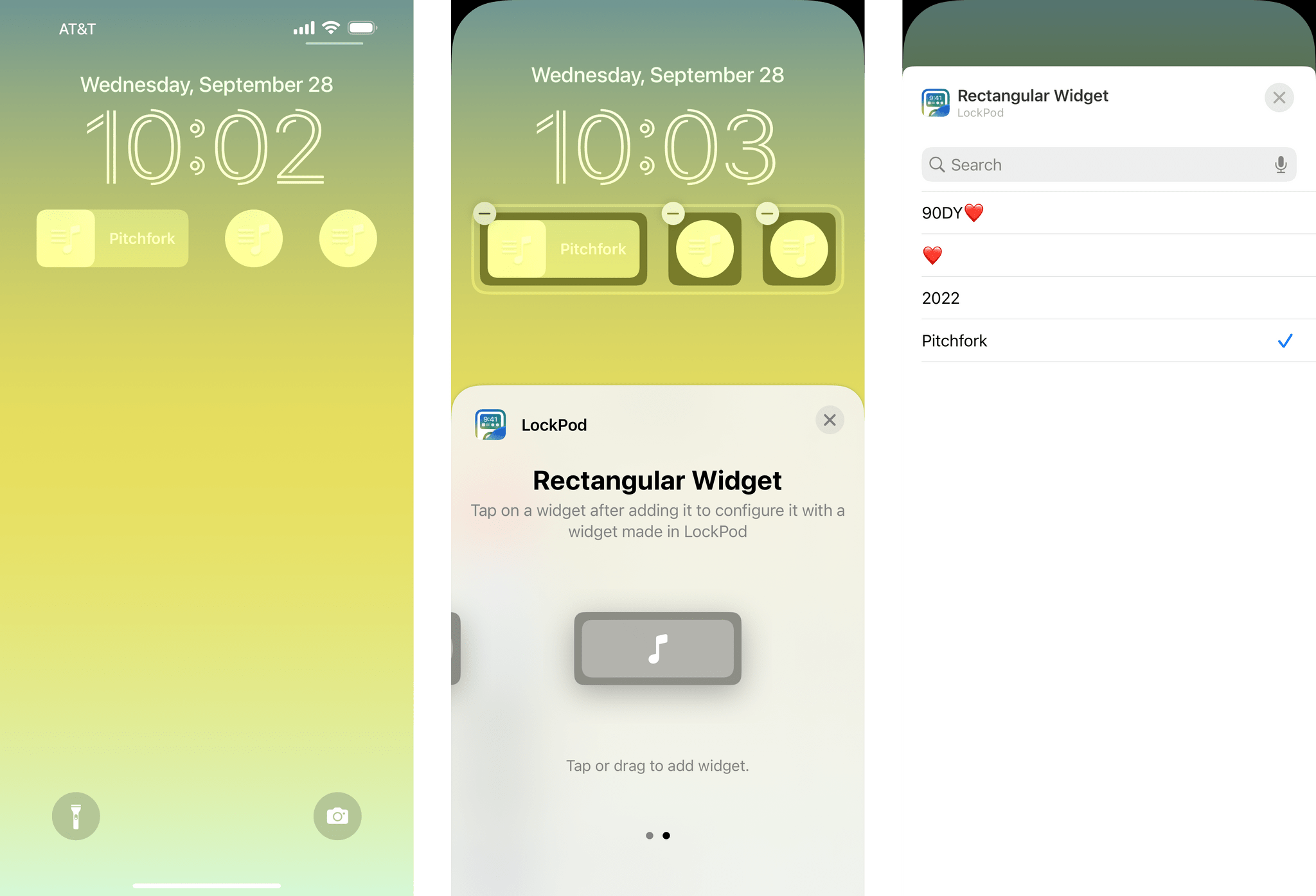
Still, I’d be remiss if I didn’t follow up October’s story with a few additions to my favorite examples of Live Activities. I’m sure there are some I’ve missed and others that will be released in the future, which we’ll cover in the future, but today, I’m going to focus on Dark Noise, Shelf, and Lock Launcher.

Read more


Apple Has Stopped Development of System to Identify Child Sexual-Abuse Material

Joanna Stern of The Wall Street Journal, who interviewed Craig Federighi, Apple’s Senior Vice President of Software Engineering, in connection with the new security features coming to its platforms, reports that Apple has abandoned its efforts to identify child sexual-abuse materials in its devices. According to Stern:

Last year, Apple proposed software for the iPhone that would identify child sexual-abuse material on the iPhone. Apple now says it has stopped development of the system, following criticism from privacy and security researchers who worried that the software could be misused by governments or hackers to gain access to sensitive information on the phone.

Federighi told Stern:

 Child sexual abuse can be headed off before it occurs. That’s where we’re putting our energy going forward.

Apple also told The Wall Street Journal that Advanced Data Protection that allows users to opt into end-to-end encryption of new categories of personal data stored in iCloud, will be launched in the US this year and globally in 2023.

For an explanation of the new security protections announced today, be sure to catch Joanna Stern’s full interview with Craig Federighi.

Permalink

Apple Announces a Trio of Security Features Coming to Its Platforms

Today, Apple announced three new security features.

First, iMessage Contact Key Verification allows users to verify that they are communicating with the person with whom they think they’re communicating. The feature will alert users who use it if someone has infiltrated cloud services to gain access to the user’s iMessage conversations. For even greater security, users can compare a Contact Verification Code in person, on FaceTime, or through another secure channel.

Second, Security Keys lets users adopt hardware security keys when logging into their iCloud accounts. The new system is an enhancement over two-factor authentication because it prevents someone from obtaining a your second factor through a phishing scam.

Third, Advanced Data Protection for iCloud adds encryption on the iPhone, iPad, and Mac for a long list of data categories. According to Apple’s press release:

iCloud already protects 14 sensitive data categories using end-to-end encryption by default, including passwords in iCloud Keychain and Health data. For users who enable Advanced Data Protection, the total number of data categories protected using end-to-end encryption rises to 23, including iCloud Backup, Notes, and Photos. The only major iCloud data categories that are not covered are iCloud Mail, Contacts, and Calendar because of the need to interoperate with the global email, contacts, and calendar systems.

Apple says that iMessage Contact Key Verification will be available globally in 2023, and Security Keys is coming early 2023. Advanced Data Protection for iCloud is available in the US today for participants in Apple’s beta OS program, and will presumably roll out with the next point release to Apple’s OSes.


AppStories, Episode 308 – Gone but Not Forgotten

This week on AppStories, we explore the Apple apps and features that have disappeared from its platforms in recent years.

Sponsored by:

  • Pillow – Sleeping better, made simple.
  • Kolide – Maintaining endpoint security shouldn’t mean compromising employee privacy. Check out their manifesto: Honest Security.
  • Memberful – Monetize your passion with membership.

On AppStories+, I work on a portable video streaming setup, plus country-ambient music release announcements and other email we contend with.

We deliver AppStories+ to subscribers with bonus content, ad-free, and at a high bitrate early every week.

To learn more about the benefits included with an AppStories+ subscription, visit our Plans page, or read the AppStories+ FAQ.

Permalink