
 MacStories Weekly: Issue 335
MacStories Unwind: Apple Events, Bad Sisters, and Tunic







This week on MacStories Unwind, John recommends re-watching Apple keynotes and is enjoying Apple TV+’s Bad Sisters, while Federico has been playing Tunic.
Links and Show Notes
John’s Picks:
- Apple’s September 2022 ‘Far Out’ Event
- Also on YouTube
- Bad Sisters on Apple TV+
Federico’s Pick:
The 2022 MacStories OS Preview Series: Everything New Coming to Apple Mail
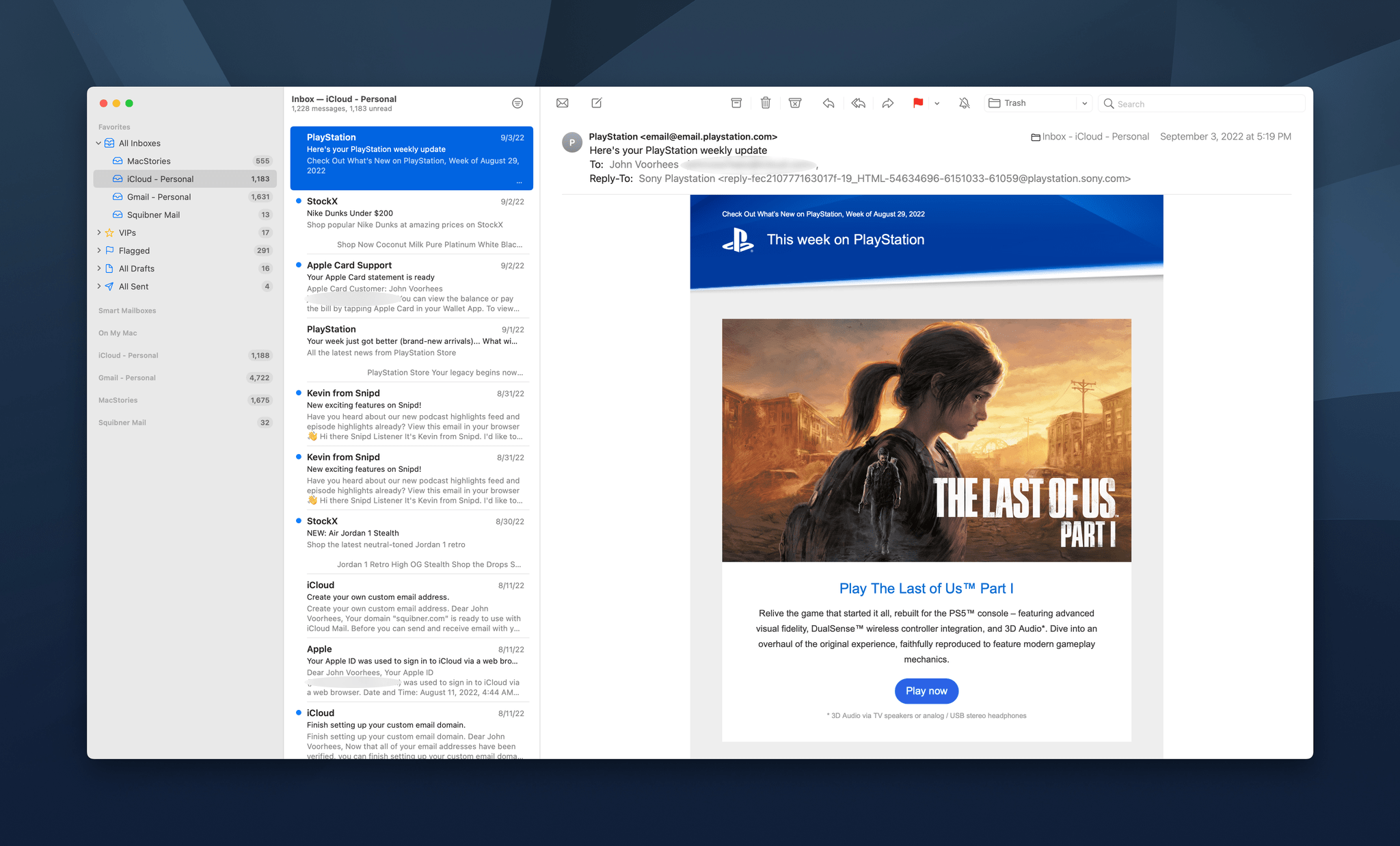
Email isn’t going anywhere anytime soon despite its flaws. Tools like Slack have replaced the lion’s share of internal communications at many companies, and a long list of messaging apps have chipped away at conversations among individuals. Still, email has proven resilient.
One of email’s many problems is how hard it can be to manage the volume of messages so many of us receive. Over the years, developers have come up with innovative tools layered on top of the core email protocols to improve the experience. However, few of them are with us anymore. Remember Sparrow? How about Mailbox or Acompli? Notice a trend? There are still some bright spots, like Mimestream on the Mac and Spark, but with so few survivors, having a strong choice from Apple has never been more important.
That’s why the situation with Apple’s Mail app has been so distressing in recent years. Mail sat, barely touched on any platform for what seemed like forever. However, this fall, across iOS, iPadOS, and macOS, Apple is finally bringing many of the features pioneered by others to its own Mail app. You won’t find every cutting-edge modern email feature in Mail. Message collaboration and back channel chat about email messages among team members, which Spark and other apps offer, is a good example of a feature Apple has left to others. However, I expect most individuals and teams that aren’t looking to use email as though it were Slack will like what they see in Mail, so let’s dig into the details.
Shortcuts in iOS 16: The Potential of App Shortcuts for Everyone
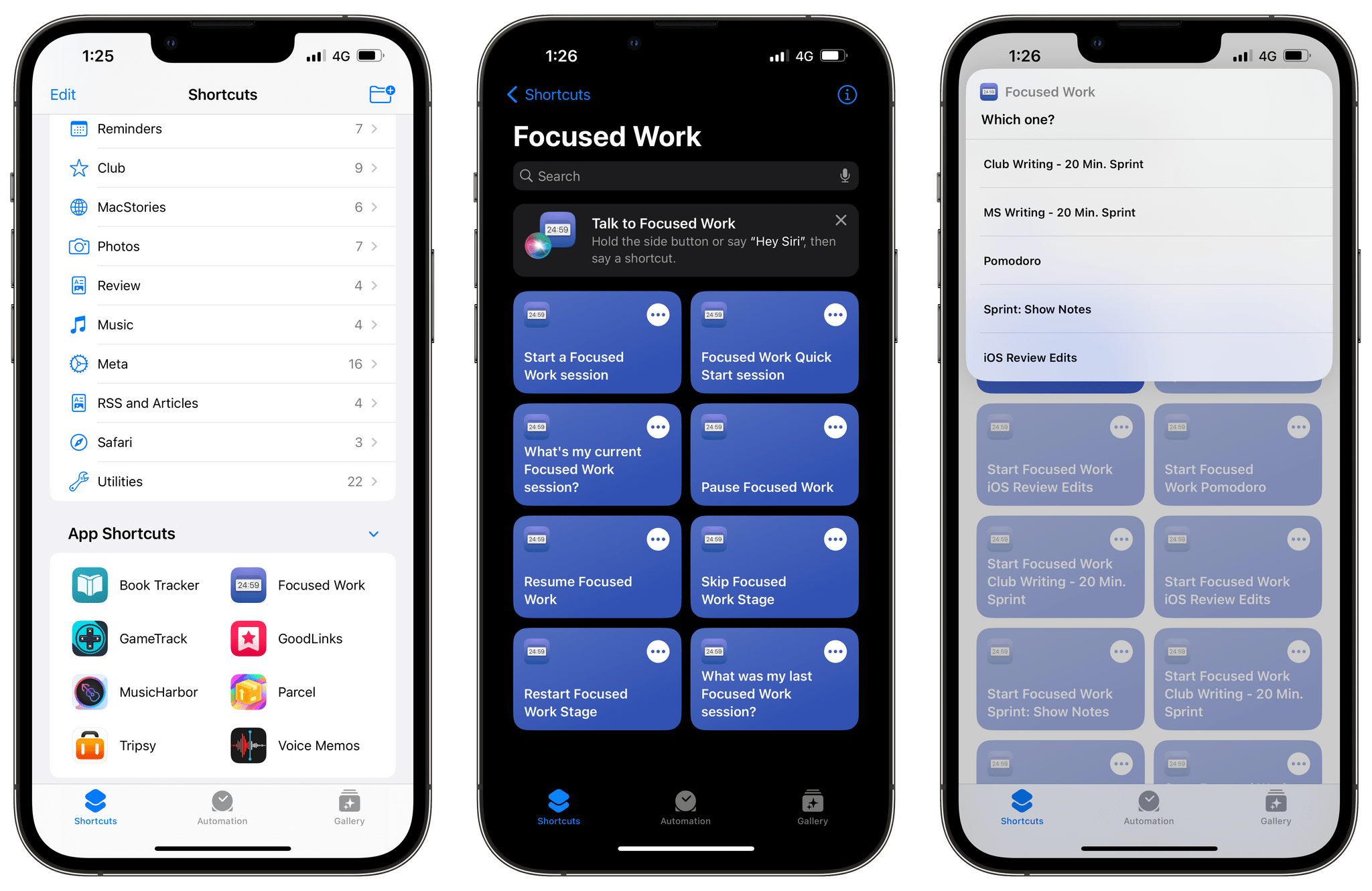
A note from Federico: This year, I’ve decided to try some new things for my annual iOS 16 review. Some you’ll see on Monday. One of them is previewing small excerpts from the review in the OS Preview series on MacStories and MacStories Weekly for Club MacStories. Today, I’m posting a preview of a section of the Shortcuts chapter here, and a section of the Everything Else chapter in MacStories Weekly. I hope you enjoy these. I’ll see you for the full story – and more reveals – on Monday.
In iOS 16, the Shortcuts app hasn’t undergone a major redesign or technical rewrite; instead, Apple’s efforts have focused on adding more actions for system apps, extending the developer API, bringing more stability, and making Shortcuts more approachable for new users.
The last point is both important and likely the reason why some Shortcuts power users will be disappointed by this year’s update. There isn’t a lot for them in this new version of the app: as we’ll see in my iPadOS review, there’s no integration with Files quick actions, no support for Stage Manager actions, and no system-wide hotkeys still. If you’re an advanced Shortcuts user and were wishing for more system-level enhancements in addition to stability this year: I hear you, but we’ll talk about this later on.
What we do have in iOS 16 is a fascinating new feature to get newcomers started with the Shortcuts app, a grab bag of useful new actions for Apple apps, and some solid developer-related enhancements that will make third-party actions much better than before. Let’s take a look.
The Steve Jobs Archive Announced at Code

Yesterday, the Code conference held a session featuring Laurene Powell Jobs, Jony Ive, and Tim Cook, who talked about Steve Jobs’ legacy with host Kara Swisher. As part of the event, the trio unveiled the Steve Jobs Archive, an online repository of historical material from Steve Jobs’ life.
The simple, chronologically organized website features quotes and other materials from Jobs’ life, including some that have never been published before. There are written materials, like an email message Jobs sent to himself reflecting on his respect for humanity, along with audio and video clips.
In addition to collecting significant moments from Jobs’ life, the Archive says it will offer programs, fellowships, and other initiatives:
With respect for the past and excitement for the future, the Steve Jobs Archive offers people the tools and opportunities to make their own contribution.
We are building programs, fellowships, collections, and partnerships that reflect Steve’s values and carry his sense of possibility forward.
Currently, the collection of materials offered by the Steve Jobs Archive is relatively small, but given the vast collection of materials documenting Jobs’ life, I expect we’ll see it grow quickly and that the Archive will start announcing some of the other initiatives mentioned on the site.
Apple’s September 2022 Event: All The Small Things
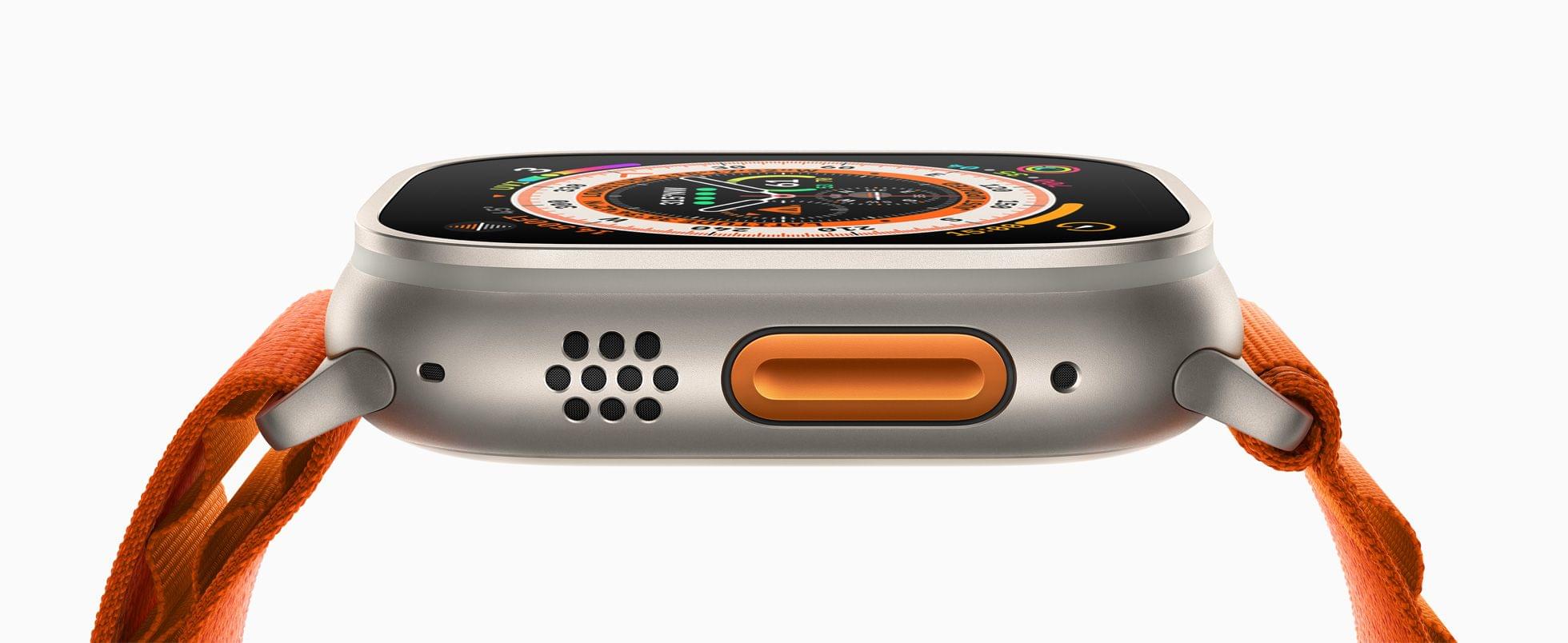
As usual, Apple covered a lot of ground quickly today, and since the event concluded, more details have emerged about everything announced. We’ve been combing Apple’s product pages, Twitter, and other sources to learn more about its services, iPhones, Apple Watches, and AirPods Pro, which we’ve collected below:
iPhones
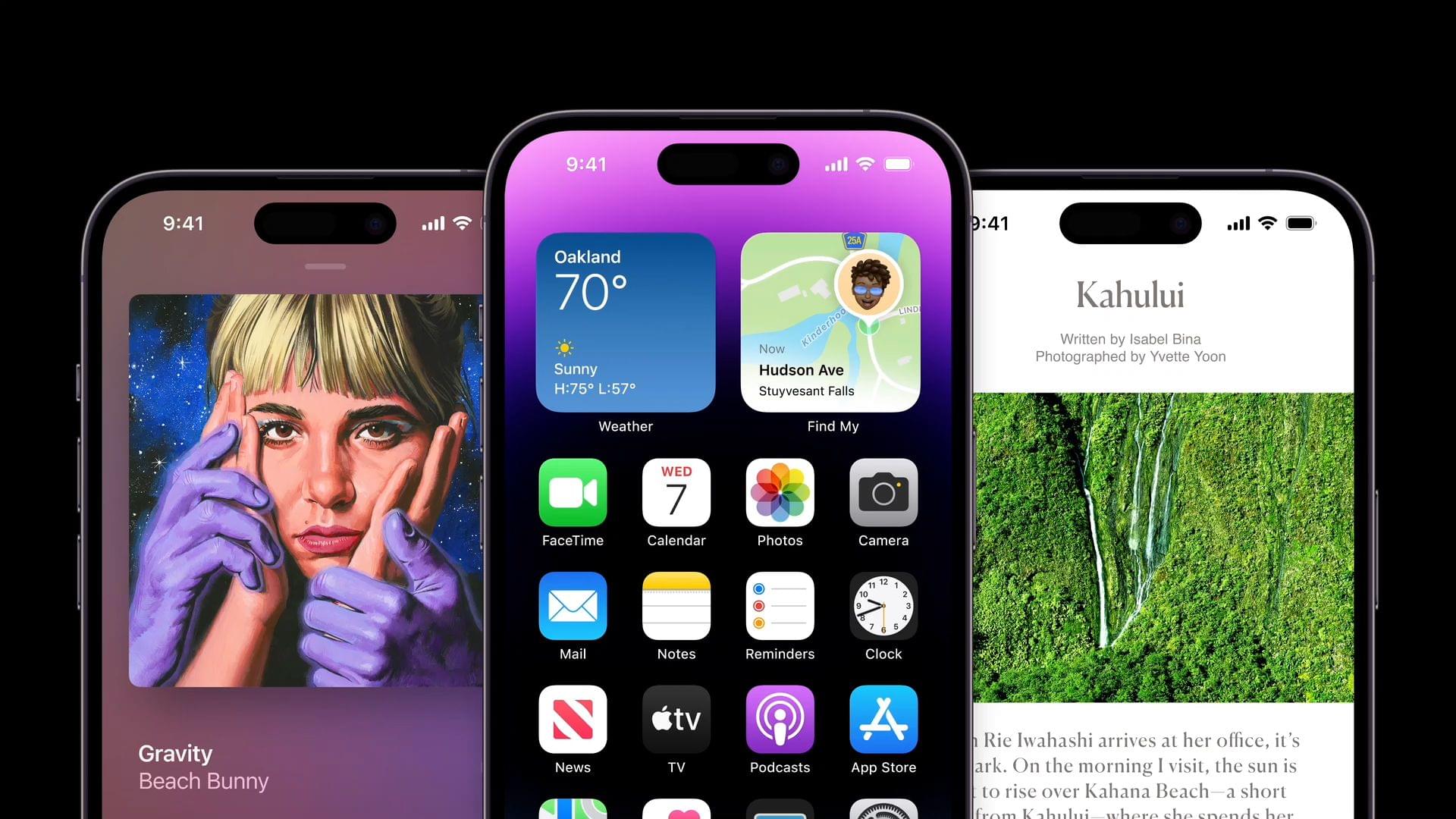
- Hardware frames are now available for the iPhone 14.
- Kate Matthews has created a handy guide showing the relative sizes of each iPhone 14 and 14 Pro model.
Apple Watch
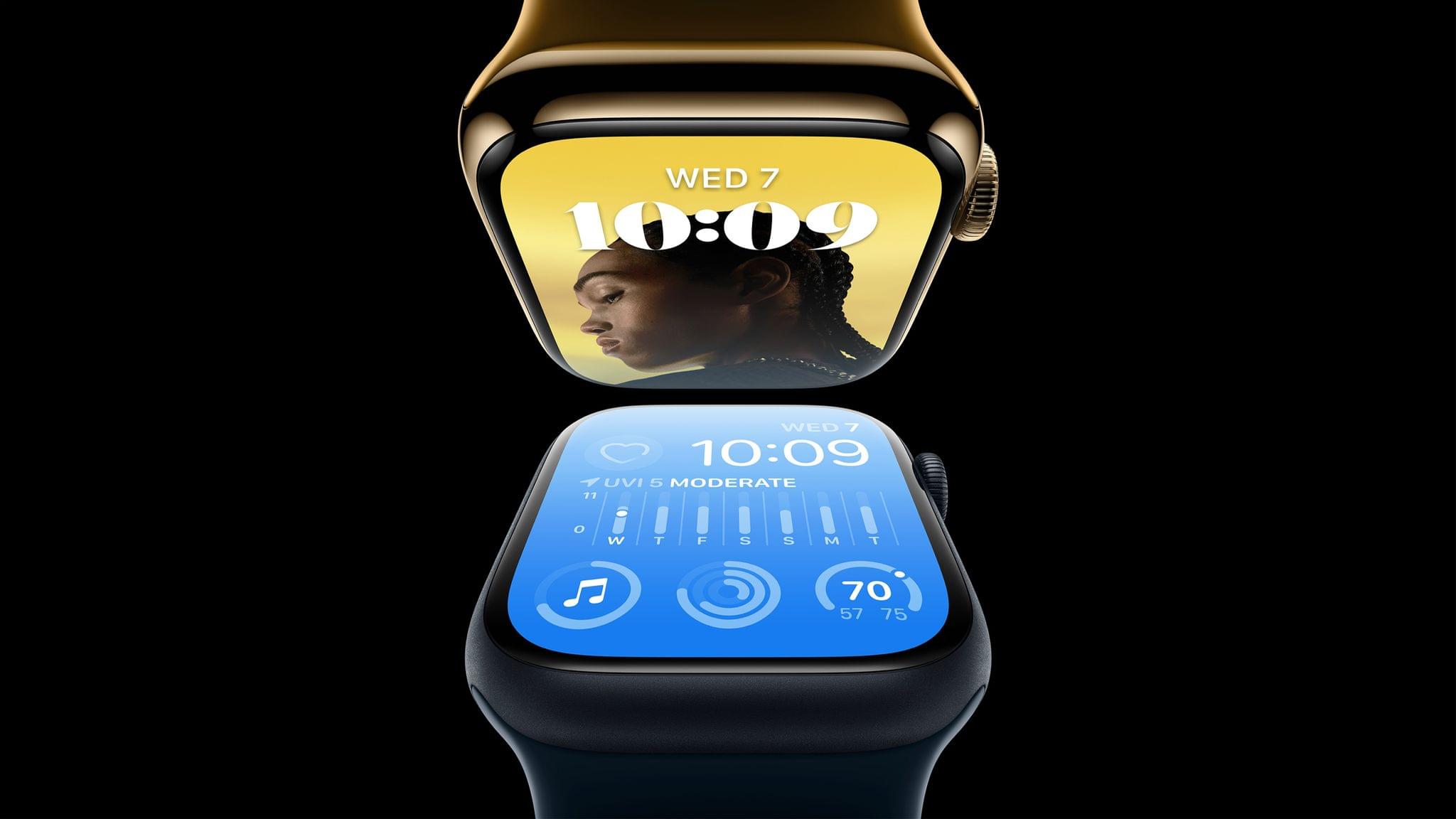
- Not technically from today’s event, but yesterday, 9to5Mac reported that Apple is distributing a GymKit Certification Assistant app in the App Store to help gym equipment manufacturers integrate with Apple’s health and fitness products and services.
- Hardware frames are also available for the Apple Watch Series 8 and Ultra.
- MacRumors reports that the Apple Watch Ultra ships with a charger that includes a braided cable, an Apple Watch first.
- Benjamin Mayo reports for 9to5Mac that the Nike Analogue, Bounce, Compact, Digital and Hybrid watch faces will no longer be tied to Nike versions of the Apple Watch and will be available for everyone when watchOS 9 is released September 12th.
- I’m not sure there will be too many people pouring one out for the Apple Watch Series 3, which has worn out its welcome in Apple’s lineup, but as Juli Clover reports for MacRumors, it was officially discontinued yesterday.
Third-generation AirPods
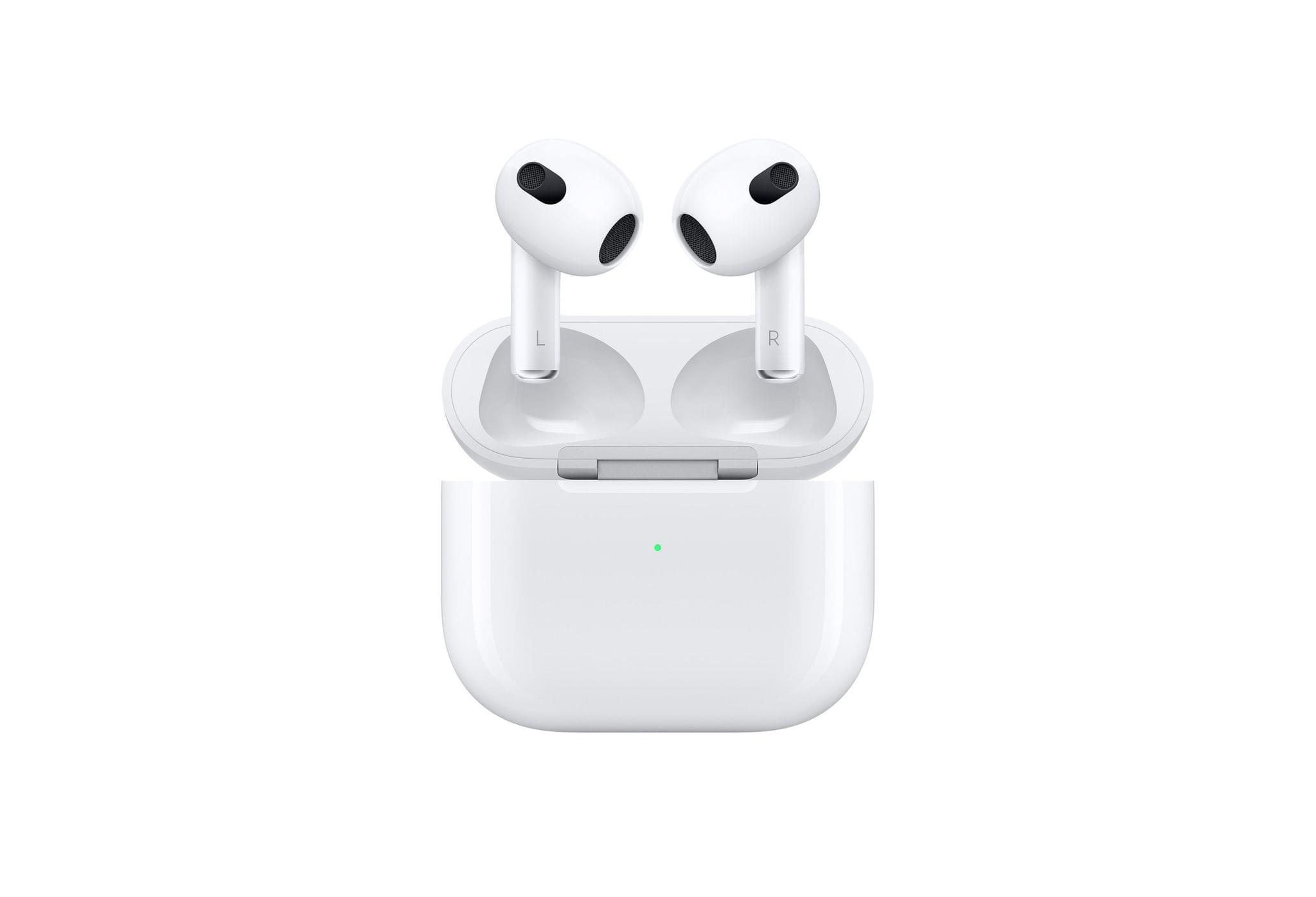
- Apple quietly released version of the third-generation AirPods that charges using a Lightning cable only, according to MacRumors.
Services
- MacRumors reports that AppleCare+ has expanded from two to unlimited repairs for the iPhone, Apple Watch, iPad, and Mac.
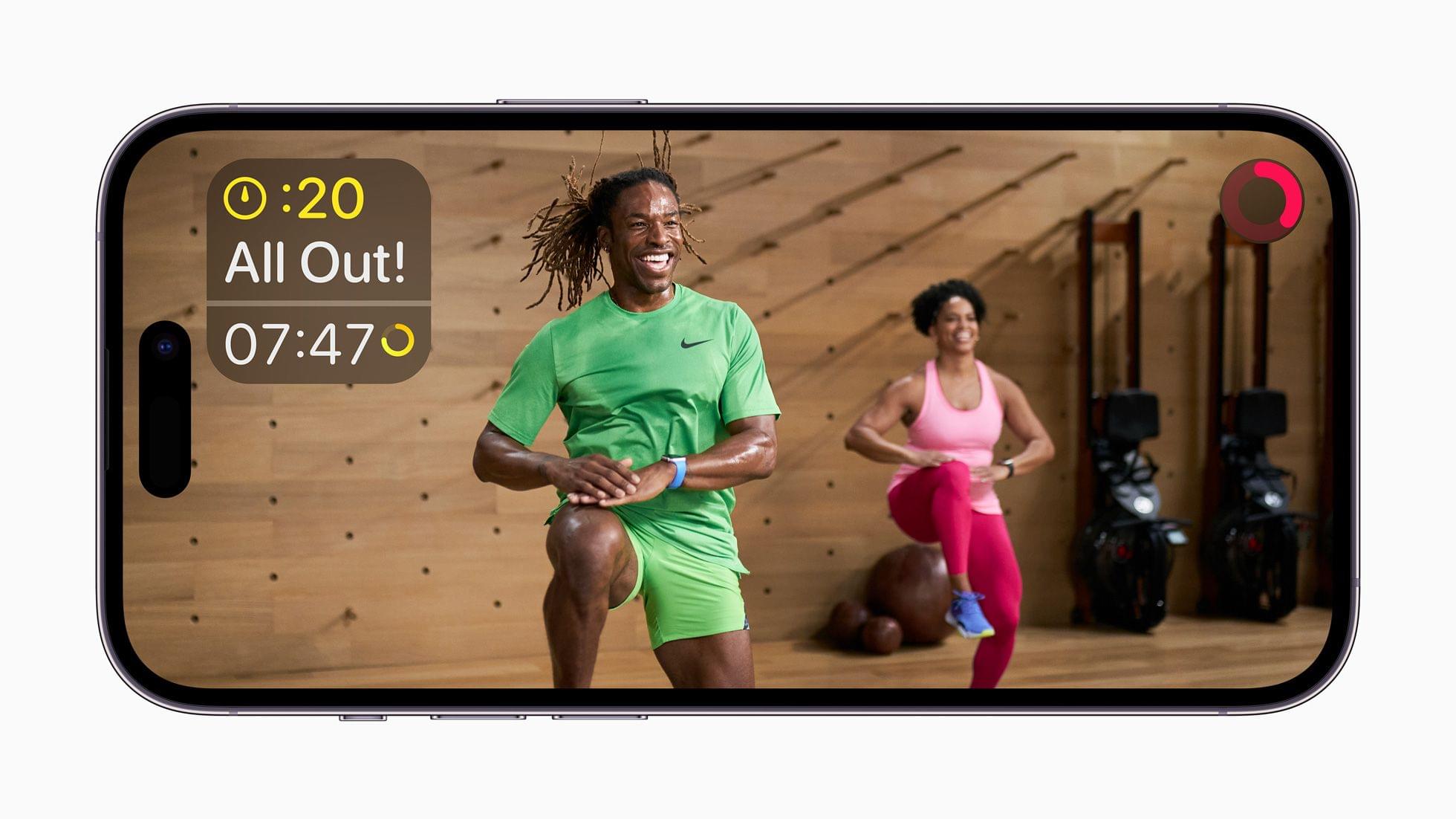
- Fitness+ will be available later this fall on all iPhones whether or not you have an Apple Watch in all 21 countries where it is available.
- On Monday, September 12th, Fitness+ will add to its Artist Spotlight series with the music of Mary J. Blige, The Rolling Stones, and The Weeknd and add a new Pilates for More Than Your Core Collection of workouts.
You can follow all of our September 2022 Apple event coverage through our September 2022 Apple event hub or subscribe to the dedicated September 2022 Apple event RSS feed.
Club MacStories+ Town Halls: Apple’s September 7, 2022 Media Event
Apple’s iPhone 14 Lineup: The MacStories Overview
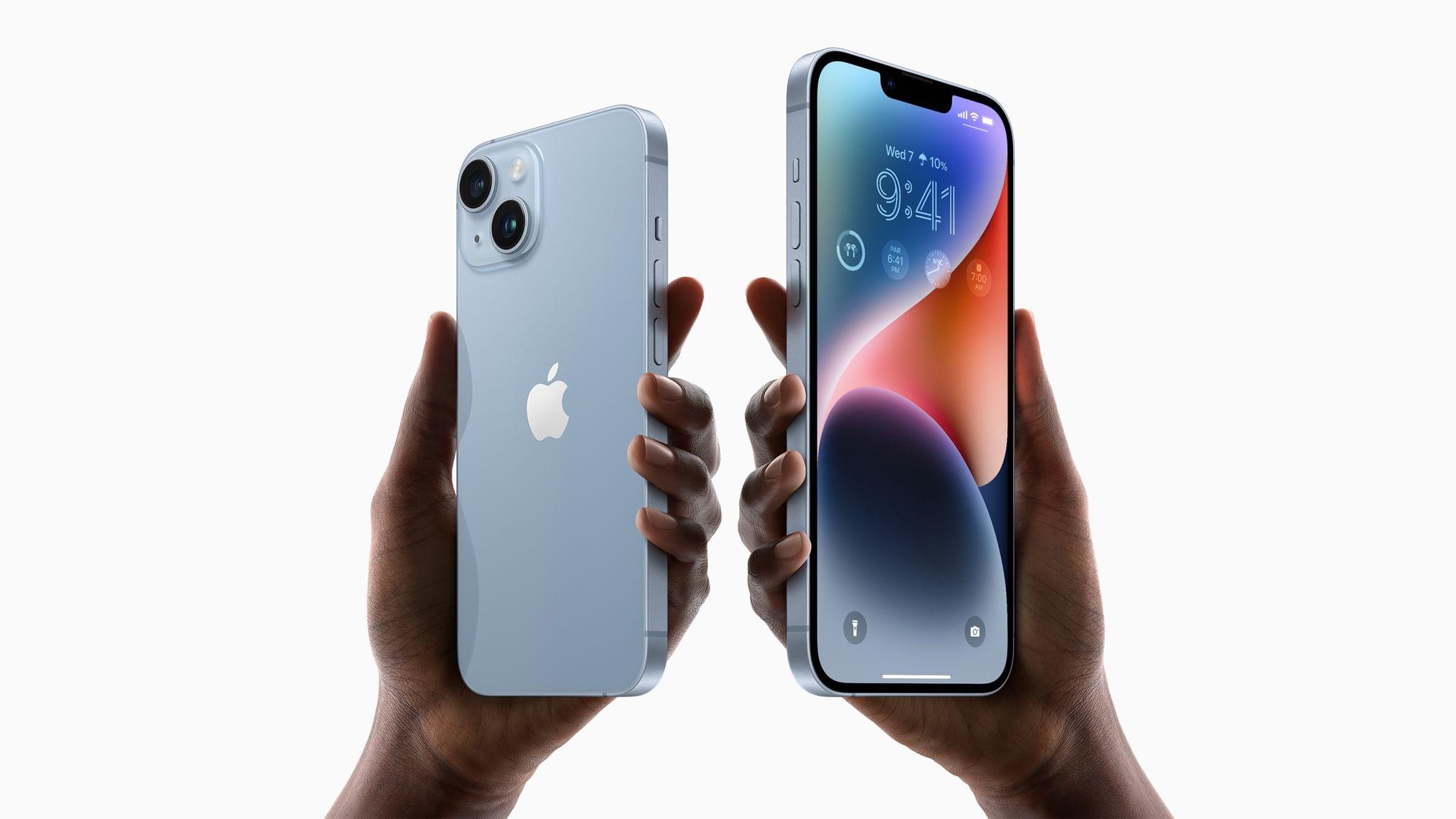
As expected, Apple introduced four new iPhone models today, the iPhone 14, the iPhone 14 Plus, the iPhone 14 Pro, and the iPhone Pro Max. There are a lot of new hardware and software features sprinkled throughout the iPhone lineup this year, so let’s dig in.
Apple Watch Series 8, Ultra, and SE: The MacStories Overview

At today’s Apple event, Director of Apple Watch product marketing Deidre Caldbeck took the stage to introduce the Apple Watch Series 8 and the Apple Watch Ultra. The Series 8 is another solid year-over-year upgrade to the standard Apple Watch line, but the Ultra is an all-new category of watch aimed at high-end sports and rugged outdoor activities.