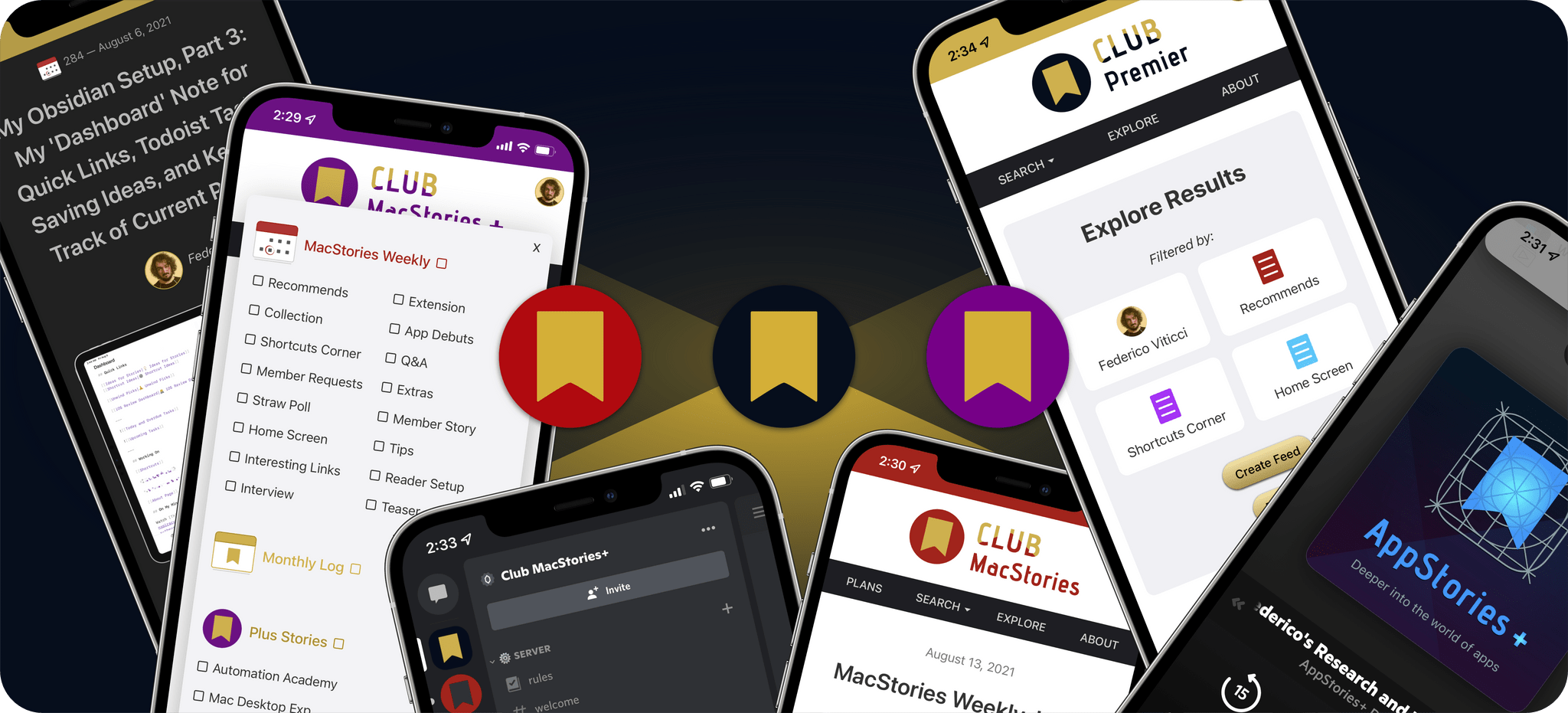
One year ago tomorrow, we introduced the MacStories audience to all-new versions of Club MacStories and AppStories. Club MacStories+, Club Premier, and AppStories+, were the culmination of months of work on ideas that we’d been considering for years and represent the first step in offering MacStories readers and listeners a tightly integrated experience across everything we do. There’s more to come, but to mark the first year on this journey, we wanted to take a quick look at how the Club and AppStories have evolved in that time and announce what we’re doing to celebrate this week.
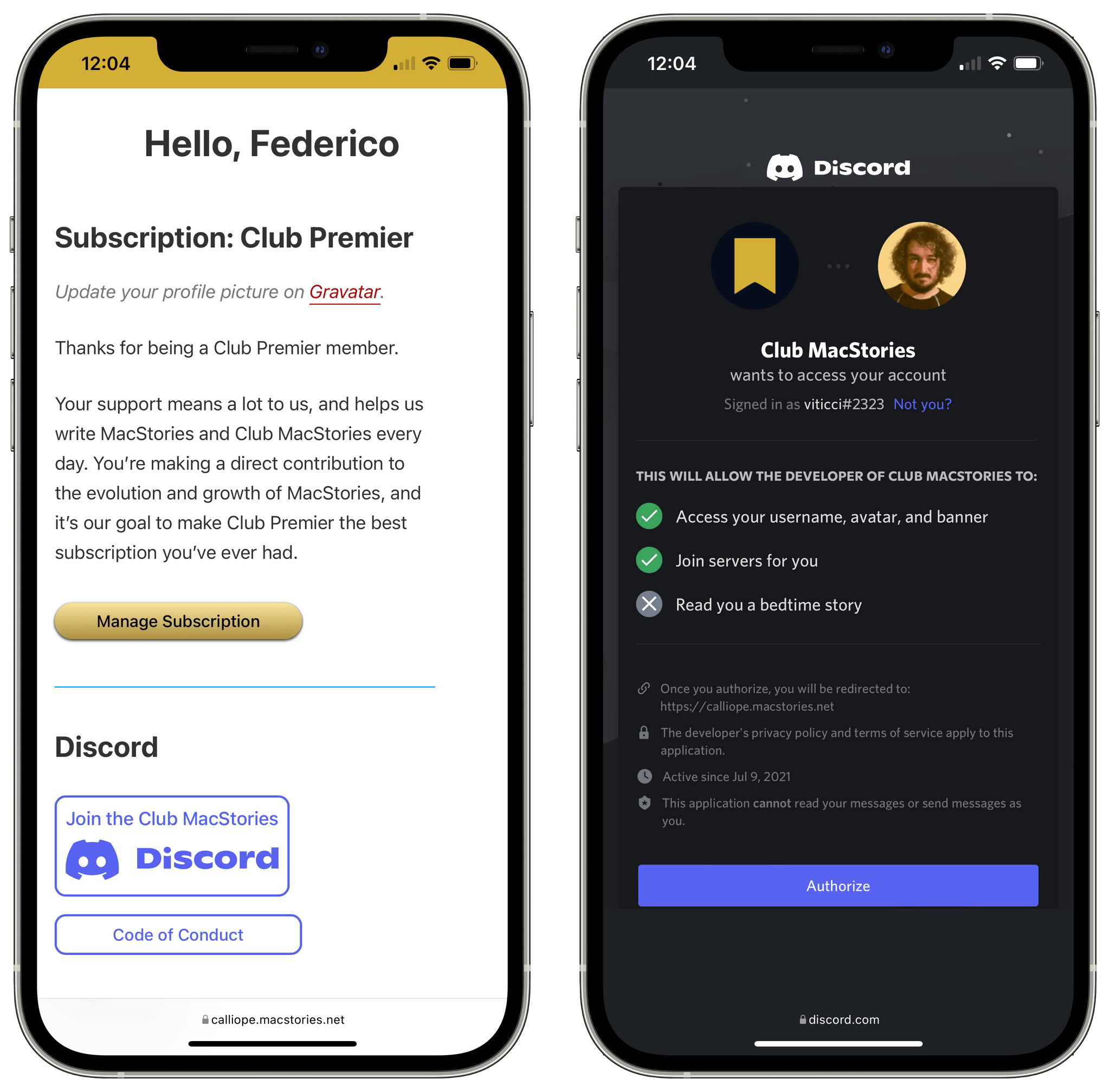
Our Discord community, which is part of both a Club MacStories+ and Club Premier membership, has become a pillar of the Club. It’s a dynamic community rich with terrific recommendations for apps, hardware, automations, and more.
However, the Club Discord community is more than a resource for tips and tricks. It’s where members share their passion for all sorts of media, photography, development, their pets, and more. The Discord server is also where we regularly gather for community Town Halls, which are live audio events hosted by the MacStories team, often with special guests from the community, covering Apple events, WWDC, Automation April, and other events.
Discord is the home of Beta Beat, a series of channels where we invite developers to share their upcoming apps with members who provide feedback. So far, Beta Beat has included apps like LookUp, Play, Timery, MusicBox, and Runestone.
Our periodic bookclub-style AV Club events happen on the Discord server too. We collectively pick and enjoy a book, TV show, movie, or other media and then discuss it during a special Town Hall. We’ve even got a special Discord bot for giveaways that we’ve done for events like Automation April.
Speaking of which, Discord played a big role during Automation April, one of two new special events we debuted in 2022. Participants shared their shortcuts in discord, traded tips, and attended Town Halls dedicated to the event. Participants and winners received special Discord roles too. The community played a big role in the success of the event, which is something we plan to expand to our other MacStories events.
Most important of all, though, are the people who make up the Discord community. We have heard repeatedly from members who join our Discord server about how much they enjoy the civil, respectful conversations with other members. We’re very fortunate to have such a great group of people along for the ride. Of course, we’re also incredibly grateful to our moderators, who have provided valuable feedback to us along the way.
Automation Academy and The Macintosh Desktop Experience
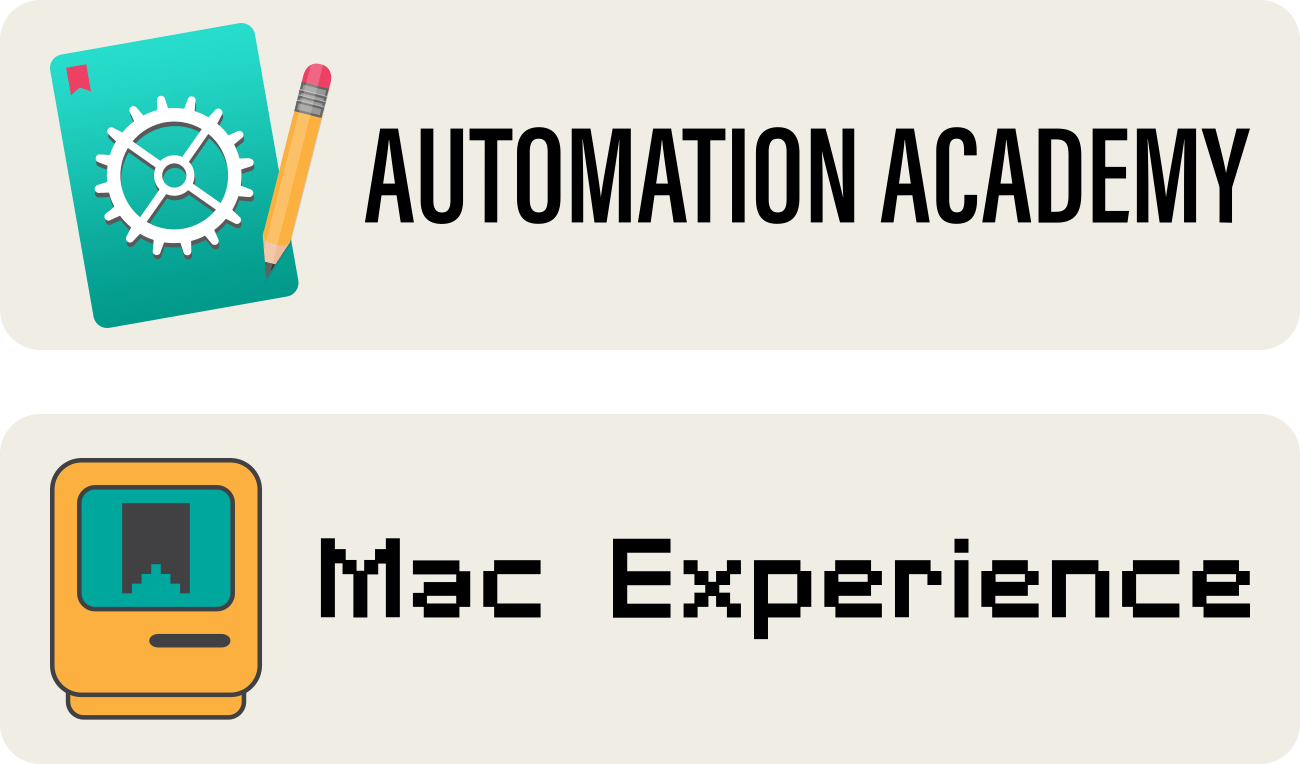
The expansion of the Club marked the debut of two Club MacStories+ and Club Premier-exclusive columns. Automation Academy is Federico’s column where he breaks down Shortcuts actions and techniques to help Club members get more from Apple’s automation system. So far, he’s covered topics from Reminders and Files actions to ways to optimize your shortcuts for the Mac. The column is where Federico debuted his shortcut that creates a podcast feed from articles stored in Matter too.
The Macintosh Desktop Experience is my modern spin on Apple’s oldest OS. In the past year, I’ve written about ways to combine AppleScript, Shortcuts, and third-party automation tools to create advanced automations, covered hardware like the Loupedeck Live, explored modern app launchers such as Raycast, and explained how I’m using Universal Control to incorporate the iPad Pro into my Mac setup.
MacStories Weekly, the Monthly Log, and Discounts
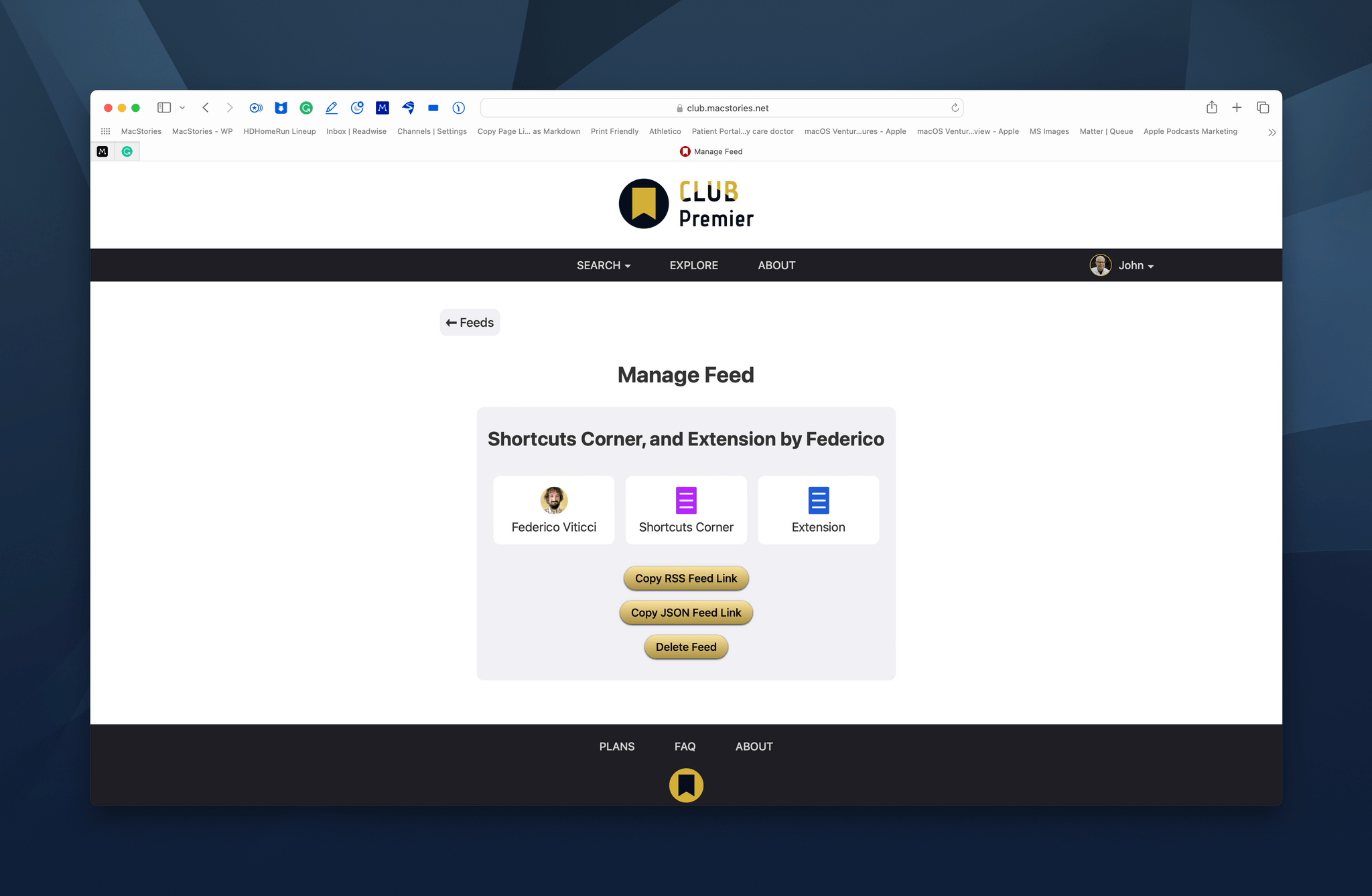
Of course, we’ve also continued to publish our MacStories Weekly and Monthly Log newsletters, which have been greatly enhanced by Calliope, the web app and technologies assembled by Alex Guyot that underly everything we do with the Club and AppStories. Calliope allows all Club members to read the newsletters on the web in a format that’s far better than Mailchimp’s web versions of newsletters and manage their Club account.
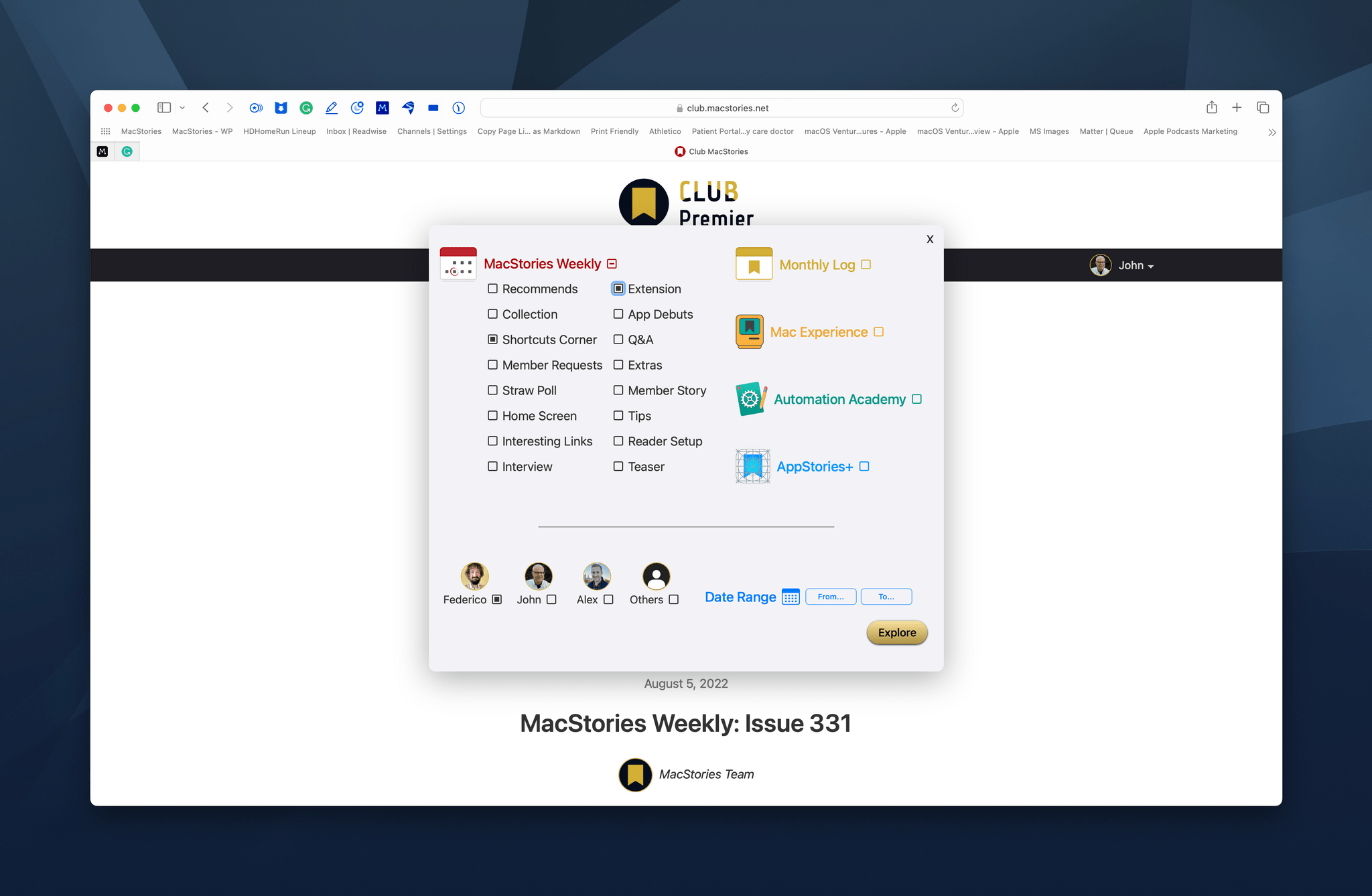
Plus, Club MacStories+ and Club Premier members can search and filter seven years of newsletter content by keyword and an extensive set of predefined parameters. Better yet, Explore’s filtered results can be turned into individualized RSS feeds, allowing members to build a personalized Club MacStories experience.
The new Club website is also where Club MacStories+ and Club Premier members will find a rotating list of deeply discounted apps and services, including CleanShot X, Keyboard Maestro, Typefully, and Hook.
AppStories+
Last but not least, we launched AppStories+ one year ago, which is our extended, ad-free version of the show that is published a day early for subscribers in high bitrate audio. AppStories+ is available as a standalone subscription from us or via Apple Podcasts, but the show is best experienced as part of a Club Premier plan. Not only is that the most economical way to enjoy everything we offer at MacStories at just $2/month more than the standalone Club MacStories+ membership that’s included as part of Club Premier, but the show is also recorded live in the Club MacStories+ Discord community for special events like Apple events and WWDC as an added perk for Club members.
After over a year of recording AppStories+, there’s a big back catalog of bonus content, too, with over 70 extended episodes published since May 2021. In total AppStories+ subscribers and Club Premier members have access to more than 14 hours of bonus content on a wide range of topics.
What’s Next
To kick off year two of our expanded offerings, we have a few special things in store for Club members this week. The first is a special Town Hall in the Club MacStories+ Discord. Federico, Alex, and I will be on hand to talk about the Club and AppStories+ and will answer member questions. Mark your calendars to listen in live at 4:30 PM Eastern on August 23rd. We’ll release the audio of the Town Hall later in the Town Hall podcast feed too.
We’re also welcoming Vidit Bhargava’s app LookUp back to Beta Beat, so users can test what Vidit is doing with Lock Screen widgets.
Finally, we’ve got a special digital download gift for all Club members, which will be announced in Friday’s issue of MacStories Weekly.
Thank You
Thanks to all of you who subscribe to Club MacStories and AppStories+ and who read MacStories. The direct support of readers and listeners has been critical to MacStories’ growth for years now, and the expansion we launched last year is the fuel that will drive the next generation of MacStories forward.
We have lots of new ideas in the pipeline for the Club and AppStories for the coming year that we can’t wait to share with you, but that’s just the tip of the iceberg. It’s too early to announce anything, but we’ve been clear from the start that last summer’s expansion of the Club and AppStories was part of a much longer-term project. We’ve spent the past year testing and fine-tuning the technical underpinnings of what we built last year, and it’s ready to take on more. So, stay tuned for the next chapter of MacStories.








](https://cdn.macstories.net/banneras-1629219199428.png)